

Editorial Calendar That Doesn’t Lie: A Template for Real Publishing Cadence
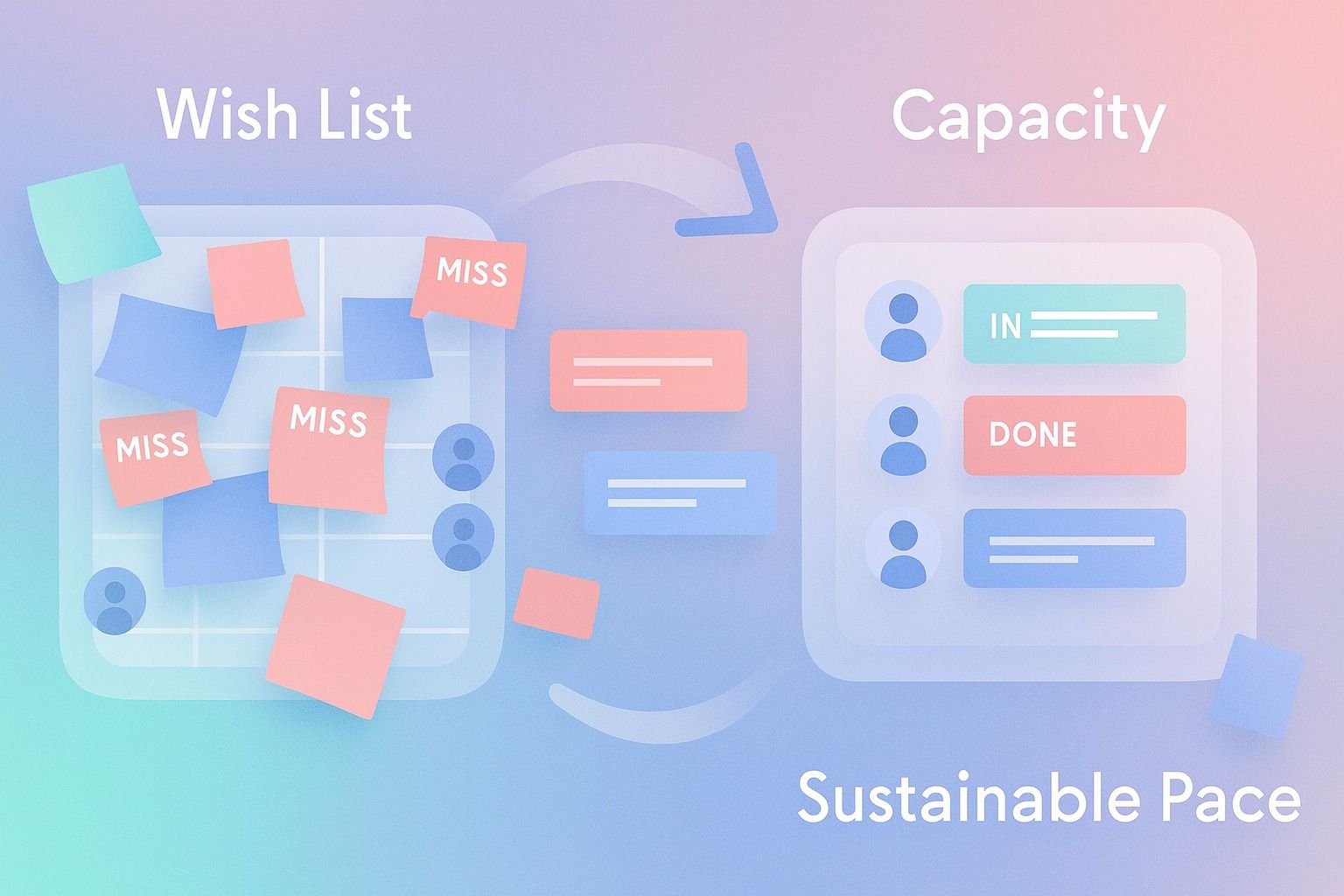
Most editorial calendars fail for one simple reason: they reflect ambition, not actual publishing capacity.
If you want a calendar that holds up in real life, build it from constraints first:
- available people
- review time
- turnaround speed
- a realistic content cadence
Then turn that into a simple editorial workflow with clear ownership, lightweight review gates, and a visible content pipeline.
In practice, a useful editorial calendar should answer five questions fast:
- What are we publishing?
- Who owns each step?
- When is it due?
- What review gate is next?
- Is this pace sustainable next month too?
A good calendar is not a wish list. It is an operating system for consistent publishing.
- Plan from capacity, not goals alone.
- Keep statuses simple and ownership explicit.
- Match your content cadence to real turnaround time.
- Remove steps that create admin work without improving quality.
Why most editorial calendars break
Teams often start with output targets before they understand workflow limits. They decide to publish five times a week, then discover they only have enough time to reliably review and approve two strong posts.
That creates a fake content pipeline:
- too many ideas at the top
- too many drafts waiting for feedback
- too many missed publish dates
- too much manual follow-up
A better editorial calendar reflects the full editorial workflow, not just publish dates.
That means accounting for:
- idea generation
- drafting
- editing
- approval
- scheduling
- publishing
- post-performance review
If you are publishing on LinkedIn, this is where a structured system matters.
If you want help turning that structure into a repeatable LinkedIn workflow, Dynal can support the planning step as an AI LinkedIn agent: learn more. It’s a practical fit when you want content planning to connect cleanly to drafting, review, and scheduling.
Dynal’s Planning & Calendar surface supports LinkedIn content planning and scheduling, helping teams move from a posting plan to review states and scheduled calendar tasks.
How to build an editorial calendar that reflects actual publishing capacity
Start with your weekly capacity, not your ideal future state.
Step 1: Audit your real capacity
Before creating your editorial calendar, answer these questions:
- How many posts can your team draft per week?
- How many can your reviewer realistically review?
- How long does one post take from brief to approved draft?
- Which delays happen every week?
- Which steps are required, and which are habits?
Quick capacity formula
Use this simple planning formula:

If you’re building that process for LinkedIn, Dynal’s AI LinkedIn agent can help keep the plan tied to the calendar: see how it works. That way the workflow stays connected from planning through scheduling instead of living in a separate spreadsheet.
Real weekly publishing capacity = the lowest-output step in your workflow
Example:
- strategist can brief 6 posts per week
- writer can draft 4 posts per week
- reviewer can approve 3 posts per week
- publisher can schedule 10 posts per week
Your real content cadence is 3 posts per week, not 6.
That is the number your editorial calendar should use.
Step 2: Choose a sustainable content cadence
Your content cadence should feel slightly disciplined, not constantly behind.
A realistic cadence usually comes from one of these models:
Model A: Solo operator
- 2 posts per week
- 1 review pass
- 2-week planning window
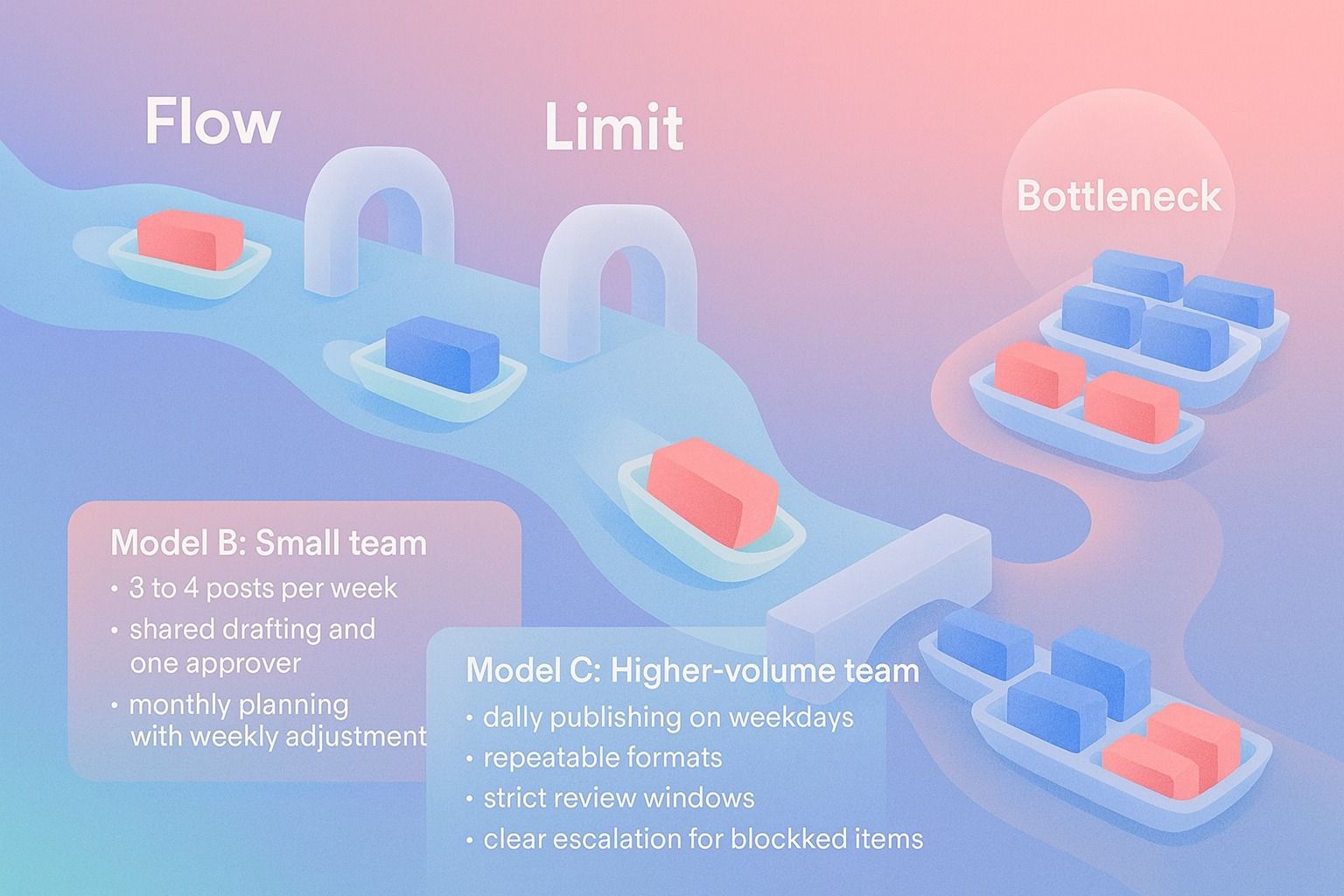
Model B: Small team
- 3 to 4 posts per week
- shared drafting and one approver
- monthly planning with weekly adjustment
Model C: Higher-volume team
- daily publishing on weekdays
- repeatable formats
- strict review windows
- clear escalation for blocked items
Decision criteria:
- choose the cadence you can sustain for 8 to 12 weeks
- reduce frequency before reducing quality
- increase output only after deadlines are consistently met
What to include in an editorial calendar template for content planning
A good editorial calendar template needs enough structure to support execution, but not so much detail that it becomes busywork.
Here is the core template.
Editorial calendar template
| Field | What it does |
|---|---|
| Publish date | Shows when the content is expected to go live |
| Content title or angle | Gives the working topic or hook |
| Format | Post, carousel, image-led post, or another LinkedIn format |
| Goal | Awareness, credibility, demand generation, recruiting, or engagement |
| Audience | Primary audience for the post |
| Owner | Person accountable for moving it forward |
| Status | Current stage in the editorial workflow |
| Review gate | Next approval or edit checkpoint |
| Source material | Links, notes, documents, or original input |
| CTA | Desired action from readers |
| Scheduled date/time | Exact publishing slot |
| Notes/blockers | Anything slowing progress |
Recommended status options
Keep statuses simple:
- Backlog
- Briefed
- Drafting
- In Review
- Approved
- Scheduled
- Published
That is enough for most teams.
Avoid creating 12 status labels that nobody interprets the same way.
A simple editorial workflow that actually works
If you want to assign ownership and review gates clearly, use this workflow.
Step-by-step editorial workflow
1. Backlog
Store ideas, source material, and promising topics.
2. Select for current planning window
Choose only the items you have capacity to finish.
3. Brief
Define angle, audience, goal, format, and supporting points.
4. Draft
Create the first version with one clear owner.
5. Review
A reviewer checks clarity, brand fit, and publish readiness.
6. Approve
The decision-maker confirms it is ready to schedule.
7. Schedule
Assign publish date and time.
8. Publish and review results
Look at performance trends and use them to inform the next planning cycle.
For LinkedIn teams, this is where Dynal fits well as an AI LinkedIn agent.
If you’re comparing tools for this exact stage of the workflow, Dynal is built around that agent-led process: explore Dynal. It’s a simple next step for teams that want planning, review, and scheduling to feel connected.
You can shape content in the workspace, use Brand DNA as your brand context system, then move approved drafts into Planning & Calendar for review and scheduling.
How to assign ownership and review gates without slowing everything down
Ownership problems usually look like this:
- everyone contributes
- nobody is accountable
- drafts sit in review too long
- publish dates slip quietly
Use a one-owner rule.
For every content item, assign:
- Creator: drafts the post
- Reviewer: gives edits or approval
- Approver: final go/no-go if needed
- Scheduler: publishes or schedules it
In smaller teams, one person may hold multiple roles. That is fine. The important thing is that each task has a visible owner.
Review gate rules
Set review gates based on risk and importance.
Use this simple model:
Low-risk recurring content
- one review gate
- quick approval
- schedule immediately after edits
Higher-stakes content
- one editorial review
- one final approval
- no extra layers unless necessary
Checklist for healthy review gates:
- Does this step improve the post?
- Does the reviewer know what they are checking for?
- Is there a deadline for feedback?
- Can this item move forward if no feedback arrives by that deadline?
If the answer is no, the gate is probably administrative, not editorial.
How to keep a content pipeline moving without creating busywork
A healthy content pipeline is not full. It is flowing.
The goal is not to maximize the number of ideas in backlog. The goal is to keep the right number of items moving through the system.
Use pipeline limits
Set simple limits by stage.
Example:
- Backlog: unlimited, but prioritized
- Briefed: max 10
- Drafting: max 4
- In Review: max 3
- Approved: max 6
Why this works:
- prevents overplanning
- exposes bottlenecks quickly
- reduces half-finished work
- makes content planning more honest
Weekly operating rhythm
Here is a lightweight rhythm most teams can maintain:
Monday
- review calendar
- confirm this week’s scheduled items
- unblock anything in review
Midweek
- draft next week’s posts
- assign feedback deadlines
Friday
- review pipeline by status
- move approved posts into schedule
- cut anything that no longer fits priorities
This keeps the content pipeline current without turning the calendar into a reporting exercise.
Example: a realistic editorial calendar for a small LinkedIn team
Let’s say your team wants to publish four times a week on LinkedIn, but misses deadlines constantly.
After reviewing actual capacity, you find:
- two strong posts can be drafted weekly
- one lighter post can be repurposed weekly
- approvals slow down on Thursdays
So your real publishing cadence becomes:
- Tuesday: original insight post
- Wednesday: customer or market takeaway post
- Friday: lighter repurposed post
That is a 3-post weekly cadence.
It is lower than the original goal, but more credible and more repeatable.
Example calendar snapshot
| Day | Topic | Format | Owner | Status | Review gate |
|---|---|---|---|---|---|
| Tuesday | Industry insight | Text post | Content lead | Approved | Final check complete |
| Wednesday | Customer lesson | Carousel | Writer | In Review | Editorial review due Tuesday |
| Friday | Repurposed takeaway | Text post | Founder | Drafting | Review after draft |
This is what an editorial calendar that does not lie looks like. It reflects actual capacity, not pressure.
Common editorial calendar mistakes and how to fix them
1. Planning too far ahead
Problem: You fill eight weeks with detailed topics, then priorities shift.
Fix: Keep a longer backlog, but only fully plan the next two to four weeks.
2. Confusing ideas with scheduled content
Problem: A topic in the spreadsheet gets treated like a committed post.
Fix: Separate backlog from approved and scheduled content.
3. Too many reviewers
Problem: Feedback loops get longer than drafting.
Fix: Reduce to one reviewer and one approver where possible.
4. No visible owner
Problem: Work stalls because responsibility is shared vaguely.
Fix: Assign one accountable owner per item.
5. Publishing cadence set by ambition
Problem: You choose frequency based on goals, not output capacity.
Fix: Set cadence from your slowest workflow step.
6. Calendar management becomes admin work
Problem: The team spends more time updating statuses than creating content.
Fix: Use fewer fields, fewer statuses, and one weekly cleanup rhythm.
A practical checklist for your next content planning cycle
Use this before finalizing your editorial calendar.
Editorial calendar checklist
- Do we know our real weekly publishing capacity?
- Is our content cadence sustainable for the next 8 to 12 weeks?
- Does every planned item have one clear owner?
- Are review gates defined and limited?
- Are statuses simple enough for everyone to use consistently?
- Can we see where items are blocked?
- Are we planning only as much as we can realistically complete?
- Does the content pipeline have limits at each stage?
- Are scheduled items clearly separated from backlog ideas?
- Do we have a weekly rhythm for review and rescheduling?
If you cannot answer yes to most of these, your calendar is likely overpromising.
How Dynal supports a more realistic editorial workflow
Dynal should be thought of as an AI LinkedIn agent, not just a place to draft text.
For teams trying to make content planning more operational, the useful flow is:
- bring source input into the content creation workspace
- shape drafts with Brand DNA, including voice, audience, and boundaries
- move selected content into Planning & Calendar
- review, schedule, and reschedule eligible tasks as timing changes
That makes it easier to connect content planning to actual publishing steps on LinkedIn, instead of managing separate disconnected tools and spreadsheets.
Final takeaway
An editorial calendar works when it reflects truth:
- real capacity
- real owners
- real review timing
- real publishing cadence
If your current system keeps slipping, do not start by adding more rows. Start by reducing fiction.
Build a smaller, clearer editorial workflow. Set a content cadence you can keep. Then let the calendar prove consistency over time.
If you want a cleaner setup for LinkedIn content planning, start with Dynal’s Onboarding & Setup flow. The LinkedIn-first connection helps you get to a usable starting point faster, with starter brand context you can carry into planning, drafting, and scheduling.