


How to Create a LinkedIn Lead Magnet That Actually Generates Leads
A LinkedIn lead magnet works when it solves one specific problem for one specific audience and gives them a clear next step.
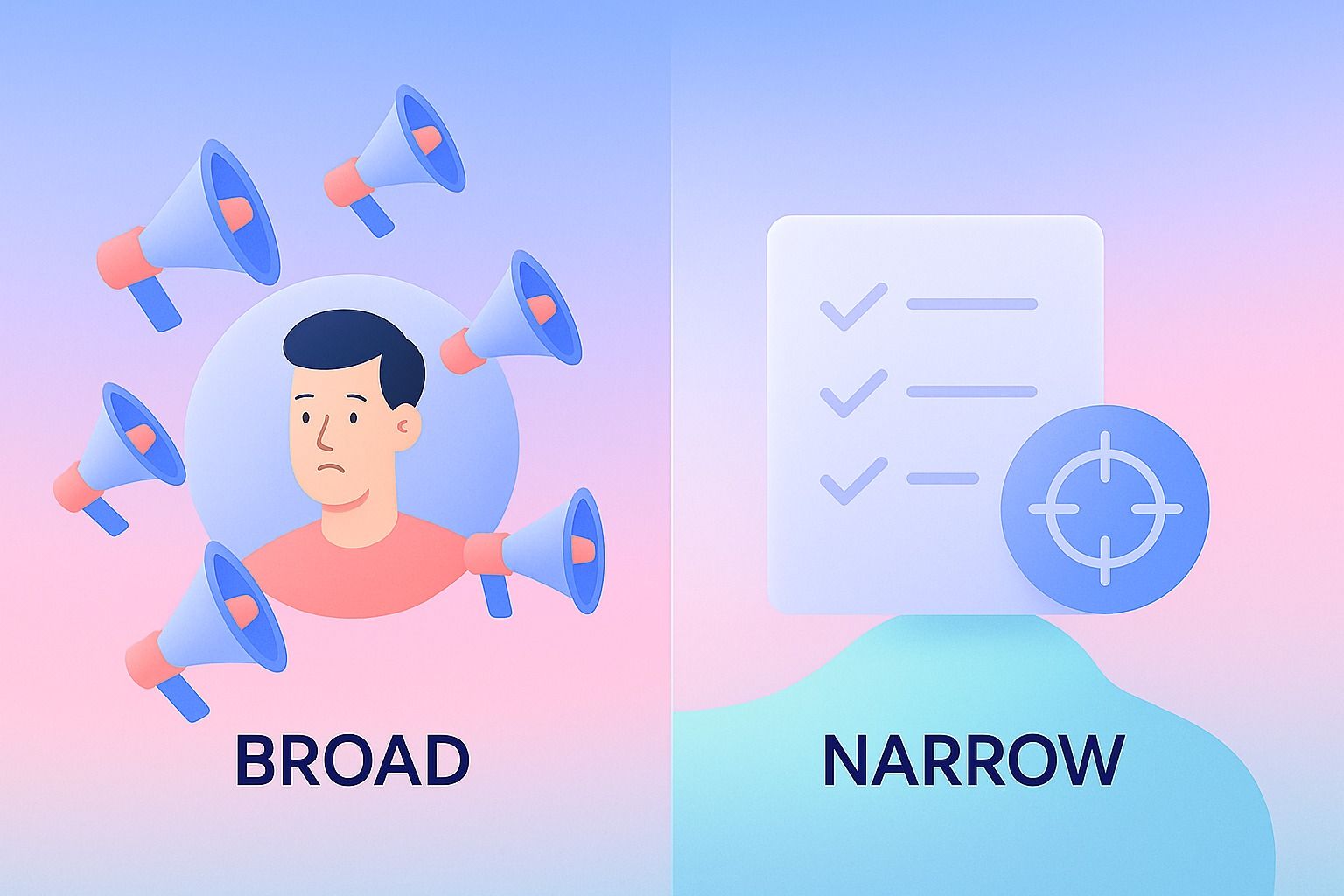
If your post is too broad, too promotional, or too complicated, people may engage with it but not convert.
The best LinkedIn lead magnets are simple, practical, and easy to ask for: checklists, templates, short guides, frameworks, swipe files, and mini e-books.
To make them work, you need four parts:
- A sharp topic
- A clear promise
- A non-spammy distribution method
- A follow-up flow that turns interest into conversation
If you want help turning that process into a repeatable LinkedIn workflow, Dynal is an AI LinkedIn agent that helps with brand context, LinkedIn content planning, creation, publishing, and lightweight analytics.
In this guide, we’ll cover:
- What kinds of lead magnets work best on LinkedIn
- How to create one that actually generates leads
- How to distribute it without sounding spammy
- How to turn one post into a simple lead magnet funnel
- What tools can help you organize the process
What is a LinkedIn lead magnet?
A LinkedIn lead magnet is a useful resource offered in exchange for attention, a message, a comment, or an off-platform click.
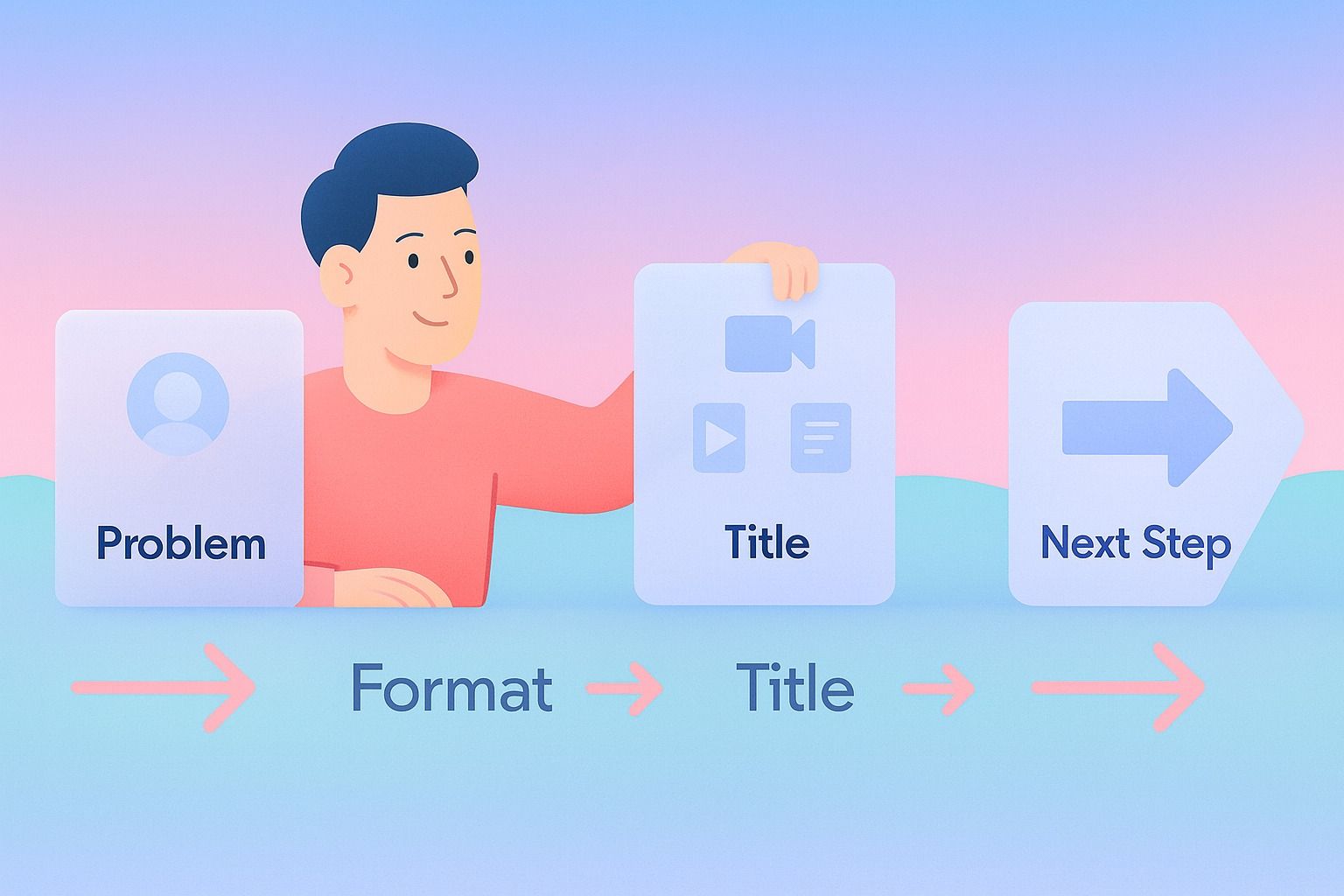
On LinkedIn, the strongest lead magnets usually help someone do a job faster, avoid a mistake, or make a decision more confidently.
That means the offer should feel native to LinkedIn behavior:
- Professional
- Specific
- Easy to consume
- Immediately useful
A 60-page e-book rarely performs as well as a 2-page checklist if the audience wants quick wins.
What kind of lead magnets work best on LinkedIn posts?
The best-performing lead magnets on LinkedIn usually share three traits: they are narrow, actionable, and relevant to a clear professional pain point.
Here are the formats that tend to fit LinkedIn marketing best.
1. Checklists
Great for:
- Audits
- Launch prep
- Hiring processes
- Profile optimization
- Sales outreach prep
Why they work: they promise speed and clarity.
Example:
"Comment
checklistand I’ll send you my LinkedIn post checklist for turning one idea into a week of content."
2. Short e-books or guides
Great for:
- Explaining a process
- Teaching a framework
- Packaging expertise
Why they work: they help you show depth without overwhelming the reader.
Best practice: keep them concise. A 5–10 page guide often outperforms a long PDF.
3. Templates and swipe files
Great for:
- Outreach
- Content hooks
- CTAs
- Comment prompts
- Follow-up messages
Why they work: people can use them immediately.
Example:
"I turned our best-performing LinkedIn post hooks into a 25-hook swipe file. If you want it, comment
hooks."
4. Frameworks and one-page cheatsheets
Great for:
- Consultants
- Coaches
- Agencies
- B2B marketers
- Founders
Why they work: they compress expertise into something memorable.
5. Mini-courses or email sequences
Great for:
- Higher-consideration offers
- Category education
- Longer buying cycles
Why they work: they build trust over multiple touches.
For most creators and teams, the best first LinkedIn lead magnet is a checklist, template, or short guide.
How do I create a LinkedIn lead magnet that actually generates leads?
Start with the audience problem, not the asset format.
A lot of people ask, "Should I make a checklist or an e-book?" The better question is, "What small result does my audience want right now?"
A step-by-step process
Step 1: Choose one audience and one problem
Bad:
- "A guide to LinkedIn growth"
Better:
- "A founder checklist for writing LinkedIn posts in under 30 minutes"
- "A recruiter template pack for better candidate outreach on LinkedIn"
- "A consultant framework for turning client insights into LinkedIn content"
Decision criteria:
- Is the problem urgent?
- Is it expensive or frustrating to ignore?
- Can the reader understand the promise in 5 seconds?
- Can the asset help them get a quick win?
Step 2: Pick the simplest format that delivers the result
Use this rule:
- If the goal is speed, use a checklist
- If the goal is repetition, use a template
- If the goal is understanding, use a short guide
- If the goal is evaluation, use a worksheet or scorecard
Don’t choose a long e-book just because it feels more substantial.
Step 3: Write a title with a concrete outcome
Strong lead magnet titles usually include:
- A target audience
- A result
- A timeframe, format, or use case
Examples:
- "The 10-Point LinkedIn Lead Magnet Checklist for B2B Founders"
- "A 7-Step LinkedIn Post Funnel Template for Consultants"
- "The Simple eBook Outline for Turning LinkedIn Expertise Into Leads"
- "25 LinkedIn CTA Examples That Don’t Sound Salesy"
Step 4: Make the asset fast to consume
A lead magnet should reduce friction, not add homework.
That same idea applies to your content workflow too: Dynal helps keep LinkedIn creation lightweight by moving from source to draft to publish in a single agent-driven flow.
Use:
- Clear headings
- Simple page design
- Scannable bullets
- Examples
- Action steps
If it takes 20 minutes to understand your free resource, it may be too heavy for LinkedIn.
Step 5: Add one next step inside the asset
Your lead magnet should not end at "hope this helped."
Add a soft next step such as:
- Book a call
- Reply to a message
- Visit a resource page
- Use a related free tool
- Ask for a deeper audit or review
The next step should match the buying intent of the audience.
A simple checklist for building your LinkedIn lead magnet
Before you publish, check these boxes:
- The lead magnet solves one clear problem
- The audience is specific
- The title promises a practical outcome
- The asset can be consumed quickly
- The post includes one clear CTA
- The follow-up message is ready
- The next step is relevant and low-friction
- The offer sounds helpful, not desperate
How do I distribute a checklist or e-book on LinkedIn without sounding spammy?
This is where most lead magnet strategies break down.
The problem is usually not the asset. It’s the delivery.
If your post feels like bait, people hesitate. If it feels like genuine help, they respond.
Use a value-first post structure
A good LinkedIn lead magnet post gives away enough value in the post itself that the resource feels like a bonus, not a trap.
Use this template:
- Start with the problem
- Share 3 to 5 useful insights in the post
- Mention the lead magnet as the deeper resource
- Use a simple CTA
Example:
Most LinkedIn lead magnets fail for one reason: they’re too broad.
If you want more qualified leads, your free resource should do one thing well:
Solve a narrow problem
Give a quick win
Lead naturally to the next conversation
I turned this into a 1-page checklist you can use before publishing your next post.
Comment
checklistand I’ll send it over.
Why this works:
- The post stands on its own
- The CTA is clear
- The lead magnet feels earned
- The tone stays educational
Keep the CTA simple
Good CTAs for LinkedIn marketing:
- "Comment
guideand I’ll send it" - "If you want the checklist, let me know in the comments"
- "I can share the template if it’s useful"
Avoid:
- "DM me NOW"
- "Download before it’s gone"
- "Limited time only"
- Overusing urgency where it doesn’t belong
Match the ask to the asset
For a simple checklist or template, a comment-based CTA often works well.
For a larger resource, webinar, or email series, a landing page may make more sense.
Choose the lightest conversion path that still helps you qualify interest.
How can I turn a LinkedIn post into a lead magnet funnel?
You do not need a complicated funnel.
A practical LinkedIn lead magnet funnel can be very simple:
The basic funnel
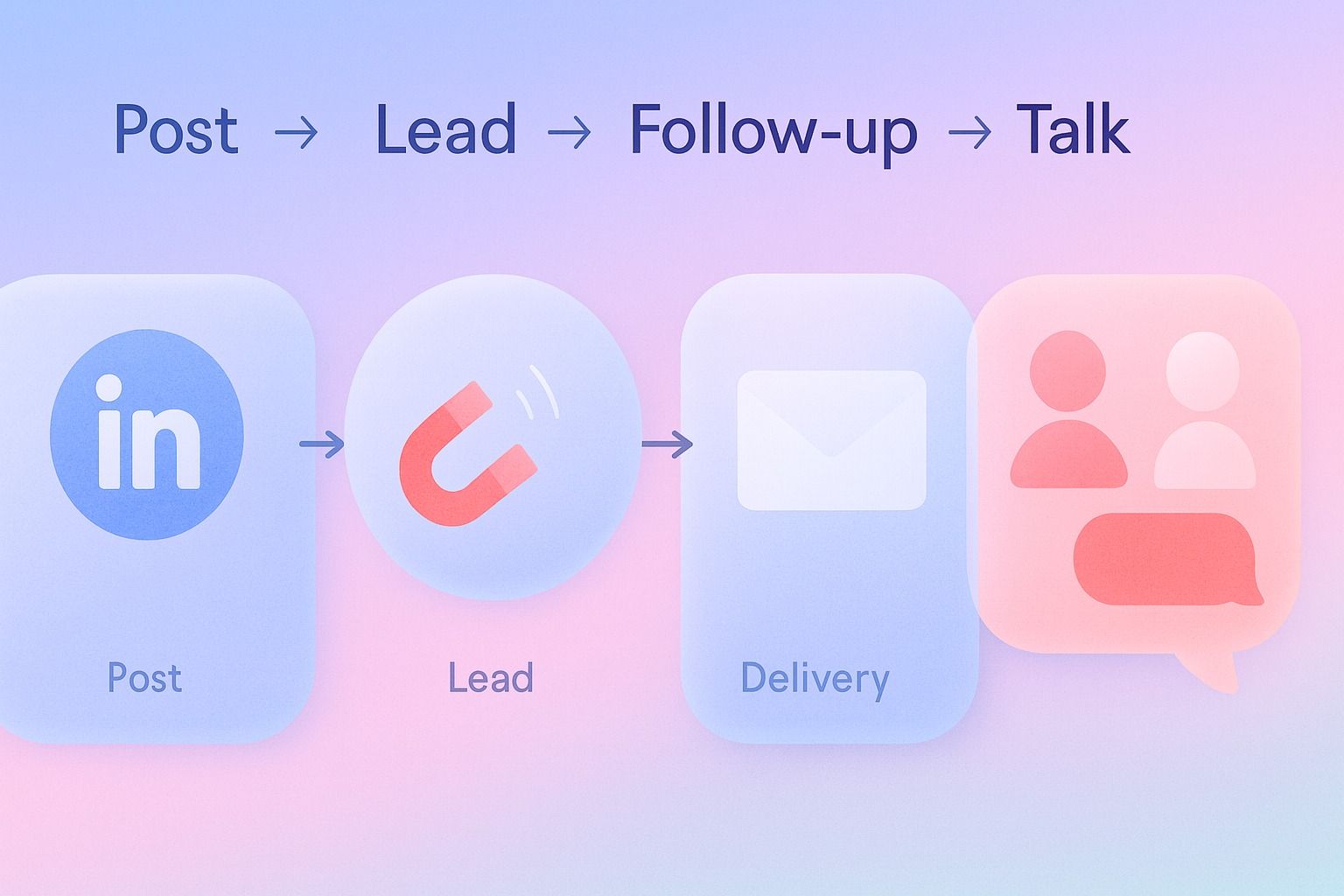
Post → Interest signal → Resource delivery → Follow-up → Conversation or next action
Here’s what that looks like in practice.
Stage 1: Publish a post with a specific insight
Focus on one pain point and one audience.
Example:
"Most consultants don’t need more content ideas. They need a repeatable way to turn client work into posts."
Stage 2: Ask for a small action
Examples:
- Comment a keyword
- Send a message
- Click to access the resource
Stage 3: Deliver the lead magnet
This can be:
- A PDF checklist
- A short guide
- A shared document
- A landing page resource
Stage 4: Follow up with context
Your follow-up should help, not push.
If you want a more structured way to handle creation and follow-up, Dynal can help you organize LinkedIn drafts, keep the brand voice consistent, and move selected posts into publishing.
Example follow-up message:
Thanks for asking for the checklist. I’m sending it here.
The part most people find most useful is the section on matching post format to audience intent.
If you want, I can also share the version we use to turn one post into a weekly LinkedIn content plan.
Stage 5: Invite the next conversation
Examples:
- "Want me to review how this could fit your content workflow?"
- "Want the advanced version?"
- "Want examples for your industry?"
That is enough to create momentum without becoming spammy.
Lead magnet post templates you can adapt
Template 1: Checklist post
Most people don’t need more LinkedIn advice.
They need a simple way to know whether a post is likely to convert attention into leads.
Here are 3 things I check before publishing:
Is the audience clear?
Is the promise specific?
Is the CTA low-friction?
I turned the full version into a 1-page checklist.
Comment
checklistand I’ll send it.
Template 2: Short guide or e-book post
I’ve noticed that many B2B teams create lead magnets that are too long, too vague, and too hard to act on.
So I put together a short guide on how to create a LinkedIn lead magnet people actually want.
It covers:
Choosing the right format
Writing a stronger CTA
Building a simple post-to-lead flow
If you want it, comment
guide.
Template 3: Template or swipe file post
If your LinkedIn posts get engagement but not leads, your CTA may be the problem.
I collected 25 CTA examples that feel natural on LinkedIn and still move the conversation forward.
If you want the swipe file, comment
CTAand I’ll share it.
Common mistakes that weaken LinkedIn lead magnets
Mistake 1: The topic is too broad
Fix: narrow the problem and audience.
Instead of:
- "The ultimate LinkedIn growth guide"
Try:
- "A LinkedIn marketing checklist for SaaS founders launching thought leadership content"
Mistake 2: The asset is too long
Fix: optimize for quick consumption.
Shorter often performs better, especially for first-touch lead magnets.
Mistake 3: The post gives no real value
Fix: teach something useful in the post itself.
People should benefit even if they never ask for the asset.
Mistake 4: The CTA is vague or high-friction
Fix: ask for one simple action.
Examples:
- Comment one word
- Message one keyword
- Click one link with a clear outcome
Mistake 5: There is no follow-up plan
Fix: write the follow-up before you publish.
A lead magnet without follow-up is just content.
What tools can help me publish and optimize LinkedIn lead magnet posts?
You need tools that support the LinkedIn workflow, not just writing one post.
That means:
- Drafting ideas quickly
- Keeping your voice consistent
- Organizing related posts and assets
- Publishing or scheduling efficiently
- Reviewing performance after posting
This is where Dynal fits well.
Dynal is an AI LinkedIn agent, not just a one-off writer. It helps you move from idea to draft to publishing in a structured workflow.
How Dynal can support the process
With Dynal’s Projects & Publishing, you can keep your lead magnet post work inside a project-based content thread, refine the draft, and move selected content into a publish or schedule flow from the same creation process.
A practical workflow could look like this:
- Start a draft in the content creation workspace
- Add your lead magnet angle, audience, and source notes
- Refine the post based on your brand context and tone
- Keep versions organized inside a project
- Send the chosen draft into publishing or scheduling
- Review lightweight LinkedIn content analytics after posting
If you want to build multiple lead magnet posts around the same offer, this kind of project-based workflow is much easier to manage than creating disconnected drafts.
How to decide which LinkedIn lead magnet to create first
If you’re unsure where to start, use this decision guide.
Choose a checklist if:
- Your audience wants speed
- The problem is process-based
- You want high response volume
Choose a template if:
- Your audience wants a shortcut
- The task is repeated often
- You can provide a fill-in-the-blank or swipeable asset
Choose a short e-book or guide if:
- The buyer needs more education
- The topic needs explanation
- Your service has a longer trust-building cycle
Choose a framework if:
- You sell strategic thinking
- You want stronger authority positioning
- Your audience values how you think, not just what you do
For many LinkedIn marketing teams and solo operators, the best starting point is still a checklist or template. It is faster to build, easier to promote, and easier for the audience to use.
Final thoughts
A LinkedIn lead magnet does not need to be complicated to generate leads.
It needs to be useful, specific, easy to request, and connected to a clear next step.
If you remember one thing, make it this: the post should create trust, and the lead magnet should deepen it.
If you want a more structured way to build this workflow, start with Dynal’s onboarding flow. The LinkedIn-first setup helps you get to a usable starting point faster, so you can shape your brand context, create stronger lead magnet posts, and move into publishing with more clarity.