

You usually cannot see every repeat LinkedIn profile viewer with perfect certainty, but you can identify high-intent prospects by combining profile-view patterns, content engagement, audience signals, and outreach timing.
If you want to turn that context into a repeatable LinkedIn workflow, Dynal is an AI LinkedIn agent that helps teams move from brand context to drafts, planning, publishing, and lightweight analytics in one flow.
Why repeated activity matters
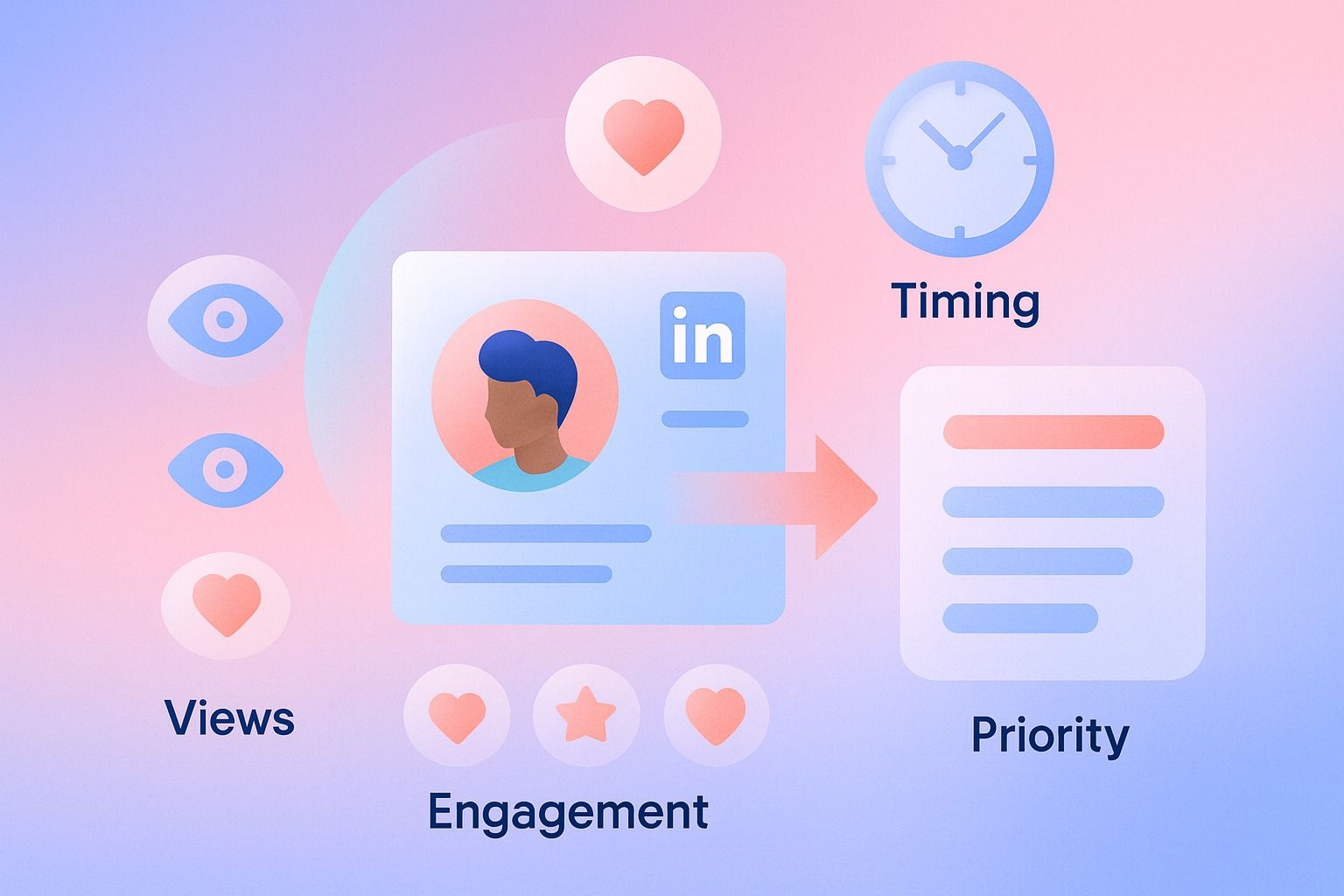
A single profile visit is often just curiosity. Repeated visits, post engagement, and role-fit signals together are much stronger indicators of buying interest.
For sales teams, the goal is not to obsess over one metric. It is to build a simple priority model: who viewed, who engaged, who matches your ideal customer profile, and who is active right now.
If you treat LinkedIn analytics as a context layer rather than a standalone truth source, you can find warmer leads faster and prioritize outreach with better timing.
What this guide covers
- Repeated profile interest is useful, but only when paired with engagement and account fit.
- The best warm-lead signals usually come from clusters of actions, not one isolated view.
- Good LinkedIn prioritization means ranking people by intent, relevance, and recency.
- Lightweight analytics can help you spot patterns even if they are not a full social intelligence system.
Can you tell who is viewing your LinkedIn profile repeatedly?
Sometimes, partially, but not with complete precision in every case.
LinkedIn gives limited visibility into profile viewers depending on account conditions and privacy settings. That means the practical question is not just, "Can I see every repeat visitor?" It is, "Can I detect repeated interest strongly enough to act?"
In practice, the answer is yes.
You can often infer repeat interest from a mix of:
- Recurring profile viewer appearances when visible
- Multiple engagements from the same person over a short period
- Repeat visits followed by connection requests or message replies
- People from target accounts showing up across profile, post, and audience signals

So if someone views your profile, then likes two posts, then comments on a third, that is much more meaningful than a one-time anonymous visit.
The key limitation to understand
LinkedIn analytics can support prioritization, but they are not the same thing as a full buyer-intent database.
That is why smart teams use profile visits as an early signal, then validate intent with:
- Role relevance
- Company fit
- Engagement depth
- Timing
- Existing pipeline context
What high-intent prospect behavior looks like on LinkedIn
High-intent prospects tend to leave a trail. Not always a huge one, but enough to separate them from passive viewers.
Common warm-lead signals
1. Repeat profile interest
A person checks your profile more than once within days or a couple of weeks.

2. Content engagement after a profile visit
They view your profile, then react to or comment on your content.
3. Engagement with bottom-of-funnel topics
They engage with posts about implementation, pricing logic, team workflows, ROI, hiring, or operational pain points.
4. Multiple people from the same company show interest
One profile view may be random. Three stakeholders from the same account rarely are.
5. Conversion-style actions
They send a connection request, accept yours quickly, reply to a message, or click through to a next step.
6. Fast sequence of activity
High intent often appears as compressed timing: profile visit, content engagement, then outreach activity within a short window.
How to identify high-intent prospects from LinkedIn profile views and analytics
Here is a practical step-by-step process sales teams and founders can use.
Step 1: Define what counts as intent for your business
Before looking at metrics, decide what a warm lead actually looks like.
A simple intent framework might include:
- Target job title or function
- Company size or type
- Market or geography
- Buying trigger or pain point
- Recent engagement with your LinkedIn presence
If your definition is fuzzy, your prioritization will be fuzzy too.
Step 2: Separate curiosity from buying interest
Use this simple filter:
Low signal
- One profile view
- One like from a non-target contact
- No role or account fit
Medium signal
- Profile view plus one or two post interactions
- Good role fit but unclear timing
- New connection without follow-up activity
High signal
- Repeat profile views or repeated engagement
- Clear ICP fit
- Multiple actions within a short period
- Engagement with problem-aware or solution-aware content
- Same-account activity from more than one stakeholder
This prevents you from overreacting to vanity activity.
Step 3: Check the metrics that actually matter
What LinkedIn analytics metrics help reveal warm leads?
The most useful LinkedIn analytics metrics are usually the ones that show interaction quality, not just reach.
That is where an AI LinkedIn agent like Dynal can help keep the process connected: create content, publish it, and review performance in the same workspace instead of juggling separate tools.
Priority metrics to watch
Profile views
Profile views can indicate early awareness or active research. On their own, they are weak. In context, they are valuable.
Best use: look for spikes, role-match viewers, and patterns around recent posts or outreach.
Post engagement
Track who reacts, comments, and engages consistently.
Best use: identify people who are not just seeing your content but spending attention on it.
Engagement rate by topic
Not every post attracts the same kind of lead. Posts about specific pain points, workflows, mistakes, or decision criteria often reveal stronger buying intent than generic inspiration posts.
Best use: compare which themes attract target buyers versus broad audiences.
Audience trends
Audience data can help you understand whether the right kinds of people are paying attention.
Best use: look for job-function, industry, or seniority alignment where available.
Recency and frequency
One action today may matter more than three actions from three months ago.
Best use: score recent and repeated interactions higher than old one-off activity.
Comment quality
A thoughtful comment can be more valuable than several likes.
Best use: prioritize prospects asking specific questions, sharing implementation concerns, or signaling a current initiative.
A simple warm-lead scoring model
Use a lightweight model your team can maintain manually.
- Profile view from target persona: 2 points
- Repeat visible profile interest: 3 points
- Like or reaction on relevant post: 1 point
- Comment on relevant post: 3 points
- Connection request or acceptance: 3 points
- Two or more stakeholders from same account: 4 points
- Engagement within last 7 days: 2 points
- Strong company fit: 3 points
Then set action thresholds:
- 0 to 3: monitor
- 4 to 7: soft engage
- 8+: prioritize outreach now
It does not need to be perfect. It needs to be consistent.
How can LinkedIn profile visits help prioritize outreach?
Profile visits should be treated as one signal in an account-priority workflow.
Decision criteria for prioritizing outreach
Ask these five questions:
- Is this person in our ideal customer profile?
- Have they shown more than one signal of interest?
- Was the activity recent?
- Is there account-level activity beyond this one contact?
- Do we have a relevant reason to start a conversation now?
If the answer is yes to at least three or four, outreach is usually worth testing.
Practical prioritization tiers
Tier 1: Outreach now
- Repeat interest plus engagement
- Strong role fit
- Active account or buying context
Tier 2: Nurture with content and light touches
- Good fit, lighter engagement
- One profile view plus one meaningful interaction
- Not enough evidence for direct outreach yet
Tier 3: Watchlist only
- Weak fit
- Anonymous or low-context profile interest
- No follow-up actions
Example
Imagine you sell a LinkedIn workflow product to consultants and small teams.
You notice:
- A founder at a target company viewed your profile
- They reacted to a post about content planning
- Two days later they commented on a post about scheduling approvals
- Another teammate from the same company viewed your profile
That is no longer a random interaction. That is a warm account worth prioritizing.
What is the best way to track repeat profile visitors on LinkedIn?
The best way is to combine direct visibility with pattern tracking in a repeatable manual process.
Because profile-view data can be limited, the most reliable approach is not to rely on one dashboard alone.
Repeat-visitor tracking checklist
- Review profile viewer activity on a consistent schedule
- Log visible names, titles, and companies for target-fit viewers
- Note repeat appearances over 7-, 14-, or 30-day windows
- Match profile interest to post engagement and connection activity
- Watch for multiple contacts from the same account
- Prioritize by recency, frequency, and role relevance
Even a basic spreadsheet or CRM note field can make this much more actionable.
A simple tracker template
Create columns for:
- Name
- Title
- Company
- ICP fit
- Profile view date
- Repeat visit count
- Recent post engagement
- Connection status
- Account activity
- Intent score
- Recommended next action
This turns vague social activity into usable LinkedIn sales intelligence.
If you want a simpler way to make that review loop consistent, Dynal's LinkedIn-first onboarding can help you get to a usable setup faster so you can build your brand context, create content in a more consistent voice, and review performance with less friction.
Common mistakes when identifying warm leads on LinkedIn
Mistake 1: Treating every profile view as buying intent
Fix
Require at least one more confirming signal such as role fit, content engagement, or account overlap.
Mistake 2: Chasing volume over relevance
Fix
A smaller number of high-fit interactions is usually more valuable than a large number of broad impressions.
Mistake 3: Ignoring content context
Fix
Track which topics attract serious prospects. Educational content may drive reach, while operational posts may reveal stronger commercial intent.
Mistake 4: Waiting too long to act
Fix
Intent decays. If a prospect shows clustered activity this week, your outreach should reflect that timing.
Mistake 5: Using analytics without a response plan
Fix
Define what happens at each threshold: monitor, engage, connect, or message.
How Dynal can support this workflow
Dynal is an AI LinkedIn agent, not just a one-off writer. That matters because identifying high-intent prospects works best when your content, publishing cadence, and analytics are connected.
With Dynal Analytics, teams can review LinkedIn content performance through overview, post, engagement, and audience views. That lightweight analytics layer can help you spot which themes attract attention, which posts create engagement, and when activity trends suggest a warmer audience.
Used the right way, this supports better LinkedIn prioritization decisions such as:
- Which post topics bring in likely buyers
- Which audience segments engage more often
- When to follow up after content-led interest
- Which patterns deserve manual review for outreach prioritization
The advantage is workflow continuity: create in the content creation workspace, publish or schedule LinkedIn content, then review performance in Analytics without jumping across disconnected tools.
A practical weekly process for founders and sales teams
If you want a manageable operating rhythm, use this once a week:
Monday: review recent activity
- Check profile interest and post engagement
- Flag visible target accounts and repeat names
Tuesday: score warm prospects
- Apply your intent model
- Group by account and role relevance
Wednesday: engage softly
- Reply to comments
- Send thoughtful connection requests where appropriate
Thursday: publish another relevant post
- Focus on one pain-point topic tied to buyer interest
- Use consistent voice and audience framing
Friday: review what moved
- Which topics attracted the best-fit people?
- Which accounts showed repeated activity?
- Who should move into direct outreach next week?
This keeps your LinkedIn sales intelligence process simple enough to sustain.
Final takeaway
You cannot always identify every repeat LinkedIn profile visitor with perfect accuracy. But you can absolutely identify high-intent prospects by looking for patterns across profile views, engagement, audience fit, and timing.
The strongest signal is not one event. It is a cluster:
- the right person
- from the right account
- showing repeated or recent interest
- around the right topic
That is how LinkedIn analytics becomes useful sales intelligence instead of passive reporting.
If you want a more structured LinkedIn workflow, start with Dynal's LinkedIn-first onboarding. It helps you get to a usable setup faster, so you can build your brand context, create content in a more consistent voice, and review performance with less friction.