

If you want the short answer: aim for an SEO title length of about 50–60 characters and a meta description length of about 140–160 characters.
Quick answer
- SEO title length: about 50–60 characters
- Meta description length: about 140–160 characters
- Google uses pixel width, not just character count
- The best copy is clear, useful, and click-worthy
Those ranges are practical targets, not hard rules. Google measures SERP snippet display by pixel width, not just character count, which is why a short title can still get cut off and a slightly longer one can still show in full.
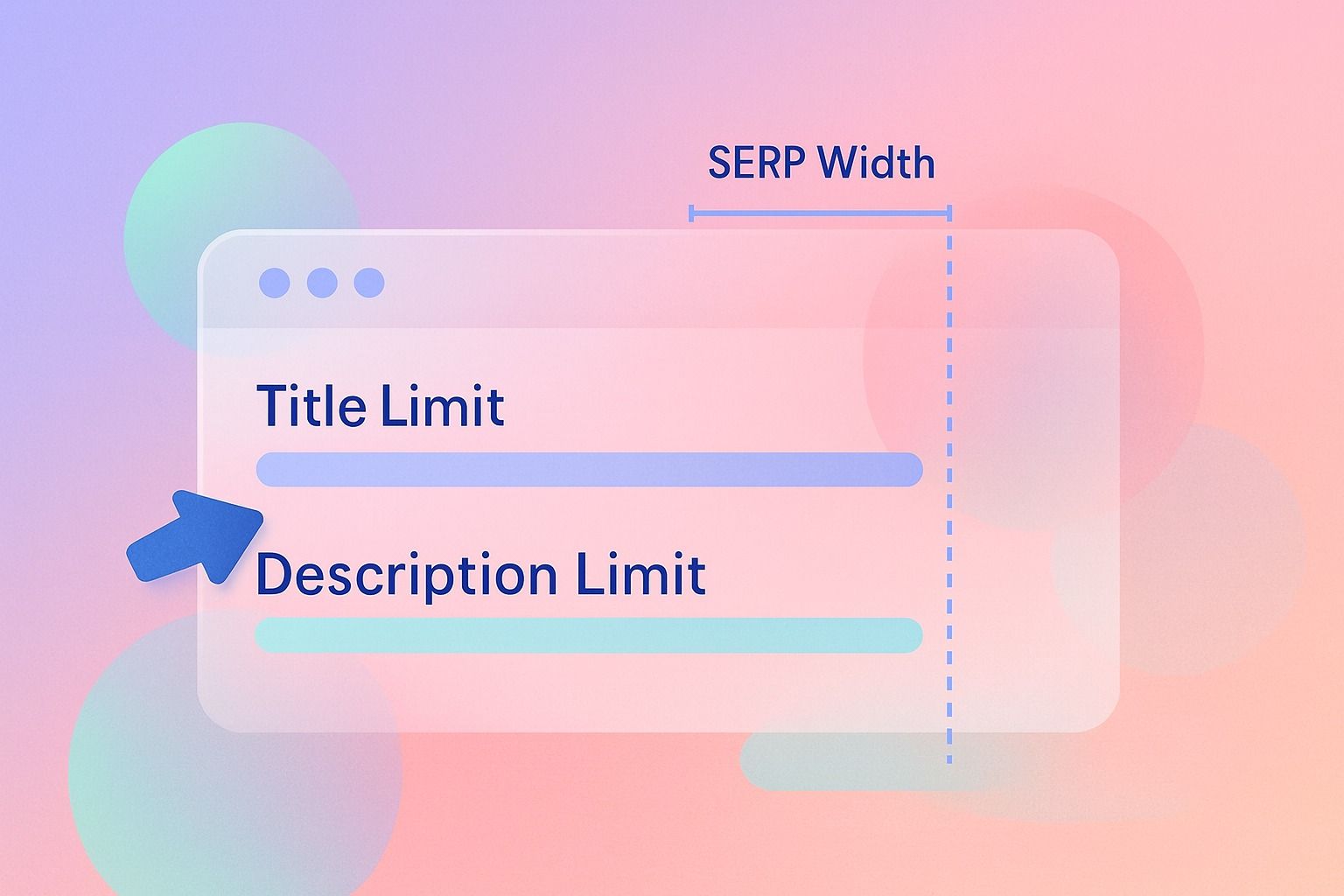
The real goal is not to hit a perfect number. It is to keep your title and description clear, useful, and click-worthy while reducing the chance of truncation.
If you shorten the wrong words, you may stay within limits but lose context, intent match, and click-through rate. Good on-page SEO balances visibility limits with strong copy.
A simple rule of thumb
- Keep SEO titles front-loaded with the main topic and value.
- Keep meta descriptions specific, readable, and benefit-led.
- Treat the SERP snippet as a preview, not a guarantee.
- Prioritize clarity over squeezing in every keyword variation.
Why length matters in the SERP snippet
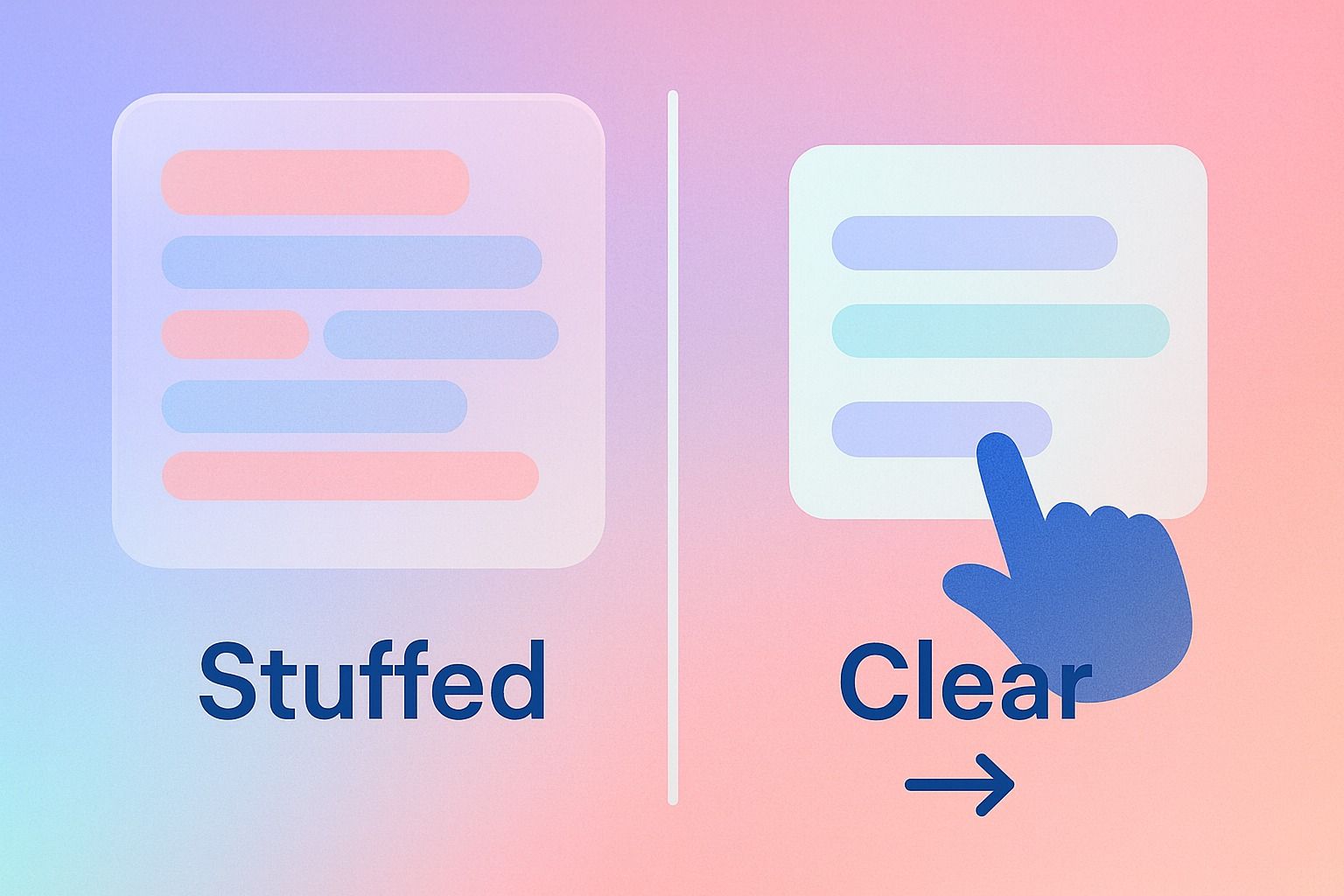
Your SEO title and meta description are often the first things searchers see in the SERP snippet. If they are too long, Google may truncate them. If they are vague, stuffed, or awkward, people may skip them even if they fully display.
That means the job is twofold:
- Stay within likely display limits.
- Preserve copy quality so the result still earns clicks.
This is where many teams get stuck. They trim words until the title fits, but the final version sounds robotic or incomplete.
What is the ideal SEO title length for Google?
The best working range for SEO title length is typically 50–60 characters.
That is the range most SEO teams use because it often fits on desktop results without being cut off. But character count alone is imperfect because Google displays titles based on pixel width. Wide letters take more space than narrow ones.
Practical guidance for title length
- Target 50–60 characters when possible.
- Put the primary topic near the beginning.
- Avoid wasting space on filler words.
- Add branding only if it still fits naturally.
- Check how the title looks, not just how long it is.
Example
Too long:
"How to Keep SEO Titles and Meta Descriptions Within Search Engine Limits Without Damaging Your Marketing Copy"
Better:
"SEO Title Length and Meta Description Limits"
Better for clicks:
"SEO Title Length: How to Stay Within Limits"
The third version is not just shorter. It keeps the main keyword early and adds a clear benefit.
How long should a meta description be for best SERP snippet visibility?
A strong target for meta description length is around 140–160 characters.
You will also see advice pushing slightly above or below that range. That is because Google may show different snippet lengths depending on device, query, and formatting. Again, there is no single guaranteed cutoff.
Practical guidance for meta description length
- Aim for 140–160 characters.
- Lead with the page topic or user benefit.
- Include the target keyword naturally.
- Avoid repeating the title.
- End with a soft action or reason to click.
Example
Weak:
"Learn about SEO title length and meta description length for better SEO and improved performance in search engines today."
Better:
"Learn ideal SEO title length and meta description length, plus how to shorten copy without hurting clicks or on-page SEO."
The better version says what the page covers and why it matters.
Does Google always use my meta description in the search result snippet?
No. Google does not always use your meta description in the SERP snippet.
Google may rewrite the snippet if it thinks another section of the page better matches the search query. This is common, especially when:
- the meta description is too generic
- the page better answers a specific query elsewhere
- the description is duplicated across pages
- the description is missing or low quality
So yes, you should write meta descriptions. But no, you should not assume Google will always display them exactly as written.
The best approach is to write a high-quality description that closely matches page intent. That improves your chances of having it used.
How to shorten titles and descriptions without hurting click-through rate
This is the part most guides skip. Shortening copy is not just editing for length. It is editing for retained meaning.
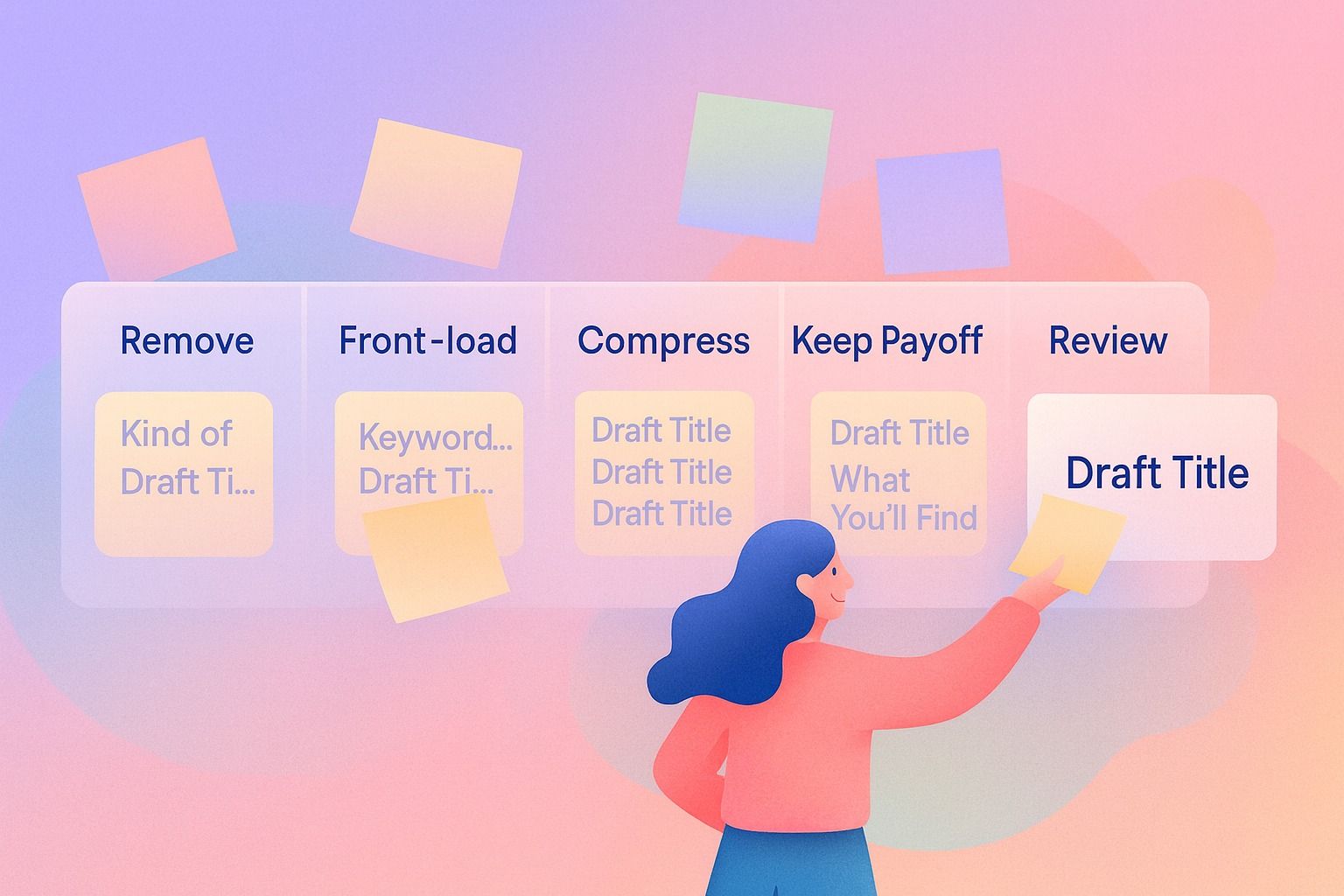
A simple 5-step process
1. Identify the non-negotiables
Before cutting, ask:
- What must the searcher understand in one glance?
- What keyword or phrase signals relevance?
- What value or outcome makes the result worth clicking?
For this topic, the non-negotiables might be:
- SEO title length
- meta description length
- staying within limits
- preserving copy quality
2. Remove filler first
Look for phrases like:
- in order to
- without negatively impacting
- very important
- in today’s search landscape
- best possible way to
These often add length without adding meaning.
Example:
Before:
"How to Write SEO Titles in a Way That Helps You Stay Within Recommended Length Limits"
After:
"How to Write SEO Titles Within Recommended Limits"
3. Front-load the important words
Searchers scan fast. If the most relevant phrase appears late, truncation hurts more.
Example:
Less effective:
"A Practical Guide for Marketers on Keeping Titles Within Google Limits"
More effective:
"SEO Title Length: A Practical Guide for Marketers"
4. Compress repeated ideas
Many drafts say the same thing twice.
Example:
Before:
"Learn how long your meta descriptions should be so they display properly and appear fully in Google results."
After:
"Learn ideal meta description length for fuller visibility in Google results."
5. Preserve the click reason
Do not cut away the payoff.
Compare:
- "Meta Description Length Guide"
- "Meta Description Length Guide for Better Click-Through Rate"
The second gives a stronger reason to click.
A shortening checklist you can use on every page
Before publishing, check whether your title and description do these things:
- Put the main keyword near the front.
- Explain the page clearly in plain language.
- Remove filler and repetition.
- Keep the promise specific.
- Avoid keyword stuffing.
- Read naturally out loud.
- Still make sense if truncated.
- Match the actual on-page SEO content.
If you can check all eight, your copy is usually in good shape.
Common mistakes that ruin copy, and how to fix them
Mistake 1: Writing to the character counter instead of the searcher
Fix: Use length ranges as constraints, not the goal. The goal is relevance plus clarity.
Mistake 2: Stuffing multiple keyword variations into one title
Bad example:
"SEO Title Length, Meta Description Length, SERP Snippet, On-Page SEO Tips"
Fix: Choose one core angle and one supporting idea.
Better:
"SEO Title Length: Best Practices for Better SERP Snippets"
Mistake 3: Repeating the same idea in title and description
Fix: Let the title name the topic and let the description expand on the benefit.
Example:
Title: "Meta Description Length: Best Practices"
Description: "Learn how long meta descriptions should be, when Google rewrites snippets, and how to shorten copy without losing clicks."
Mistake 4: Cutting context words that carry intent
Fix: Keep the words that signal usefulness, such as guide, checklist, examples, template, or step-by-step.
Mistake 5: Ignoring rewrite risk
Fix: Make the description closely reflect the page’s actual content. If your page answers practical questions, say that clearly.
Title and meta description templates
Use these as starting points, then refine for your page.
SEO title templates
- "[Primary Topic]: [Clear Benefit]"
- "How to [Outcome] Without [Pain Point]"
- "[Keyword] Best Practices for [Audience or Goal]"
- "[Keyword]: Step-by-Step Guide"
Examples:
- "SEO Title Length: Best Practices for Higher Clicks"
- "How to Shorten Meta Descriptions Without Losing Clarity"
- "SERP Snippet Best Practices for Better On-Page SEO"
Meta description templates
- "Learn [topic], including [detail 1], [detail 2], and how to [outcome]."
- "A practical guide to [topic] with [examples/checklist/process] for [goal]."
- "Find the ideal [topic] and learn when Google may rewrite your SERP snippet."
Examples:
- "Learn ideal SEO title length and meta description length, plus how to shorten copy without hurting click-through rate."
- "A practical guide to SERP snippet optimization with examples, common mistakes, and on-page SEO tips."
Decision criteria: when to keep, trim, or rewrite
Not every too-long title should simply be shortened. Sometimes the right move is a full rewrite.
Keep it mostly as is when:
- the keyword is already near the front
- the wording is specific
- only a few filler words need cutting
Trim it when:
- the title is solid but slightly over target
- repeated phrases are taking space
- branding can be reduced or removed
Rewrite it when:
- the title sounds stuffed or unnatural
- the main intent is unclear
- the page covers one idea but the title tries to cover five
What tools can check SEO title length and meta description length?
You can use most SEO plugins, SERP preview tools, and page auditing tools to check likely title and meta description display length.
Useful tool categories include:
- SERP snippet preview tools
- browser-based SEO extensions
- CMS SEO plugins
- site audit platforms with metadata checks
- spreadsheet workflows with character counts for bulk review
When evaluating a tool, look for:
- mobile and desktop snippet previews
- pixel-width estimation, not just character count
- warnings for truncation risk
- page-by-page metadata review
- workflow fit for your publishing process
If your team creates content collaboratively, it also helps to review titles and descriptions where the draft is being written, not as a disconnected step later.
That is one reason teams prefer a content creation workspace where copy can be refined in context before it moves into publishing.
For LinkedIn-focused teams, Dynal is an AI LinkedIn agent with a chat-based creation flow. Inside Workspace and Chat, you can shape messaging, refine phrasing, and review draft language before moving selected content into publishing. Dynal’s Brand DNA helps keep content aligned with your voice and audience while you draft.
A step-by-step workflow for teams publishing often
If you publish lots of pages, use this repeatable process:
- Draft the page title based on search intent, not just the keyword.
- Write the meta description as a one-sentence pitch for the click.
- Check length against practical display ranges.
- Remove filler and repeated ideas.
- Make sure the title and description say different but complementary things.
- Compare the SERP snippet copy against the actual page intro and headings.
- Publish only after a final human read for clarity.
This workflow helps protect click-through rate better than last-minute trimming.
If you want the same kind of structure in your LinkedIn workflow, Dynal is an AI LinkedIn agent that helps organize creation before publishing. The focus is on making the drafting process more manageable, not forcing a separate tool for every step.
Final takeaways
The ideal SEO title length is usually around 50–60 characters.
The ideal meta description length is usually around 140–160 characters.
But the best SERP snippet copy is not the shortest copy. It is the clearest copy that fits.
If you remember only three things, remember these:
- Google uses pixel width, not strict character limits.
- Google may rewrite your meta description.
- Strong copy beats perfectly compressed copy that says very little.
For teams that draft LinkedIn content in one place before publishing, Dynal’s LinkedIn-first workspace can help keep that process organized and on-brand.
FAQs
Is 60 characters a strict SEO title limit?
No. It is a practical guideline, not a fixed limit. Titles are usually truncated based on pixel width.
Is 160 characters a strict meta description limit?
No. It is a good target range, but Google may show more or less depending on the query and device.
Should I always include the exact keyword in the meta description?
Use it naturally if it helps relevance and clarity. Do not force it.
If Google rewrites my meta description, should I stop writing them?
No. A strong meta description still improves your chances of having a useful snippet shown.
What matters more: staying within limits or writing persuasive copy?
Persuasive, clear copy matters more. The best approach is to do both as well as possible.