

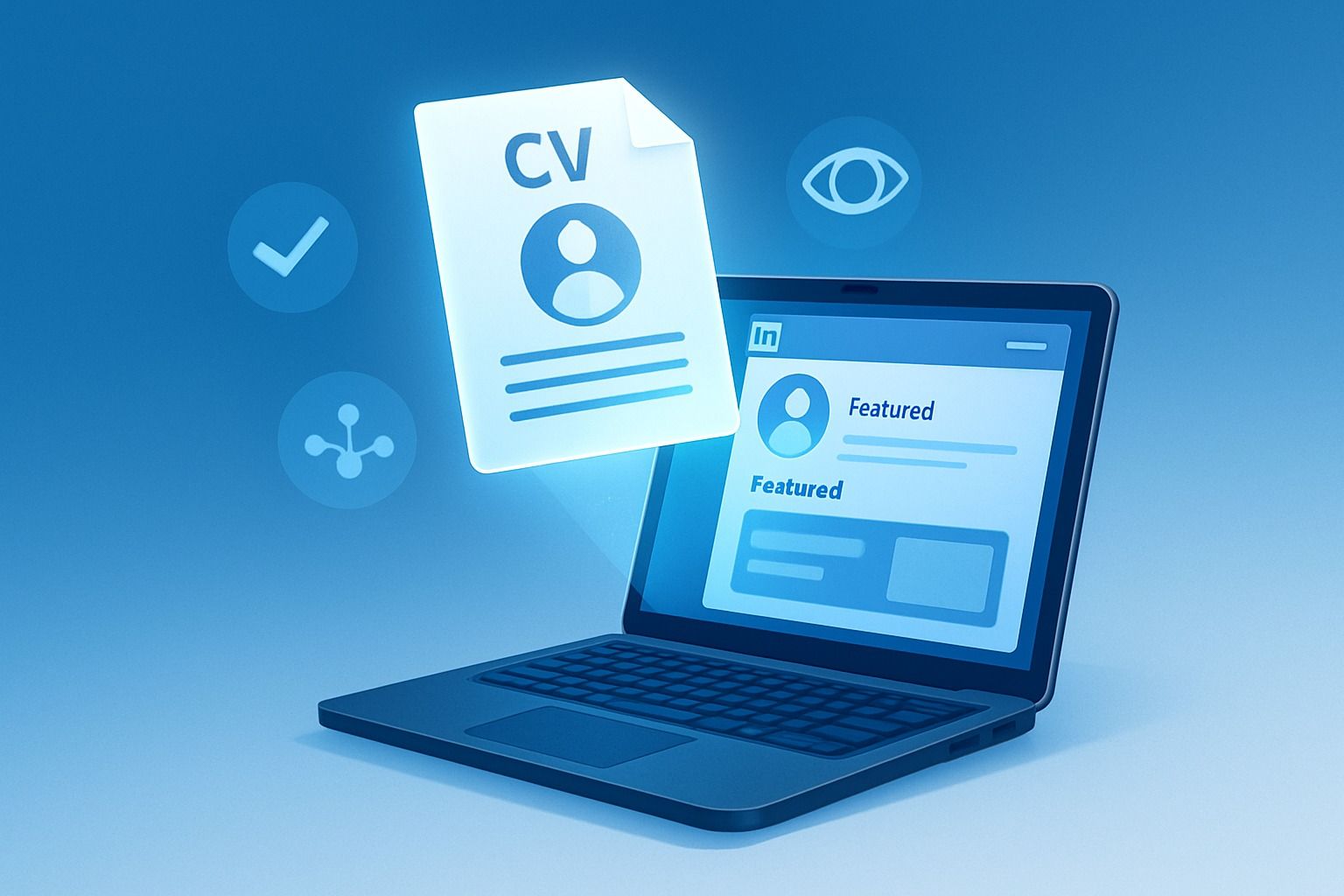
In today's competitive job market, knowing how to add your resume to LinkedIn effectively can significantly impact your career opportunities. With over 87% of recruiters actively sourcing candidates on LinkedIn and more than 10,000 applications submitted every minute, having your resume readily accessible on your profile is essential for standing out to potential employers.
Why Adding Your Resume to LinkedIn Matters
LinkedIn has evolved from a simple professional networking site to the world's largest talent marketplace. When you upload your resume to LinkedIn, you:
- Make it easier for recruiters to evaluate your qualifications at a glance
- Demonstrate your proactive approach to job searching
- Provide a comprehensive overview of your skills and experience
- Increase your chances of being discovered through LinkedIn's search algorithms
Let's explore the most effective methods to upload your resume to LinkedIn in 2026, ensuring you maximize visibility while maintaining professional discretion.
Method 1: Adding Your Resume to LinkedIn's Featured Section
The Featured section appears prominently on your profile and offers an excellent opportunity to showcase your resume.Step-by-step instructions:
- Navigate to your LinkedIn profile page
- Click on the "Add profile section" button near your profile photo
- Select "Featured" from the dropdown menu
- Click the "+" icon in the Featured section
- Choose "Add media" and select your resume file from your computer
- Add a descriptive title like "Marketing Director Resume" or "Software Engineer CV"
- Include a brief description highlighting key qualifications
- Click "Save" to publish
Pro tip: Name your resume file strategically (e.g., "FirstName_LastName_Position_Resume.pdf") to make it immediately identifiable to recruiters and improve its findability in their downloaded files.
Method 2: Uploading Your Resume During Job Applications
LinkedIn's Easy Apply feature streamlines the application process and allows you to attach your resume directly.Here's how to use it effectively:
- Find a job posting with the "Easy Apply" button
- Click "Easy Apply" to begin your application
- Complete the required application fields
- Click "Upload Resume" to attach your document
- Review your application details for accuracy
- Submit your application
LinkedIn saves your most recently uploaded resumes, making future applications quicker. However, only the specific employer you're applying to will see this version of your resume—it won't be visible on your public profile.
Method 3: Adding Your Resume to Your About Section or Contact Info
For a more subtle approach that still makes your resume accessible:
- Upload your resume to a cloud storage service like Google Drive or Dropbox
- Set the sharing permissions to "Anyone with the link can view"
- Copy the shareable link
- Edit your LinkedIn About section or Contact Info
- Add the link with a brief description like "View my complete resume here"
This method gives you greater flexibility to update your resume without changing your LinkedIn profile and allows you to maintain more control over who accesses your full resume.
Best Practices for Resume Optimization on LinkedIn
Simply uploading your resume isn't enough—you need to optimize it for maximum visibility and impact.
Use Keywords Strategically
LinkedIn's search algorithms and applicant tracking systems (ATS) rely heavily on keywords to identify suitable candidates. To improve your resume's visibility:
- Analyze job descriptions for your target roles
- Identify recurring skills, qualifications, and terminology
- Incorporate these keywords naturally throughout your resume
- Include both acronyms (PMP) and full terms (Project Management Professional)
- Focus on industry-specific technical skills and software proficiencies
Customize Your Resume for Each Role
The most successful job seekers tailor their resumes for specific positions:
- Create different versions of your resume for various industries or roles
- Prioritize the most relevant experiences and achievements
- Match your job titles and descriptions to those in the job posting when accurate
- Quantify your accomplishments with specific metrics and results
Maintain ATS-Friendly Formatting
Ensure your resume can be properly parsed by applicant tracking systems:
- Use standard fonts like Arial, Calibri, or Garaign
- Avoid complex formatting elements like text boxes, columns, and headers
- Stick with .docx or .pdf formats (check job postings for preferences)
- Use clear section headings that match what ATS systems expect
- Skip decorative elements like icons or graphics that might confuse automated systems
Keep Your Resume Current
Regular updates signal to LinkedIn's algorithms that your profile is active:
- Refresh your resume after significant career achievements
- Update your resume at least every 3-6 months
- Add new skills, certifications, or qualifications as you acquire them
- Remove outdated information to keep content relevant and concise
What to Avoid When Uploading Your Resume to LinkedIn
Certain practices can undermine the effectiveness of your LinkedIn resume strategy:
Don't Paste Your Entire Resume in the About Section
Your About section should complement your resume, not duplicate it:
- Write in a conversational, first-person tone
- Tell your professional story in a narrative format
- Focus on your unique value proposition and career journey
- Save detailed bullet points for your actual resume
Avoid Uploading Multiple Resume Versions
Multiple resume versions on your profile create confusion:
- Stick to one current, comprehensive resume in your Featured section
- Use the Easy Apply feature to customize applications for specific roles
- Maintain a cohesive professional brand across all profile elements
Remove Sensitive Personal Information
Protect your privacy when uploading your resume:
- Omit your full home address (city and state are sufficient)
- Consider removing your phone number from publicly viewable resumes
- Never include sensitive data like social security numbers or birth dates
- Remove confidential employer information like revenue figures or proprietary processes
Enhancing Your Resume's Visibility
Once your resume is optimized and uploaded, take additional steps to increase its visibility:
Professional Profile Presentation
Your overall LinkedIn profile influences how recruiters perceive your resume:
- Use a high-quality, professional headshot that shows your face clearly
- Create a compelling headline that includes your current role and expertise
- Organize your Featured section with your resume prominently displayed
- Ensure your Experience section aligns with the information in your resume
Strategic Networking
Complement your resume with proactive outreach:
- Connect with recruiters and hiring managers in your target industry
- Join industry-specific LinkedIn groups where job opportunities are shared
- Engage with relevant content to increase your profile visibility
- Share professional accomplishments that reinforce your resume's strengths
Regular Profile Activity
Keep your LinkedIn presence active:
- Post content related to your industry or expertise
- Comment thoughtfully on trending professional topics
- Share career milestones and achievements
- Participate in industry conversations to demonstrate your knowledge
How Dynal.AI Can Elevate Your LinkedIn Presence
While mastering how to upload your resume to LinkedIn is crucial, maintaining a consistent, engaging LinkedIn presence requires ongoing effort. This is where Dynal.AI can transform your approach.As your personal LinkedIn agent, Dynal.AI helps professionals create impactful content that establishes thought leadership and enhances visibility to recruiters. Our platform streamlines the process of crafting professional posts that complement your resume by:
- Analyzing your uploaded resume to identify key strengths and expertise areas
- Suggesting content topics that highlight your professional knowledge
- Generating engaging LinkedIn posts that reinforce your professional brand
- Creating visually appealing graphics that capture attention in busy feeds
- Providing strategic guidance on posting frequency and optimal timing
By maintaining an active, professional presence alongside your well-optimized resume, you create multiple touchpoints for recruiters to discover your expertise. Dynal.AI makes this process effortless, allowing you to focus on your job search while consistently building your professional reputation.
Conclusion: Making Your LinkedIn Resume Work for You
Knowing how to add your resume to LinkedIn effectively is a fundamental skill in today's digital job market. By following the methods outlined in this guide, you can ensure your qualifications are readily accessible to recruiters while maintaining professional discretion.
Remember these key takeaways:
- Choose the right method for your needs—Featured section for visibility, Easy Apply for specific applications, or linked documents for flexibility
- Optimize your resume with relevant keywords and ATS-friendly formatting
- Keep your resume current and tailored to your target roles
- Maintain professional consistency across your resume and LinkedIn profile
- Consider tools like Dynal.AI to enhance your overall LinkedIn presence
Your LinkedIn profile serves as your digital first impression. When paired with a strategically placed, well-crafted resume, it becomes a powerful tool for career advancement in 2026 and beyond.
FAQs About Adding Your Resume to LinkedIn
Should I turn off notifications when I add my resume to LinkedIn?
Yes, if you're currently employed and conducting a discreet job search. Before uploading your resume, go to Settings & Privacy > Visibility > Share profile updates with your network and toggle it off temporarily.
How often should I update my LinkedIn resume?
Update your resume at least every 3-6 months or whenever you gain new skills, complete projects, or change positions. Regular updates help with LinkedIn's algorithm visibility.
Can recruiters download my resume from LinkedIn?
Yes, if you've added it to your Featured section or included a direct link, recruiters can download your resume. Ensure it contains the information you want potential employers to see.
Should my LinkedIn profile and resume be identical?
No. Your LinkedIn profile should complement your resume rather than duplicate it. Use your profile to tell your professional story in a more conversational way while keeping your resume more structured and formal.
Is it better to upload a PDF or Word document resume to LinkedIn?
PDF is generally preferred as it maintains your formatting across all devices and platforms. However, some ATS systems prefer Word documents, so having both formats available is ideal.