

Repurposing Playbook: Turn 1 Blog Into 12 LinkedIn Posts
Yes, one solid blog post can become 12 LinkedIn posts without feeling repetitive.
The trick is not to repost the same idea 12 times. It is to extract 12 different angles from the same source: a strong opinion, a short lesson, a framework, a myth, a quote, a data point, a story, a checklist, a carousel, a comment prompt, and more.
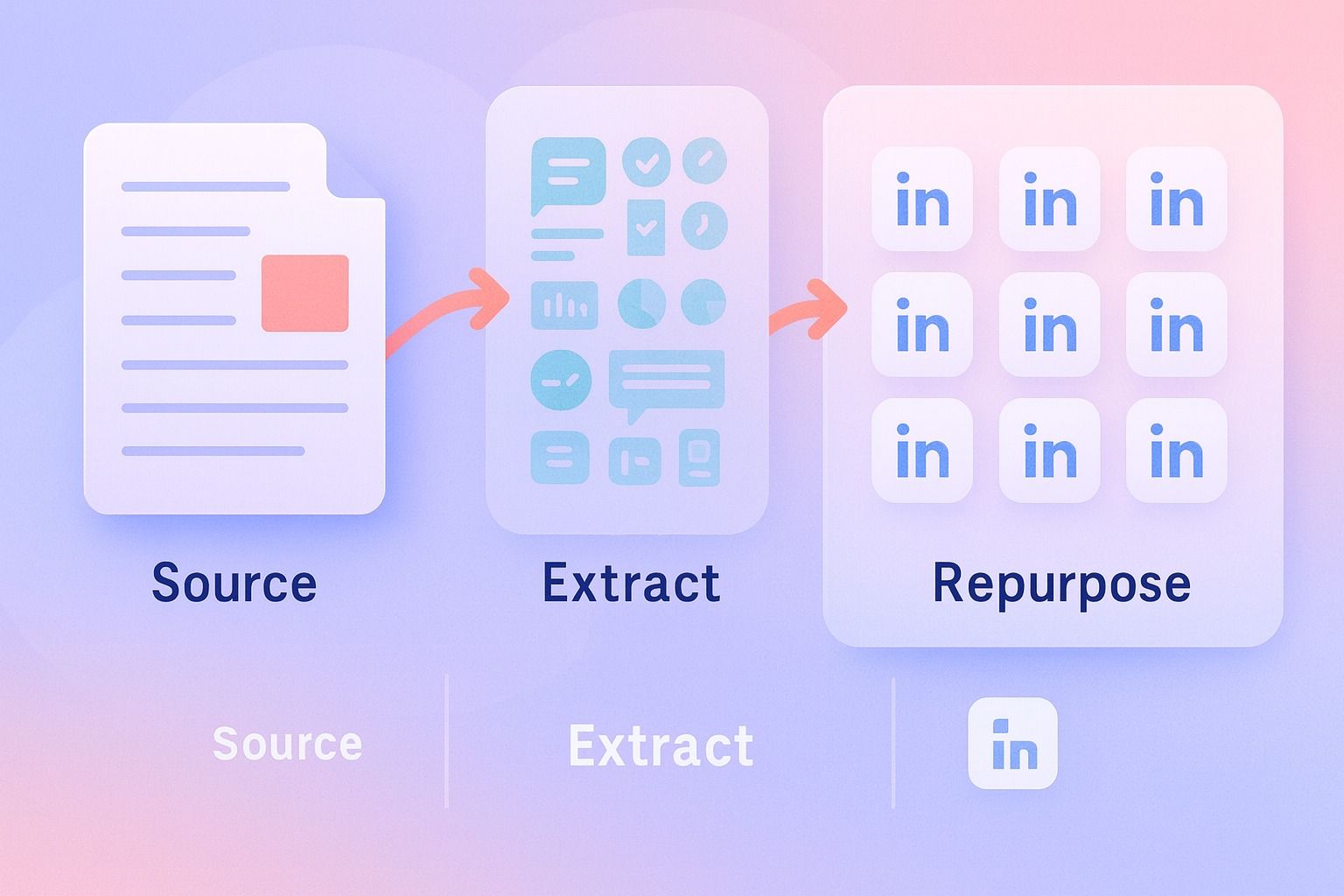
That is what good repurposing content looks like on LinkedIn: same source, different job.
If you want better content distribution, think less like a writer producing one asset and more like an editor building a LinkedIn content plan from one core idea.
Quick takeaway:
- One blog usually contains 10 to 15 post-worthy angles
- Repetition happens when format and angle stay the same
- LinkedIn content performs better when each post has a distinct hook and purpose
- A simple planning system helps you space posts out instead of dumping them all at once
Why one blog can become 12 LinkedIn posts
A blog post is usually too dense for LinkedIn as-is.
Blogs are built for depth. LinkedIn posts are built for clarity, speed, and engagement.
So when people ask, "How many LinkedIn posts can I get from one blog post for content distribution?" the practical answer is:
- 3 to 5 posts from a short article
- 8 to 12 posts from a strong, well-structured article
- 12+ posts if the blog includes frameworks, examples, opinions, stats, and actionable steps
The goal is not squeezing content until it becomes thin. The goal is turning one deep asset into multiple native LinkedIn formats.
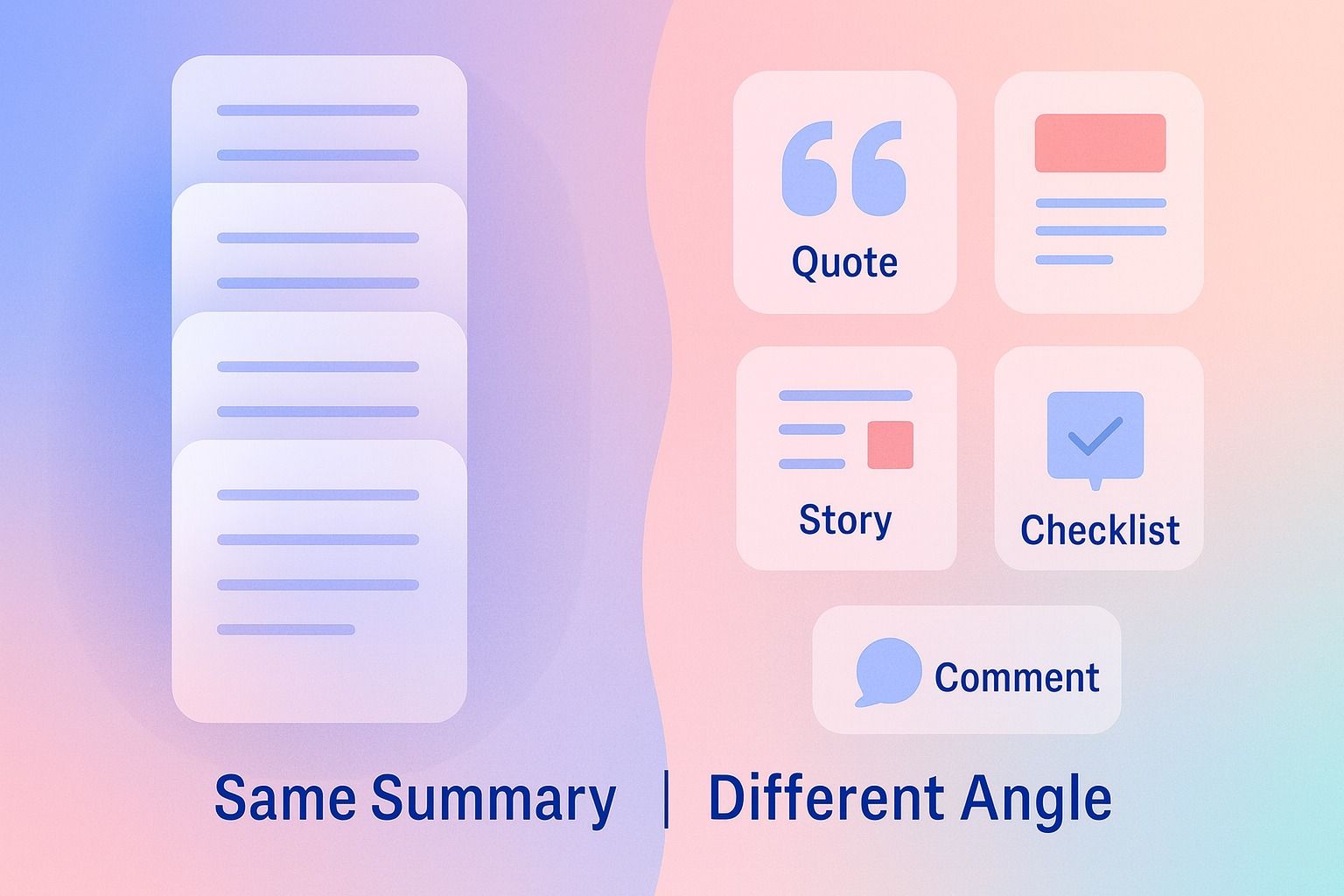
The best repurposing workflow for blog content on LinkedIn
If you are wondering, "What is the best repurposing workflow for blog content on LinkedIn?" use this four-step system:
- Break the blog into idea blocks
- Assign each block a LinkedIn format
- Write a different hook for each post
- Schedule distribution across your calendar
This is also where Dynal can help as an AI LinkedIn agent.
If you want a structured way to turn source material into draftable LinkedIn posts, Dynal can help as an AI LinkedIn agent. It’s useful when you want the workflow to stay organized from source to planning without turning every repurpose into a manual rewrite.
Instead of treating repurposing like random rewriting, Dynal can support a more structured workflow: source input into the content creation workspace, shape the drafts with Brand DNA, then organize them inside Planning & Calendar so you can review and schedule LinkedIn content with more consistency.
Step 1: Break one blog into repurposing blocks
Before you write any posts, strip the blog down into reusable parts.
Use this checklist:
- Main thesis
- 3 to 5 supporting points
- Contrarian opinion or myth to challenge
- Step-by-step framework
- Strong sentence or quote
- Example or mini case
- Statistic or proof point
- Common mistake
- Practical takeaway
- Reader question or debate point
Each of those can become its own LinkedIn post.
Example source breakdown
Imagine your blog is about content repurposing.
Your source might contain:
- Why most teams under-distribute good content
- A 4-step repurposing workflow
- Examples of hooks
- A list of post formats
- Common mistakes that cause repetition
- A recommendation to use a calendar for distribution
That is already enough for 12 posts.
Step 2: Match each idea to a LinkedIn format
This is where most people go wrong.
They take one blog and create 12 text posts that all say nearly the same thing.
Instead, vary the format and the intent.
A simple decision framework
Use this when deciding what each part of the blog should become:
- Use a short text post when the idea is sharp and opinionated
- Use a list post when the lesson is tactical
- Use a carousel when the blog includes steps, frameworks, or before-and-after thinking
- Use a quote-style snippet when one line is memorable on its own
- Use a comment prompt when the point naturally invites disagreement or examples
- Use a story post when the blog includes a relatable mistake, lesson, or turning point
The 12-post repurposing map
Here is a practical answer to: "How do I turn one blog post into multiple LinkedIn posts without repeating myself?"
1. The bold opinion post
Purpose: Stop the scroll
Template:
Most people do not have a content creation problem.
They have a content distribution problem.
They publish one strong blog post,
then move on.
The better approach:
turn one core idea into multiple LinkedIn posts,
then spread those posts across your calendar.
Depth once.
Distribution many times.
2. The mistakes post
Purpose: Teach through contrast
Template:
If your repurposing content feels repetitive, it is usually because you are doing one of these 3 things:
- repeating the same hook
- keeping the same format every time
- publishing every spin-off post too close together
Repurposing works when the angle changes, not just the wording.
3. The framework post
Purpose: Make the blog skimmable
Template:
A simple repurposing workflow for LinkedIn:
- Pull out the core argument
- Extract 8 to 12 sub-ideas
- Match each one to a format
- Write fresh hooks
- schedule them across a content plan
One blog.
Multiple entry points.
4. The hook collection post
Purpose: Give instant value
Template:
5 hooks you can pull from one blog post:
- Most people are wasting good content
- Here is the repurposing system I wish I used earlier
- One article can become 12 LinkedIn posts
- If your content feels repetitive, read this
- The easiest way to improve LinkedIn consistency is not writing more
Good repurposing starts with better hooks.
5. The mini story post
Purpose: Add relatability
Template:
For a long time, I treated every LinkedIn post like it had to start from zero.
That made content feel slow, inconsistent, and harder than it needed to be.
The shift was simple:
write one deeper asset,
then repurpose it into multiple social snippets, frameworks, and prompts.
Now the work goes further.
6. The social snippet post
Purpose: Create a fast, shareable lesson
Template:
A blog is the source.
A LinkedIn post is the angle.
That one shift makes repurposing content easier.
Do not ask:
"How can I summarize the whole article?"
Ask:
"Which one useful point deserves its own post?"
That distinction is exactly where an AI LinkedIn agent can fit into the process. Dynal can help keep the source, angle, and rollout organized as you build out a set of distinct LinkedIn posts.
7. The carousel concept post
Purpose: Turn process into visuals
Carousel outline:
- Slide 1: Turn 1 blog into 12 LinkedIn posts
- Slide 2: Why most repurposing fails
- Slide 3: Extract idea blocks
- Slide 4: Match ideas to formats
- Slide 5: Write different hooks
- Slide 6: Space distribution across a calendar
- Slide 7: Reuse comments as future content
- Slide 8: Final checklist
8. The checklist post
Purpose: Drive saves
Template:
Before you repurpose a blog for LinkedIn, check for these 6 ingredients:
- clear thesis
- useful sub-points
- one strong opinion
- one practical framework
- one relatable example
- one question worth discussing
If the source has these, you do not need more content.
You need better extraction.
9. The myth-busting post
Purpose: Create contrast and engagement
Template:
Myth: repurposing means reposting the same thing everywhere.
Reality: good repurposing changes the format, hook, depth, and timing while keeping the core insight intact.
That is why one blog can support an entire week or month of LinkedIn content.
10. The comment prompt post
Purpose: Invite conversation
Template:
What is harder for you right now?
A) Writing enough new LinkedIn content
B) Distributing the good content you already have
Reply with A or B.
11. The contrarian post
Purpose: Differentiate your perspective
Template:
You do not always need more ideas.
Sometimes you just need to respect your best ideas enough to distribute them properly.
One strong blog can outperform 10 rushed posts if you repurpose it well.
12. The summary-to-action post
Purpose: Turn readers into planners
Template:
The best way to repurpose content for LinkedIn engagement and reach is simple:
- start with one substantial source
- split it into distinct angles
- publish in multiple native formats
- space it out on a calendar
Content quality matters.
But content distribution is what gives quality a chance to travel.
How to create hooks, carousels, snippets, and comment prompts from one article
This question comes up a lot: "How do I create hooks, carousels, snippets, and comment prompts from one article?"
Use this cheat sheet.
Hooks
Take one of these from the blog:
- the strongest opinion
- the most surprising insight
- the biggest mistake
- the clearest result
- the most common frustration
Hook formulas:
- Most people get this wrong about [topic]
- The better way to handle [topic]
- I wish I knew this before [outcome]
- One piece of content can do more than you think
- If your [topic] feels stuck, try this
Carousels
Use a carousel when the article includes:
- steps
- comparisons
- before-and-after logic
- a checklist
- a framework
Rule: if the idea needs sequence, make it a carousel.
Social snippets
Pull:
- a short quote
- one sentence lesson
- one sharp distinction
- one counterintuitive idea
These work best when they are clean, short, and easy to understand without the full blog.
Comment prompts
Turn these into engagement posts:
- a tradeoff
- a debate
- a preference question
- a common challenge
- a request for examples
Examples:
- What part of repurposing takes the most time for you?
- Do you prefer carousels or short text posts on LinkedIn?
- What is one blog you should have repurposed further?
A week-by-week content distribution example
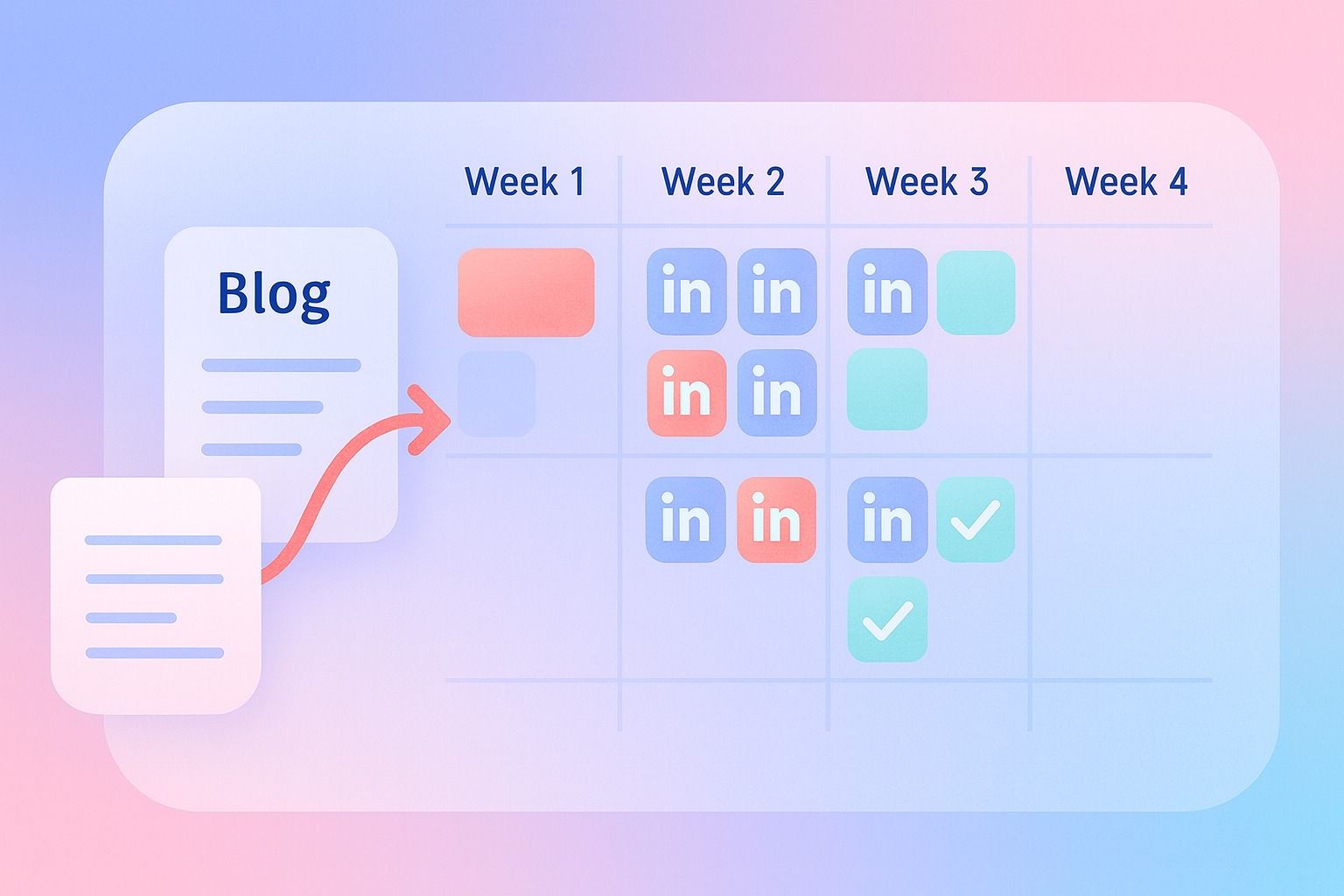
Here is a simple way to spread 12 posts from one blog without exhausting the audience.
Week 1: Awareness
- Post 1: bold opinion
- Post 2: mistakes post
- Post 3: comment prompt
Week 2: Education
- Post 4: framework post
- Post 5: checklist post
- Post 6: social snippet
Week 3: Depth
- Post 7: mini story
- Post 8: carousel
- Post 9: myth-busting post
Week 4: Conversion or authority
- Post 10: hook collection
- Post 11: contrarian post
- Post 12: summary-to-action post
This is where Planning & Calendar fits naturally.
If you want to turn that planning idea into a repeatable LinkedIn workflow, Dynal is an AI LinkedIn agent built for planning and scheduling content with more structure. It keeps the content distribution side tied to the same source idea, instead of scattered across notes and docs.
Instead of manually tracking repurposed LinkedIn content in scattered docs, you can map posts into a posting plan, review them, and schedule them across the calendar with more structure.
Common repurposing mistakes and how to fix them
Mistake 1: Every post sounds like the same summary
Fix: Give each post one job only: teach, provoke, relate, summarize, or ask.
Mistake 2: Every hook starts the same way
Fix: Rotate hook types: opinion, mistake, stat, story, question, contrarian take.
Mistake 3: Publishing all versions back-to-back
Fix: Spread them across your content plan so each angle has room.
Mistake 4: Forcing every detail from the blog into each post
Fix: Keep one insight per post. Let the blog stay deep.
Mistake 5: Ignoring audience fit
Fix: Match the angle to the audience you want to reach. A founder may respond to leverage. A consultant may respond to process. A creator may respond to formats and hooks.
A practical repurposing checklist
Before you publish, ask:
- Does this post have a different angle from the others?
- Does the hook feel fresh?
- Is the format right for the idea?
- Is there only one main takeaway?
- Does it sound native to LinkedIn rather than copied from a blog?
- Is it spaced properly in the calendar?
- Does it fit your voice and audience?
When to repurpose and when to create something new
Repurpose when:
- the blog has strong original thinking
- the topic is still relevant
- the article includes multiple examples or lessons
- you need more consistent LinkedIn content distribution
Create something new when:
- the blog is thin or generic
- the topic has changed significantly
- the audience response shows the angle is off
- you already exhausted the source with too many similar spins
A good rule: if the source still has unused angles, repurpose. If not, create a new core asset.
Final takeaway
The best way to repurpose content for LinkedIn engagement and reach is not to compress one blog into one shorter version.
It is to expand one source into multiple native LinkedIn posts with different angles, hooks, formats, and prompts.
That is how you avoid repeating yourself.
That is how one article turns into real content distribution.
And that is how better LinkedIn content starts feeling more sustainable.
If you want a more structured workflow, start with Dynal as your AI LinkedIn agent. Use the content creation workspace to work from source material, shape drafts with Brand DNA, then organize the rollout in Planning & Calendar.
And if you are getting started, begin with Onboarding & Setup so you can use the LinkedIn-first connection path, build your starter brand context faster, and move into planning with better inputs from day one.