

The Content QA Checklist: Catch Issues Before Publish
A strong content QA checklist should catch four things before anything goes live: clarity problems, editorial errors, SEO gaps, and publishing mistakes. If you review those in the right order, you can catch most issues before publish without turning every blog post into a slow, painful approval process.
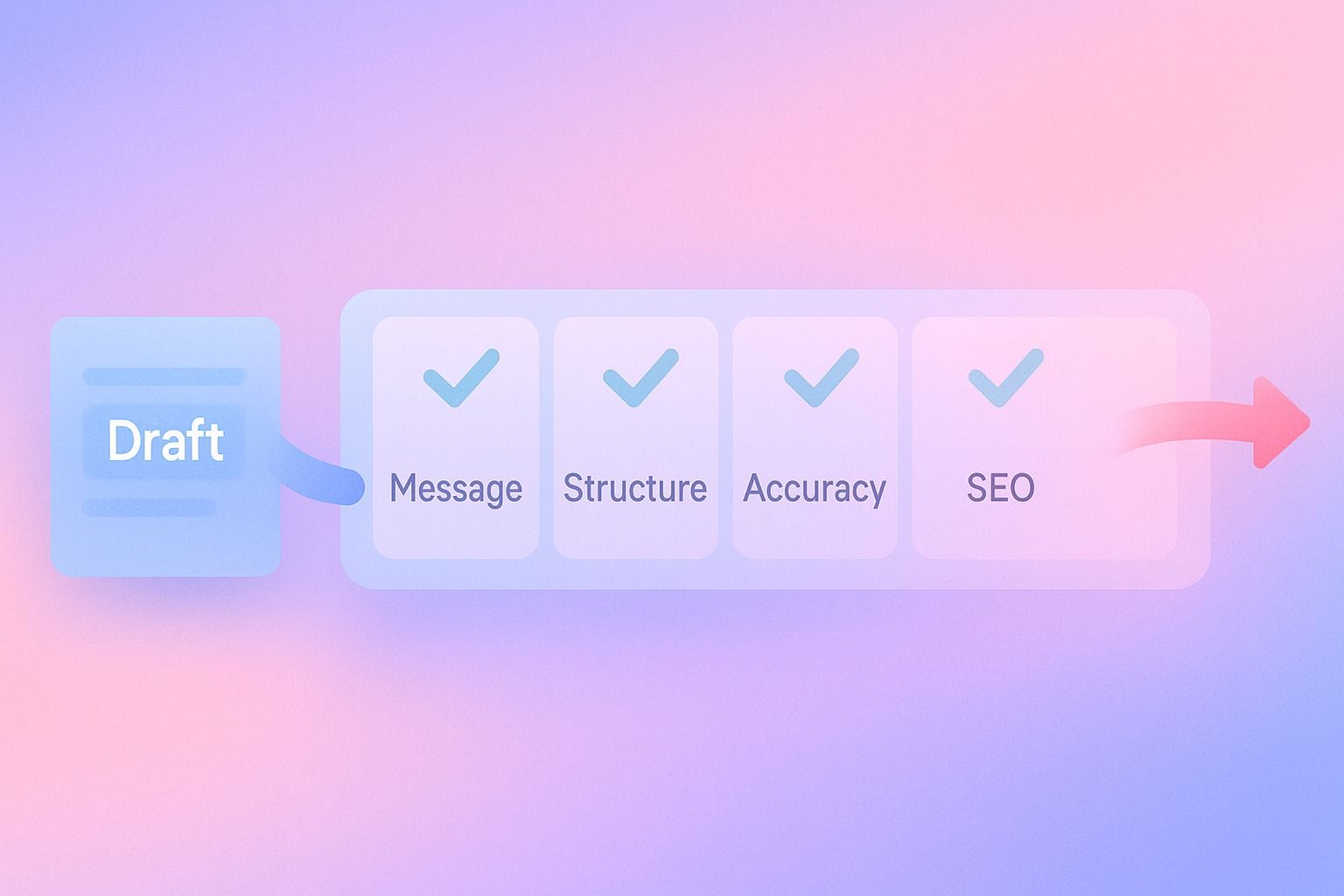
The simplest way to do editorial QA is this: review for message first, structure second, accuracy third, SEO fourth, and formatting last. That sequence helps you avoid polishing a draft that still has the wrong angle.
If you publish regularly, a repeatable pre-publish content review checklist matters more than a perfect one. The goal is not endless editing. The goal is to make sure the post is clear, credible, searchable, and ready to publish.
If your team wants a more repeatable way to move from draft review to LinkedIn publishing, Dynal is an AI LinkedIn agent built to keep content creation, planning, and publishing in one workflow. It helps reduce handoff friction without replacing editorial judgment.
In this guide, you’ll get a practical content checklist you can use for blog posts, landing pages, and thought leadership content.
- Review ideas before wording
- Fix clarity before grammar
- Check on-page SEO before formatting
- Confirm publish settings before hitting go
What should be on a content QA checklist before publishing?
A useful content QA checklist should include these categories:
- Purpose and audience
- Editorial QA for clarity, flow, and correctness
- On-page SEO checklist items
- Brand and voice consistency
- Links, formatting, and media checks
- Final publish review
If you want a fast rule, ask:
- Is this useful?
- Is this clear?
- Is this accurate?
- Is this optimized?
- Is this ready to publish as-is?

The 5-stage content review process
Here is the step-by-step process I recommend for catching content errors before publish.
1. Check purpose, audience, and search intent
Before you edit the writing, confirm the draft is trying to do the right job.
Ask:
- What is the primary keyword?
- What question is the post supposed to answer?
- Who is this for?
- Is the draft aligned with informational, commercial, or navigational intent?
- Does the introduction answer the topic quickly?
If the angle is wrong, line edits will not save the post.
Example:
If your target keyword is "content checklist," but the draft spends 700 words on team workflows before giving a checklist, it likely misses intent. Readers want the checklist quickly.
2. Do editorial QA for clarity and structure
This is the core of content review.
Editorial QA for blog posts should cover:
- Clear headline and subheads
- Answer-first introduction
- Logical flow from section to section
- No repeated points
- Short paragraphs
- Precise claims
- Clean transitions
- Strong conclusion or next step
A simple editorial QA test:
- Can a reader understand the main point in 10 seconds?
- Can they scan the page and find the answer they came for?
- Does each section earn its place?
Quick template:
- Problem
- Why it matters
- Steps to fix it
- Example
- Common mistakes
- Final checklist
3. Review accuracy, consistency, and evidence
Now check whether the content is correct.
Look for:
- Outdated facts or unsupported claims
- Incorrect product names
- Broken logic
- Contradictions between sections
- Misquoted sources
- Inconsistent terminology
This is especially important in product-led content.
For example, if you mention Dynal, keep the positioning accurate: Dynal is an AI LinkedIn agent, not just a writer or a generic scheduling tool. If you reference product workflow, stay within what is supported.
A safe, accurate product mention here would be that Dynal connects content creation to review and publishing through Projects & Publishing, so teams can move selected content from a project-based content thread into publish or schedule actions for LinkedIn.
For teams that want that handoff to stay organized, Dynal’s AI LinkedIn agent keeps project-based content threads connected to review and publishing. That can help reduce extra steps between approved draft and scheduled post.
4. Run the on-page SEO checklist
Once the message and accuracy are solid, move to SEO.
Here is what should be included in an on-page SEO checklist for content review:
Core on-page SEO checklist
- Primary keyword included in the title
- Primary keyword or close variant in the intro
- Relevant secondary keywords used naturally
- Clear H2 and H3 structure
- Compelling meta title and meta description
- URL slug is clean and readable
- Internal links added
- External links added where helpful
- Images include descriptive alt text
- No obvious keyword stuffing
- Search intent is satisfied better than a thin summary
Advanced-but-practical checks
- Title is specific, not vague
- Headings match likely reader questions
- Paragraphs are skimmable
- Lists and examples improve featured-snippet potential
- The post avoids filler that weakens topical focus
Important: SEO review should improve findability, not damage readability. If a keyword sounds forced, rewrite the sentence.
5. Finish with final pre-publish QA
This is the last pass before publish.
Check:
- Spelling and grammar
- Formatting consistency
- Mobile readability
- CTA placement
- Author name and byline
- Category and tags
- Publish date
- Link behavior
- Featured image
- Tracking or campaign links if needed
This is also the moment to verify that the right draft is being scheduled or published.
The complete pre-publish content checklist
Use this as your working content checklist.
Message and intent
- The target keyword is clear
- The draft matches search intent
- The introduction answers the topic quickly
- The reader problem is clear
- The post includes a useful takeaway or action
Editorial QA
- The title is specific and useful
- Subheads are descriptive
- The structure flows logically
- Paragraphs are concise
- Repetition is removed
- Tone is consistent
- Claims are clear and appropriately framed
- The conclusion gives the reader a next step
Accuracy and consistency
- Facts, numbers, and quotes are checked
- Product names and terminology are correct
- No conflicting statements remain
- Links point to the right pages
- Examples actually support the point being made
On-page SEO checklist
- Primary keyword appears naturally in the title
- Primary keyword appears naturally in the intro
- Secondary keywords are included where relevant
- H2s and H3s reflect reader questions
- Meta title is optimized
- Meta description is clear and compelling
- Internal links are included
- Images have alt text
- No keyword stuffing
- The post is better than a generic summary
Final publish review
- Formatting looks clean on desktop and mobile
- CTA is present
- Images display correctly
- Tags and category are correct
- Publish timing is confirmed
- Final approver has signed off if needed
How do I do editorial QA for blog posts?
If you want a simple editorial QA method, use this 4-pass system.
Pass 1: Big-picture edit
Focus on:
- Angle
- Audience fit
- Missing sections
- Weak argumentation
Do not fix commas yet.
Pass 2: Line edit
Focus on:
- Clarity
- Concision
- Repetition
- Jargon
- Tone consistency
Ask: can this sentence be shorter, clearer, or more specific?
Pass 3: Proofread
Focus on:
- Grammar
- Punctuation
- Spelling
- Formatting
Pass 4: SEO and publish review
Focus on:
- Keyword placement
- Meta fields
- Internal linking
- CTA
- Final formatting in CMS
This process is faster than mixing all review tasks together.
Common mistakes that slip through content review
Most pre-publish issues are not dramatic. They are small misses that add up.
1. Editing grammar before fixing the angle
Problem: Teams spend time polishing a section that should be removed.
Fix: Confirm intent and structure first.
2. Keyword optimization that makes the copy worse
Problem: The draft reads like it was written for a search engine, not a person.
Fix: Use keyword variations naturally and prioritize readability.
3. Weak introductions
Problem: The post takes too long to answer the question.
Fix: Put the answer in the first few lines.
4. Vague headings
Problem: Readers cannot scan the article.
Fix: Turn generic headings into question-based or benefit-led subheads.
5. Inconsistent terminology
Problem: Product-led posts confuse readers by changing names for the same thing.
Fix: Use a terminology guide and stick to it.
For instance, if you reference Dynal, use terms like AI LinkedIn agent, Brand DNA, content creation workspace, and Projects & Publishing where they fit. Avoid reducing it to a generic AI writer.
6. Publishing the wrong version
Problem: A draft gets approved, but an older version gets scheduled.
Fix: Add a final publish review step that checks the exact content being sent live.
Decision criteria: when is a post actually ready to publish?
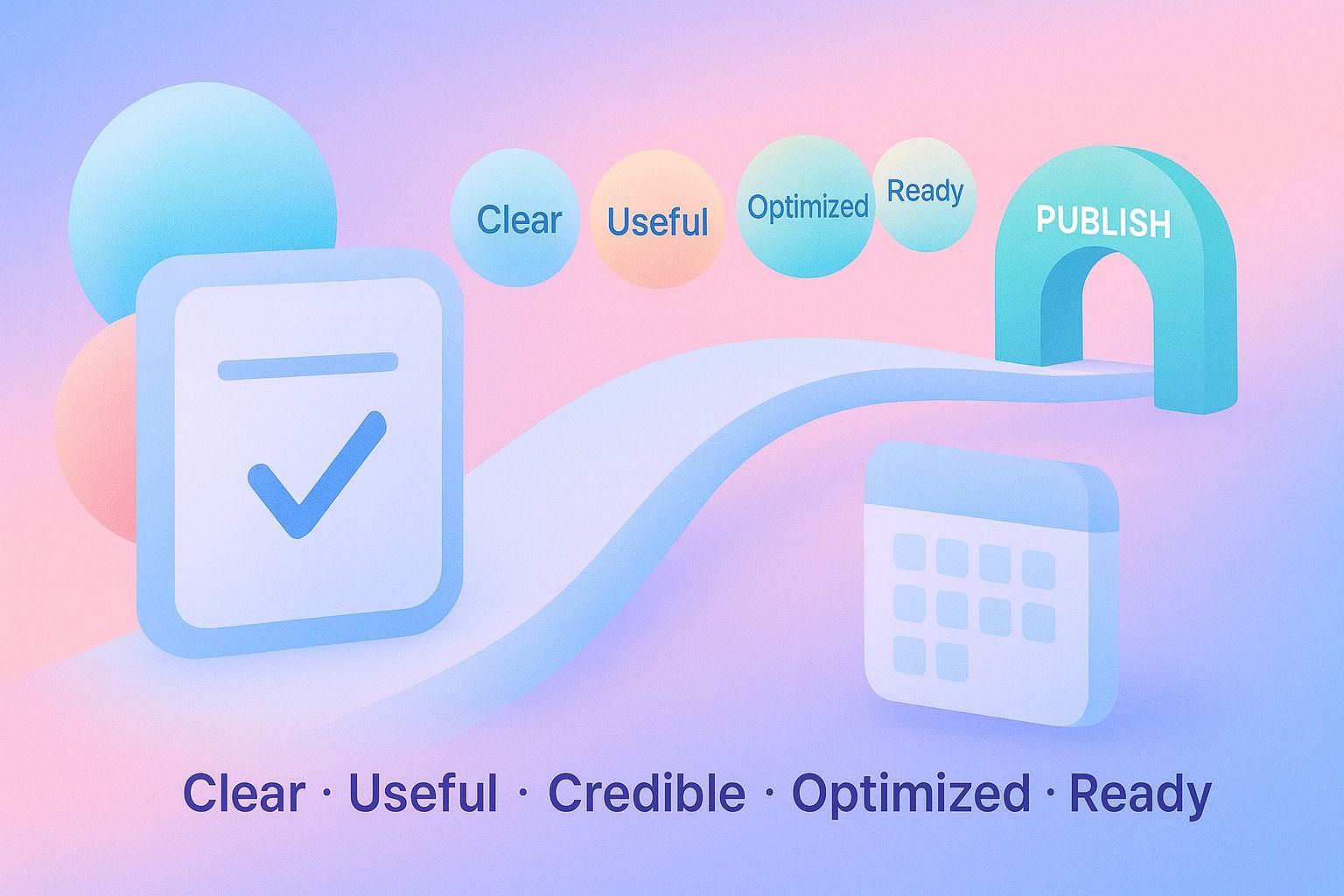
A post is ready when all five are true:
- Clear: The message is easy to understand
- Useful: It answers the intended question
- Credible: Facts and claims hold up
- Optimized: Basic on-page SEO is covered
- Operationally ready: Links, formatting, and publish settings are correct
If one of those is missing, the draft is not done.
A simple example of pre-publish QA in practice
Let’s say you wrote a post targeting "editorial QA."
Draft issue
The article has good ideas, but:
- The intro is generic
- Two sections repeat the same point
- No internal links are included
- The title does not mention editorial QA
- The CTA is missing
Review fix
You would:
- Rewrite the intro to answer the topic immediately
- Combine overlapping sections
- Update the title to match the keyword more closely
- Add internal links to related content
- Add a CTA at the end
That one pass can improve both readability and SEO without rewriting the entire article.
Final takeaway
The best content checklist is not the longest one. It is the one your team can use every time.
Start with intent, move through editorial QA, finish with an on-page SEO checklist, and close with a final content review before publish. That process will catch most issues while keeping your workflow practical.
If you want a cleaner path from LinkedIn content creation to review and publishing, explore Dynal’s Onboarding & Setup flow. The fastest path is the LinkedIn-first connection, which helps you get into a usable setup quickly before moving into planning, drafting, and publishing workflows.