
The Impact of LinkedIn Skill Endorsements on Personal Branding
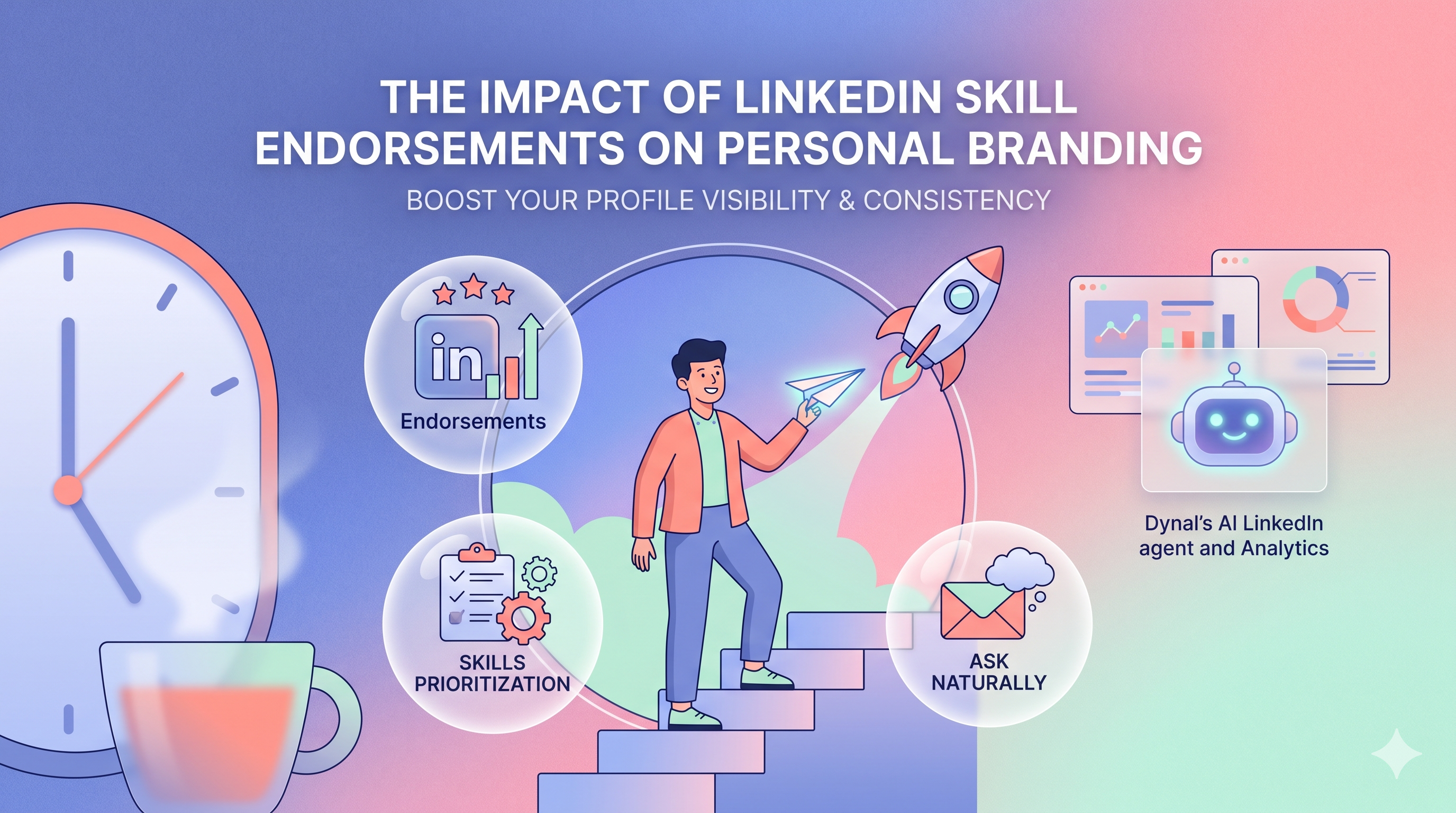
Yes, LinkedIn skill endorsements can help personal branding, but only when your skills list is relevant, focused, and aligned with how you want to be known. Endorsements are best treated as supporting proof, not the main signal: they strengthen your profile when paired with a clear headline, strong About section, and consistent content.
Key takeaways
- LinkedIn skills help reinforce your professional positioning and may improve how clearly your profile is understood.
- Endorsements matter more for the right skills than for a large random total.
- A smaller, targeted skills section is usually better for personal brand clarity than a bloated one.
- You do not need hundreds of endorsements to benefit; relevance and consistency matter more.
- It is smart to remove or deprioritize irrelevant skill endorsements if they confuse your brand.
Why LinkedIn skills matter for personal branding
Your LinkedIn profile is partly a resume, partly a search surface, and partly a brand page for your expertise. The skills section sits in an interesting middle ground: it helps visitors quickly see what you want to be associated with, and endorsements add lightweight social proof.
If someone lands on your profile and sees these three signals aligned, your brand becomes easier to trust:
- Your headline says what you do.
- Your About section explains your point of view.
- Your LinkedIn skills confirm the capabilities behind that promise.
That is where endorsements strategy comes in. Endorsements do not replace experience, recommendations, or content, but they can support your positioning by making your expertise look more validated and consistent.
Do LinkedIn skill endorsements actually help profile visibility?
They can help, but not in a magical or guaranteed way.
A practical way to think about it:
- Skills help define your profile's relevance.
- Endorsements help add credibility to those skills.
- Profile visibility depends on the overall profile, not this one section alone.
So if you are asking whether endorsements alone will dramatically boost reach or profile traffic, the answer is no. But if you are asking whether targeted skills plus endorsements can support discoverability and improve first impressions, the answer is yes.
What endorsements likely do well
- Reinforce your niche
- Add proof that others associate you with certain strengths
- Help recruiters, prospects, and peers scan your profile faster
- Support trust when they match your experience and content
What endorsements do not do well
- Fix a weak headline or vague positioning
- Compensate for irrelevant skills
- Replace publishing thoughtful content
- Guarantee leads, visibility, or ranking outcomes on their own
Personal branding works through consistency. If your headline says "B2B SaaS content strategist," but your top endorsements are for Microsoft Word, event planning, and recruiting, your brand gets blurry.
Which LinkedIn skills should you list and prioritize?
Prioritize skills using a simple rule: choose the skills that best match the work you want to be known for now, not every task you have ever done.
The best skills to prioritize usually fit 1 of 3 buckets
1. Core professional identity skills
These define your market position.
Examples:
- Demand Generation
- Product Marketing
- Executive Coaching
- UX Research
- Sales Enablement
- LinkedIn Strategy
2. High-value adjacent skills
These support your main identity without distracting from it.
Examples:
- Content Strategy
- Copywriting
- SEO
- Brand Positioning
- Lead Generation
- Stakeholder Management
3. Platform or tool-specific skills, if they matter to buyers or recruiters
These can help when they are central to your role.
Examples:
- Salesforce
- HubSpot
- Figma
- Google Analytics
- SQL
A practical framework for choosing LinkedIn skills for SEO impact
If your goal is better alignment between personal branding and search relevance, use this filter.
For each skill, ask:
- Does this describe work I want more of?
- Would an ideal client, recruiter, or collaborator expect to see this?
- Does this match the language in my headline, About section, and experience?
- Is this specific enough to signal expertise?
- Would I be comfortable creating content on this topic?
If the answer is mostly no, that skill probably should not be prominent.
A better mix than "everything I've done"
Instead of listing:
- Public Speaking
- Customer Service
- Teamwork
- PowerPoint
- Networking
- Microsoft Office
Try listing:
- LinkedIn Content Strategy
- Personal Branding
- Thought Leadership
- B2B Content Marketing
- Copywriting
- Audience Development
The second list tells a clearer brand story.
How many endorsements do you need before they matter?
There is no universal threshold where endorsements suddenly "count." In practice, a modest number of relevant endorsements on the right skills is more useful than a huge number spread across unrelated ones.
Here is a sensible way to interpret it:
- 0-3 endorsements: little supporting proof, but still fine if the skill is important
- 5-10 endorsements: enough to add visible credibility
- 10+ endorsements: stronger reinforcement, especially if the skill is central to your niche
- High totals on irrelevant skills: often unhelpful, sometimes brand-diluting
So if you are wondering, "Do I need 50 endorsements on each skill?" No. What matters is whether your top skills look believable, relevant, and aligned with your positioning.
Should you remove irrelevant skill endorsements?
Usually, yes.
This is one of the most overlooked parts of endorsements strategy. People often leave outdated or low-signal skills on their profile because they feel harmless. But irrelevant skills can weaken your personal brand by creating mixed messages.
Remove or deprioritize skills when they are:
- No longer related to your target role or business
- Too generic to be meaningful
- From an old career chapter you do not want to emphasize
- Crowding out more strategic skills
- At odds with your current niche
Example
If you now want to be known for:
- Fractional CMO work
- LinkedIn thought leadership
- B2B growth strategy
Then top skills like these may be distracting:
- Retail Sales
- Event Coordination
- Data Entry
- Administrative Assistance
They are not "bad" skills. They are just not helping the current brand narrative.
A step-by-step LinkedIn endorsements strategy
Here is a simple process you can use to tighten your profile.
Step 1: Define your current brand in one sentence
Write a one-line positioning statement.
Template:
I help [audience] achieve [outcome] through [specialty].
Example:
I help B2B founders build visibility and demand through LinkedIn content strategy.
This sentence becomes your filter for which LinkedIn skills belong.
Step 2: Pick 5-10 priority skills
Choose a focused set of skills that support that statement.
Example for a LinkedIn consultant:
- LinkedIn Strategy
- Personal Branding
- Content Strategy
- Copywriting
- Thought Leadership
- Social Selling
- Audience Development
Step 3: Align your profile copy
Make sure your priority skills appear naturally across:
- Headline
- About section
- Experience bullets
- Featured content
This matters because endorsements work best when they confirm the rest of your profile instead of standing alone.
Step 4: Reorder or trim weaker skills
Reduce clutter. Keep your most strategic skills visible and remove what confuses your niche.
Step 5: Request endorsements selectively
Ask people who have actually seen your work in the relevant area.
Good targets include:
- Former managers
- Clients
- Colleagues
- Collaborators
- Partners on specific projects
Step 6: Support your skills with content
If one of your target skills is "LinkedIn Strategy," publish posts that demonstrate that expertise. Skills plus content create a stronger signal than skills alone.
How to request LinkedIn endorsements without sounding spammy
The key is specificity and context. Generic mass requests feel transactional. Personalized asks feel natural.
Good rules to follow
- Ask only for skills the person has genuinely seen you use
- Mention the project, role, or context
- Keep it short
- Do not ask too many people at once with the same message
- Make it easy for them to say yes
Template: former colleague
Hey [Name], I'm tightening up my LinkedIn profile around [skill area]. Since we worked together on [project], would you feel comfortable endorsing me for [specific skill]? No pressure at all if not.
Template: former client
Hi [Name], quick favor: I'm refining my LinkedIn profile to better reflect my work in [skill]. If you feel it fits based on our work together, I'd really appreciate an endorsement for [skill].
Template: peer or collaborator
Hey [Name], I'm updating my LinkedIn skills to better match the work I'm focused on. Since you've seen me work on [specific area], would you be open to endorsing me for [skill] if it feels accurate?
What to avoid
- "Can you endorse all my skills?"
- Sending the same ask to 50 people
- Trading endorsements with no context
- Asking for skills the person cannot verify
The more specific the ask, the less spammy it feels.
Common mistakes that weaken your skills section
1. Listing too many skills
Problem: Your profile looks unfocused.
Fix: Keep your top skills closely tied to your current positioning.
2. Prioritizing generic soft skills
Problem: Skills like "leadership" or "communication" are too broad on their own.
Fix: Pair them with concrete professional skills such as Product Marketing, RevOps, or Executive Coaching.
3. Keeping old career leftovers
Problem: Your profile tells two different stories.
Fix: Remove skills that belong to a past direction you no longer want to market.
4. Chasing endorsement volume over relevance
Problem: You get endorsements that do not strengthen your niche.
Fix: Seek endorsements on the few skills most connected to your current goals.
5. Not validating skills through content
Problem: Endorsements look shallow if nothing else supports them.
Fix: Publish consistently around your chosen expertise.
A simple checklist for reviewing your LinkedIn skills
Use this before updating your profile.
- My top skills match my current role, offer, or target opportunity
- My skills align with my headline and About section
- I have removed outdated or distracting skills
- My most important skills are specific, not vague
- I have at least a few endorsements on my priority skills
- I am actively posting content that supports those skills
- My profile tells one clear story
If you cannot check most of these, your skills section probably needs cleanup.
Decision criteria: breadth vs. focus
Many professionals struggle with whether to show versatility or specialization.
Choose breadth when:
- You are a generalist by design
- Your role genuinely spans multiple functions
- Your buyers value cross-functional fluency
Choose focus when:
- You want to attract a specific type of client or role
- You are building a niche reputation
- Your current profile feels scattered
For most personal branding goals, focus wins. Broad profiles can be useful, but narrow profiles are often easier to understand and remember.
How endorsements fit into a bigger LinkedIn brand system
Endorsements work best when they are one piece of a broader profile and content strategy.
A stronger personal brand usually looks like this:
- A clear profile headline
- A compelling summary of who you help and how
- Relevant LinkedIn skills
- Endorsements that validate those skills
- Consistent posts that demonstrate expertise
- Basic performance review so you can see what content resonates
This is where a tool like Dynal can support the workflow. Dynal is an AI LinkedIn agent, not just a generic publishing helper. If you are building your presence intentionally, Dynal's Analytics module gives you a lightweight way to review post performance across overview, post, engagement, and audience views. That can help you check which topics are reinforcing the expertise you want to be known for, so your profile skills and your content stay aligned.
You can also use Dynal to keep your positioning consistent from profile to publishing. For example, start with the AI LinkedIn agent workflow to connect your brand context, then use the LinkedIn content analytics view to review which posts are reinforcing your target expertise.
In other words: your skills section tells people what you do, and your content shows that you actually do it.
Example: turning skills into a clearer personal brand
Let's say your current skills are:
- Marketing
- Sales
- Leadership
- Social Media
- Public Speaking
- Customer Service
- Team Building
That profile sounds broad, but not memorable.
Now refine it to:
- LinkedIn Strategy
- Personal Branding
- B2B Content Marketing
- Thought Leadership
- Copywriting
- Audience Growth
- Social Selling
Then support it with posts about:
- LinkedIn content frameworks
- Personal branding lessons
- Thought leadership examples
- Audience-building experiments
Now the profile feels more coherent. The skills, endorsements, and content all point in the same direction.
Final answer: do LinkedIn endorsements matter?
Yes, but only as a supporting signal.
If your skills are relevant and your endorsements reflect real expertise, they can strengthen personal branding and make your profile easier to trust. If your skills are generic, outdated, or misaligned, endorsements can actually make your brand less clear.
The goal is not to collect the most endorsements. The goal is to make your profile easier to understand, remember, and believe.
Next step
If you want a more consistent LinkedIn presence, start with your profile positioning, then connect that to your content workflow. Dynal's Onboarding & Setup is designed to get you to a usable starting point quickly, with a LinkedIn-first connection that helps you confirm starter brand context before you begin creating and publishing with more structure.
A clean skills section is helpful. A clean skills section plus consistent content is what really builds brand momentum.
If you want help turning your positioning into a steady posting system, explore Dynal at https://dynal.ai/.