

The Internal Linking Kit: Anchor Text Rules + Linking Map Template
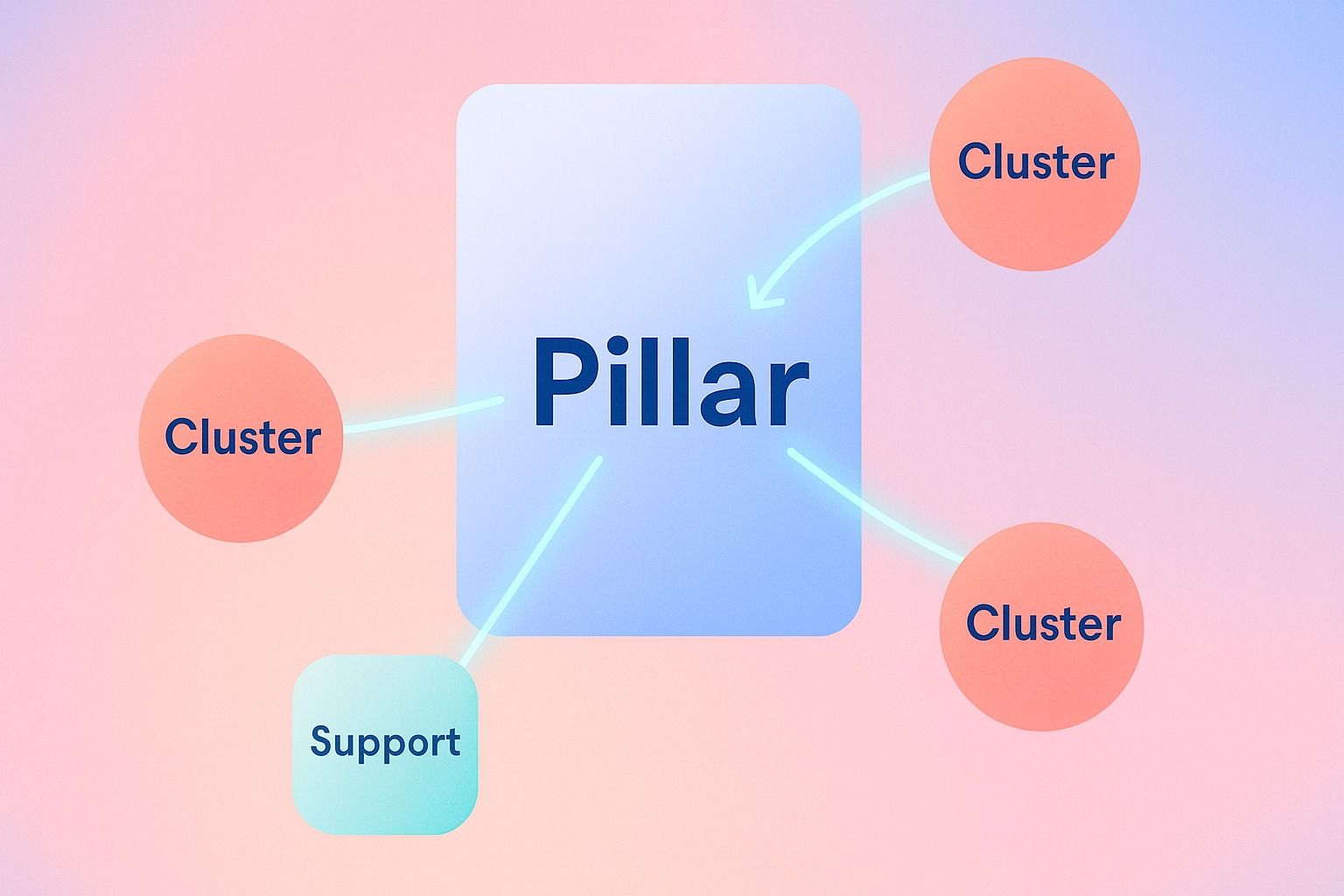
The best internal linking structure for a blog is usually simple: one clear pillar page, supporting cluster pages around it, and contextual links that help both readers and search engines understand topic relationships.
If you want to build a content hub without keyword cannibalization, the fix is not "more links." It is better SEO architecture: distinct search intent per page, consistent anchor text rules, and a linking map that shows which pages should link up, across, and down.
In practice, most teams need three things:
- a repeatable internal linking structure
- anchor text rules people can actually follow
- a lightweight template for mapping links across topical clusters
This guide gives you all three.
- Use pillar pages for broad topics and cluster pages for narrower subtopics.
- Link based on search intent and page role, not random opportunities.
- Keep anchor text descriptive, varied, and honest.
- Map links before publishing so your content hub grows without becoming messy.
Why internal linking breaks as a blog grows
Internal linking often starts well and then degrades. A few common reasons:
- New posts get published without being added to the existing content hub.
- Multiple articles target nearly the same keyword, so anchors compete.
- Writers overuse exact-match anchor text.
- Pillar pages exist, but cluster pages do not consistently link back.
- Teams have no shared linking map, so every editor makes different decisions.
The result is weak topical clusters, confused page hierarchy, and more cannibalization risk than necessary.
What is the best internal linking structure for a blog?
For most blogs, the best structure is a hub-and-spoke content hub:
- Pillar page: the broad, central resource
- Cluster pages: focused articles covering subtopics
- Contextual cross-links: relevant links between closely related cluster pages
- Navigation support: category, related posts, and breadcrumb-style paths where appropriate
Think of it this way:
- Pillar pages define the topic
- Cluster pages expand the topic
- Internal links explain the relationship
A practical structure to follow
Level 1: Pillar page
Example: "Internal Linking Strategy"
Level 2: Cluster pages
Examples:
- Anchor text best practices
- How to build a content hub
- Internal linking for pillar pages
- SEO architecture for topical clusters
- Internal link audits
Level 3: Supporting examples or tools
Examples:
- Internal linking checklist
- Link mapping template
- Common anchor text mistakes
The default linking pattern
Use this pattern for most topical clusters:
- Every cluster page links to the pillar page
- The pillar page links to every important cluster page
- Related cluster pages link to each other when the connection is useful
- Supporting template/checklist pages link upward to the most relevant cluster or pillar page
This creates a structure that is easy to crawl, easy to maintain, and easier for readers to navigate.
If you are planning LinkedIn promotion around the same themes, Dynal can help with the planning and scheduling side as an AI LinkedIn agent. Its Planning and Calendar surface is built for structured planning and scheduling, so the promotion plan can stay aligned with the content hub.
How do I build a hub and spoke content hub without keyword cannibalization?
Cannibalization usually happens when two or more pages target the same primary intent.
Internal linking does not solve that on its own. Your SEO architecture has to make each page's job clear.
Step-by-step: build the hub first, then the links
Step 1: Assign one primary intent per page
Before writing or linking, define:
- primary keyword
- primary search intent
- page type
- unique angle
Example:
| Page | Primary intent | Role in cluster |
|---|---|---|
| Internal Linking Guide | broad educational guide | pillar page |
| Anchor Text Rules | best practices and examples | cluster page |
| Content Hub Template | implementation framework | cluster page |
| Internal Link Audit Checklist | evaluation and maintenance | cluster page |
If two pages answer the exact same question at the same depth, they probably should not both exist.
Step 2: Give the pillar page a broader scope
Your pillar page should target the parent topic, not duplicate a subtopic article.
Good example:
- Pillar: "Internal Linking Strategy"
- Cluster: "Anchor Text Rules for Internal Links"
Risky example:
- Pillar: "Internal Linking Best Practices"
- Cluster: "Best Internal Linking Practices"
Those are too close.
Step 3: Make each cluster page narrower and more specific
A good cluster page should cover one subproblem in more detail than the pillar page.
That creates a clean reason to link:
- pillar page links out for depth
- cluster page links back for context
Step 4: Standardize anchor text by topic, not by exact keyword repetition
If every link to a pillar page uses the same exact-match anchor text, the pattern gets unnatural and unhelpful.
Instead, define an anchor text set for each destination page.
Example for a pillar page about internal linking:
- internal linking strategy
- internal linking guide
- internal linking framework
- guide to internal links
- how internal linking works
Each variation still describes the destination accurately.
Step 5: Update old posts when new cluster pages go live
A new page is not fully part of the content hub until existing relevant pages link to it.
Use a launch checklist:
- add link from pillar page
- add link back to pillar page
- add 2 to 5 contextual links from related cluster pages
- review anchors for overlap and clarity
What anchor text rules should I follow for internal links?
Good anchor text helps readers predict what they will get after the click. It also reinforces topic relationships without becoming repetitive.
Core anchor text rules
1. Match the destination, not just the keyword target
Anchor text should describe the page being linked to.
Bad:
- click here
- read more
- this article
Better:
- internal linking audit checklist
- hub and spoke content hub model
- anchor text best practices
2. Use exact match selectively
Exact-match anchor text is fine in moderation, especially when it reads naturally. But it should not be your only pattern.
A healthy mix often includes:
- exact match
- partial match
- phrase match
- natural descriptive anchors
- branded anchors where relevant
3. Keep anchors concise
Most anchor text works best when it is specific but not bloated.
Good:
- content hub template
- pillar page strategy
- topical cluster model
Less useful:
- a complete and very detailed guide to understanding how to build your internal linking strategy
4. Do not force the same anchor everywhere
The same destination can be linked with different natural variations as long as the meaning stays consistent.
5. Avoid misleading anchors
Do not promise one thing and link to another.
If the destination is a checklist, say checklist. If it is a strategic guide, say guide.
6. Link where the reader expects supporting depth
The best internal links feel like the next logical step.
For example:
- A pillar page mentions anchor text rules -> link to the anchor text article
- A cluster page mentions site structure -> link to the SEO architecture article
- A checklist mentions planning -> link to the template article
Simple anchor text distribution guideline
You do not need a rigid percentage model, but this is a practical mix:
- 10 to 20% exact match
- 40 to 50% partial or phrase match
- 30 to 40% natural descriptive anchors
- small branded share where appropriate
The point is variation with clarity.
How many internal links should a post have in an SEO content cluster?
There is no universal number. The right number depends on page length, intent, and cluster depth.
A better question is: how many genuinely useful internal links can this page support without feeling forced?
Practical benchmarks
For a typical cluster post:
- 3 to 8 contextual internal links is often enough
- include at least one link to the pillar page
- include 1 to 3 links to closely related cluster pages
- include 1 to 2 links to supporting assets if relevant
For a pillar page:
- link to all major cluster pages that matter to the reader journey
- prioritize coverage and clarity over arbitrary volume
For long-form guides:
- you may naturally include more links if each one adds value
Decision criteria
Add an internal link if at least one of these is true:
- it helps define a concept briefly mentioned on the page
- it moves the reader to the next logical subtopic
- it connects this post to the main content hub
- it supports the page's role in your topical clusters
Do not add a link just because a keyword appears.
How do I map internal links across topical clusters and pillar pages?
Use a simple linking map before publishing and a maintenance pass after publishing.
You do not need complicated software to start. A spreadsheet works.
The Internal Linking Map Template
Copy this structure into your spreadsheet or project doc.
| URL / Page | Primary keyword | Search intent | Page role | Must link to | Should receive links from | Anchor text set | Notes |
|---|---|---|---|---|---|---|---|
| /internal-linking-guide | internal linking | broad informational | pillar | all core cluster pages | all core cluster pages | internal linking strategy; internal linking guide; guide to internal links | parent topic |
| /anchor-text-rules | anchor text | best practices | cluster | pillar + related cluster pages | pillar + relevant blog posts | anchor text rules; anchor text best practices; internal link anchor text | keep examples updated |
| /content-hub-template | content hub | implementation | cluster | pillar + planning article | pillar + cluster articles on architecture | content hub template; hub and spoke content hub; content hub framework | avoid overlap with pillar |
| /seo-architecture-topical-clusters | SEO architecture | structural strategy | cluster | pillar + hub article | pillar + strategy posts | SEO architecture; topical cluster structure; content architecture | more strategic intent |
| /internal-link-audit-checklist | internal linking checklist | maintenance | support | pillar + audit cluster | pillar + existing older posts | internal linking checklist; internal link audit checklist | strong update candidate |
How to use the template
Must link to
These are required outbound links from the page.
Should receive links from
These are the pages you should update after publication.
Anchor text set
This prevents editors from improvising wildly or overusing one exact phrase.
Notes
Use this for cannibalization warnings, page scope, or link update reminders.
Example: a mini hub-and-spoke content hub
Here is a simple model for the topic in this article.
Pillar page
Internal Linking Strategy
Links out to:
- Anchor Text Rules
- Content Hub Template
- SEO Architecture for Topical Clusters
- Internal Link Audit Checklist
Cluster page 1
Anchor Text Rules
Links to:
- Internal Linking Strategy
- Content Hub Template
- Internal Link Audit Checklist
Cluster page 2
Content Hub Template
Links to:
- Internal Linking Strategy
- SEO Architecture for Topical Clusters
- Anchor Text Rules
Cluster page 3
SEO Architecture for Topical Clusters
Links to:
- Internal Linking Strategy
- Content Hub Template
Support page
Internal Link Audit Checklist
Links to:
- Internal Linking Strategy
- Anchor Text Rules
This is enough to create a coherent content hub without overcomplicating things.
Internal linking checklist
Use this before publishing any new page in a cluster.
- Does this page have a distinct search intent?
- Is its role clear: pillar, cluster, or support?
- Does it link to the most relevant pillar page?
- Does the pillar page link back to it?
- Are there 1 to 3 useful cross-links to related cluster pages?
- Is the anchor text descriptive and natural?
- Have you avoided repeating the same exact-match anchor too often?
- Have you updated older posts that should link here?
- Does the new page strengthen the topical cluster rather than duplicate another page?
Common mistakes and how to fix them
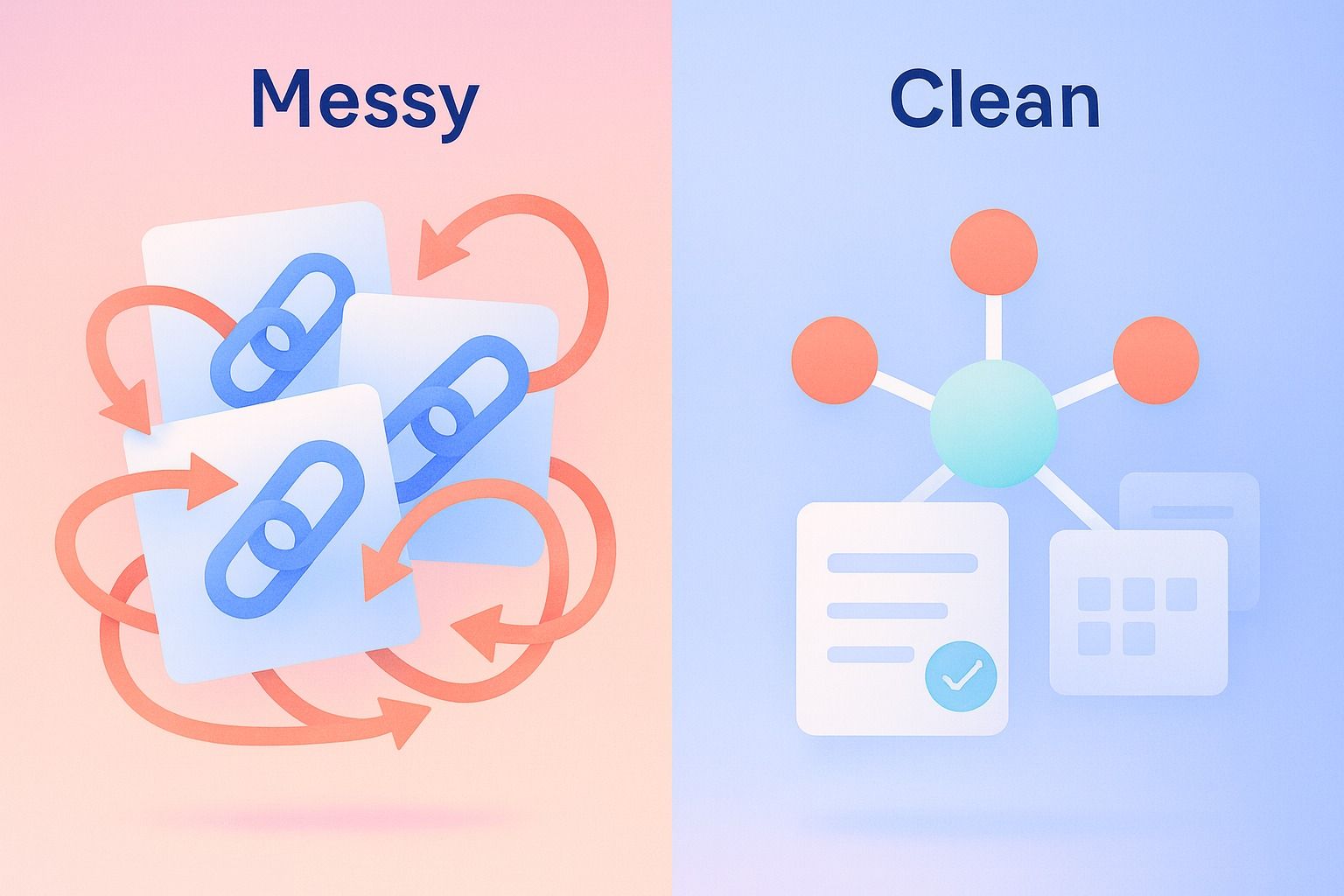
Mistake 1: every page links to everything
Problem: the structure becomes flat and noisy.
Fix: link based on topic relationship and reader journey.
Mistake 2: exact-match anchor text in every instance
Problem: repetitive anchors look forced and reduce clarity.
Fix: create an anchor text set per destination page.
Mistake 3: pillar pages with no real authority in the cluster
Problem: the pillar exists in name only and receives few internal links.
Fix: require every core cluster page to link back to the pillar page.
Mistake 4: publishing new articles without backfilling links
Problem: new pages stay orphaned or underconnected.
Fix: make link updates part of the publication workflow.
Mistake 5: overlapping clusters
Problem: two clusters compete for nearly the same topic territory.
Fix: clarify page roles and merge or reposition weak duplicates.
A lightweight process your team can use
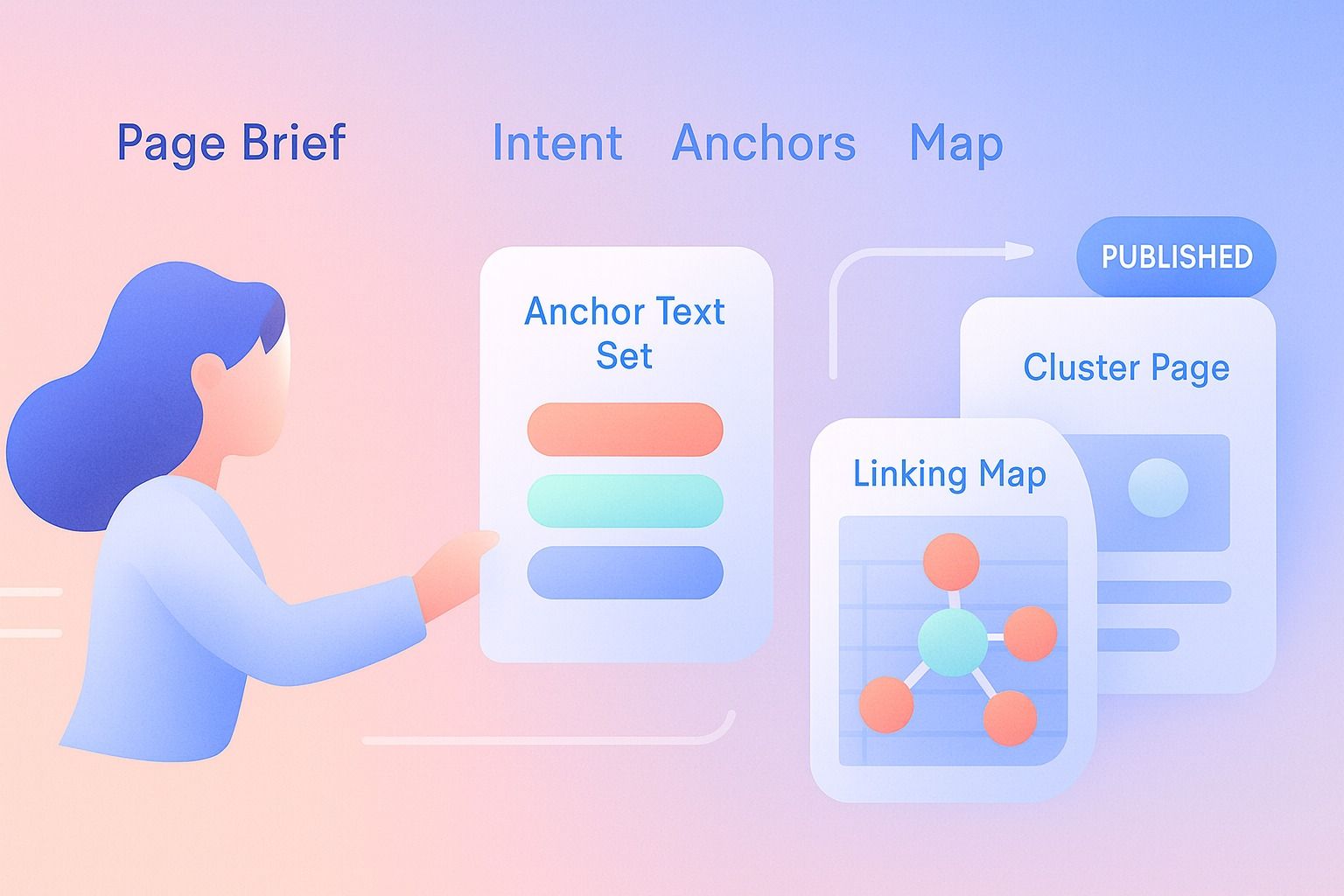
If you publish regularly, use this 5-step workflow:
- Define page role
Decide whether the new page is a pillar, cluster, or support asset. - Assign intent and scope
Write one sentence on what this page answers better than any related page. - Choose required links
Add the pillar page and 1 to 3 related cluster destinations. - Choose anchor text variations
Pick 3 to 5 approved anchor options for the destination page. - Backfill old posts
Update existing relevant pages so the new article joins the content hub immediately.
Where Dynal fits in the workflow
If your team is planning topical clusters for LinkedIn-adjacent thought leadership or editorial campaigns, the challenge is often not ideas alone. It is keeping the plan organized.
That is where Planning and Calendar can help operationally. Dynal is an AI LinkedIn agent, and its Planning and Calendar surface is built for structured planning and scheduling: you can create a posting plan, choose Brand DNA context, review generated posts, and manage scheduled items on a calendar.
If you want to apply the same discipline to LinkedIn promotion, Dynal is an AI LinkedIn agent built around planning, review, and scheduling. It can sit alongside your content process without changing the SEO advice in this guide.
While internal linking itself happens on your site, the same planning discipline matters when you are coordinating pillar content, cluster promotion, and subject-matter sequencing around LinkedIn content. Dynal helps keep the content plan structured so the promotion side stays aligned with the hub.
Final template: anchor text rules your team can paste into a playbook
Use these rules as a starting point:
For teams turning these rules into an actual LinkedIn workflow, Dynal offers a structured planning layer that fits the same kind of consistency this guide recommends. It is a lightweight way to keep your LinkedIn content plan aligned while you map the broader content hub.
- Every cluster page links to its pillar page.
- Every pillar page links to its major cluster pages.
- Cross-link cluster pages only when the connection is truly relevant.
- Use descriptive anchors, not generic prompts like "click here."
- Limit repeated exact-match anchors; use natural variation.
- Match anchor text to destination type: guide, template, checklist, example, comparison.
- Add internal links during drafting, then validate again before publishing.
- Backfill older relevant posts within one publishing cycle.
- Review cluster overlap quarterly to reduce cannibalization.
- Keep one linking map for the whole content hub.
Conclusion
A strong internal linking strategy is less about chasing a magic number of links and more about building clear relationships.
If you want a simple model to remember, use this:
- one pillar page per broad topic
- distinct cluster pages per subtopic
- descriptive anchor text with natural variation
- one shared linking map across the content hub
That gives you a cleaner SEO architecture, stronger topical clusters, and fewer cannibalization problems as the site grows.
If you are also building a consistent LinkedIn content motion around those themes, start with Dynal's Onboarding and Setup flow. The LinkedIn-first connection helps you get to a usable state faster, confirm starter Brand DNA, and move into a more structured planning workflow.