


If your blog is getting traffic but not converting, the problem usually is not traffic alone. It is usually a mismatch between search intent, offer, CTA, and next step.
In other words: people are reading, but they are not seeing a clear reason to act.
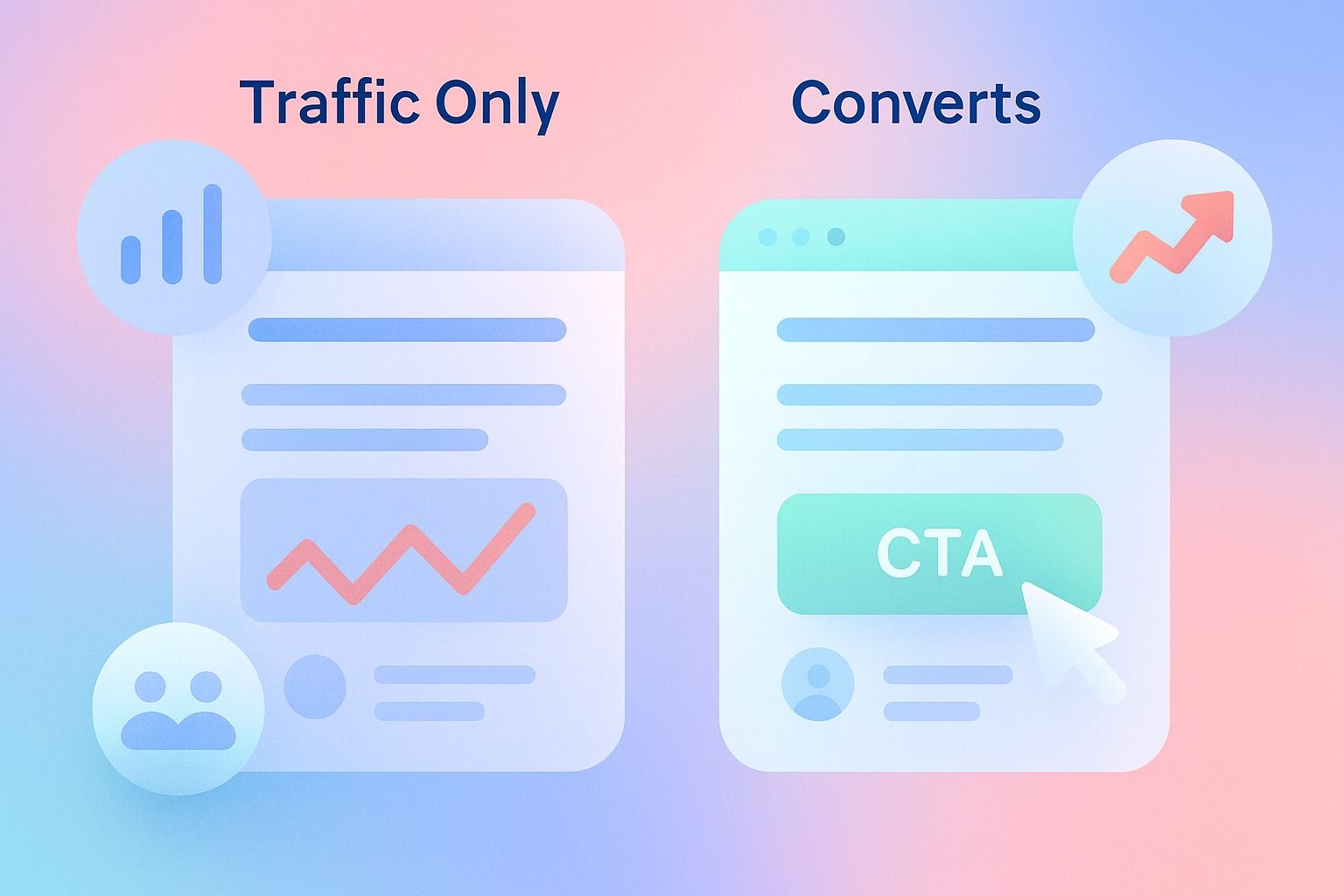
The good news is that blog conversions are often easier to improve than traffic. Small fixes to messaging, page structure, CTAs, and content strategy can turn the same posts into real lead and demo-request drivers.
In this guide, we will cover the most common reasons blog posts do not convert, how to fix each one, and how to turn blog traffic into leads without making your content feel pushy.
Quick takeaways:
- Traffic without intent alignment rarely produces strong blog conversions.
- Most underperforming posts fail because the CTA is weak, misplaced, or disconnected from the reader's goal.
- A better content strategy means matching each post to a specific stage and next step.
- Analytics matter because they show where readers lose momentum before they convert.
Why is my blog getting traffic but not converting?
Usually, your blog is attracting readers who are curious, but not guided.
A post can rank well and still fail commercially if:
- it answers the wrong question
- it attracts low-intent traffic
- it has no relevant CTA
- it introduces your offer too late
- it does not build enough trust to earn the click
This is why conversion rate optimization for blogs is different from pure SEO. SEO gets attention. Conversion strategy turns attention into action.
If you want that action step to live inside a LinkedIn-first workflow, Dynal helps teams plan, create, and publish content with Brand DNA and lightweight analytics in one place. It is a practical way to turn a blog insight into a clearer next step.
What are the most common reasons blog posts don’t convert?
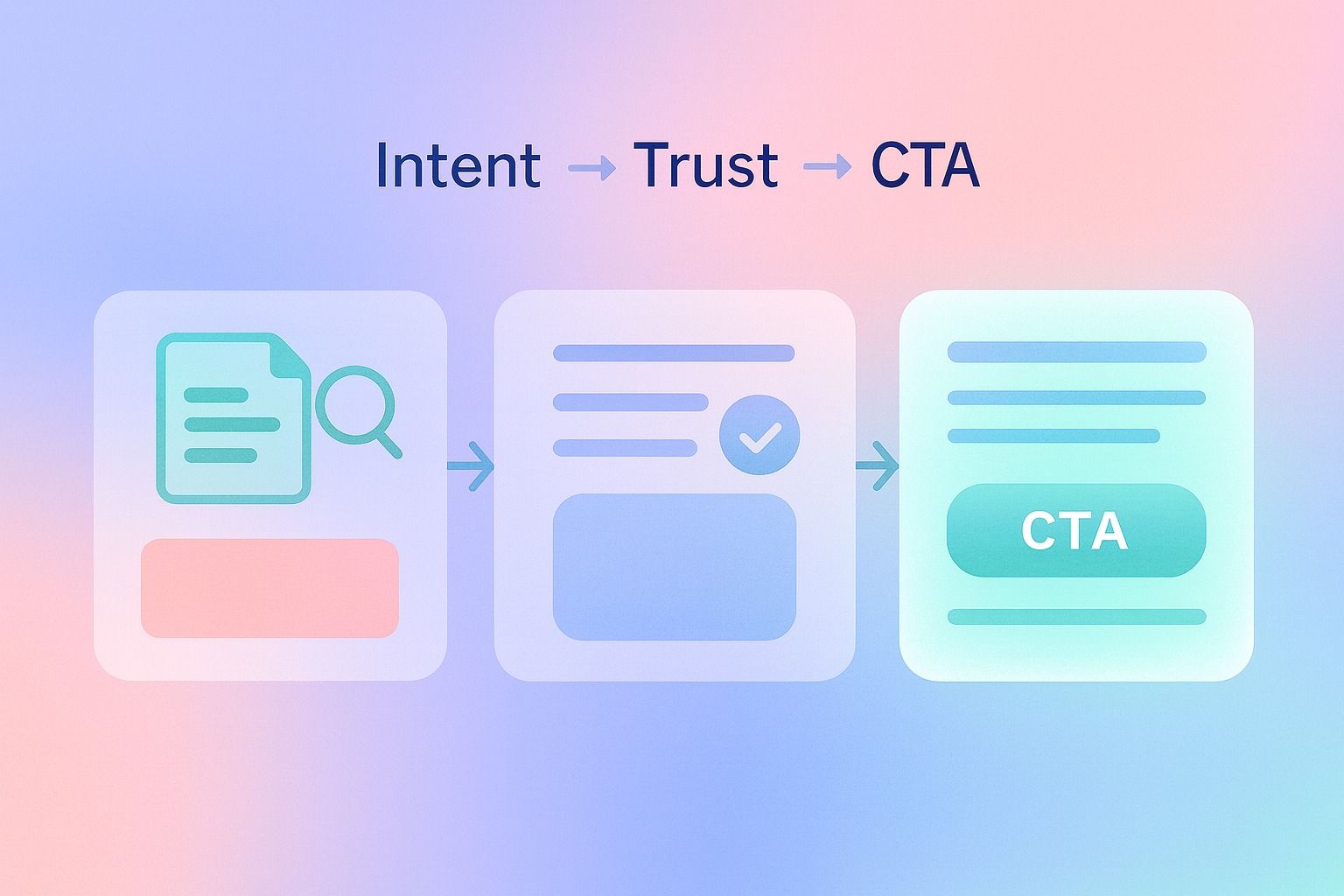
Here are the biggest issues I see most often.
1. The post matches the keyword, but not the real intent
A blog can rank for a useful keyword and still miss what the reader actually wants.
Common mistake
A post targets a broad term like "content strategy" but gives general advice when the reader really wants a practical framework, template, or tool recommendation.
Why it hurts blog conversions
If the post does not solve the immediate problem, readers leave after scanning. Even if they stay, they are not convinced your offer is the next logical step.
Fix
Map the post to one clear intent:
- learn
- compare
- evaluate
- act
Then build the post around that intent.
Example
If someone searches "how do I turn blog traffic into leads or demo requests," they likely want a process, not a thought piece.
A stronger structure would be:
- diagnose why traffic is not converting
- explain the conversion gaps
- give a step-by-step fix
- offer a related template, checklist, or demo CTA
2. The CTA is too vague
One of the most common answers to "How do I improve blog conversion rate with better CTAs?" is simple: make the CTA specific.
Common mistake
Buttons and links that say:
- Learn more
- Get started
- Contact us
- See more
These are weak because they ask for action without enough context.
Fix
Write CTAs that complete the reader's job.
Better CTA examples:
- Download the blog conversion checklist
- See how to turn content into qualified leads
- Book a demo to build a stronger LinkedIn content workflow
- Start with LinkedIn-first setup
Decision criteria for stronger CTAs
A CTA should answer at least one of these questions:
- What exactly do I get?
- Why should I click now?
- How is this related to what I just read?
If your CTA cannot pass those tests, it is probably too generic.
That same specificity matters in how the whole workflow is structured. Dynal is built as an AI LinkedIn agent, so your content can move from brand context to drafting to publishing with a clearer next step for readers.
3. The offer does not match the post
A high-converting blog does not jump from an educational article straight to a sales ask with no bridge.
Common mistake
A top-of-funnel post ends with a bottom-of-funnel CTA like "Request a demo" without giving readers an intermediate step.
Fix
Match the CTA to the stage.
Use this simple framework:
- Early-stage post: offer a checklist, template, or educational next step
- Mid-stage post: offer a walkthrough, comparison, or use-case page
- Bottom-stage post: offer a demo, trial, or direct consultation
Checklist: CTA-to-post alignment
Before publishing, ask:
- Is this reader problem-aware or solution-aware?
- Is my CTA too big for the stage?
- Would a softer next step convert better?
- Does the CTA feel like a continuation, not an interruption?
4. The post delays value and hides the next step
Readers decide quickly whether to keep going.
If the article takes too long to answer the headline promise, you lose both trust and conversion potential.
Common mistake
A long introduction, generic framing, and no useful guidance until halfway down the page.
Fix
Use an answer-first opening.
A strong blog intro should do three things fast:
- answer the main question
- explain why the issue happens
- preview the fix
Then place an early CTA after the reader has enough context to care.
This does not mean putting a sales block at the top of every post. It means reducing friction between insight and action.
5. There is no trust layer
People rarely convert because content is merely accurate. They convert when content feels credible, relevant, and practical.
Common mistake
The post gives advice, but offers no examples, no framework, no specificity, and no evidence of expertise.
Fix
Add trust builders such as:
- concrete examples
- before-and-after messaging
- simple templates
- decision frameworks
- specific mistakes to avoid
For example, if you are explaining content strategy fixes for low blog conversions, show what a weak CTA looks like versus a strong one.
Template
Weak: "Contact us to learn more"
Stronger: "See how to turn LinkedIn content into a consistent publish-and-review workflow"
That second version is clearer because it describes the outcome.
6. The content strategy is built for traffic, not progression
This is a major reason blogs underperform.
Some teams publish isolated posts that rank individually but do not move readers toward a coherent next step.
What content strategy fixes low blog conversions?
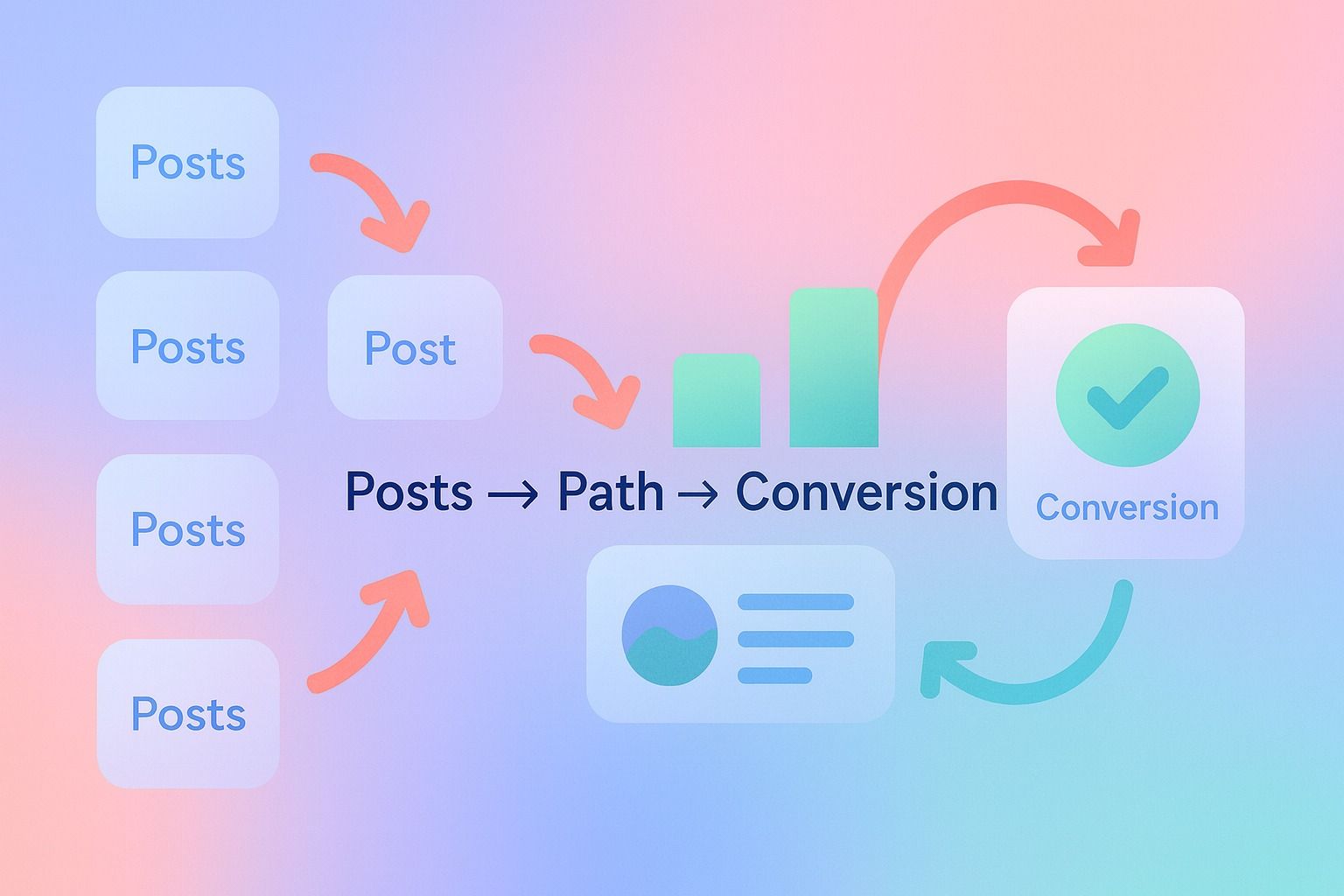
A conversion-oriented content strategy connects posts by stage, problem, and action.
That means your blog should not just answer standalone keywords. It should create a path.
Step-by-step process for a stronger content strategy
- Group posts by funnel stage.
- Define the primary conversion goal for each cluster.
- Assign one main CTA per post.
- Add internal links to the next logical piece.
- Review performance with analytics and update weak points.
Example cluster
If your product is related to LinkedIn growth, the path might look like:
- Educational post: why LinkedIn content consistency matters
- Consideration post: common workflow bottlenecks in content creation
- Solution post: how an AI LinkedIn agent supports planning, drafting, and publishing
- Action page: onboarding or demo request
For teams using Dynal, this is where the Analytics surface can help. Dynal Analytics is a lightweight LinkedIn content analytics module with views like Overview, Post, Engagement, and Audience, which can help you inspect what performs after publishing. It is useful for seeing which content themes and post types deserve more attention in your broader content strategy, without positioning it as a full attribution platform.
7. The CTA appears once, at the very end
Many readers will never reach your final paragraph.
Common mistake
One CTA at the bottom of a 2,000-word post.
Fix
Use multiple CTA placements with different intensity:
- early contextual CTA
- mid-post CTA tied to the problem being discussed
- final CTA for readers who are ready now
Best practice
Do not repeat the exact same CTA block three times. Instead, adapt it.
Example:
- Early: "Use this checklist to find conversion gaps in your blog"
- Mid: "If your team needs a clearer workflow, review how content moves from draft to publish"
- End: "Start with LinkedIn-first setup to build a more structured content engine"
8. The post is informative, but not actionable
A post can be useful and still fail to convert if it leaves the reader thinking, "Okay, but what should I do next?"
Fix
Give readers a simple action path.
Example blog conversion framework
At the end of every post, include:
- one diagnosis question
- one action checklist
- one example
- one next-step CTA
That format turns passive reading into active progress.
9. You are measuring traffic, not conversion behavior
If you only track pageviews, you cannot diagnose why a post is underperforming.
What to review instead
Look at:
- CTA click rate
- scroll depth
- time on page
- internal link clicks
- landing page to conversion path
- assisted conversions by post topic
Fix
Run a content audit with conversion intent in mind.
Blog conversion audit checklist
Use this quick review on underperforming posts:
- Does the intro answer the main query fast?
- Is the search intent clear and fully addressed?
- Is there one primary CTA?
- Is the CTA specific?
- Does the offer match the stage of awareness?
- Are there examples or templates to build trust?
- Are CTAs placed throughout the post?
- Are internal links guiding the next step?
- Am I measuring clicks and path progression, not just traffic?
If you answer "no" to three or more of those, the post likely has a conversion problem more than a traffic problem.
How do I improve blog conversion rate with better CTAs?
Here is the fastest way to improve CTAs without rewriting every article.
The 5-part CTA formula
Use this structure:
- verb
- outcome
- relevance
- urgency or readiness cue
- low friction
CTA examples
Instead of: "Book a demo"
Try:
- Book a demo to see a better LinkedIn content workflow
- Start free and set up your LinkedIn content system
- Review your current process and find the bottleneck
The best CTA is not always the most aggressive one. It is the one that feels like the obvious next step.
How do I turn blog traffic into leads or demo requests?
Turn traffic into leads by making the journey tighter.
Simple lead path
- Attract the right reader with intent-matched content.
- Deliver the answer early.
- Build trust with examples and specifics.
- Offer a next step that matches the stage.
- Reduce friction in the conversion path.
- Use analytics to refine weak posts over time.
For example, if your audience is trying to improve LinkedIn content performance, a natural path could start with educational content, move into workflow guidance, and then point readers to a structured setup experience.
Dynal fits into that story as an AI LinkedIn agent, not just a one-off writer. It helps professionals and teams bring brand context, content creation, planning, publishing, and lightweight analytics into one LinkedIn-centered workflow.
If that sounds like the workflow you want, Dynal can help you connect planning, publishing, and basic analytics around LinkedIn content. It keeps the focus on a structured next step rather than disconnected posts.
Common mistakes to avoid
Before you update your blog, avoid these traps:
- adding more CTAs instead of better CTAs
- sending all posts to the same landing page
- writing intros that delay the answer
- optimizing only for volume keywords
- assuming more traffic will solve a conversion problem
- asking for a demo before earning enough trust
A practical blog conversion template
If you want a repeatable structure, use this:
Blog post template for better conversions
- Headline that matches specific intent
- Answer-first introduction
- Short summary bullets
- Clear problem breakdown
- Common mistakes and fixes
- Example or template section
- Mid-post CTA matched to reader stage
- Final checklist
- End CTA tied to the next logical action
This structure works because it helps both humans and search engines understand what the page is doing.
Final thought
If your blog gets traffic but not conversions, do not assume the content has failed. Often, the content is doing its job at the awareness stage, but the page is not doing enough to guide the next step.
Better blog conversions usually come from clearer intent matching, sharper CTAs, stronger progression, and more disciplined content strategy.
If you want to build that process around LinkedIn content specifically, start with a cleaner workflow rather than another batch of disconnected posts.
A practical place to begin is Onboarding and Setup in Dynal. The LinkedIn-first connection helps you get to a usable starting point faster, so you can review your brand context, shape your content flow, and build from a more structured foundation.
Start with LinkedIn-first setup and turn scattered content efforts into a more consistent LinkedIn workflow.