

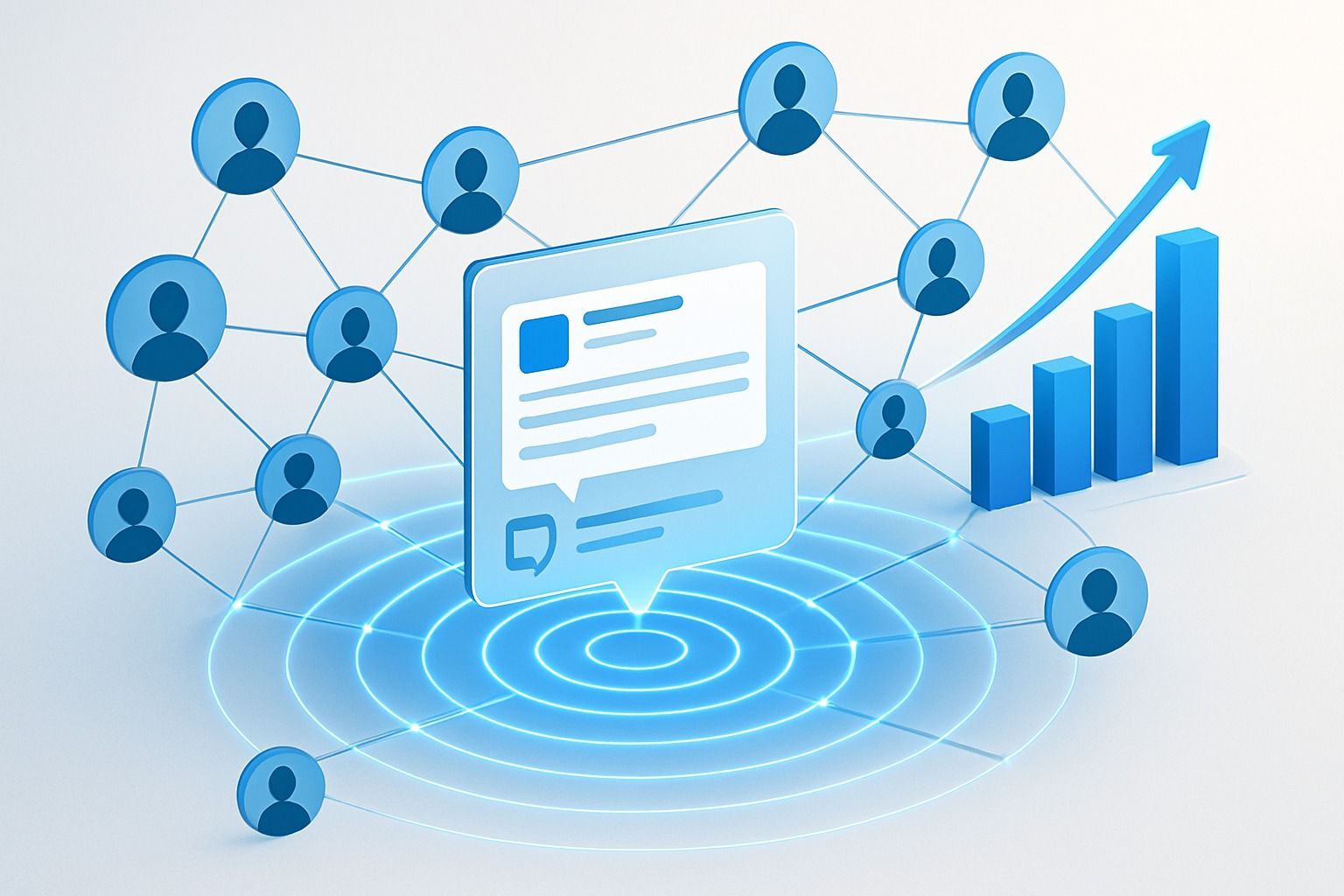
Are you wondering what LinkedIn impressions actually mean and how they can boost your professional presence? You're not alone. In this comprehensive guide, we'll demystify LinkedIn impressions, explain how they work, and share actionable strategies to increase your reach on this powerful professional platform.
What Are LinkedIn Impressions? Understanding the Basics
LinkedIn impressions represent the number of times your content appears on someone's screen for at least 300 milliseconds. Simply put, an impression counts each time your post, profile, or content is displayed in a LinkedIn user's feed, whether they engage with it or not.This key metric gives you valuable insight into your content's reach and visibility. If your post has 1,000 impressions, it means it appeared 1,000 times across various LinkedIn feeds—even if some users saw it multiple times.
Types of LinkedIn Impressions
LinkedIn impressions come in three distinct forms:
- Organic Impressions: These occur naturally when your content appears in your connections' feeds based on LinkedIn's algorithm. The algorithm considers relevance, user interests, and connection levels to determine content placement.
- Paid Impressions: These are generated through LinkedIn's advertising platform. When you sponsor content or run ads, LinkedIn displays your content to targeted audiences beyond your immediate network.
- Viral Impressions: The holy grail of LinkedIn content! These happen when your connections engage with your content (like, comment, share), causing it to appear in their connections' feeds. This creates a ripple effect, significantly expanding your content's reach.
Why LinkedIn Impressions Matter for Your Professional Brand
Understanding LinkedIn impressions isn't just about tracking numbers—it's about gauging the effectiveness of your content strategy. Here's why impressions matter:
- Content Reach Assessment: Impressions tell you how far your content travels across the LinkedIn ecosystem.
- Content Strategy Refinement: By analyzing which posts generate more impressions, you can identify what resonates with your audience.
- Brand Visibility: Higher impressions mean greater visibility for your personal or company brand.
- Professional Growth: Increased impressions often correlate with expanded networking opportunities.
LinkedIn Impressions vs. Views: What's the Difference?
Many users confuse impressions with views, but they measure different aspects of content performance:
- Impressions: Count each time your content appears on a screen, regardless of whether users interact with it or how many times the same user sees it.
- Views: Measure when someone actively clicks on or engages with your content to view it in detail.
Think of impressions as potential opportunities for engagement, while views represent actual interest in your content.
Factors Affecting Your LinkedIn Impressions in 2026
Several elements influence how many impressions your LinkedIn content receives:
- Content Quality and Relevance
LinkedIn's algorithm prioritizes high-quality, relevant content. Posts that provide value, solve problems, or share industry insights typically generate more impressions.
- Posting Frequency and Timing
Consistency matters. Regular posting keeps you visible in your connections' feeds. Additionally, posting during peak engagement hours (typically weekdays between 8-10 AM and 4-6 PM in your audience's time zone) can significantly boost impressions.
- Engagement Rates
Content that quickly generates likes, comments, and shares receives preferential treatment from LinkedIn's algorithm, resulting in more impressions.
- Network Size and Activity
A larger, more active network naturally increases potential impressions. Focus on building meaningful connections with professionals who engage regularly on the platform.
- Content Format Diversity
LinkedIn rewards users who leverage different content formats (text posts, images, videos, documents, polls). Diversifying your content can help increase impressions across different audience segments.
7 Proven Strategies to Increase Your LinkedIn Impressions
Ready to boost your LinkedIn visibility? Here are actionable tactics to increase your impressions:
- Optimize Your LinkedIn Profile
Your profile serves as your professional landing page. Ensure it's complete with:
- A professional headshot and relevant banner image
- A compelling headline that clearly states what you do and who you help
- A comprehensive summary highlighting your expertise and value proposition
- Detailed work experience with accomplishments
- Skills endorsed by connections
- Recommendations from colleagues and clients
An optimized profile attracts more visitors, which can lead to increased impressions when you post content.
- Create Engaging, Value-Driven Content
The foundation of LinkedIn success is valuable content. Focus on:
- Industry insights and trends
- Professional challenges and solutions
- Personal experiences and lessons learned
- Thought leadership perspectives
- Educational content that helps your audience solve problems
Remember to make your content scannable with short paragraphs, bullet points, and white space to improve readability.
- Leverage Multimedia Content
Diversify your content formats to capture attention:
- Carousel posts with multiple images
- Native LinkedIn videos (30-90 seconds perform best)
- Infographics and data visualizations
- PDF documents for in-depth information
- Polls to encourage engagement
Content with visual elements typically generates 94% more impressions than text-only posts.
- Master the Art of LinkedIn Hashtags
Strategic hashtag use can dramatically increase your content's discoverability:
- Include 3-5 relevant hashtags per post
- Mix popular hashtags (#Marketing, #Leadership) with niche ones (#ContentStrategyTips, #LinkedInGrowth)
- Create and use branded hashtags for your personal brand or company
- Follow hashtags relevant to your industry to engage with trending conversations
- Time Your Posts Strategically
Posting when your audience is most active maximizes impression potential:
- Use LinkedIn Analytics to identify when your audience is online
- Test different posting times and track performance
- Consider scheduling tools like Dynal.AI to automate posting at optimal times
- Maintain a consistent posting schedule (4-5 times per week is ideal)
- Encourage Early Engagement
The first hour after posting is critical for impressions:
- Ask thought-provoking questions in your posts
- Respond quickly to comments to spark conversations
- Tag relevant connections who might have valuable insights (but do this sparingly)
- Be the first to comment on your own post with an additional thought or question
- Engage Authentically With Your Network
LinkedIn's algorithm rewards active users:
- Comment thoughtfully on others' posts
- Share valuable content from your connections
- Congratulate connections on career milestones
- Participate in relevant group discussions
- Send personalized messages to nurture relationships
How to Track and Analyze Your LinkedIn Impressions
To improve your LinkedIn strategy, you need to track performance consistently:
Using LinkedIn Analytics
For individual profiles:
- Go to your profile
- Click on "Posts & Activity"
- Select "Analytics" under any post
- Review impressions, engagement, and demographic data
For company pages:
- Navigate to your company page
- Click on "Analytics" in the top menu
- Select "Updates" to view impression data
- Analyze trends over time and by post type
Key Metrics to Monitor
Beyond impressions, track these related metrics:
- Engagement rate: (Total engagements ÷ impressions) × 100
- Click-through rate: Percentage of impressions that result in clicks
- Profile views: Increase in profile visits after posting content
- Connection growth: New connections gained from content visibility
How Dynal.AI Can Elevate Your LinkedIn Impression Strategy
Now that you understand the importance of LinkedIn impressions, let's explore how Dynal.AI can transform your LinkedIn content strategy and significantly boost your impressions.As your personal LinkedIn agent, Dynal.AI combines advanced AI with human-centric customization to help you create high-quality, engaging content that resonates with your audience and attracts more impressions.
How Dynal.AI Helps Maximize Your LinkedIn Impressions:
- Personalized Content Strategy: Dynal.AI learns your unique voice and goals, then develops tailored strategies focused on content quality and audience engagement—two key drivers of increased impressions.
- Topic Recommendations: Get suggestions for high-impact topics proven to drive engagement and authority, helping you create content that naturally attracts more impressions.
- Effortless Content Generation: Simply input a link, PDF, or image, and Dynal.AI generates engaging post copy and visually appealing images that match your style—saving you time while maximizing impression potential.
- AI-Powered Optimization: Receive real-time feedback and suggestions to optimize your content for clarity, engagement, and professionalism—elements that directly influence impression count.
- Strategic Guidance: Beyond just creating content, Dynal.AI provides insight into the "why" behind each recommendation, helping you understand what drives LinkedIn impressions.
With Dynal.AI as your LinkedIn partner, you can create smarter content and influence faster—ultimately driving more impressions, engagement, and professional growth on the platform.
Common Questions About LinkedIn Impressions
Are 1,000 impressions on LinkedIn good?
The definition of "good" depends on your network size and goals. For someone with 500 connections, 1,000 impressions indicates your content reached beyond your immediate network. Focus on impression trends rather than absolute numbers, and aim for consistent growth over time.
Why are my LinkedIn posts not getting impressions?
Several factors could be limiting your impressions:
- Posting at low-activity times
- Using too many external links (LinkedIn's algorithm deprioritizes content that takes users off-platform)
- Lack of engagement on your posts
- Inconsistent posting schedule
- Content that doesn't resonate with your audience
How can I see who viewed my LinkedIn posts?
While LinkedIn doesn't show exactly who viewed your posts, you can see who engaged with them:
- Go to your profile
- Click on "Posts & Activity"
- Select a post
- View the list of people who reacted, commented, or shared
Final Thoughts: Building Your LinkedIn Impression Strategy
LinkedIn impressions are more than just a vanity metric—they're a window into your content's reach and effectiveness. By understanding how impressions work and implementing the strategies outlined in this guide, you can significantly expand your professional influence on LinkedIn.
Remember that consistency is key. Focus on creating valuable content regularly, engaging authentically with your network, and analyzing your results to refine your approach over time. Whether you're looking to establish thought leadership, generate leads, or expand your professional network, a strategic approach to LinkedIn impressions can help you achieve your goals more effectively.
Ready to take your LinkedIn presence to the next level? Consider how Dynal.AI can help you create smarter content and influence faster on the world's premier professional network.


