


If you manage both your personal LinkedIn and your company page, juggling posts, logins, and content calendars can feel like running two (or five) lives at once. And for agencies or growth teams? That chaos multiplies.
That’s why we built Dynal’s multi-account LinkedIn support. For the first time, you can connect, manage, and publish across all your LinkedIn accounts in one intelligent workspace — no more switching, copying, or guessing which post goes where.
One creative hub. Every LinkedIn voice, connected.
What the Feature Does
Dynal now supports binding multiple LinkedIn accounts, making it effortless to post as yourself, your company, or any organization you manage — without logging in and out.
You can:
- Connect multiple LinkedIn profiles (personal + company).
- Plan and schedule posts for each account from one dashboard.
- Manage all drafts and posts — side by side.
It’s not just about adding more accounts — it’s about streamlining how professionals build influence at scale.
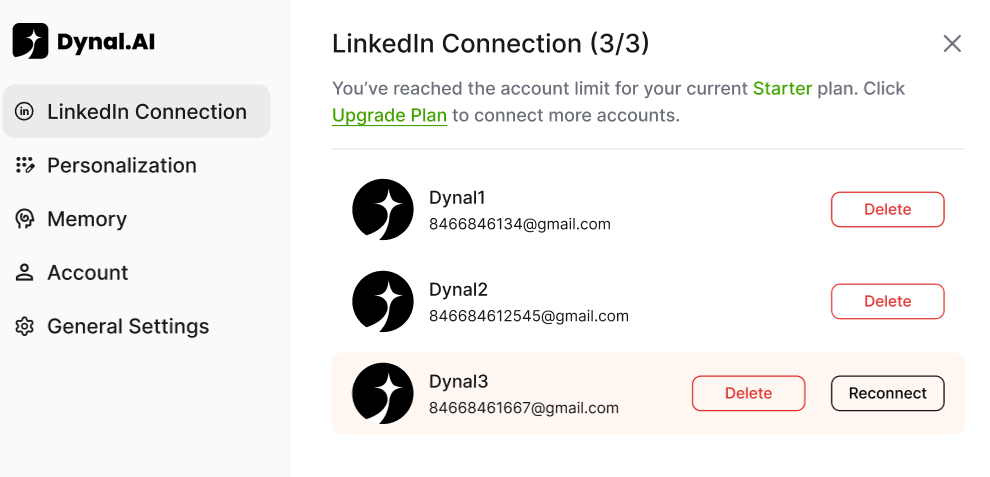
All your accounts, unified. One calendar, one flow.
Why We Built Multi-Account Support
Let’s start with the big question: “Why do we need this feature?”
The short answer: because your professional identity rarely lives in one place anymore. In today’s LinkedIn-driven growth world, professionals often juggle:
- A personal brand account (for thought leadership, personal voice)
- A company or product page (for official updates or hiring content)
- Occasional client or partner accounts (for agencies or consultants)
Without the right tool, managing these means:
- Copying posts between accounts manually
- Logging in and out of each account
- Losing consistency in tone or timing
Dynal’s multi-account feature eliminates friction while keeping creative control. You plan once — Dynal handles the rest.
Who Needs It (and in What Scenarios)
Different professionals, one common pain: managing multiple digital voices. Let’s look at who benefits most from our multi-account support and how they use it.
1. Founders & Executives
You post thought leadership on your personal LinkedIn, and product or company updates on your company page.
Scenario: Share a “behind-the-scenes” story on your personal account — and schedule a polished announcement on your company page using the same insights, from one workflow.
2. Marketing Teams & Agencies
You handle multiple client or brand accounts, each with its own posting rhythm.
Scenario: Plan and collaborate on content across client brands without relying on multiple analytics dashboards or login sessions.
3. B2B Sellers & Recruiters
You balance outreach on a personal profile with content that supports employer branding or sales efforts on your company page.
Scenario: Schedule thought leadership posts on your personal page in the morning, then company hiring posts in the afternoon — all automatically queued.
4. Multi-Brand Creators
You run multiple projects, verticals, or ventures — each with a unique voice.
Scenario: Test different messaging directions for different audiences without cluttering your browser or workflows.
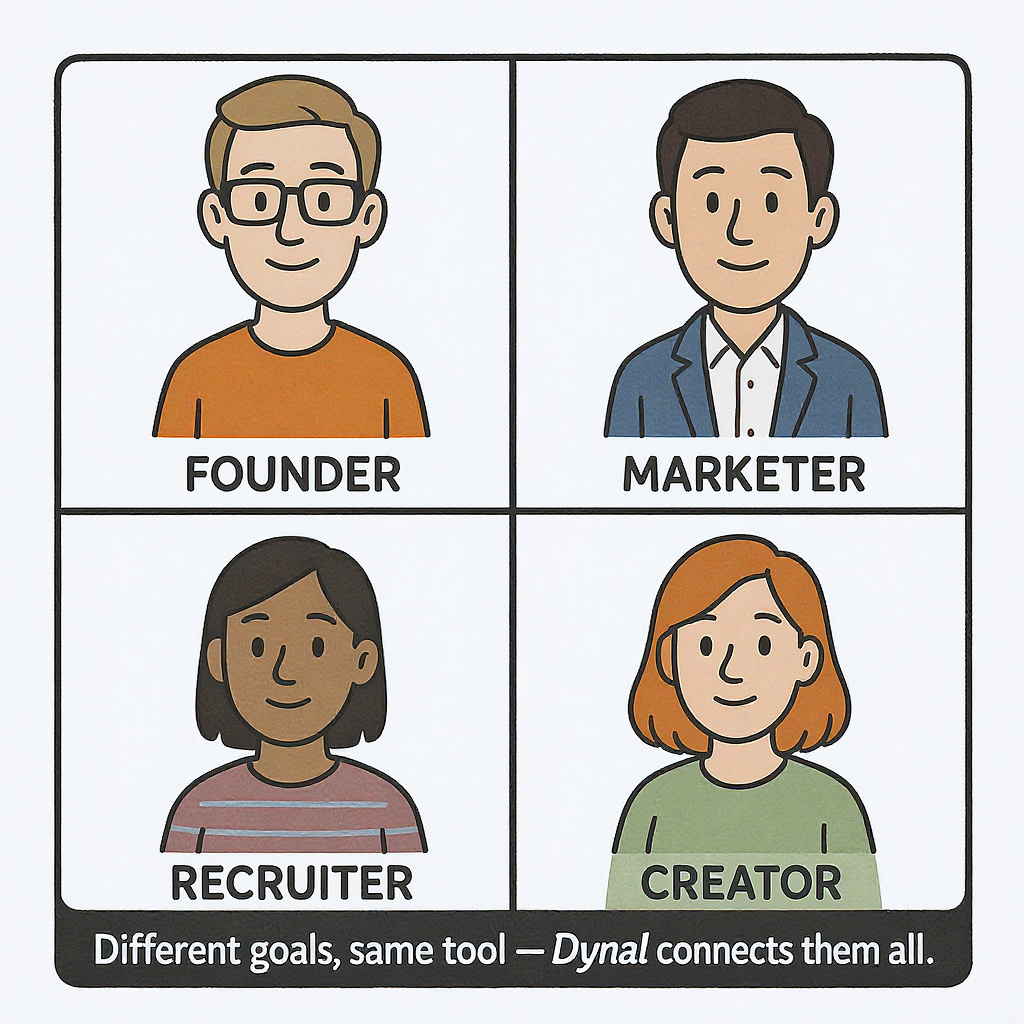
Different goals, same tool — Dynal connects them all.
How It Works
Adding and managing accounts with Dynal is as intuitive as it sounds.
Step 1: Go to “Accounts” → Click “Connect LinkedIn”
Step 2: Authorize the connections by logging into the respective LinkedIn accounts
Step 3: Plan posts and assign each to the right account from your content planner
Step 4: Schedule and publish instantly — Dynal automatically organizes everything for you
No scripts to switch, no spreadsheets to sync — just smarter LinkedIn management.
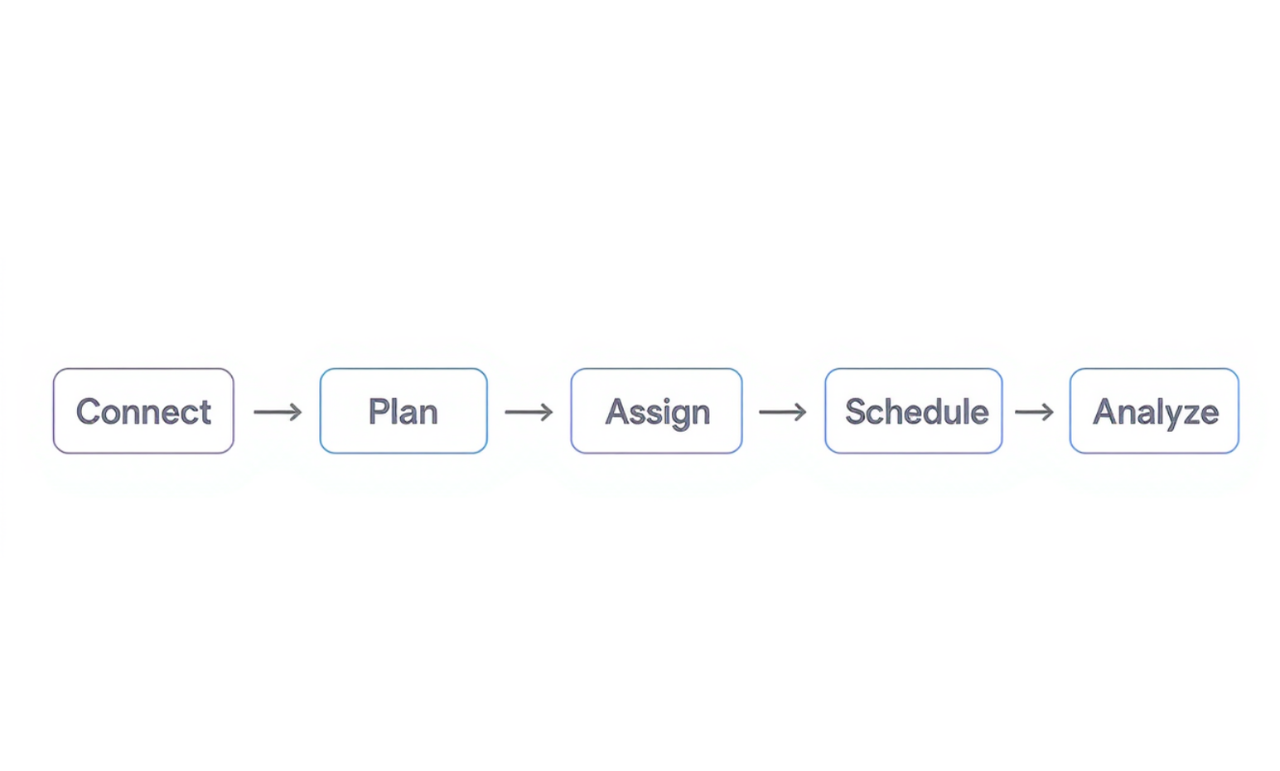
Your multi-account posting flow at a glance.
The Bigger Vision: One Voice, All Platforms
Multi-account support for LinkedIn is just the start. Soon, Dynal will expand this capability beyond LinkedIn — helping users post across X, Facebook, and Instagram while maintaining a unified brand tone.
The future is one creative hub, connected to every platform. Dynal ensures your brand speaks with one coherent voice — no matter where your audience is.
One Hub. Every Platform. Unified.
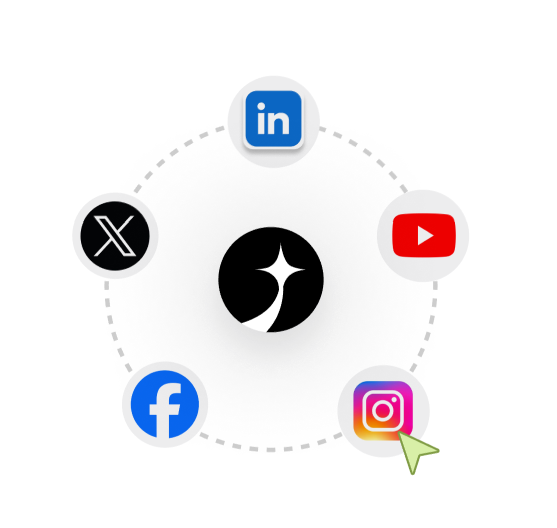
Create. Connect. Grow.
Whether you’re scaling your brand, managing an executive’s thought leadership, or running multiple client accounts — Dynal gives you the clarity, control, and consistency you need.
Stop switching tabs. Start creating. Manage every voice from one hub — with Dynal.
👉 Try Dynal’s multi-account feature today — and experience effortless LinkedIn growth.


