
LinkedIn AI Carousel Generator
アイデアを LinkedInカルーセルに
テーマや下書きを用意し、ビジュアルテンプレートを選んで、複数ページのカルーセルを生成。公開前に各ページの文章と画像を確認できます。

アイデアからカルーセルまでの4ステップ
01
内容を入力
テーマや下書きと、読者に伝えたい要点をDynalに伝えます。
02
テンプレートを選択
カルーセルのテンプレートを選び、ビジュアルの方向性を決めます。
03
ページを生成
入力した内容と選んだ参考テンプレートから複数ページの画像を生成します。
04
確認して公開
結果を確認し、使う画像を選んでLinkedInへの公開を準備します。
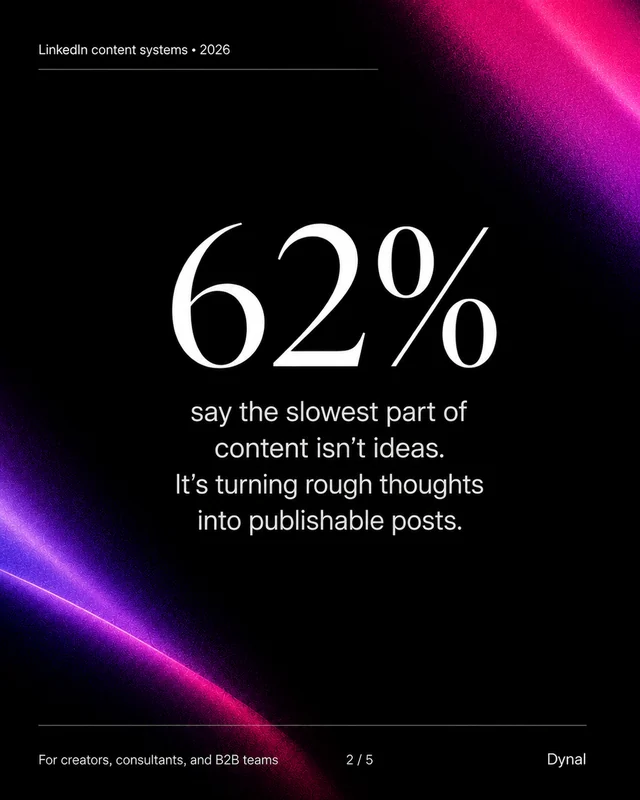
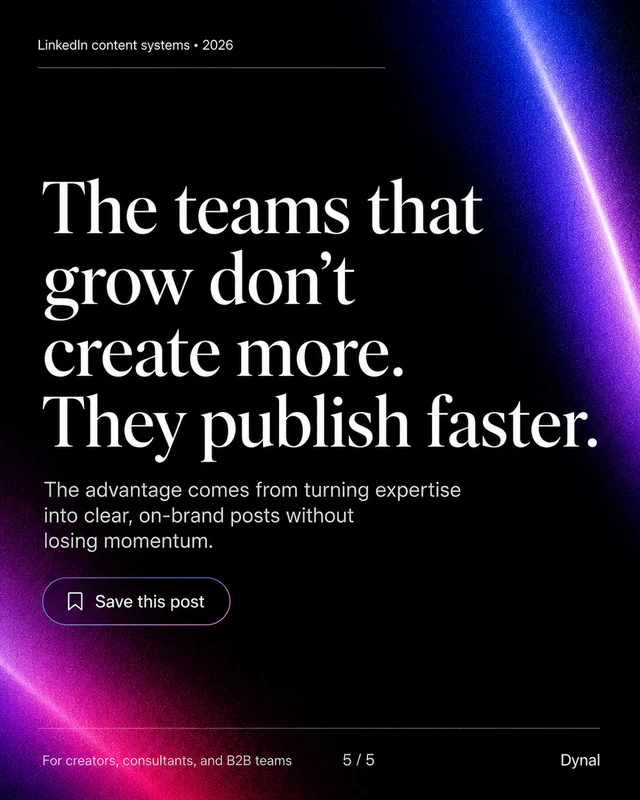
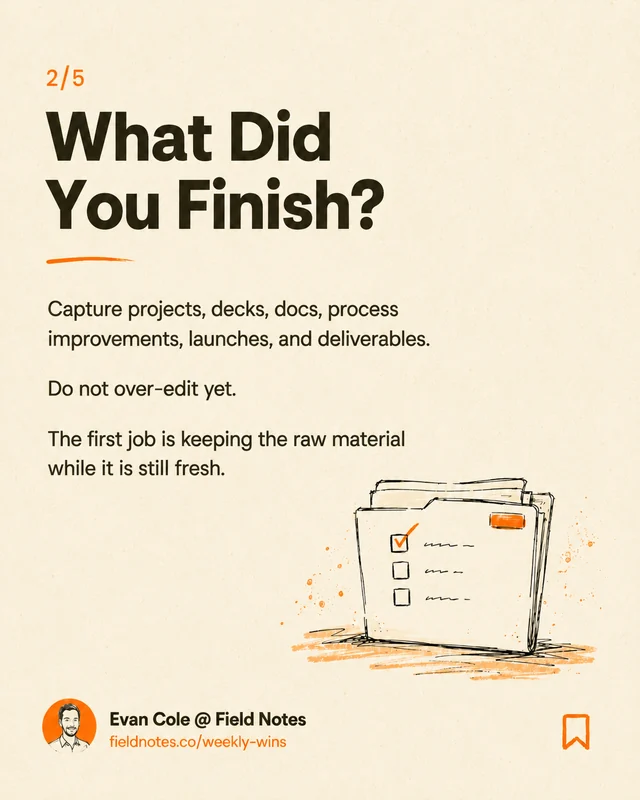
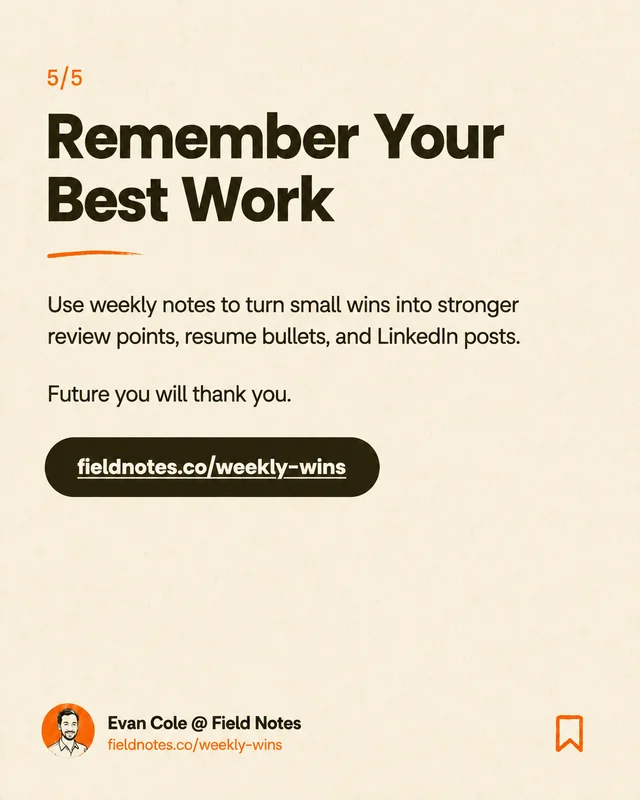
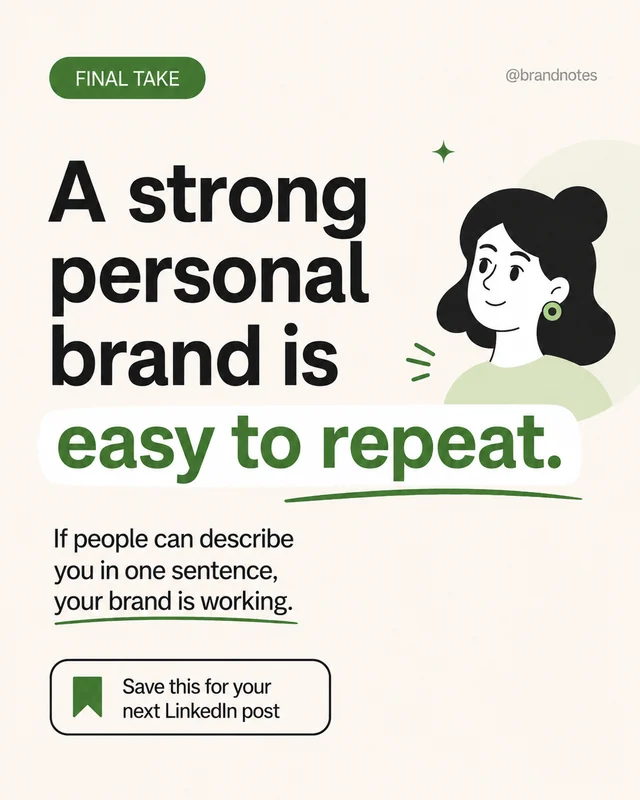
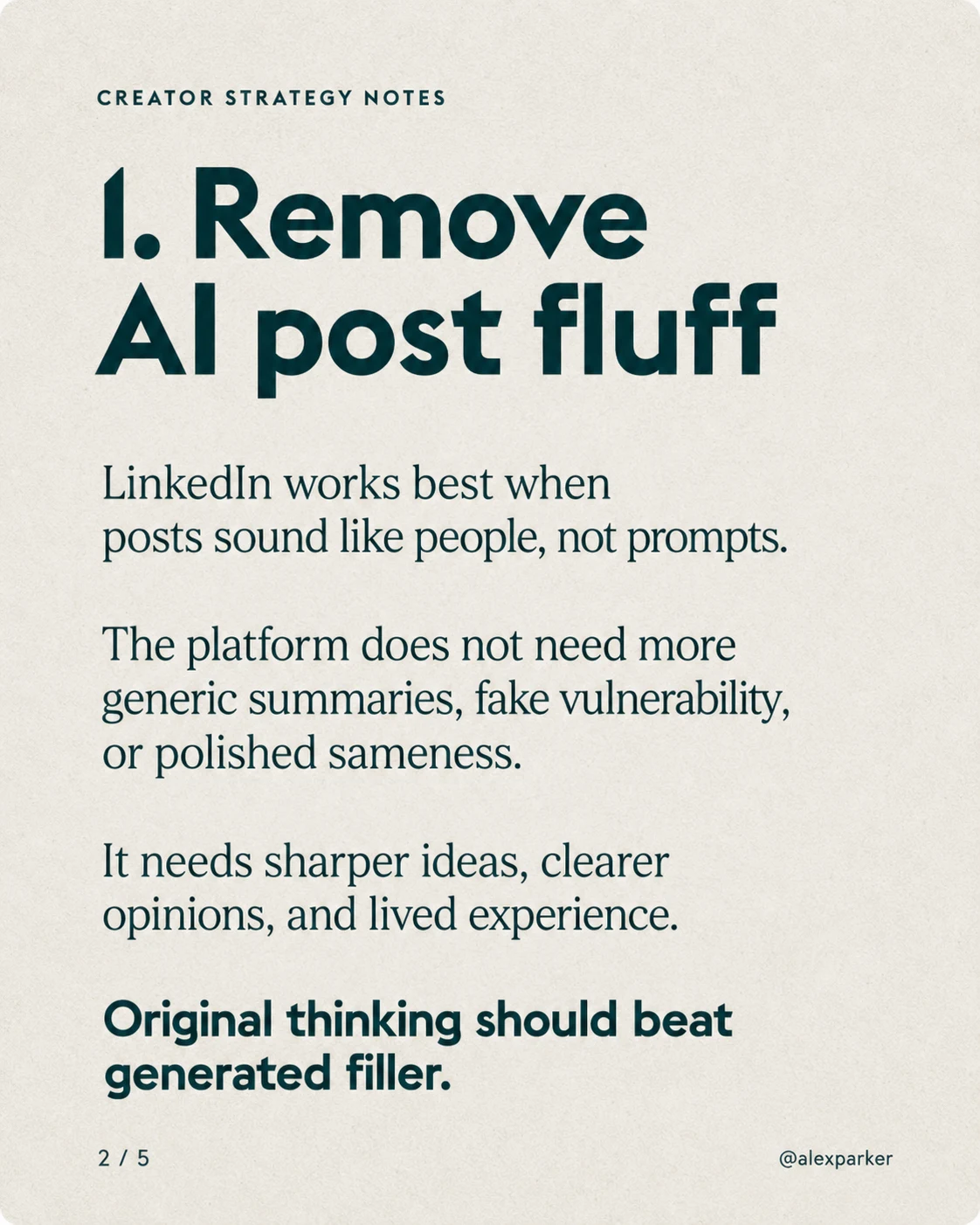
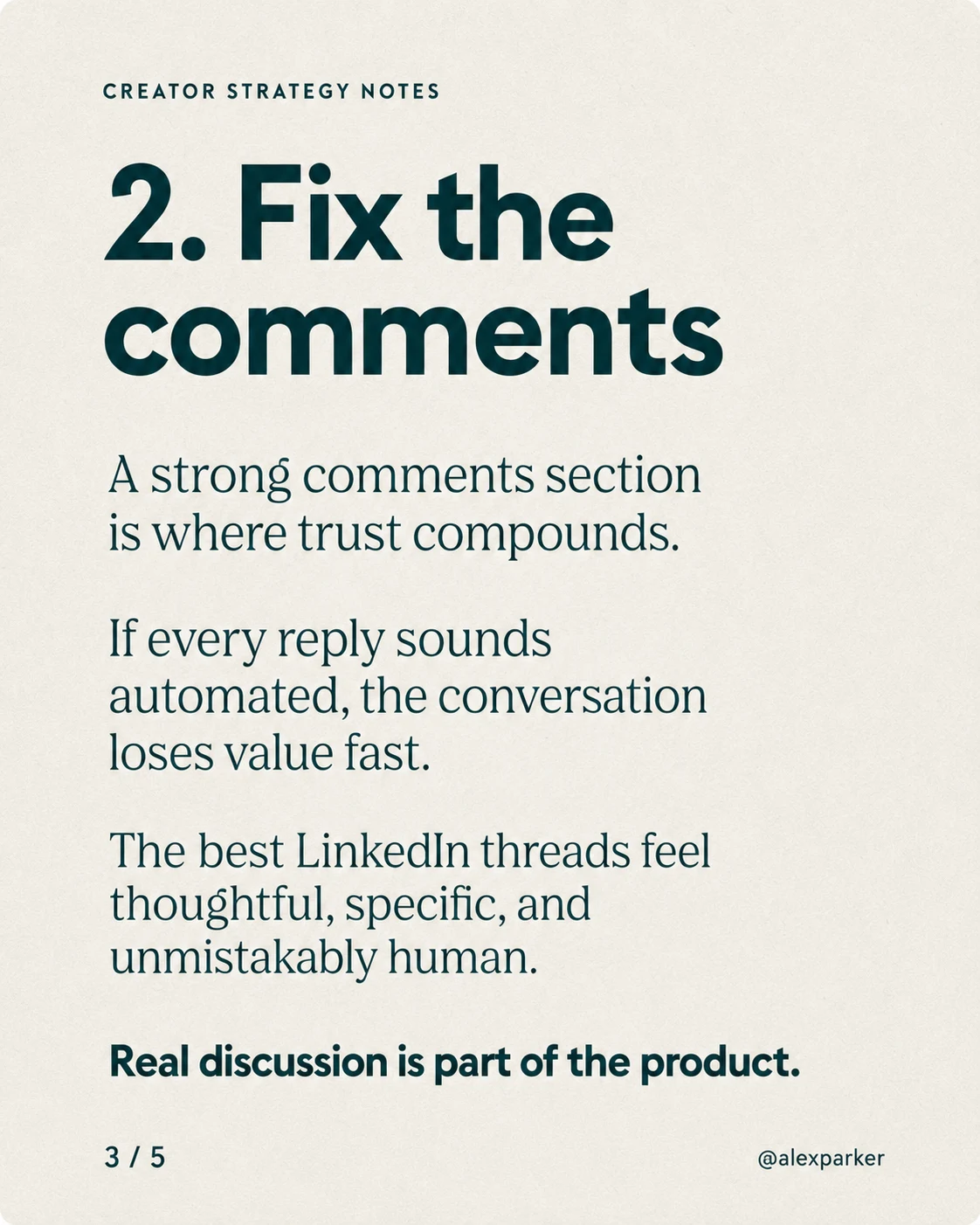
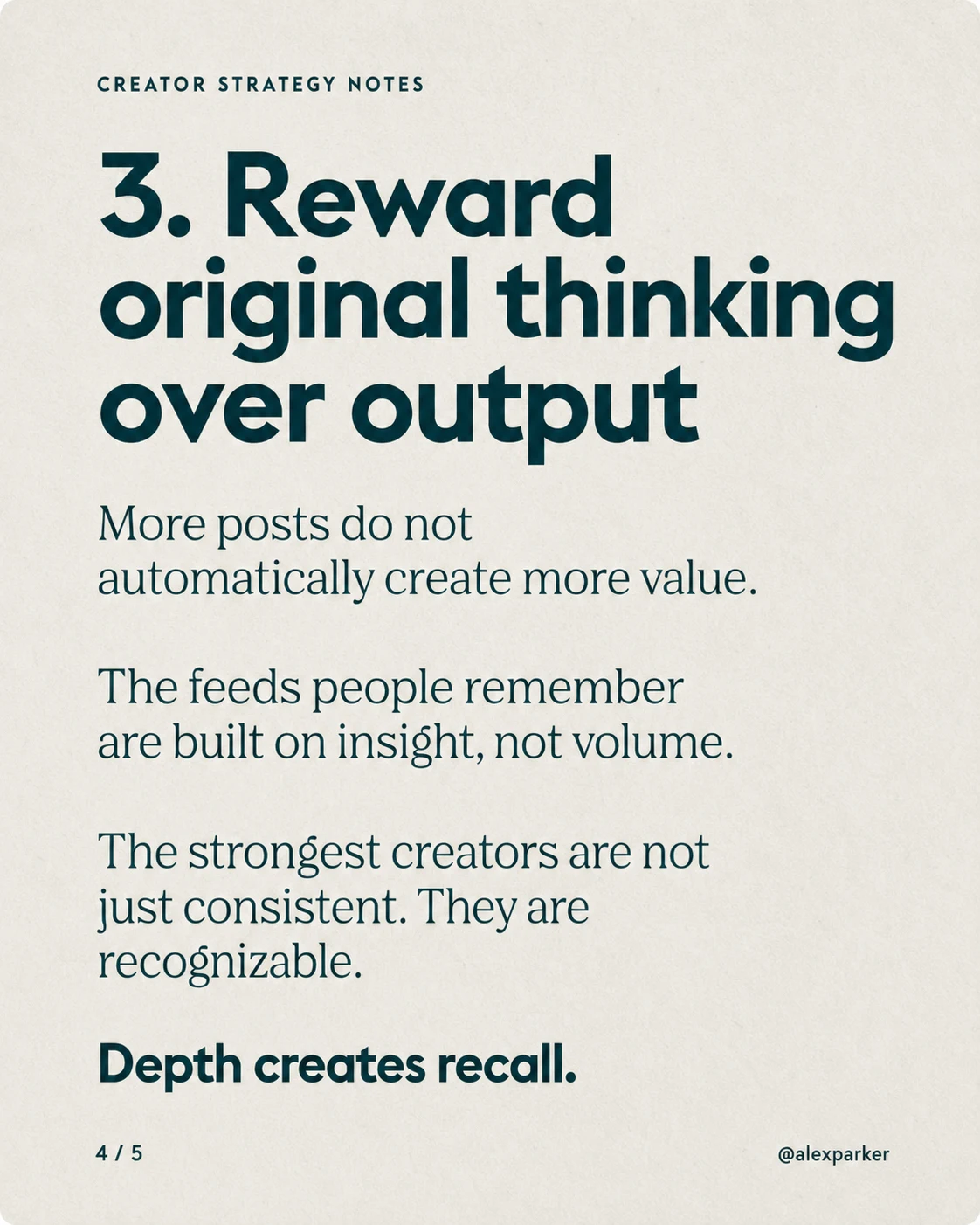
生成する前にテンプレートを選ぶ
テンプレートを見て、カルーセルに合うスタイルを見つけましょう。

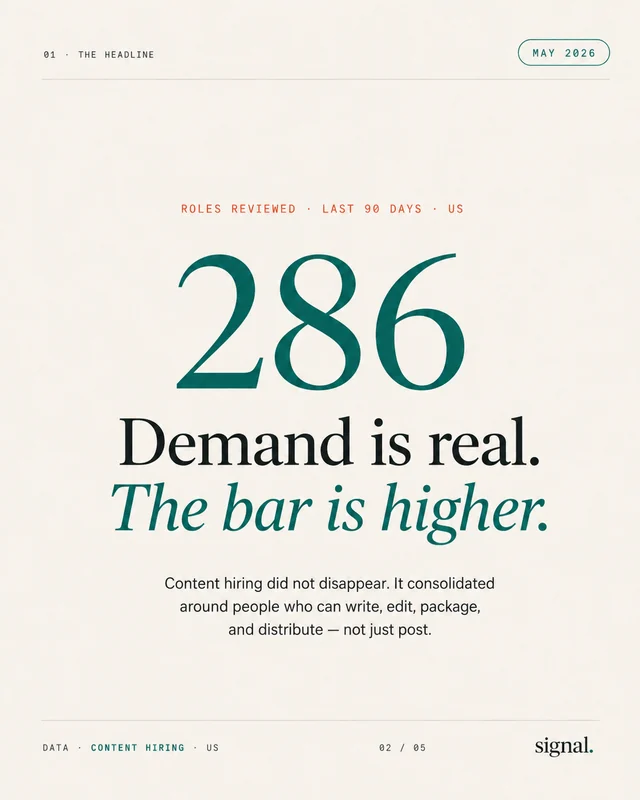
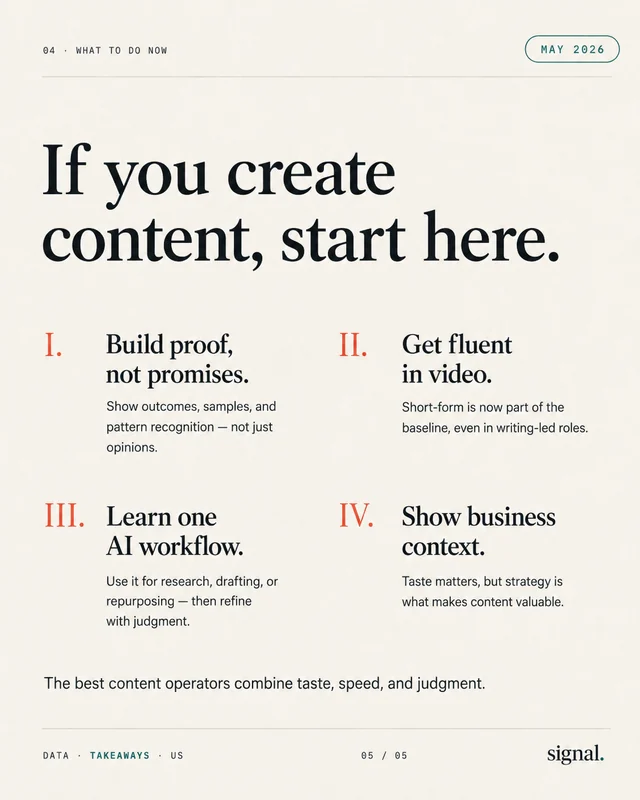
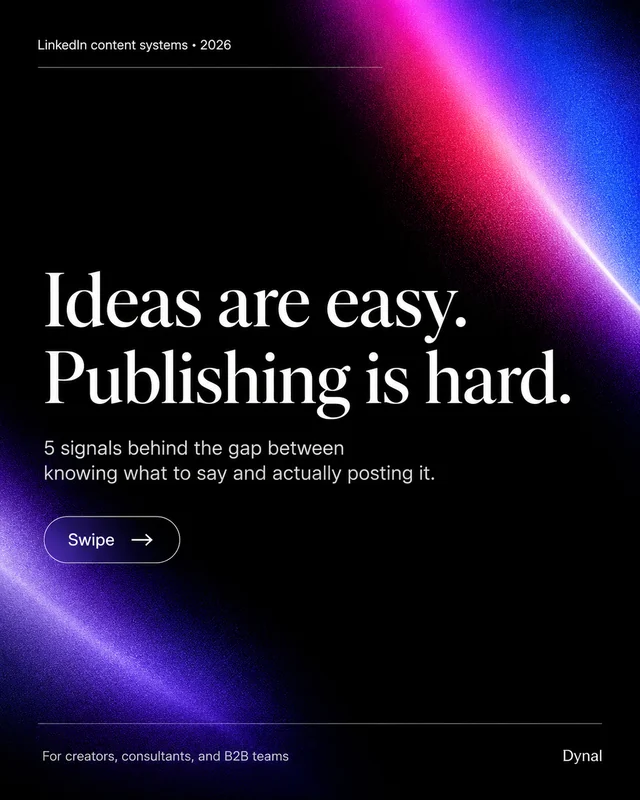




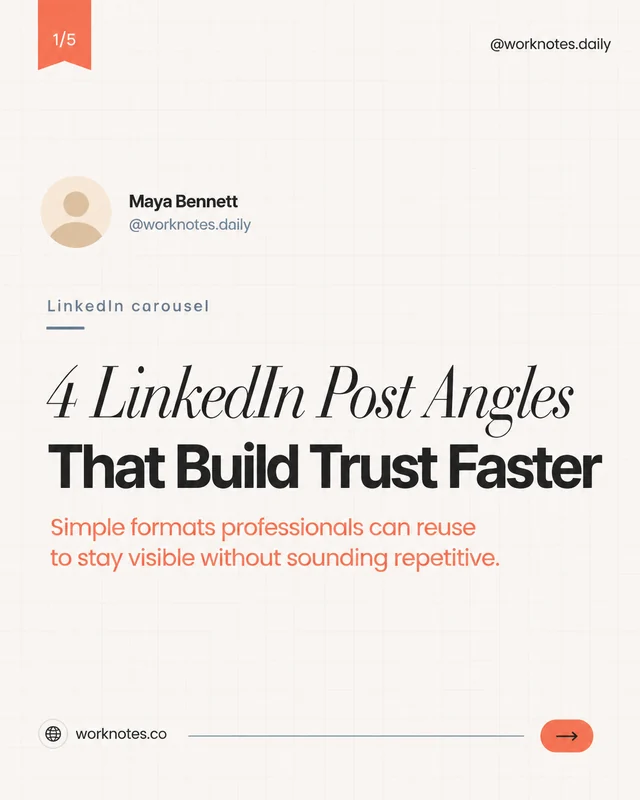
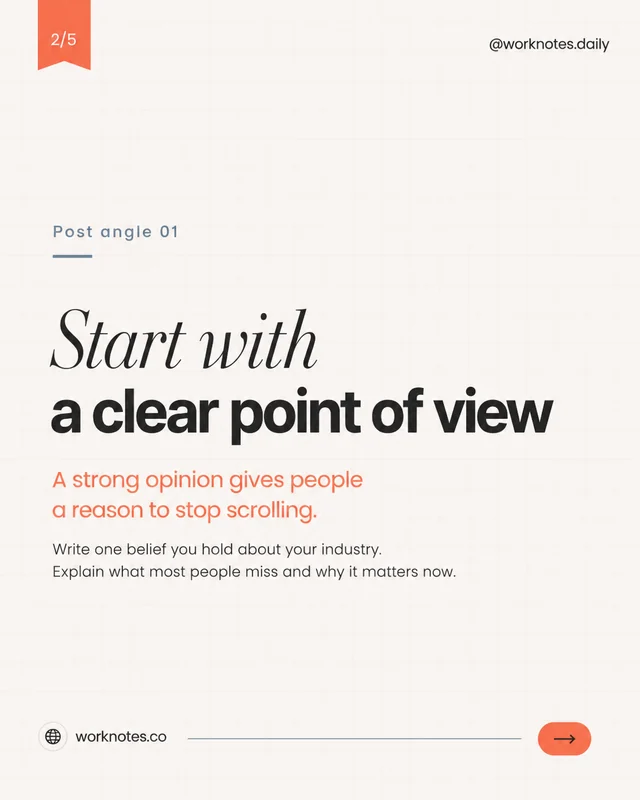


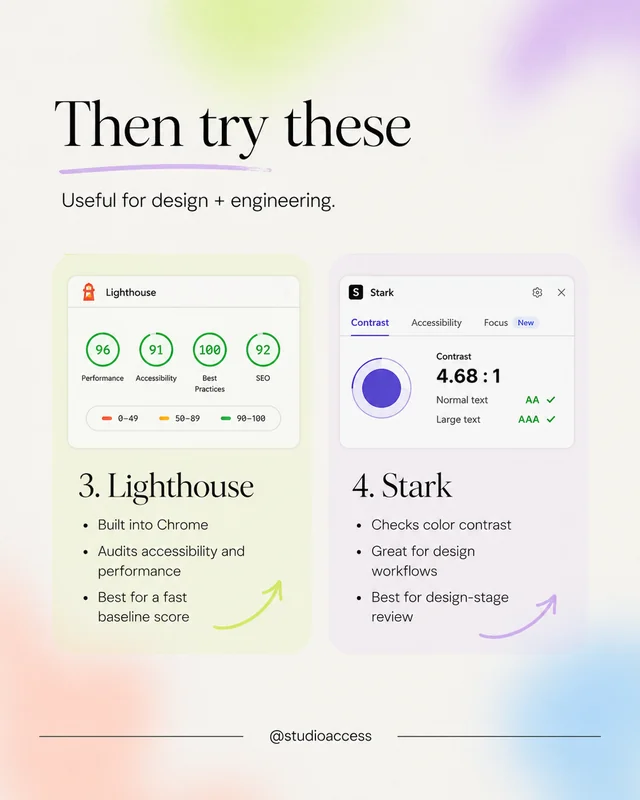


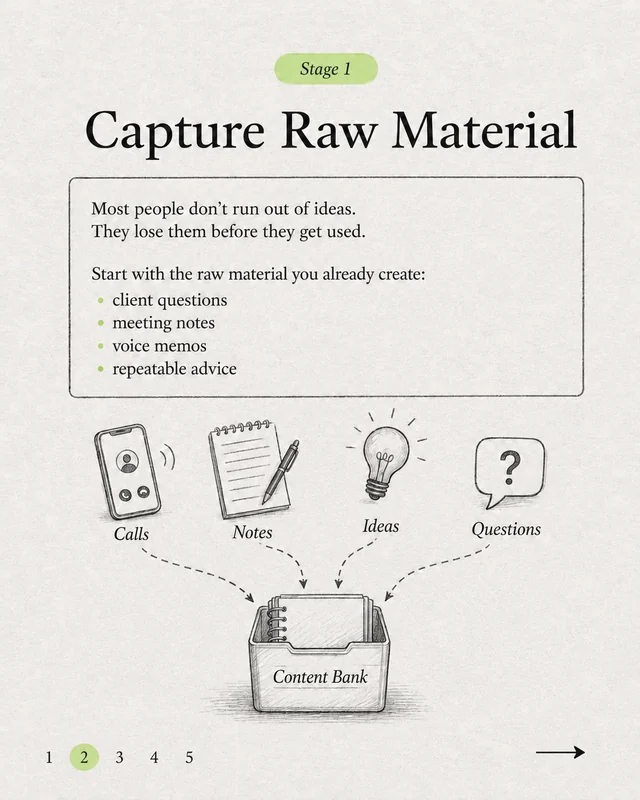
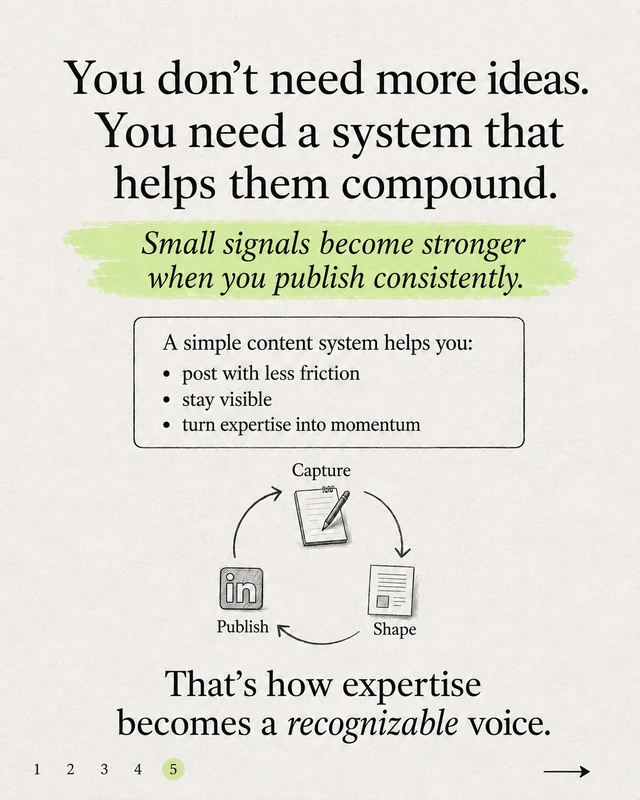

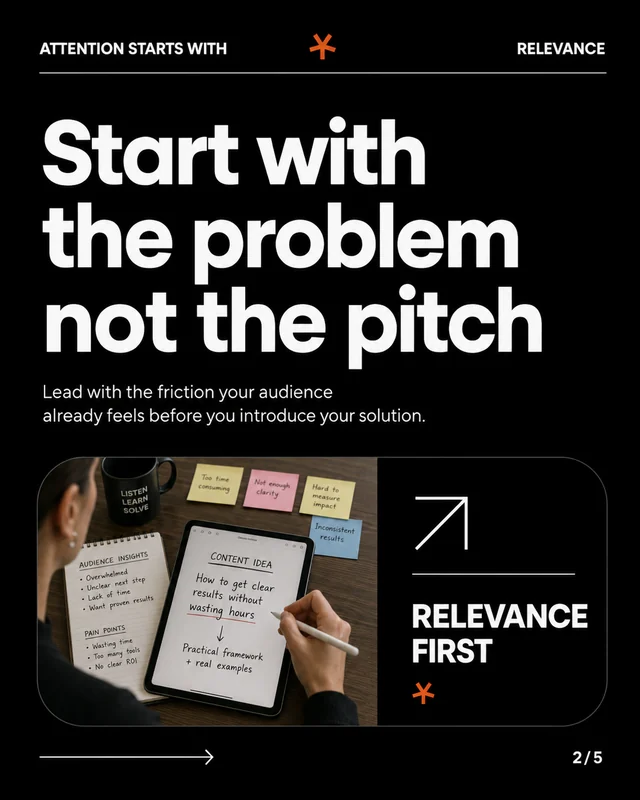

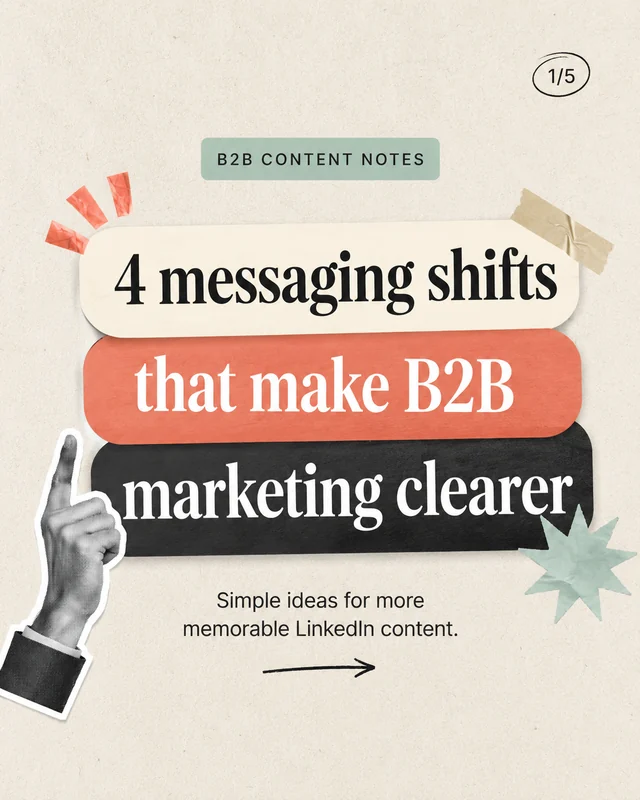
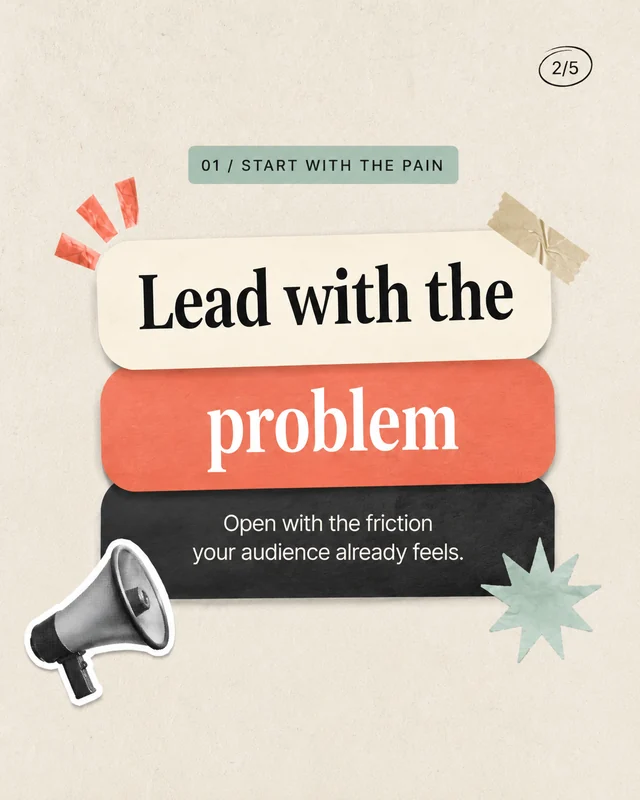
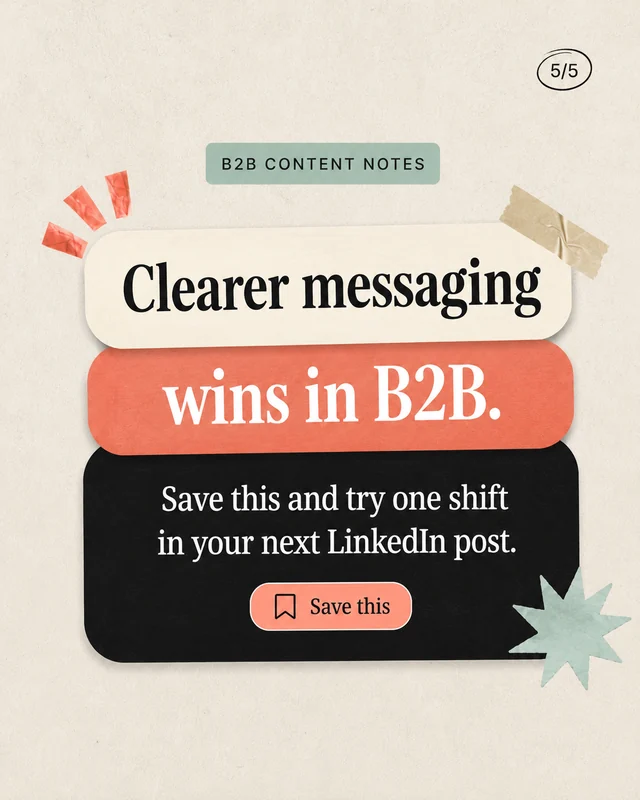



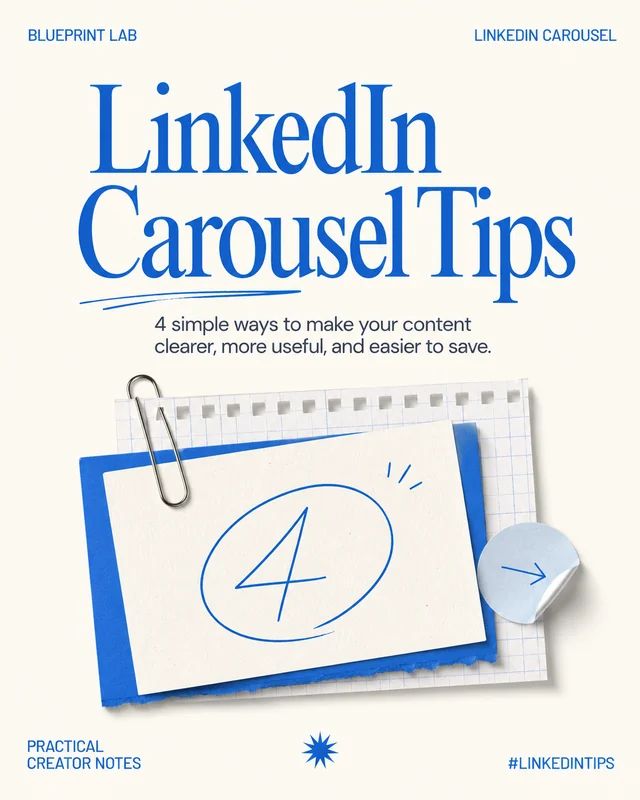

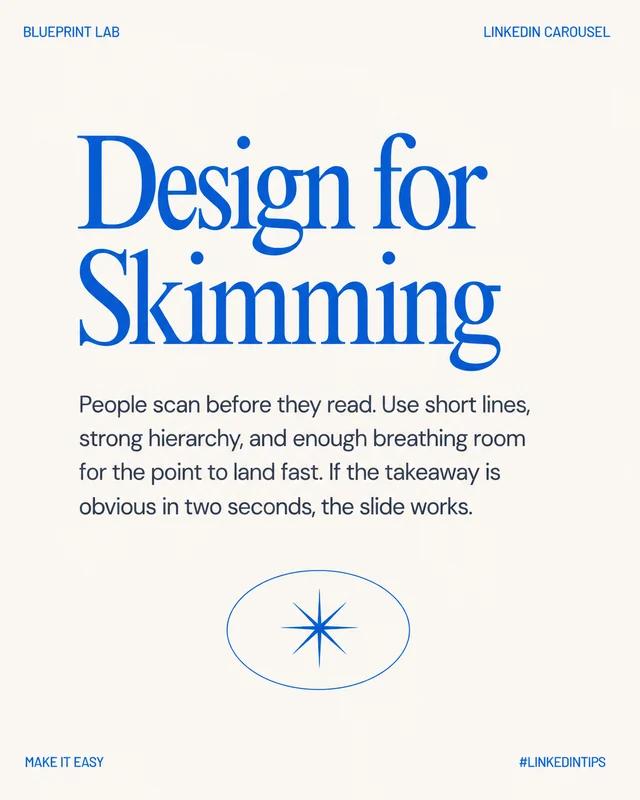

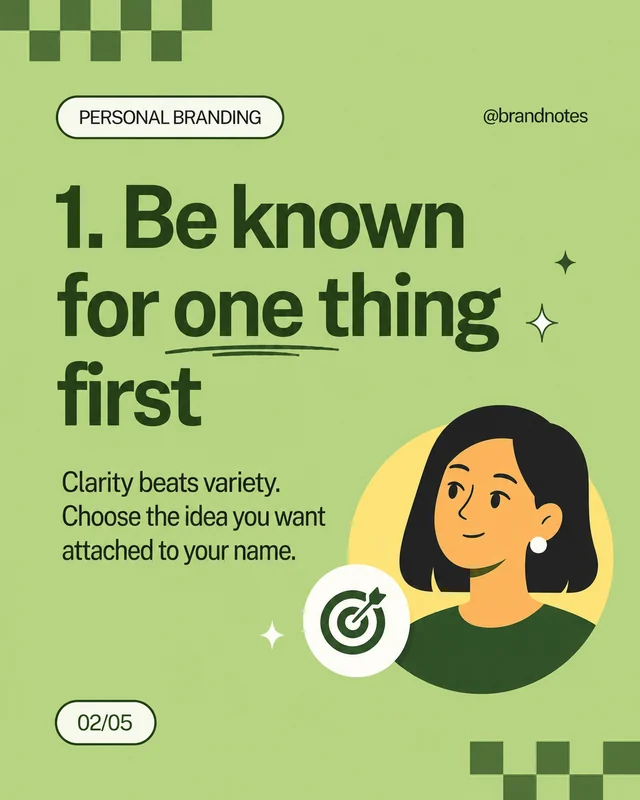


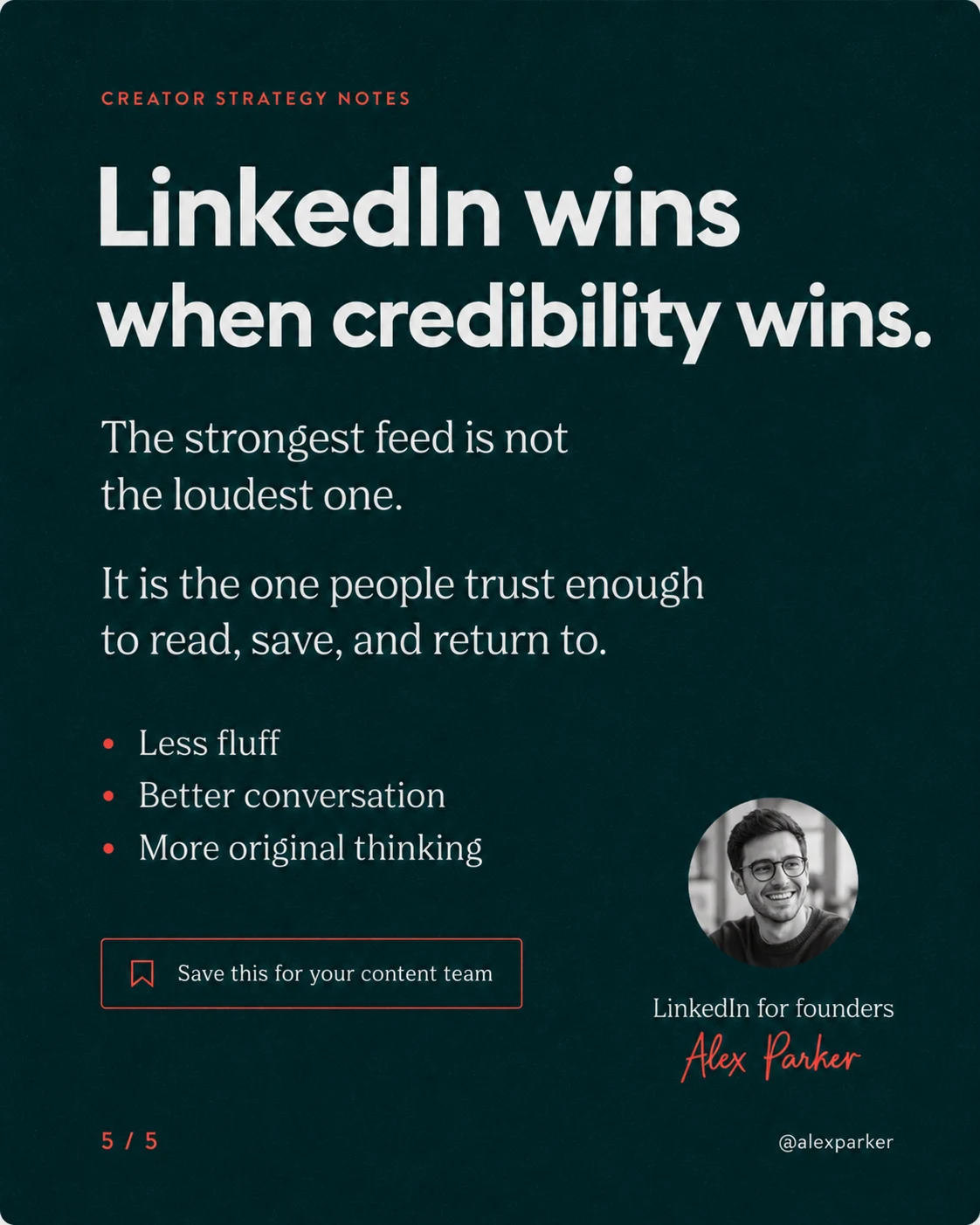

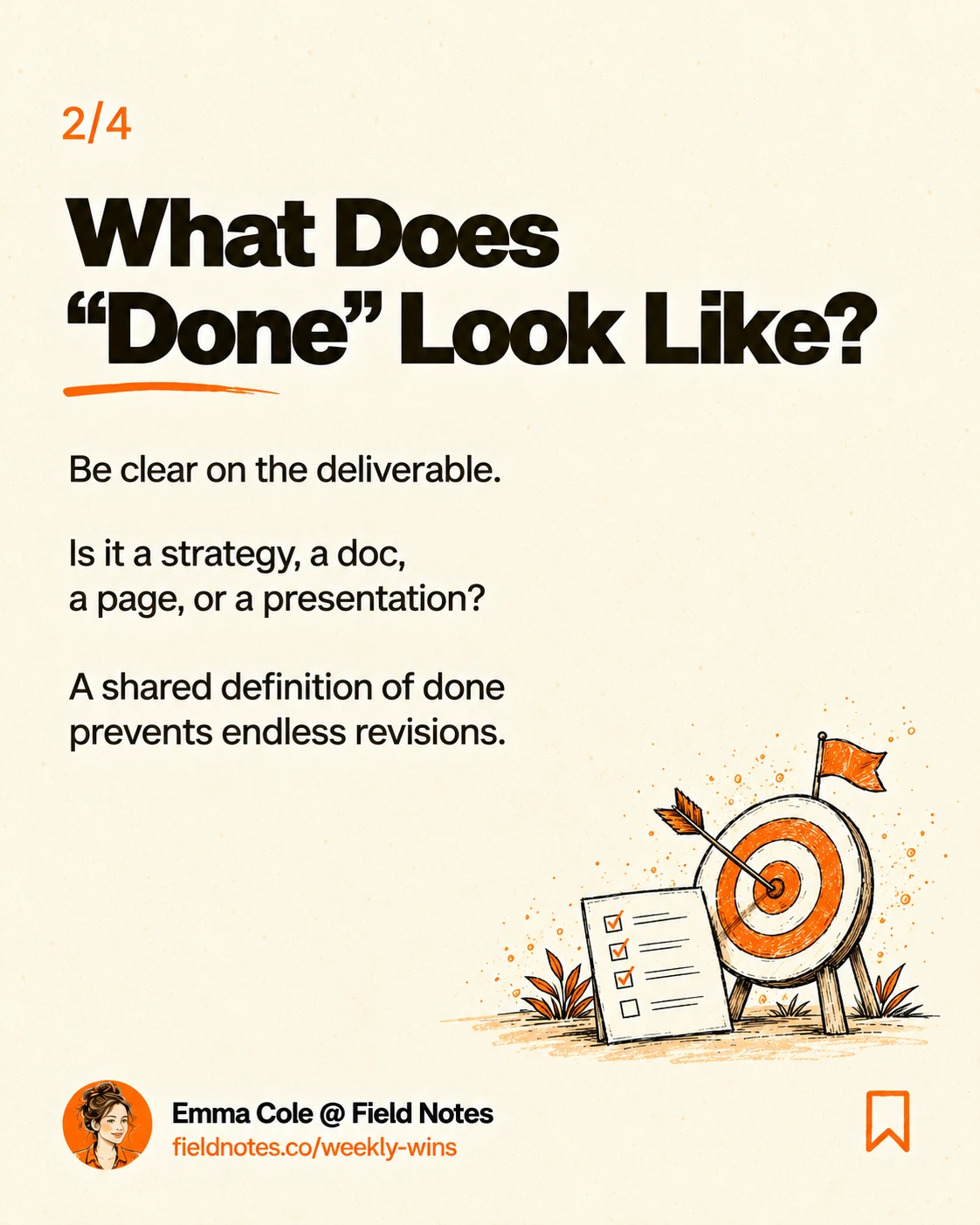
アイデアがカルーセルになるまで
アイデア、記事、話題のトピックから。会話と完成したカルーセルをご覧ください。
自分のアイデアから
Ask Dynal
Create a five-page LinkedIn carousel from my B2B positioning framework: name the buyer, define the problem, show the outcome, and test the message in a customer conversation. Add practical examples and use a blue-and-ivory paper style.
Create a five-page LinkedIn carousel for B2B founders and marketers using my positioning framework. Start with a clear promise, then dedicate one page each to naming the buyer, finding their costly problem, showing a measurable outcome, and testing the message in a customer conversation. Include a practical example on each page and write a short accompanying post. Keep the tone direct and useful, with concise headlines and a consistent blue-and-ivory paper style.
Dynal
I’ll turn your framework into a five-page guide: a cover, then the buyer, costly problem, outcome, and customer test.
The post copy will introduce the framework. Each slide will pair one practical action with a short headline in the blue-and-ivory paper style.
LinkedIn投稿文
LinkedIn post copy generated and saved.
LinkedIn画像を生成
LinkedIn Carousel: Make Your B2B Value Clear
Your five-slide carousel is ready, with practical positioning examples and a consistent blue-and-ivory paper style.
 あ
あなた
Make Your B2B Value Clear
5 pages

1 / 5


999
999 Comments · 999 Repost



LinkedInカルーセルのよくある質問
テーマ、下書き、既存の投稿があれば始められます。対象読者と伝えたい要点も添えると、Dynalが背景を理解しやすくなります。
はい。生成フローで参考用のビジュアルテンプレートを選べます。生成の方向性を示すもので、すべてのレイアウト要素の完全な再現を保証するものではありません。
カルーセルの生成設定で画像数を選べます。利用できる選択肢は作成時に製品内で確認してください。
はい。生成された画像をプレビューして使用するものを選び、公開前にカルーセルのファイル名も設定できます。
カルーセルは複数ページで内容を展開するため、手順や考え方、一連の学びの共有に向いています。単一画像は一つの視覚的なメッセージを伝えるのに適しています。
