

Brand DNA
Your identity, audience, tone, and writing style.

LinkedIn AI Agent
Work with an AI agent that brings your voice, goals, and source material into the creative process. Explore an angle, write a post, create visuals, and refine the result together.
Start a conversation, add what the agent needs, and review the result in Post.
01
Tell Dynal what you want to share and who you want to reach.
02
Attach or select the notes, links, or files the post should draw on.
03
Ask for a sharper opening, another angle, or changes to the visuals.
04
Check the draft in Post, make your edits, then schedule or publish.
Ask Dynal
Saved at 3:50 AM
Post copy
0/3000
Post image
0/20
Draft
Add post copy before publishing.
Give Dynal a foundation in who you are, then add what matters for this task. Your background and your materials give each draft something specific to build on.

Your identity, audience, tone, and writing style.

Your topic, writing instructions, and desired outcome.

The notes, links, or files you select for this piece of content.
 Y
You



999
999 Comments · 999 Repost


Goal
Start with the audience and the outcome.

Content directions
Give your content a set of recurring themes.

Topic
Develop one direction into a specific story.
Define who you want to reach and what you want to be known for. Focus a Project on a goal, then develop content directions into topics you can write about.
Write a post, prepare a supporting image, or develop a topic across carousel pages. Choose a format for the idea, then refine the words and visuals.
 Y
You
999
999 Comments · 999 Repost

Single image reference
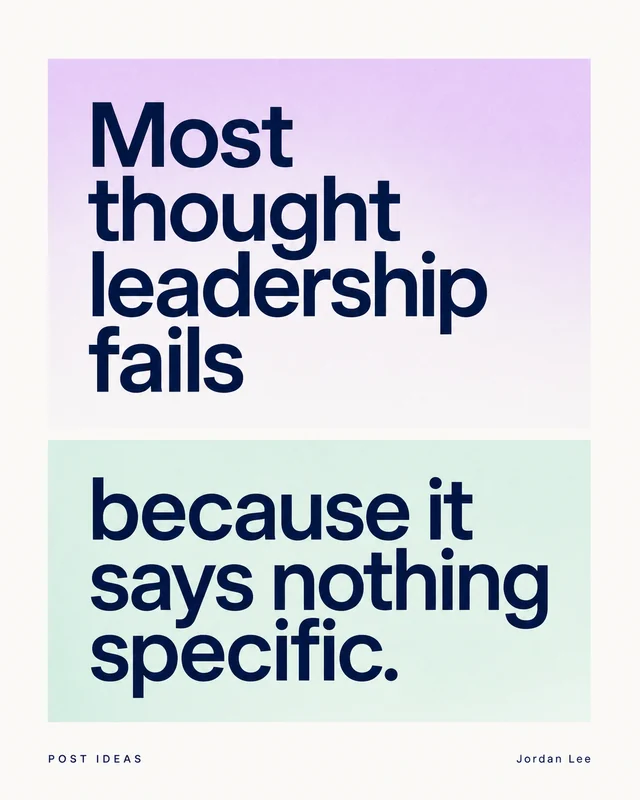
Choose one reference image

Carousel reference
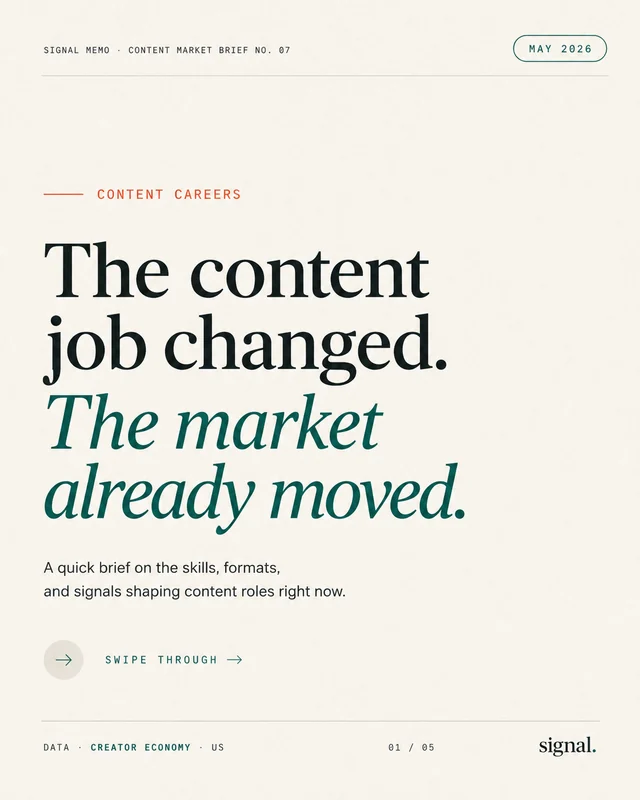
Cover
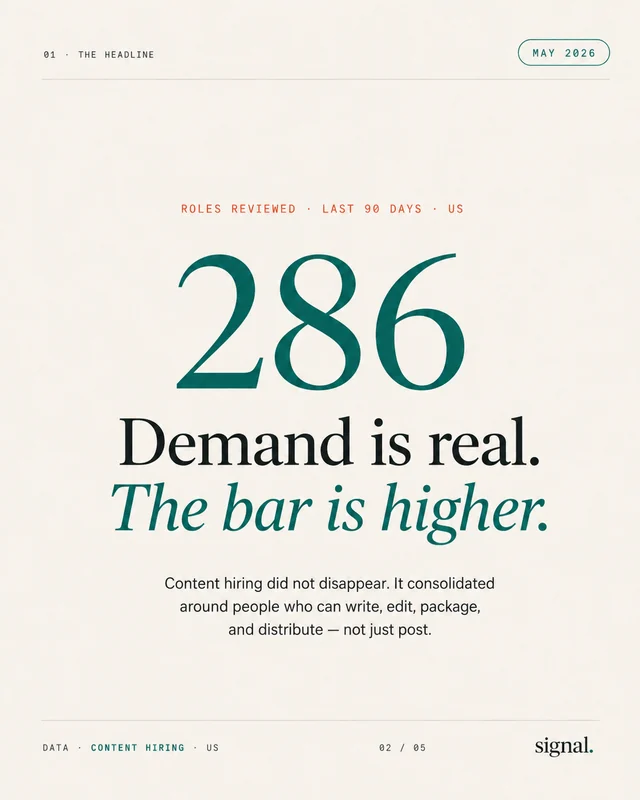
Middle
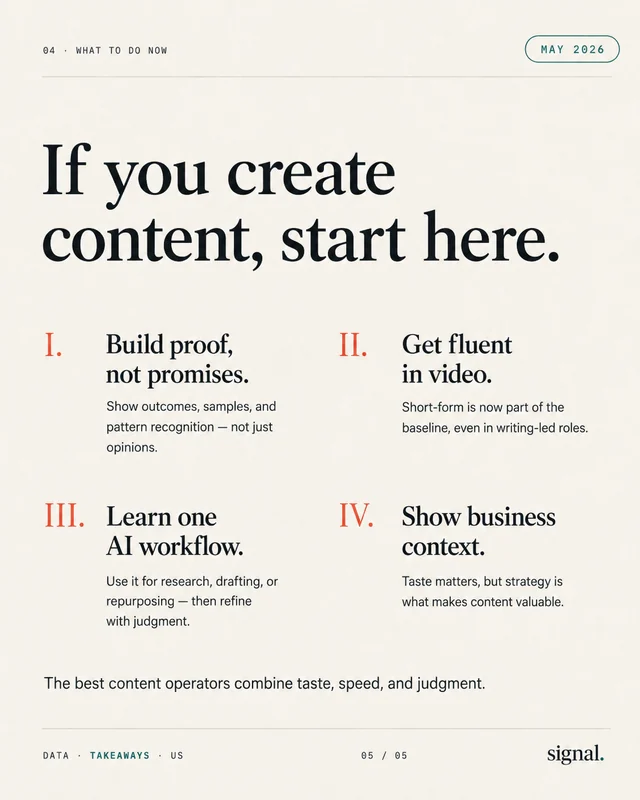
End
Choose one reference set
Give a multi-step idea room to unfold across several pages.
Start a conversation when inspiration strikes. For a recurring rhythm, enable a Scheduled Task in a Project to prepare drafts around its Posting Plan.

Scheduled Task
Text
Single image
Multi-image
Posting Plan
Managed in Project Strategy
5 posts / week
EDT (UTC−04:00)
Mon at 09:00
Wed at 10:00
Thu at 14:00
Fri at 11:00
Sat at 09:00
Prepare your posts
Prepared
OCT 12
MON · 09:00
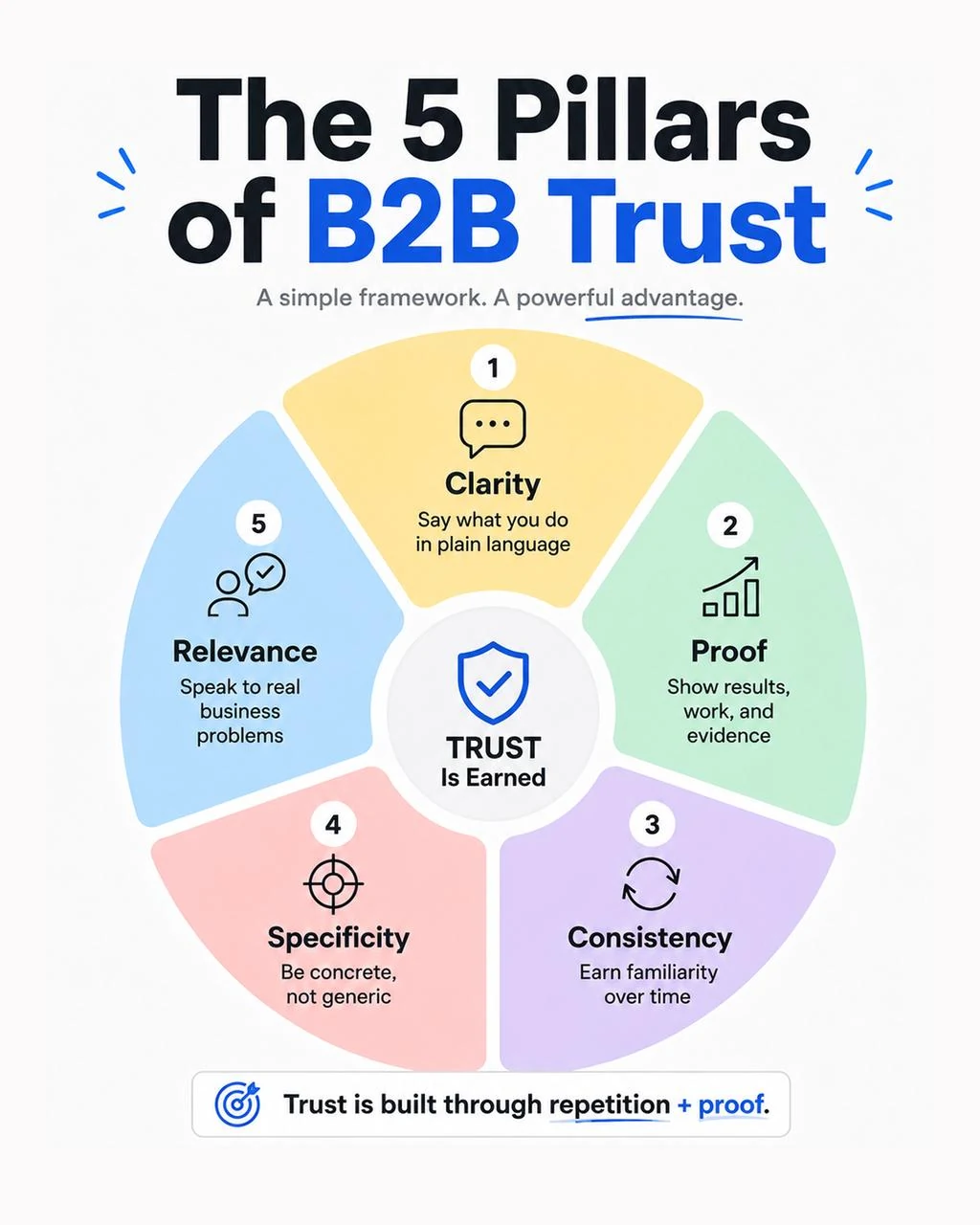
The 5 pillars of B2B trust
Pending review
OCT 14
WED · 10:00
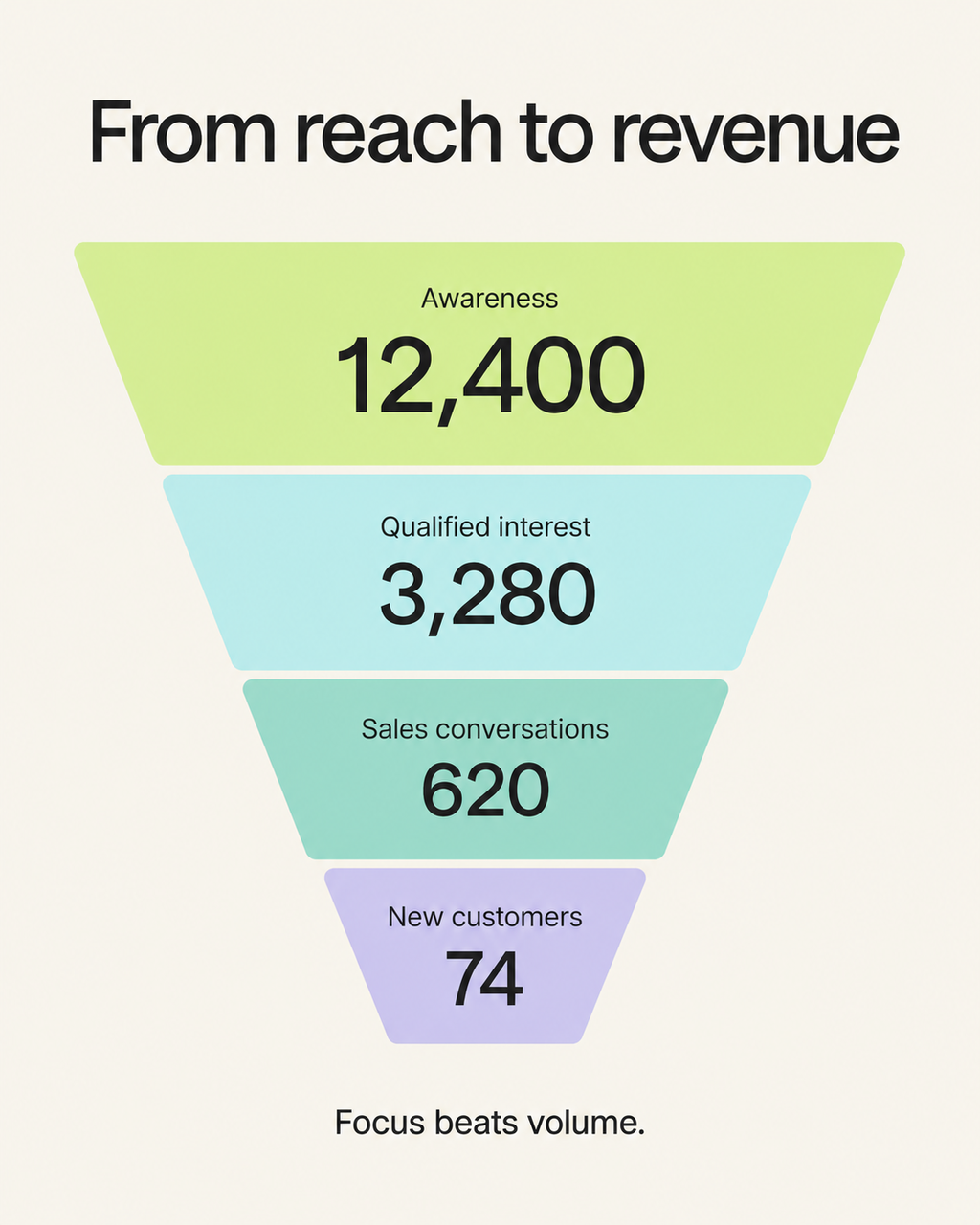
From reach to revenue
Pending review
OCT 15
THU · 14:00
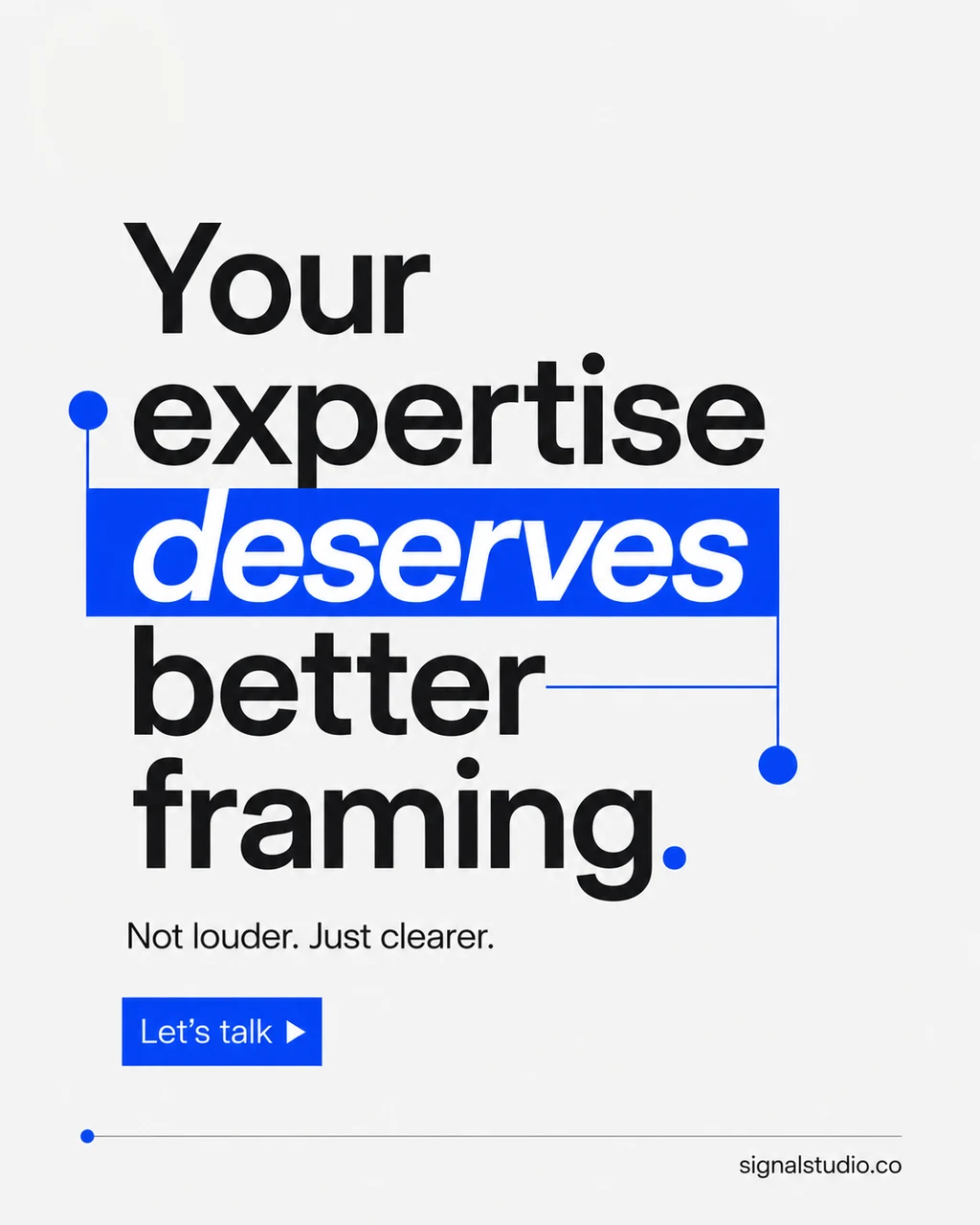
Give your expertise a clearer frame
Pending review
OCT 16
FRI · 11:00
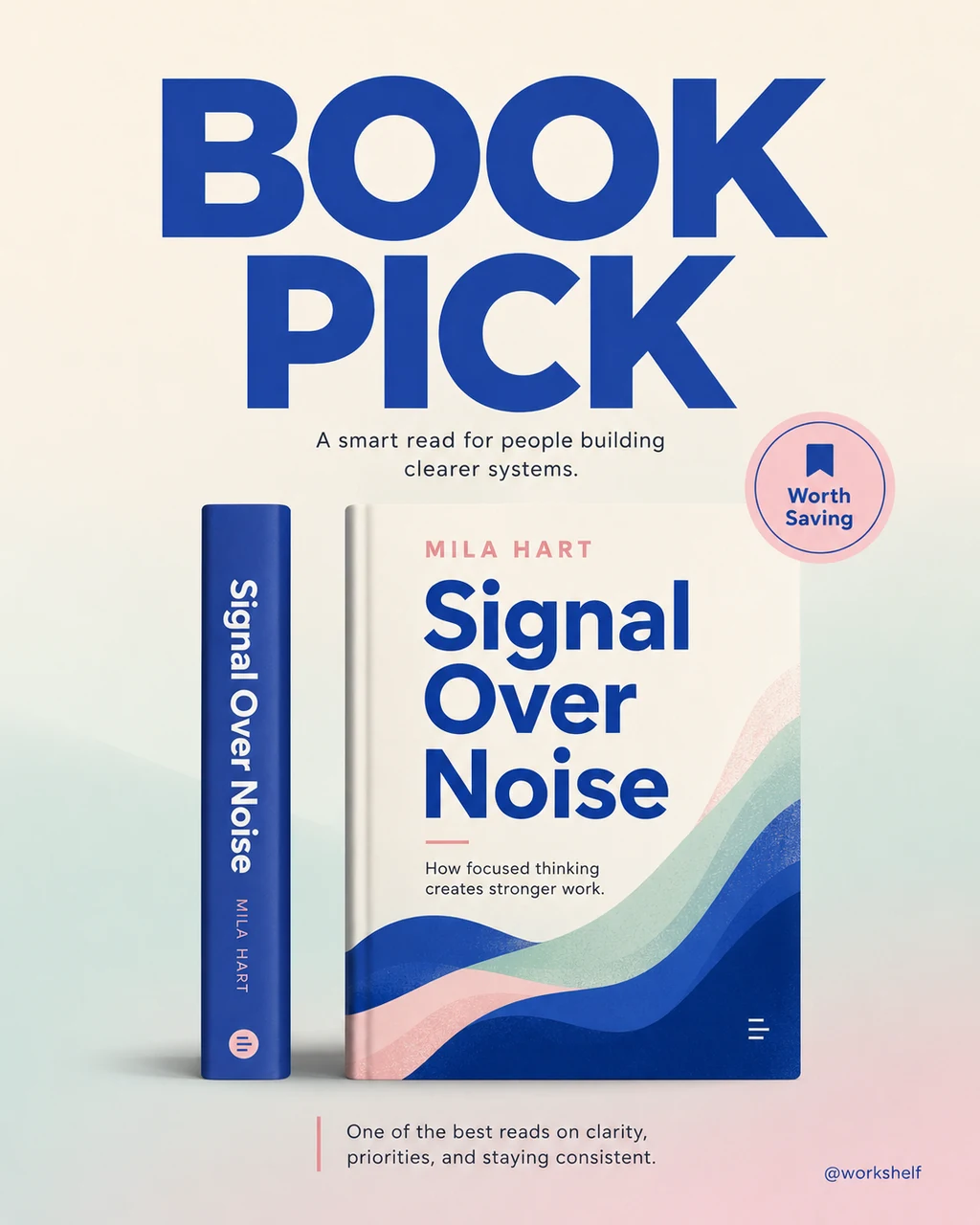
A book worth saving: Signal Over Noise
Pending review
OCT 17
SAT · 09:00
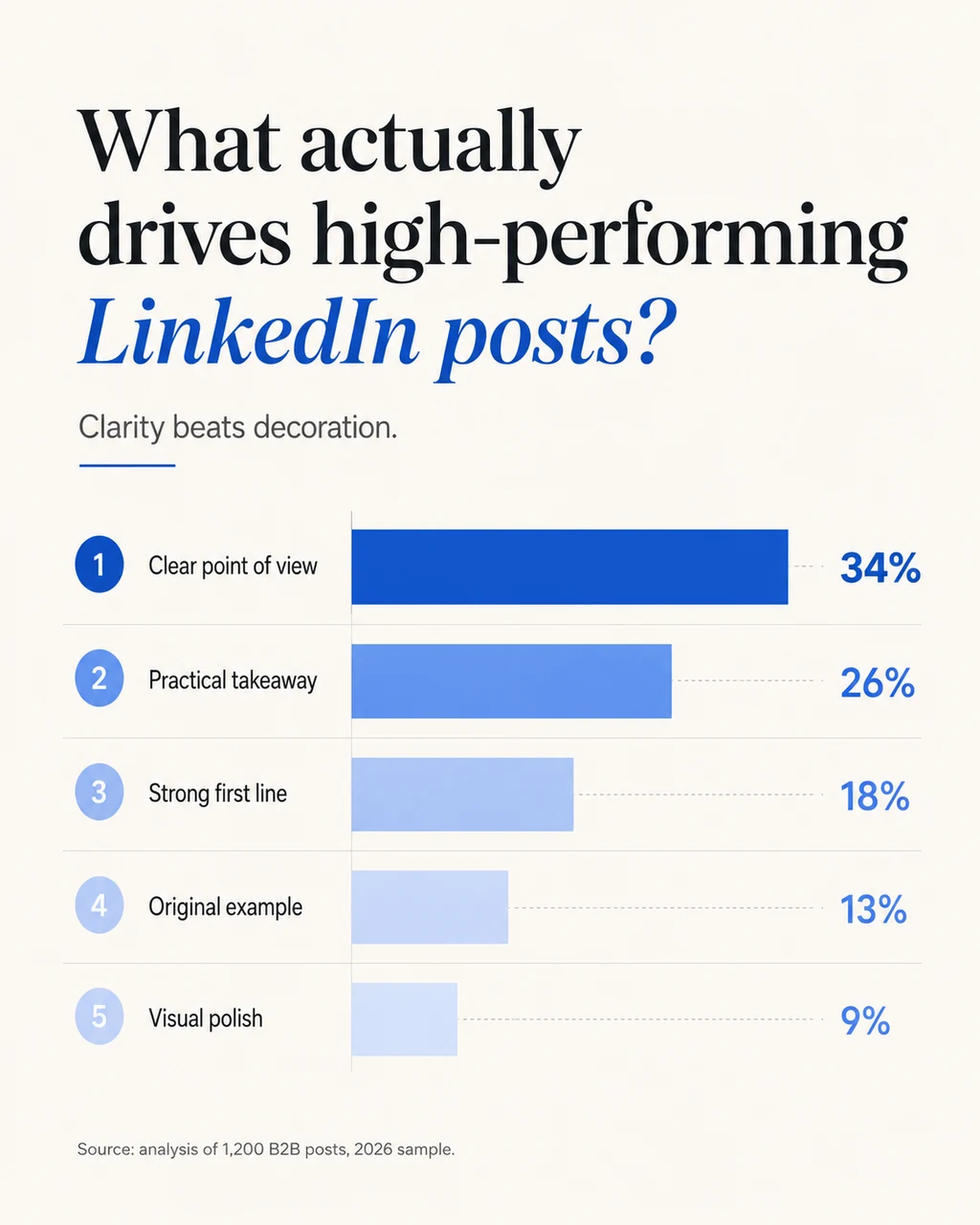
What makes a LinkedIn post work?
Pending review
Scheduled Tasks prepare new drafts. Post scheduling publishes an approved post at the time you choose. Every draft is yours to review first.
A Post Generator helps with a single draft. Dynal connects your personal context, content strategy, Projects, and Posts so you can refine the result and prepare content on a recurring basis.
No. Start with an idea or source material. You can build your Brand DNA, Strategy, and Projects as you develop your content workflow.
Scheduled Tasks prepare drafts for your review. Once you approve a post and set its publishing time, it can be published on that schedule.
Yes. Add or select notes, links, or files for your content task so the draft can build on the material you provide.
The Dynal LinkedIn Reply Assistant provides reply assistance through the Chrome extension. Review and edit each draft, then send it yourself.
Bring a note, a source, or a point of view. Work with Dynal to turn it into your next LinkedIn post.
Start for freeStand out on LinkedIn with Dynal.AI

