
LinkedIn Trending · Content inspiration
Discover good content. Find your own direction.
Discover popular LinkedIn posts and track creators you choose. Learn from their content, then bring your own perspective to your next post.
Discover content
Follow creators
Research and learn
Develop your perspective
 Y
YYou
New Post
Dashboard
Scheduled task
Trending
Brand DNA
Analytics
Library
Calendar
Ideas
Projects
Chats
Search
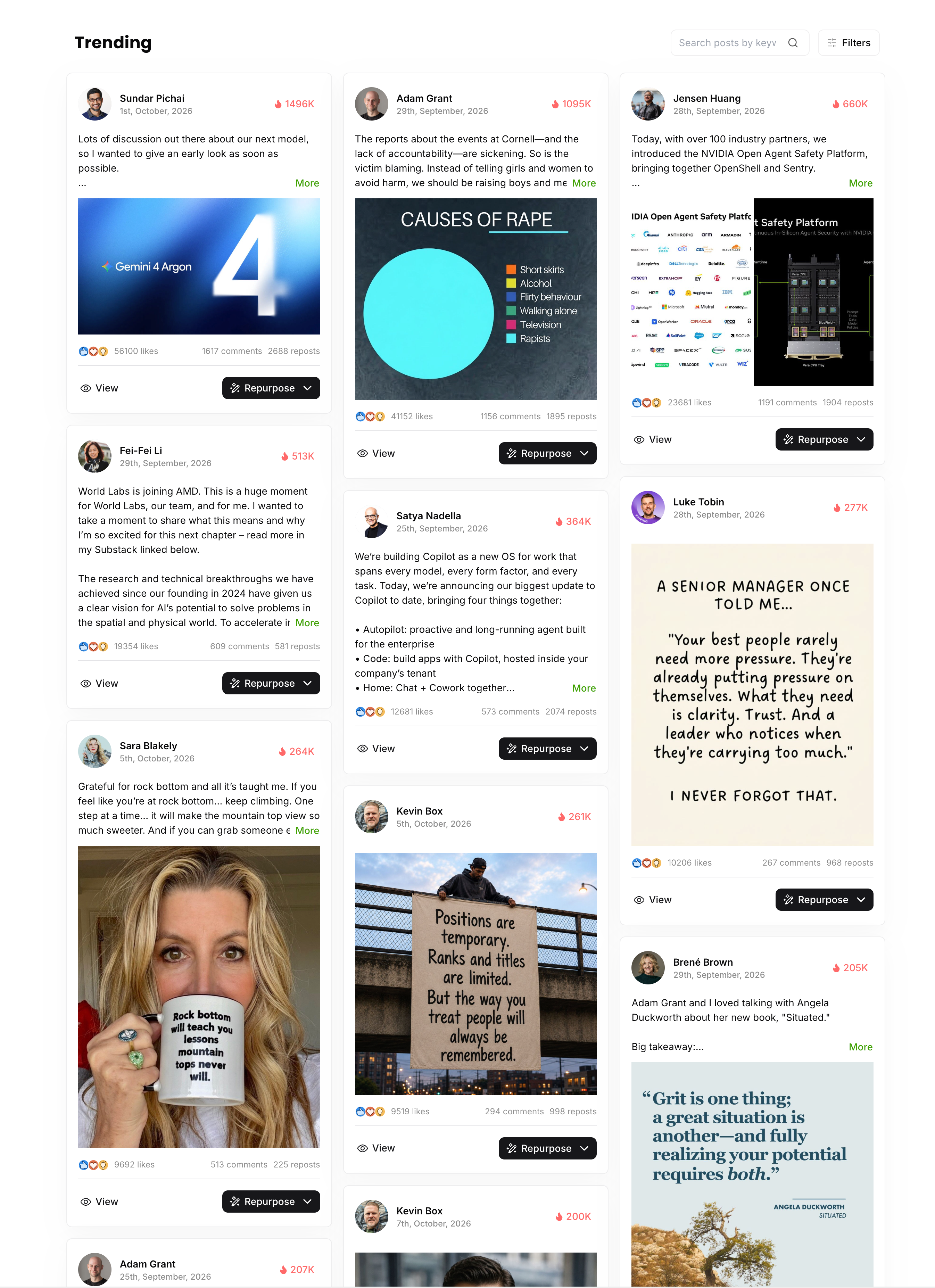
Filters
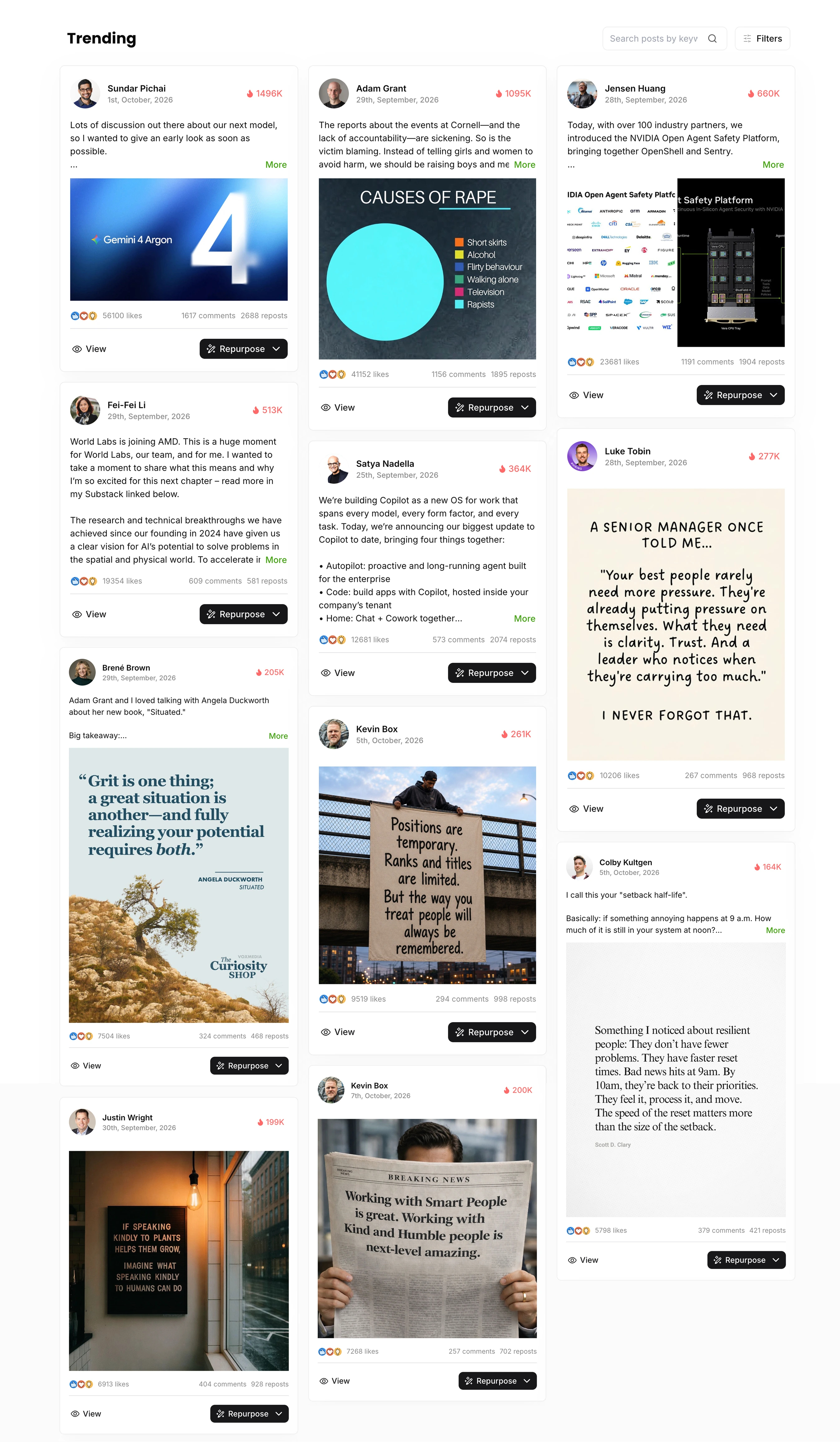
Positions are temporary. Ranks and titles are limited. But the way you treat people will always be remembered.
 9519 likes
Discover LinkedIn content worth studying.
Browse popular posts, search for content, and filter by topic, intent, and engagement. Find relevant references and explore how different perspectives unfold.
Start free trialFollow creators who interest you.
Add LinkedIn profiles to Tracking, browse their public posts in one place, and filter by account. Build your own reference list for ongoing research and learning.
Start free trial
Followed creators
Matched to this conversation

Bill Gates
Chair, Founder, Breakthrough Energy

Satya Nadella
Chairman and CEO at Microsoft

Jensen Huang
Founder and CEO, NVIDIA

Richard Branson
Founder at Virgin Group

Lisa Su
Chair & CEO at AMD

Fei-Fei Li
Cofounder/CEO, World Labs

Brené Brown
Researcher. Storyteller. Courage-builder.

Dylan Field
CEO & Co-founder of Figma

Grant Lee
Co-Founder/CEO @ Gamma



Learn how good content makes a point.
Study a post’s angle, opening, structure, and voice. What question does it address? How does the argument develop? Which techniques fit your readers? Turn reading into inspiration for your own writing.
Start free trial
Grant Lee
Co-Founder/CEO @ Gamma
+ Follow
I run the company responsible for a lot of the AI-generated slide decks out there now, and I agree with Sarah.
When we were building Gamma, formatting was the friction I was most interested in removing. In a previous life, I spent a lot of late nights making research look presentable, and most of that time was spent moving and aligning boxes. I wished I had more time to simplify my ideas so that they were easier for others to absorb.
Our first pitch deck for Gamma was a rough prototype of the product itself, a hybrid of doc and slides, interactive and media-rich. Many investors passed. But the ones who said yes trusted our belief about slides because the deck itself embodied it: the pitch was the proof.

256 Likes
38 Comments
5 Reposts

Founder perspective

Clear pain point

Personal experience

Concrete detail

Value proposition

Proof by example
Choose what to reference. Create something of your own.
Repurpose offers four ways to use a reference. Choose one or combine several, then bring them into your writing workflow with your own experience, examples, and judgment.
Start free trialExplore LinkedIn AI Writer

Your draft is ready to review
You
Your professional headline
A title can give you authority. It can’t give you trust.



999
999 Comments · 999 Repost
Questions about LinkedIn content inspiration
Trending helps you discover popular LinkedIn posts. Tracking lets you add LinkedIn accounts you choose and browse their content in one place.
Use search, topic and intent filters, and sorting options to narrow the list. Consider your readers, industry, and content goals when deciding what is useful.
Trending displays LinkedIn posts with author and engagement information. You can open the original post to understand its context.
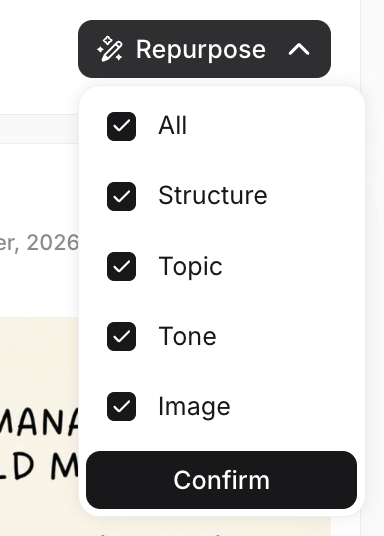
Repurpose lets you reference structure, topic, tone, and images, separately or in combination. The image option appears when the post has a usable image. Bring your references into the creative workflow, add your own experience and perspective, and continue editing.
Content Strategy helps define your audience, positioning, and long-term direction. Trending helps you discover concrete references during everyday research to inspire your next post.

Find fresh inspiration for your next post.
Start with a post worth studying. Add your experience and turn inspiration into your own expression.
Start free trial