


New job: update your profile or write a post?
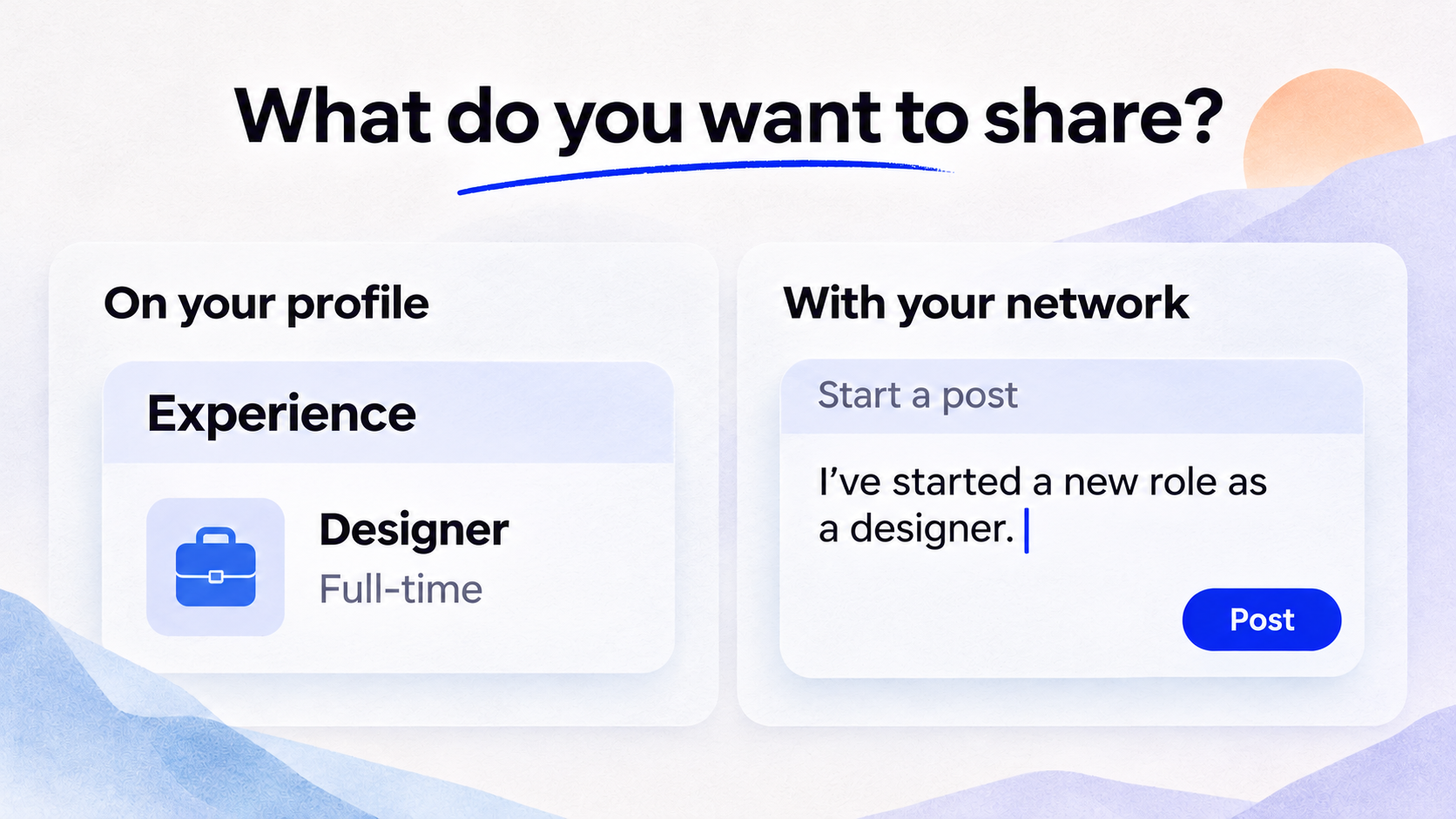
If you just want profile visitors to see where you work, add the company and role to Experience. To tell former colleagues, clients or peers directly, write a separate post. Give them something useful beyond your title, such as what they can contact you about or why you changed fields.
A public announcement can introduce you to peers and potential clients. Once they know what you do, they can visit your profile or get in touch when they need that expertise.
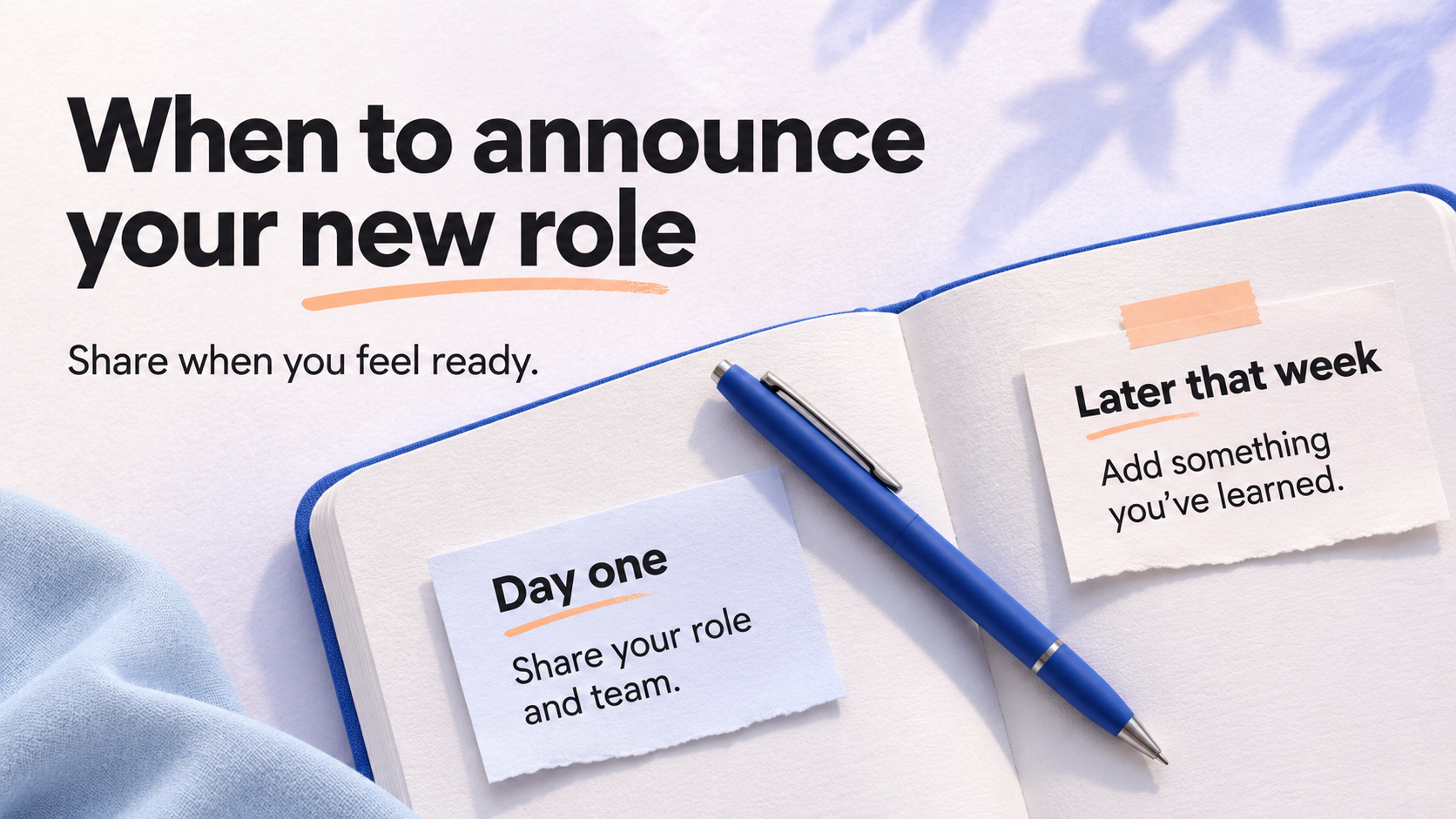
When should you announce your new job?
The first week is a good time. You’ve actually started, and you can introduce the company, the role and why you took it.
On day one, a short update and a thank-you may be enough. By the end of the week, you may have met your team and learned enough to share a first impression or a priority.
You can also wait until you’ve settled in. Choose a time that suits you and share the details you’re comfortable making public.
How to write your announcement: a template and three examples
Whether you’re joining a new company, starting your first full-time job or switching fields, start with the template below. Replace the brackets with your own details and adapt the acknowledgments.
A new-job announcement template
I’ve joined [company] as [role].
I’ll be working on [responsibilities]. I’m looking forward to [a goal or a reason you chose this role].
Thank you to [person or team] for your support. I look forward to staying in touch with [team, peers or clients].
For a short update, the company and job title are enough. Add your focus, your reason for joining or a thank-you if you have more to say.
Here’s how that can sound for a company move, a first job or a career change.
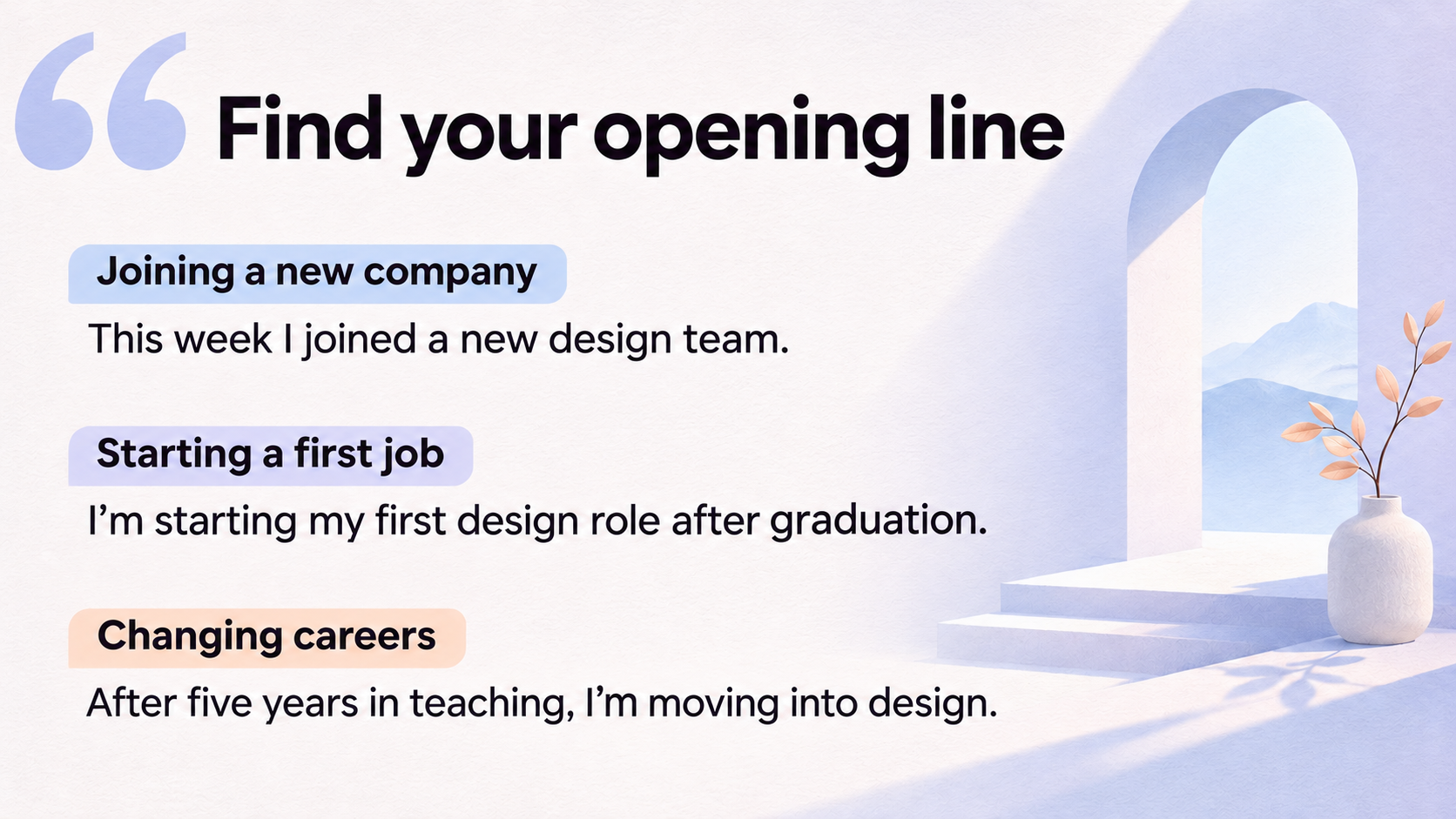
Example 1: Joining a new company
Use this when you already have experience and want peers and clients to know what’s changed.
This week I joined [company] as [role]. For the past few years, I’ve worked on [previous focus]. In my new role, I’ll work with [team or clients] on [new responsibility].
Thank you to [former colleagues or team] for your support. I look forward to continuing our conversations about [field].
Example 2: Your first job after graduation
Use this to share what drew you to your first full-time role.
I’ve joined [company] as [role], my first full-time job after graduation.
During [internship, course or project], I had the chance to [specific experience], which sparked my interest in [field]. I’m looking forward to learning [skill] and contributing to [work].
Thank you to [teacher, mentor or friend] for helping me through the job search. I can’t wait to work with my new team.
Example 3: Moving into a new field
Use this when a change of industry or role needs a little context.
After [time] in [previous field or role], I’ve joined [company] as [new role].
My previous work taught me [skill or experience]. I’ll put that to use on [specific work] while learning [new field or skill].
Thank you to [former team or supporters]. I’d love to hear from others working in [new field].
Adapt the thanks and details to your experience. For a brief update, your company, role and next area of focus will do.
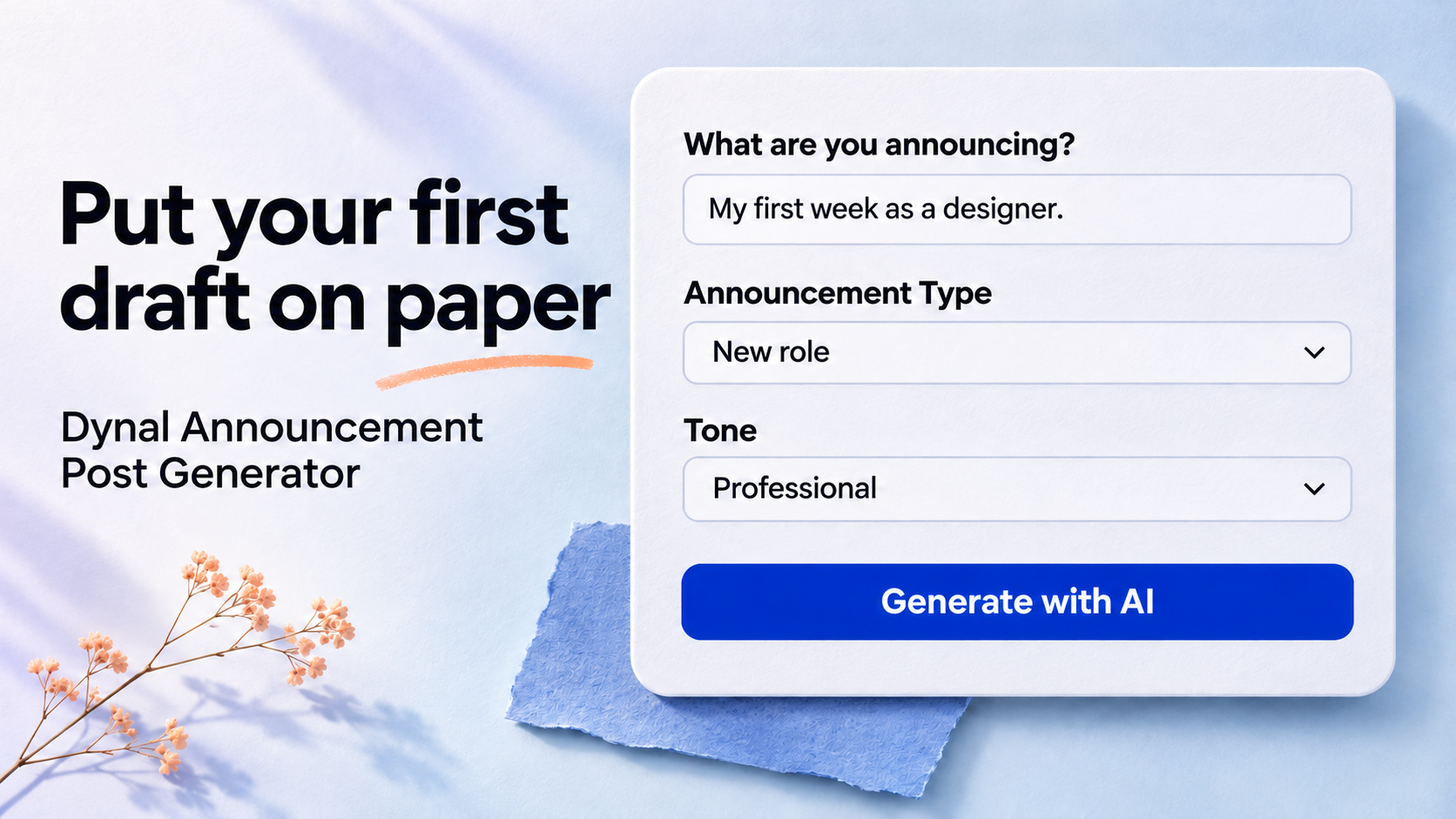
If you know what you want to say but are stuck on the opening, enter the company, role and a few details in Dynal’s announcement post generator to get a first draft.
What can you include in the post?
Start with what you want your readers to know.
- Introduce your role briefly. Name the company, title and main focus. It’s an understated update that still tells readers what you do.
- Explain why you took the job. Mention the work, the team or a direction you want to explore. This can be especially helpful for a first job or a career change.
- Tell a short story. Pick one moment from a previous role, internship or job search and explain how it influenced your decision.
- Thank someone. Name a colleague, mentor or team and describe the help they gave you. If you tag people, choose two or three who were genuinely involved.
- Describe what comes next. Say which clients you’ll serve or which problems you’ll work on so readers know when to reach out.
You can combine these approaches. One or two details that matter to you usually make the post easier to write and read.
What photo should you use?
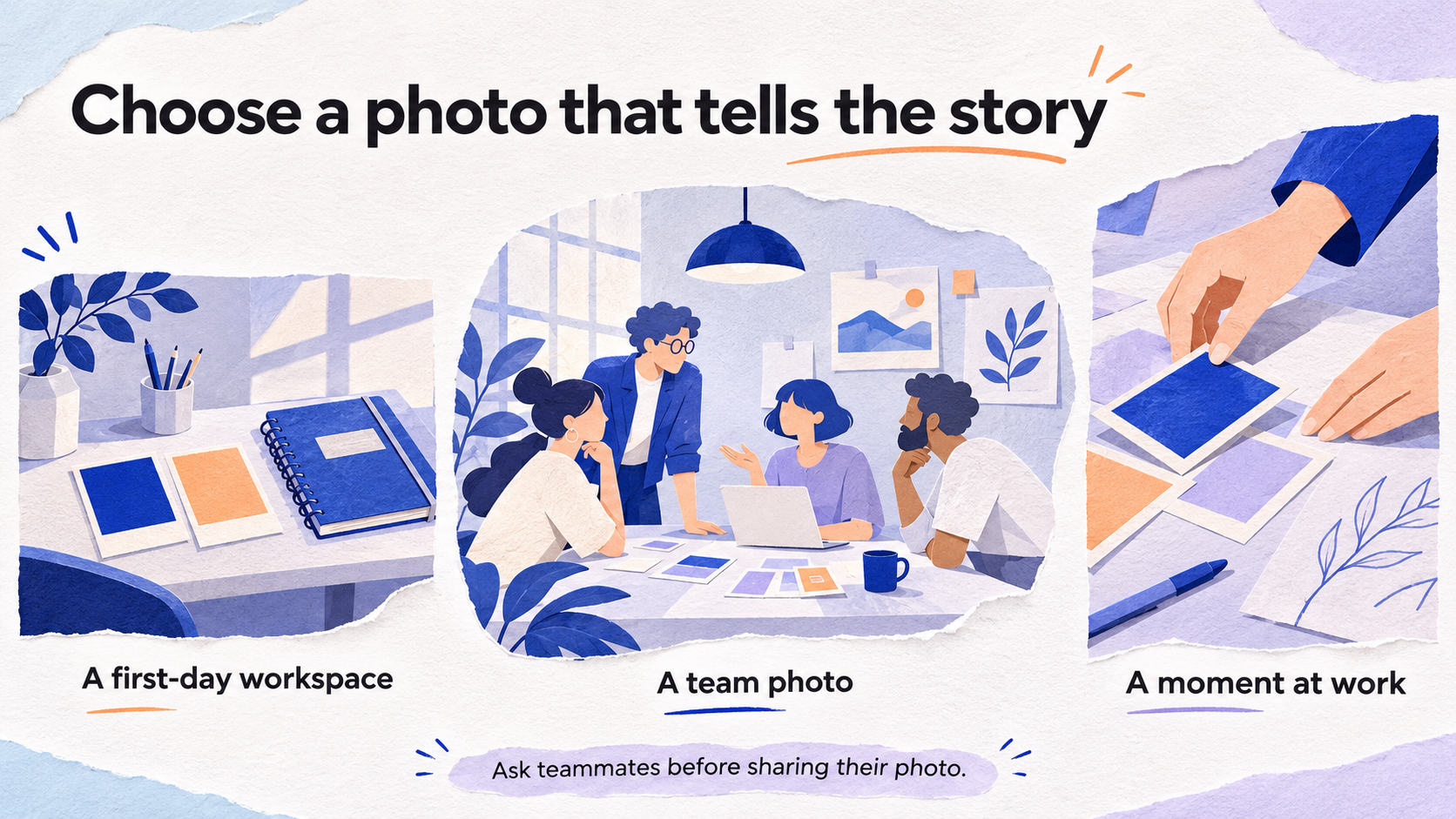
A photo connected to the job can give readers a glimpse of your new surroundings. Consider:
- A first-day portrait or a photo of your new desk.
- A team photo, with permission from everyone pictured.
- A scene related to the work, such as an event, studio or finished project.
Check badges, screens, client details and anything not yet public before uploading. Preview the crop on a phone. A text-only announcement works perfectly well if you don’t have a suitable photo.
Update your experience and publish your post
Open your profile and go to Experience. If you already have a position listed, use the plus sign to add your new role. If this is your first entry, choose Add profile section → Core → Add position. On mobile, open your profile from your photo. Enter the company, job title and start date, then save.
Check whether your headline still fits the new role. See our guide to LinkedIn headlines and examples for ideas.
When you’re ready, click Start a post in your desktop feed. Make sure project details are public and any tags identify the right people. Choose your audience, then click Post.
Frequently asked questions
Do I have to announce a new job?
No. Updating Experience is enough if you just want the role on your profile. A post helps you share the news with your network or introduce your new responsibilities.
How long should the announcement be?
There’s no fixed length. Two or three sentences can cover the company, role and focus. Write more if a thank-you or a career change needs context. Read it once for accuracy and tone.
Should I post on my first day?
You can, or you can wait until you know the team and work a little better. The first week is a useful window. Pick the moment that fits what you want to share.
Do I still need a post after updating Experience?
It’s up to you. Adding a position updates the profile. Whether your network gets a notification depends on your settings. A separate post gives you room to explain the move in your own words.
Should I tag my company and colleagues?
You can tag the company’s LinkedIn Page or a colleague or mentor you’re thanking. Choose people connected to the news and check each account before posting.
Do I need to explain a gap if I’m returning to work?
No. You can simply introduce your new role. Share as much or as little about the time away as you like.