

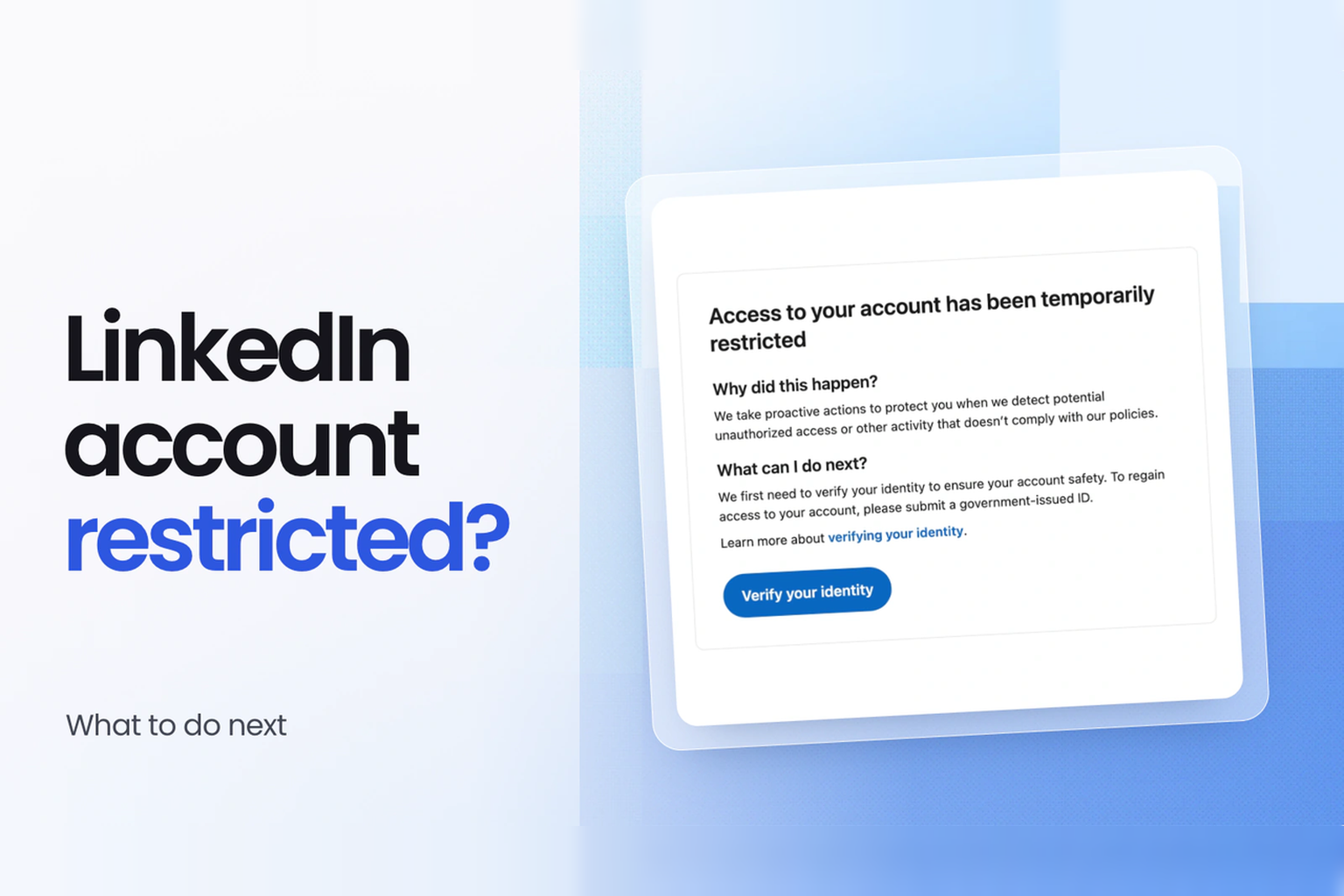
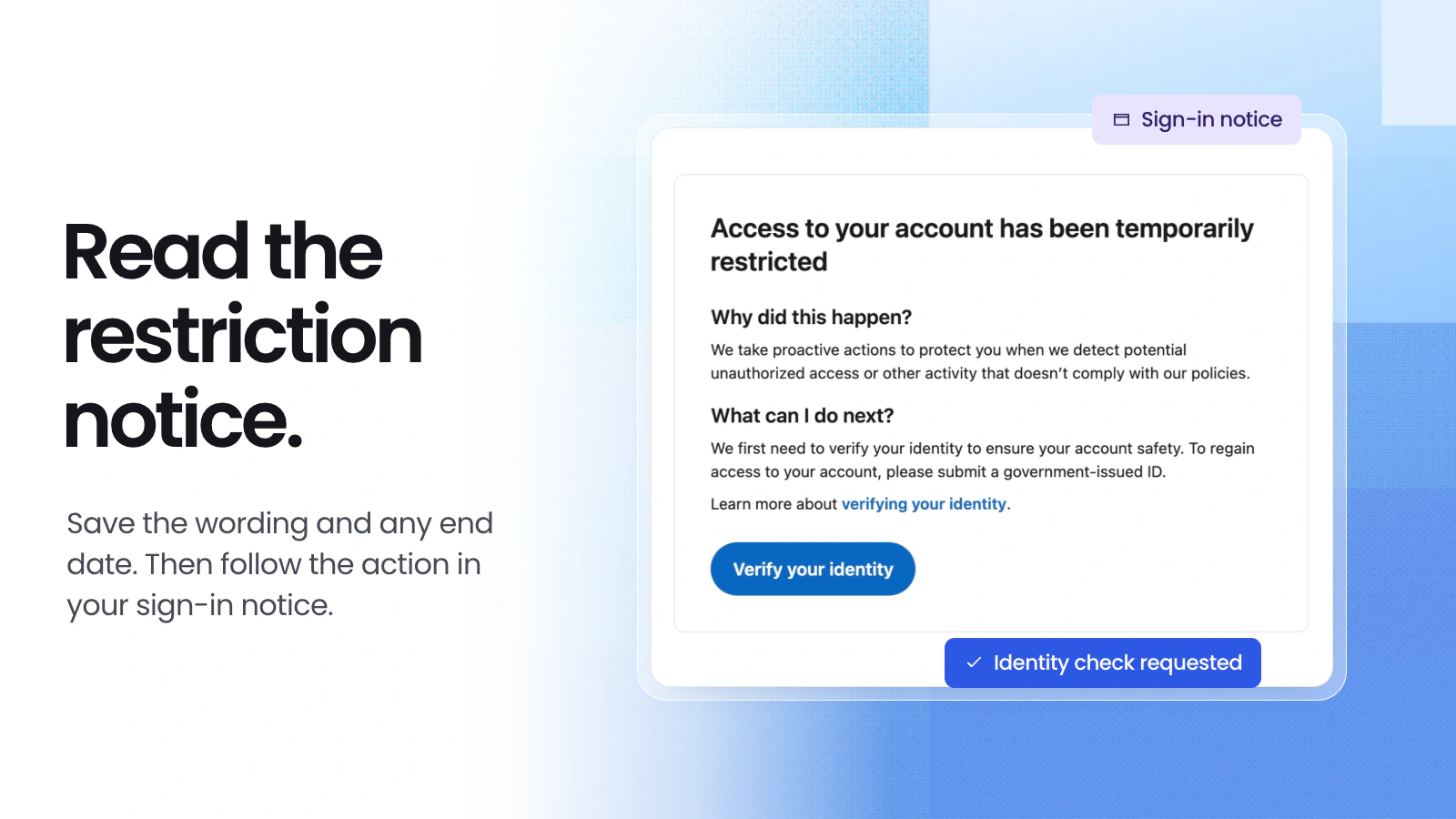
If LinkedIn says your account is restricted when you sign in, read the notice for a date or a request to verify your identity. If it gives only an end time, wait until then to sign in again. If it asks for ID, start verification from that screen. If you can still sign in and only connection requests are blocked, check the invitation limit first.
I can sign in but can’t send invitations. How long do I wait?
LinkedIn may pause invitations if you send many in a short time or if many of them go unanswered or get marked as spam. If your notice says when you can send another request, follow that date. Otherwise, the guidance depends on what happened.
- First restriction. Wait a few hours before trying again. If you’ve been restricted more than once in the same day, wait a few days.
- You’ve reached the invitation limit. Most invitation restrictions lift automatically within a week. Withdrawing pending requests, upgrading to Premium, or contacting support won’t reset the limit early.
- Too many pending invitations. For this specific notice, LinkedIn recommends waiting up to one month before trying again. See LinkedIn’s guide to invitation restrictions.
How do I recover a restricted LinkedIn account?
Take a screenshot that shows the whole notice and note the date. If you first heard about the restriction by email, open the LinkedIn app or go directly to the website and sign in. Use the instructions you see there.
The notice asks you to verify your identity
Start from the sign-in screen. If LinkedIn directs you to Persona, its verification provider, scan the QR code with your phone if you started on a computer. On a phone, continue on the same device. Select the country that issued your ID and choose one of the documents listed. Check that all four corners are in the photo, your name and portrait are clear, and glare doesn’t hide any text. See LinkedIn’s examples of acceptable and rejected ID photos.
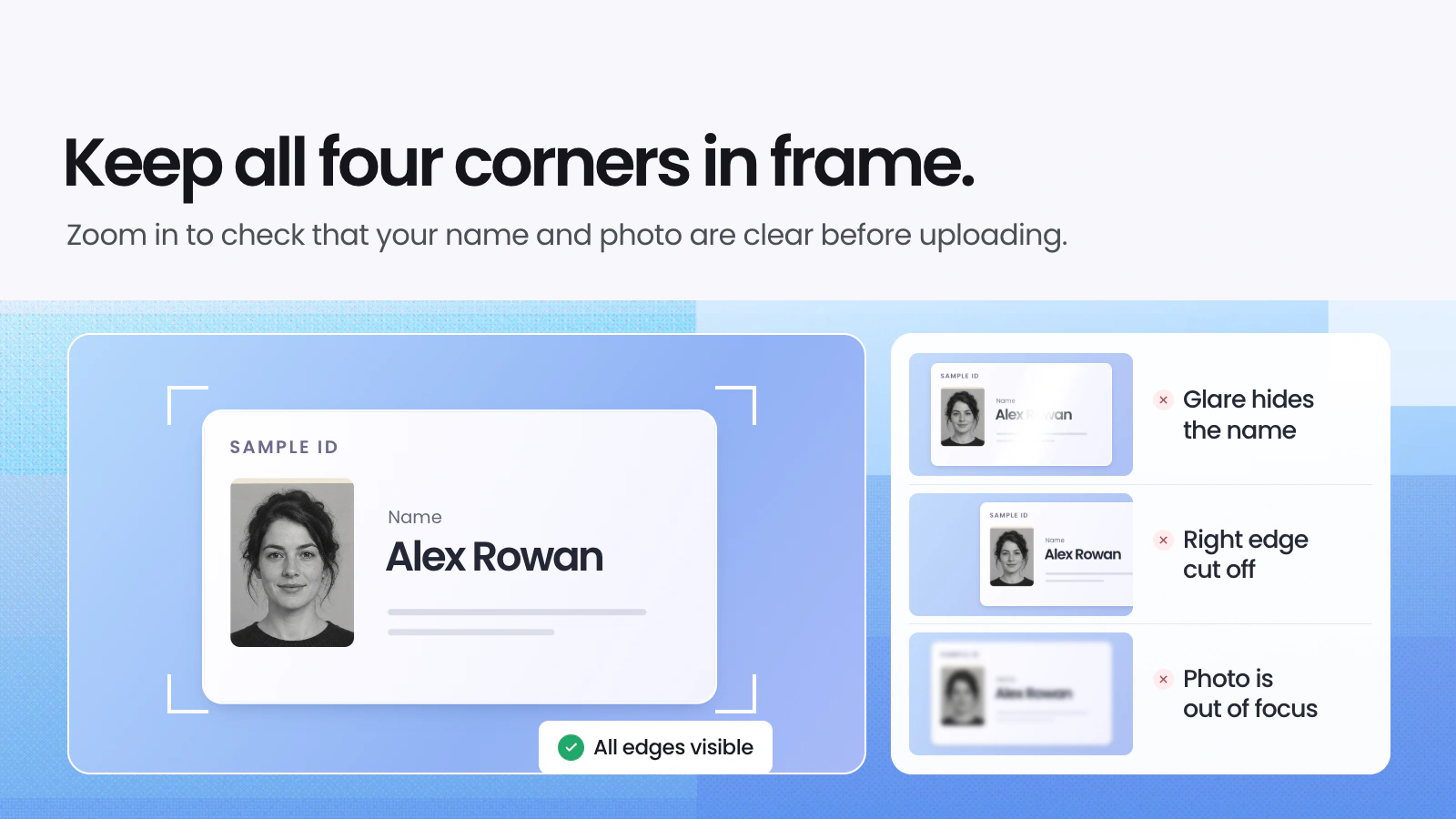
You may also be asked to take a photo of yourself. If your ID is rejected, check the reason on screen and make sure the document hasn’t expired. If you can’t use an ID, the guide above lists alternatives available in some locations. After submitting, check the email linked to your account and any replies on your support case.
The notice mentions automated activity
Check whether a tool has been sending invitations or messages on your behalf, or scraping member profiles. Stop those tasks and disable the software or extension responsible. If the notice gives an end time, wait until then before signing in again. Repeated suspensions for automated activity can lead to a permanent restriction.
The restriction is permanent, or you think LinkedIn made a mistake
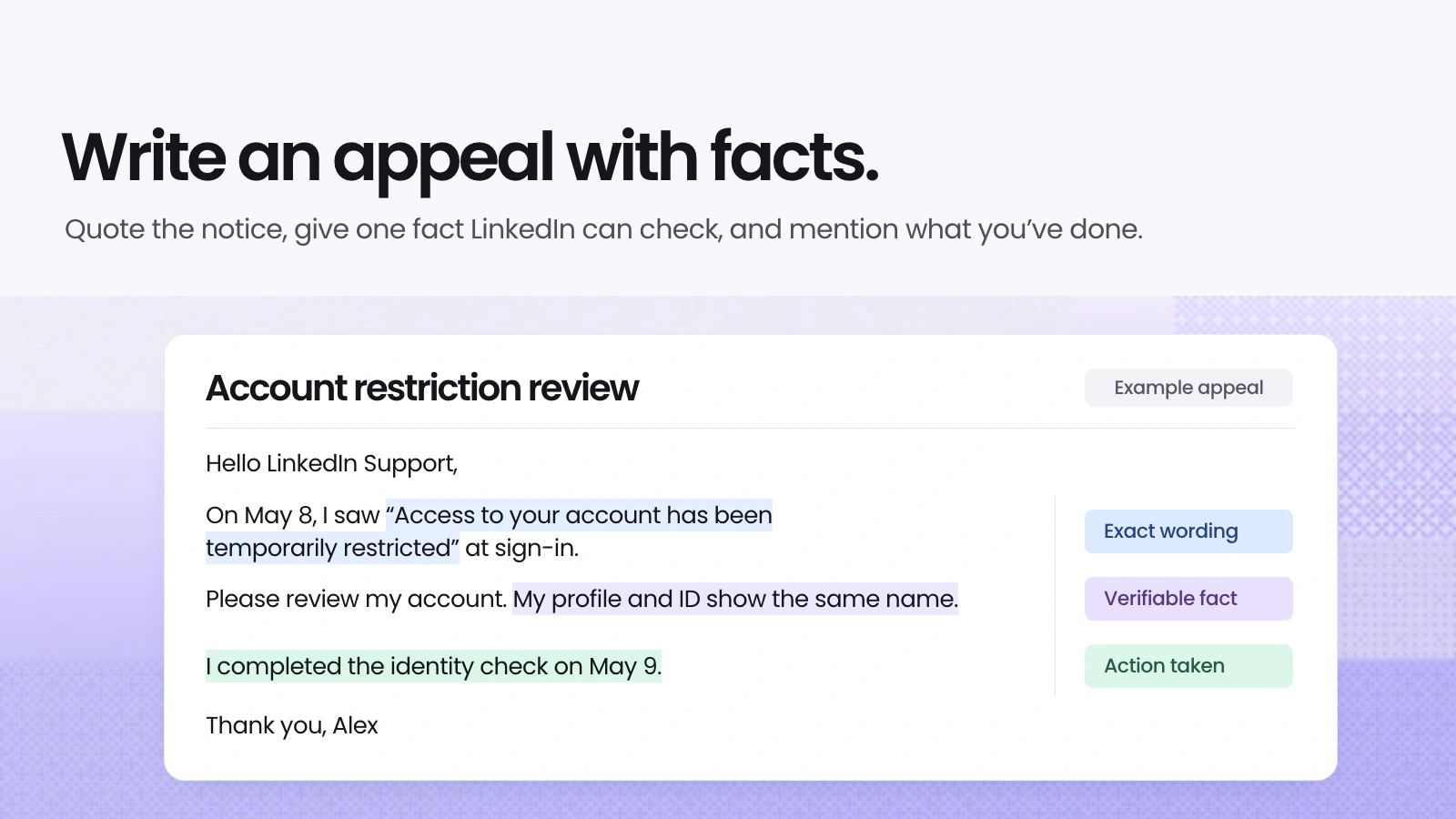
A permanent restriction has no automatic end date. Sign in to the affected account and check whether the notice offers an appeal or asks you to verify your identity first. In your request, state when the notice appeared, what it said, and which fact you want LinkedIn to review. If you already have a case number, add any new information to that case.
You can adapt the email below when replying to an existing support case. If LinkedIn gives you an appeal form instead, use the body of the message.
Subject: Request to review my account restriction (case [number, if available])
Dear LinkedIn Support Team,
On [date], I saw the following notice when I signed in: “[paste the exact wording].” My profile URL is [link, if available].
Please review this restriction. [Give one fact the team can check and explain why it matters.] I’ve already [describe any steps you’ve taken in response to the notice].
Could you review my case and let me know if you need any further information?
Best regards,
[Your name]
How can I avoid another restriction?
If invitations were the problem, start with people you know. Mention the event where you met or the project you worked on together so they can recognize you. A daily quota you find online is no guarantee that your account can send that many requests.
If the notice mentioned automation, make sure any queued tasks are switched off before you resume using the account. If it flagged your identity or a post, review the specific item LinkedIn identified and correct any inaccurate details.
Two sign-in problems that can look like a restriction
My account sent messages I didn’t write, or my email address changed. What should I do?
Someone else may have access to your account. In the LinkedIn Help Center, search for “Report a compromised account” and follow the reporting steps. If you can still sign in, change your password, sign out of unfamiliar devices, check your email address and phone number, and turn on two-step verification.
Do I need to appeal if LinkedIn says my password is incorrect?
Start with “Forgot password?” on the sign-in screen and reset your password using the email address or phone number linked to the account. If a restriction notice appears after the reset, follow the instructions in that notice.
If a post was due while your account was restricted, you can still work on the draft. Put your notes into Dynal’s LinkedIn AI Writer, then edit the wording so it sounds like you. Once you can post again, decide when to share it.