June 2026
Dynal became a multilingual LinkedIn workspace
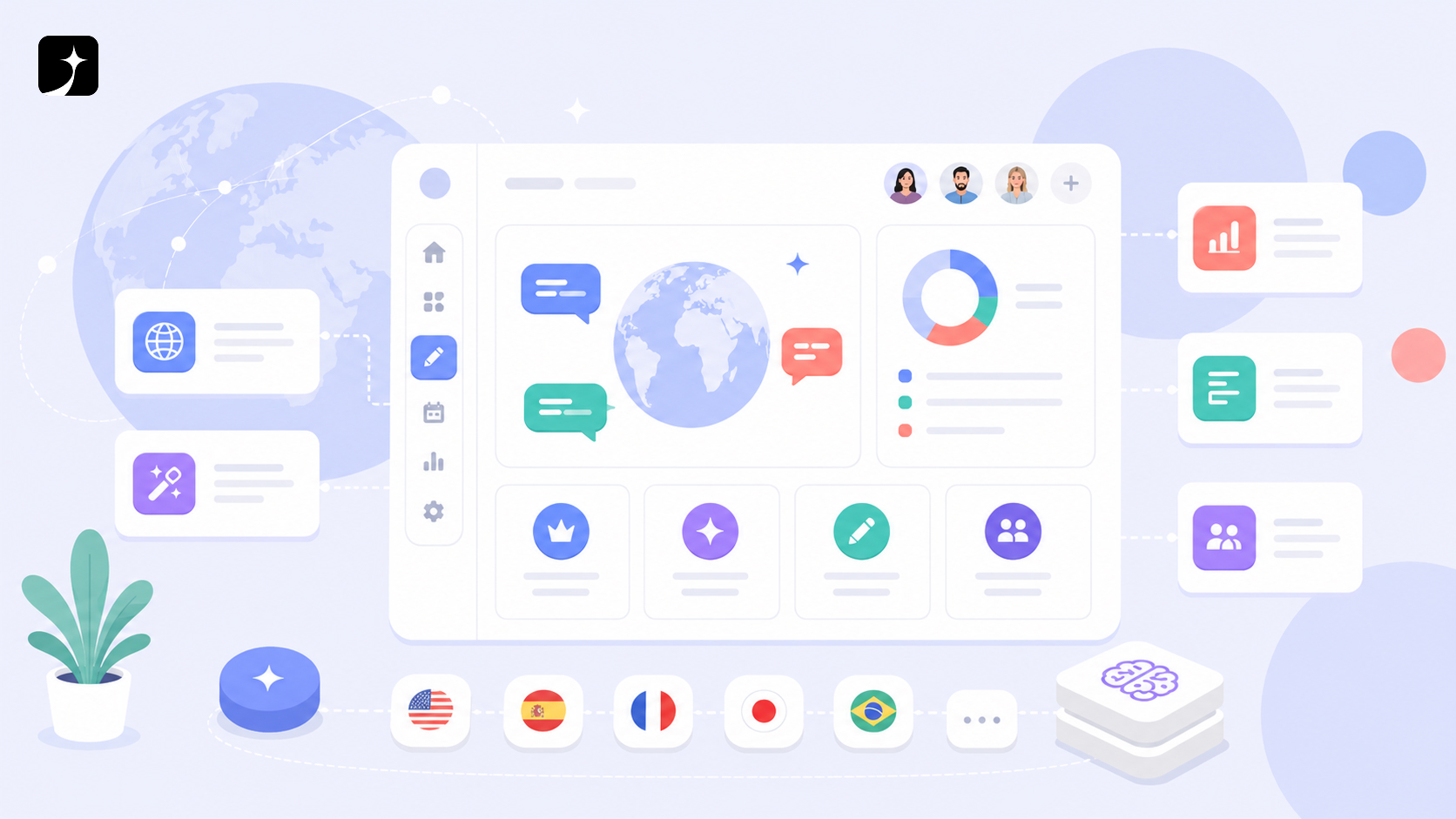
Dynal now supports a multilingual workspace experience across the authenticated app, helping international teams work in the interface language that fits them.
Why it matters
LinkedIn content work is increasingly global. Founders, creators, marketers, and teams need a workspace where planning, Brand DNA, drafts, tools, and account settings feel clear in their own language.
What changed
Interface language moved into the workspace
Users can work with Dynal in supported interface languages across the logged-in product, including the sidebar, settings, workspace controls, and core app copy.
Brand DNA became easier to use globally
Brand DNA screens now have broader localized copy, including profile context, voice and tone, audience, boundaries, visual identity, knowledge, and output language controls.
Language switching became smoother after login
Dynal can prompt users to switch interface language after login when their browser language and saved Dynal language do not match.
More product moments became localized
Tool forms, conversion messages, download watermark prompts, authentication flows, pricing, playbooks, and public content gained wider multilingual coverage.
What users can do now
Users can choose a clearer interface language, manage Brand DNA with localized guidance, generate LinkedIn posts with language-aware tools, and move through Dynal with less translation friction.
Explore related Dynal pages