
LinkedIn AI Carousel Generator
把你的想法 变成 LinkedIn 轮播
从一个主题或已有文案开始,选择视觉模板,再生成多页轮播。发布前,检查并确认每一页的内容和图片。

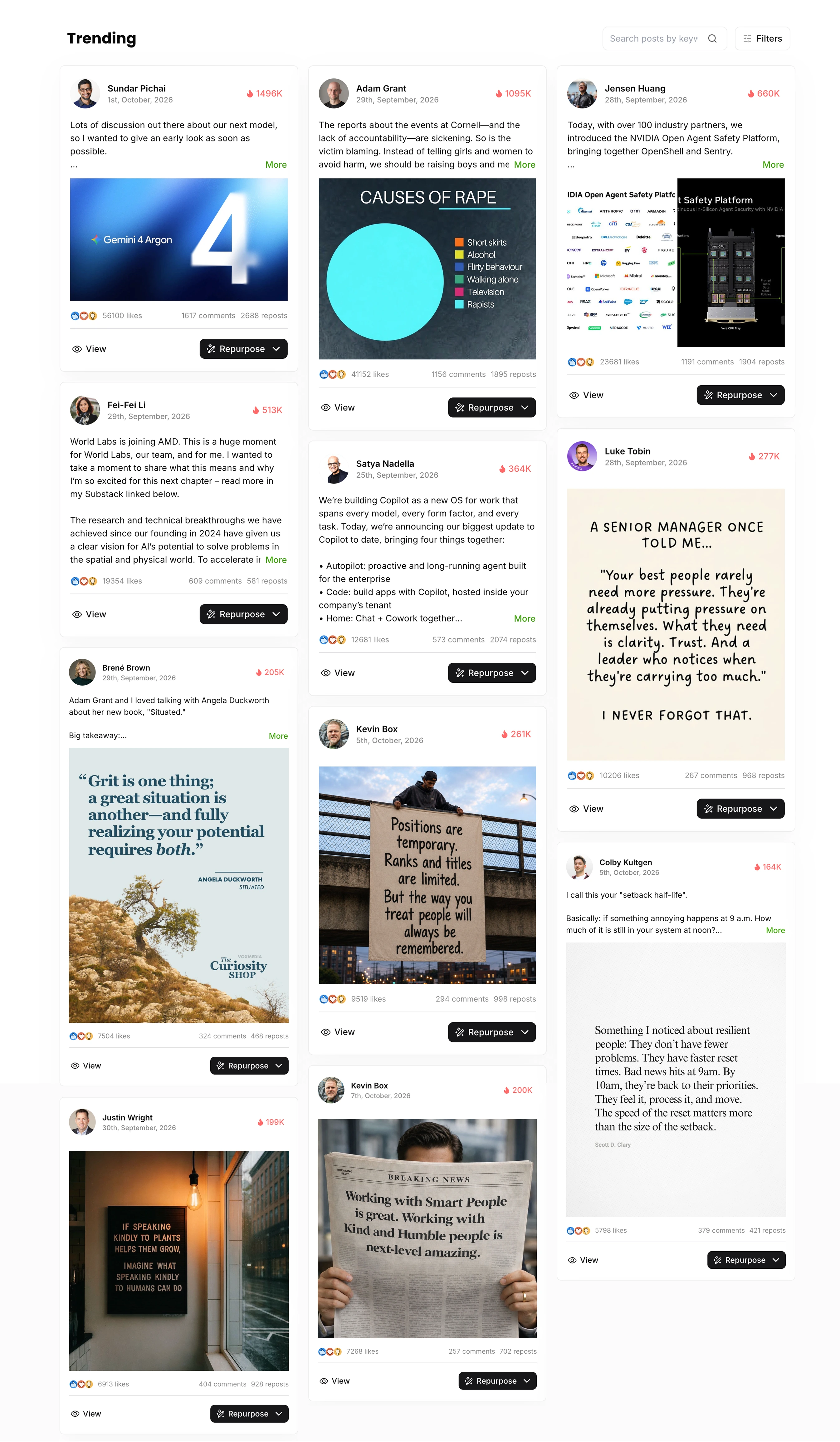
从想法到轮播,分四步完成
01
提供主题或文案
说明你想讲什么,或粘贴已有草稿,告诉 Dynal 希望读者带走什么。
02
选择轮播模板
选择一个轮播模板,确定这次创作的视觉方向。
03
生成多页内容
结合你的内容和所选参考模板,生成多页图片。
04
检查并发布
预览生成结果,挑选图片,为发布到 LinkedIn 做好准备。
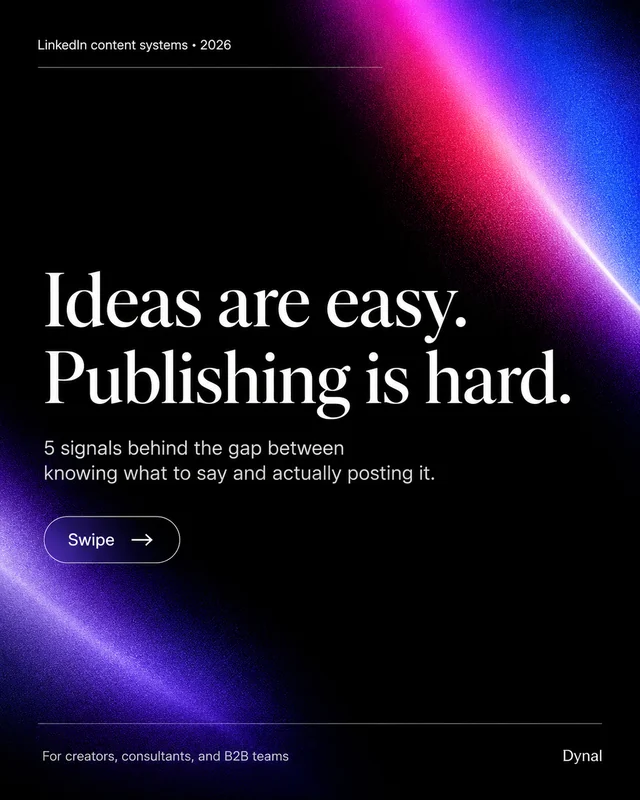
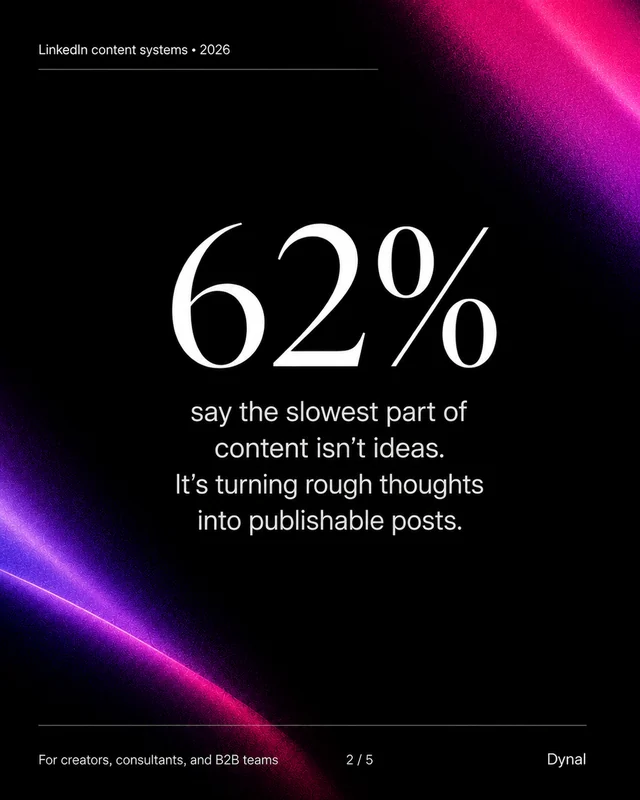
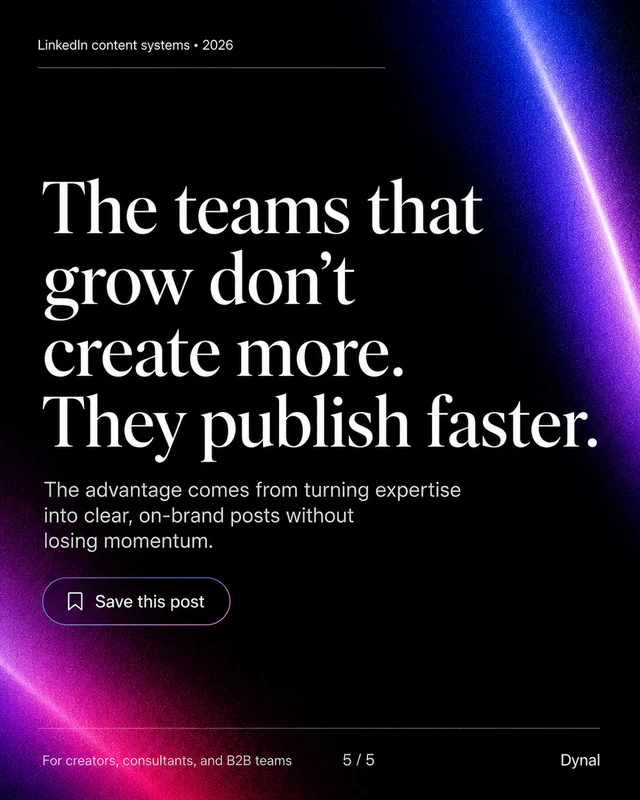
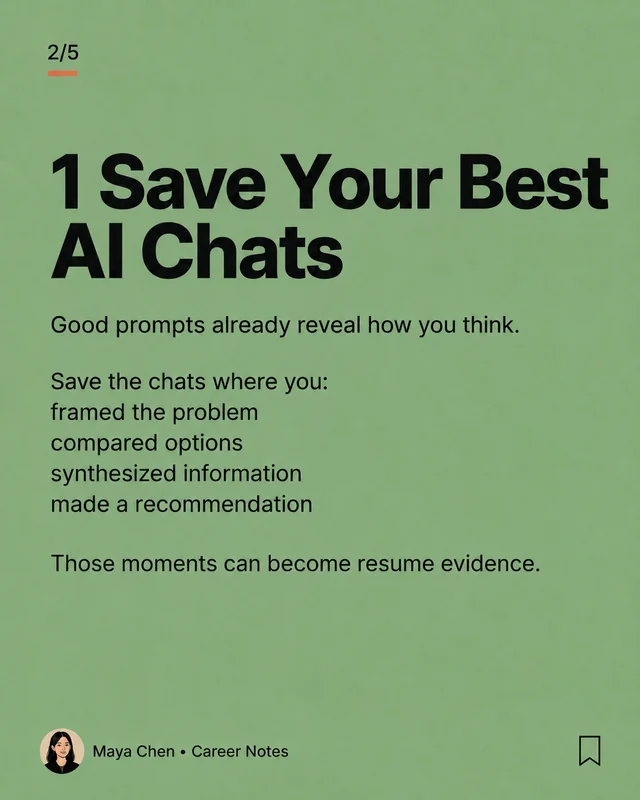
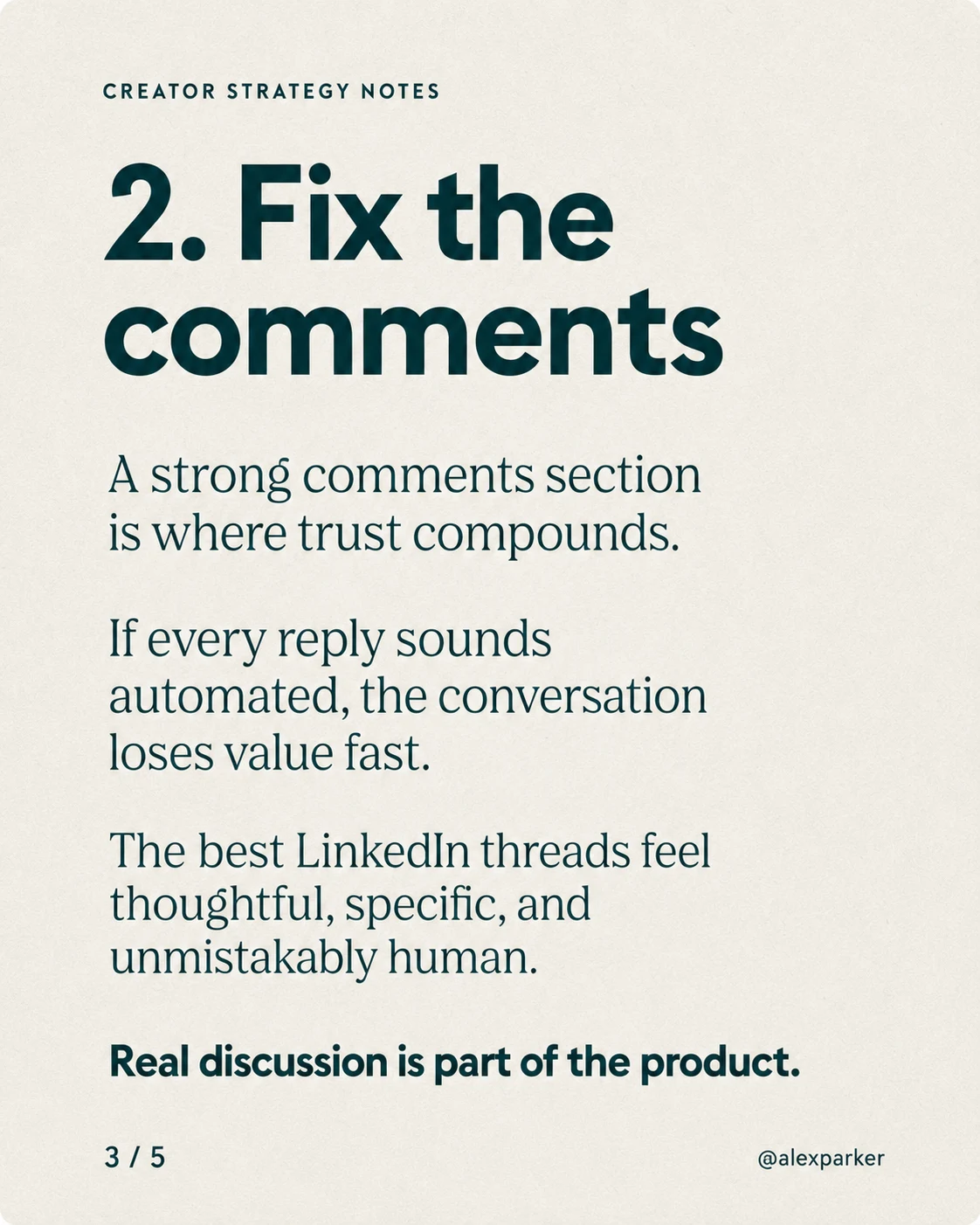
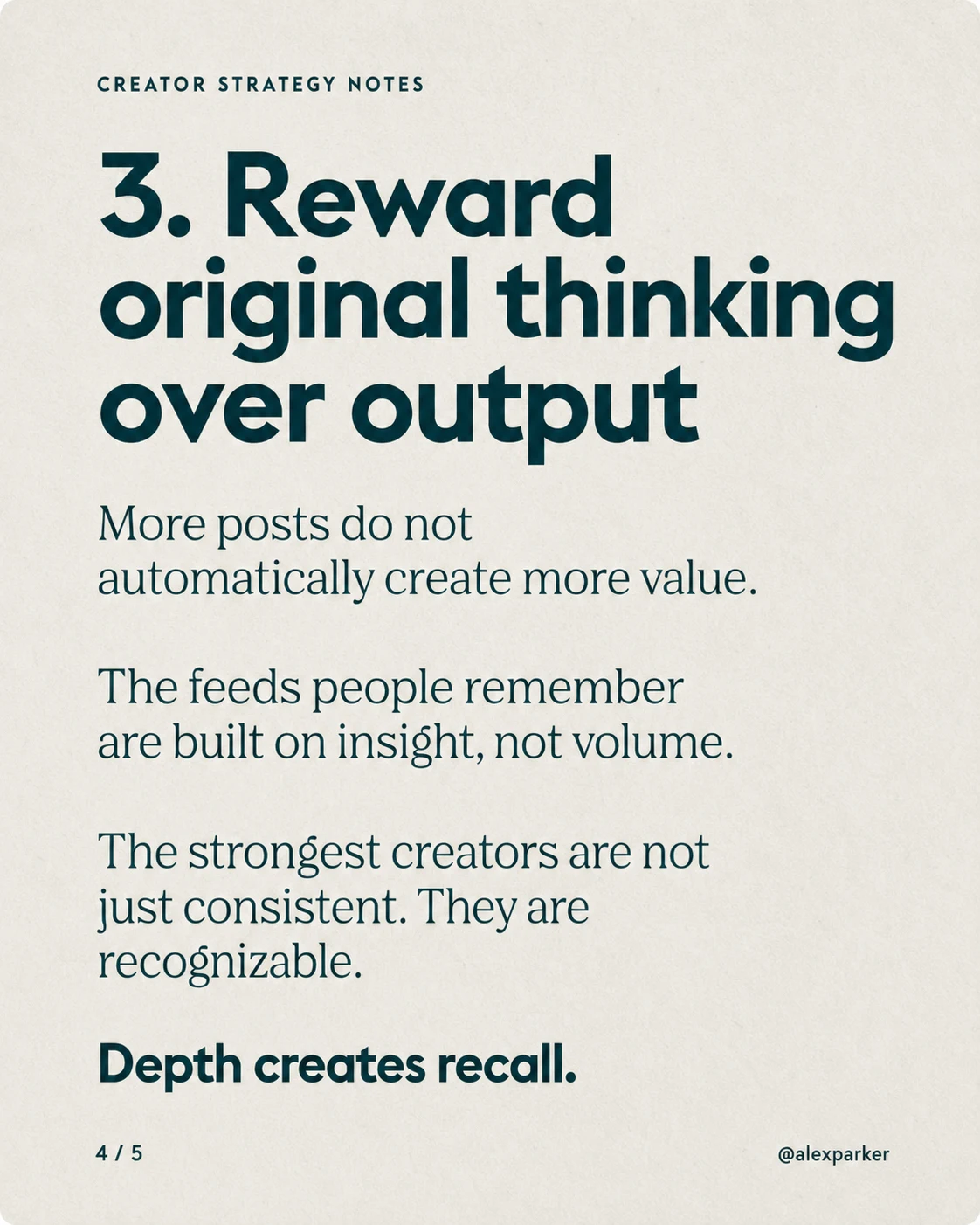
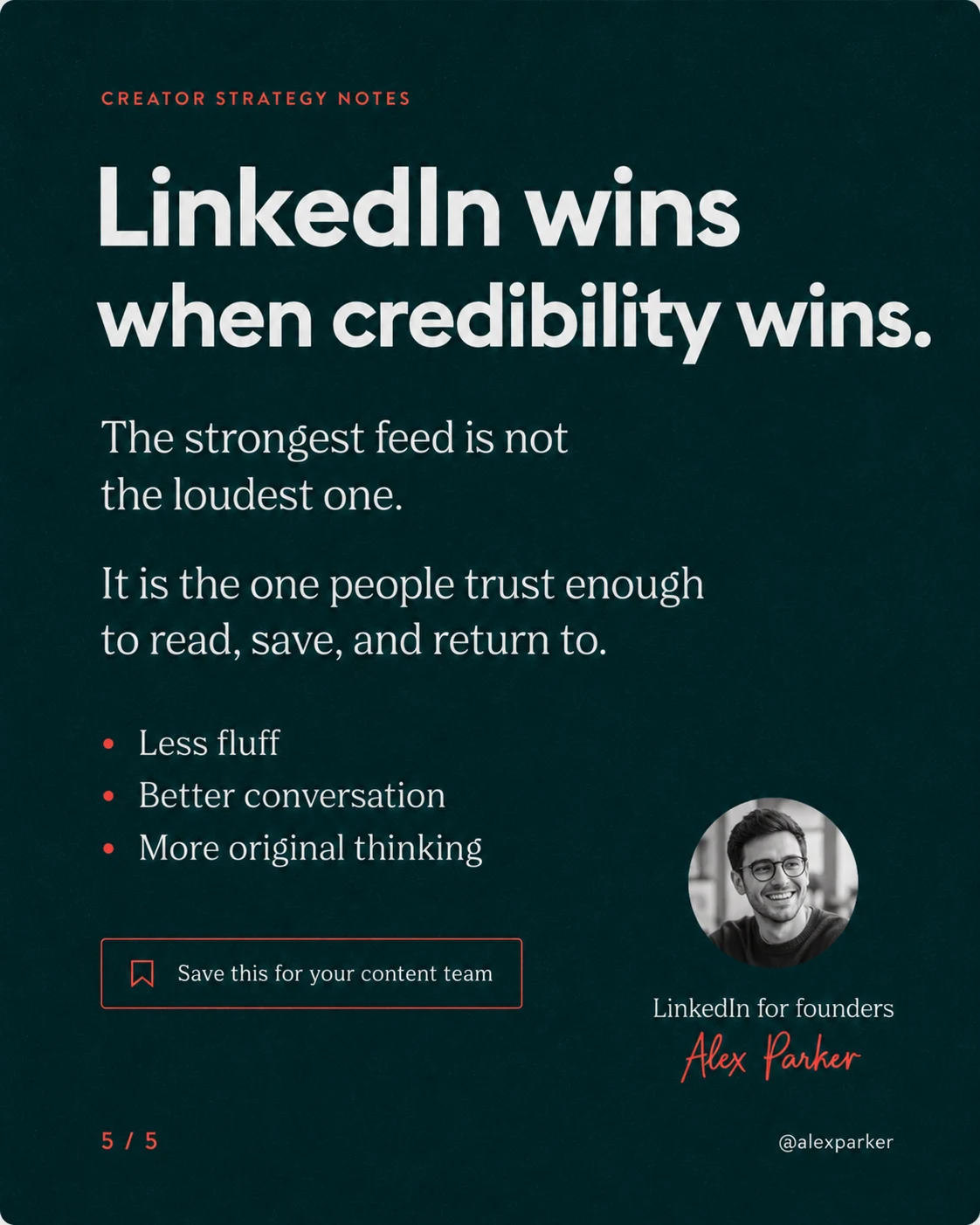
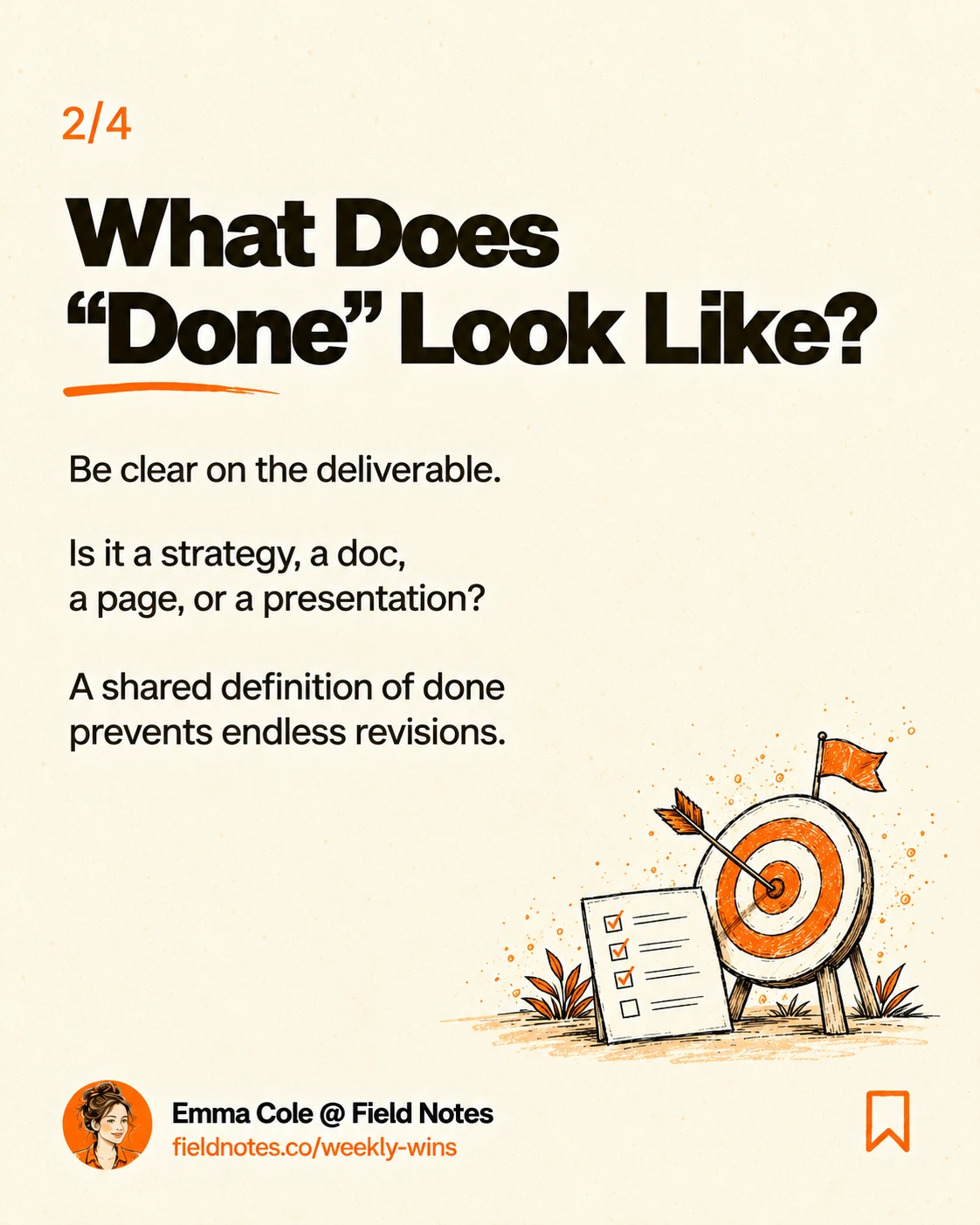
先选一个喜欢的视觉方向
浏览模板,找到适合轮播内容的视觉风格。
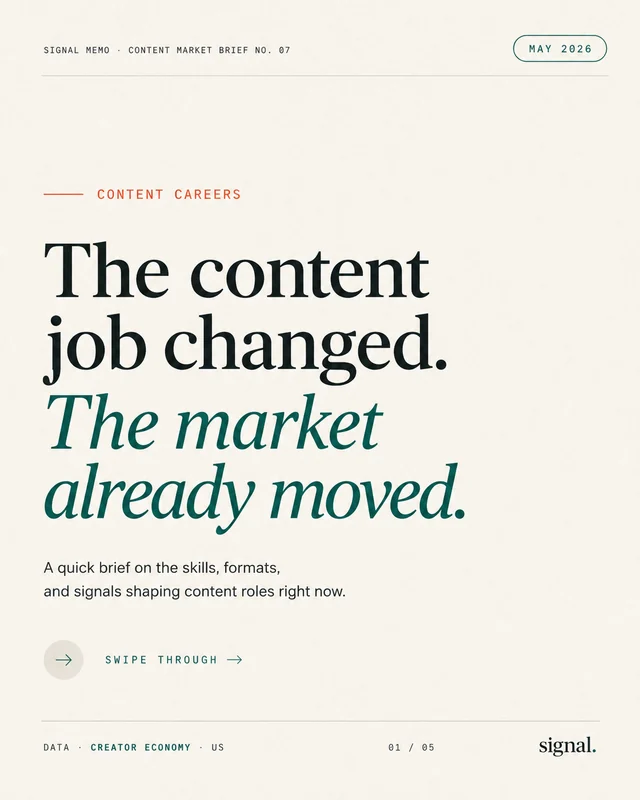
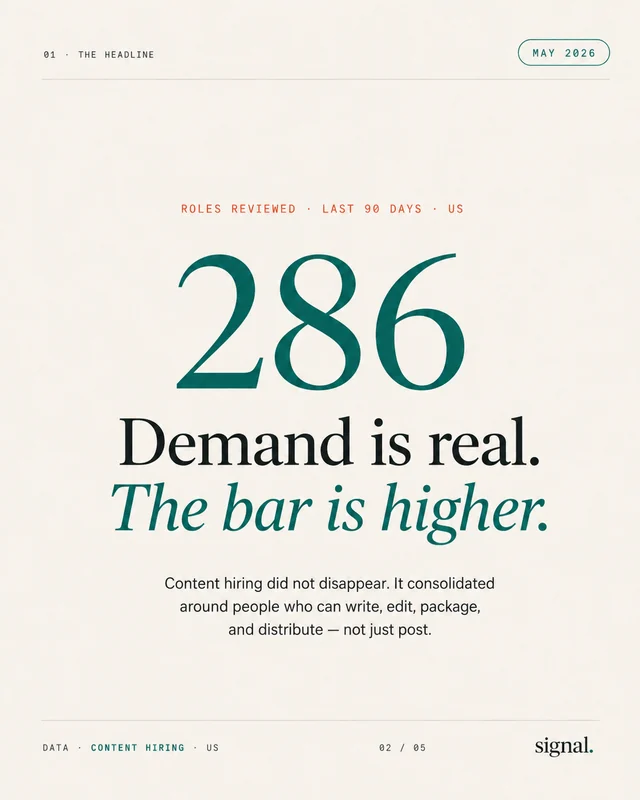
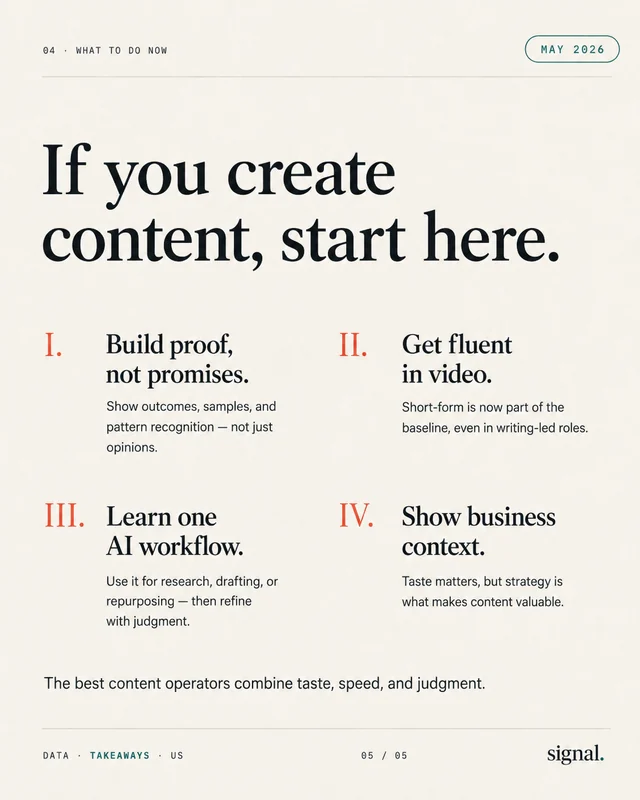

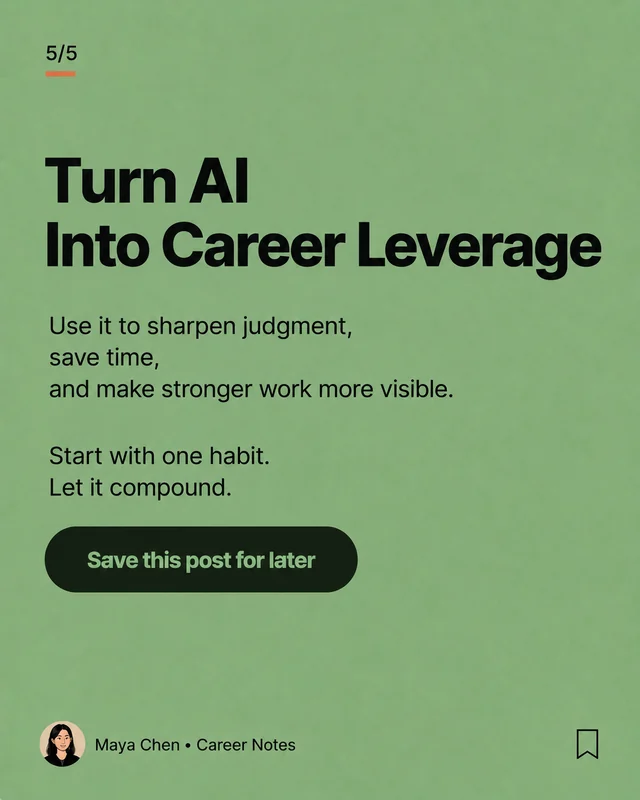
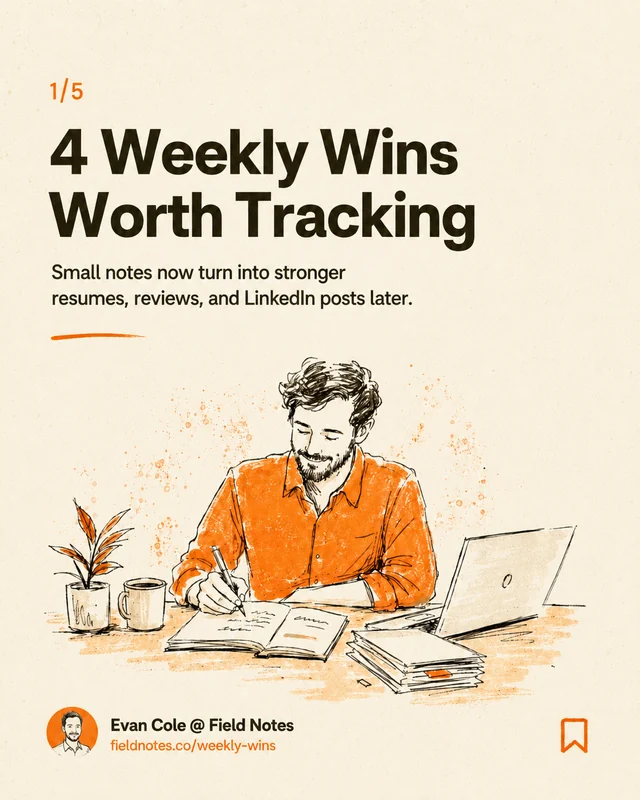
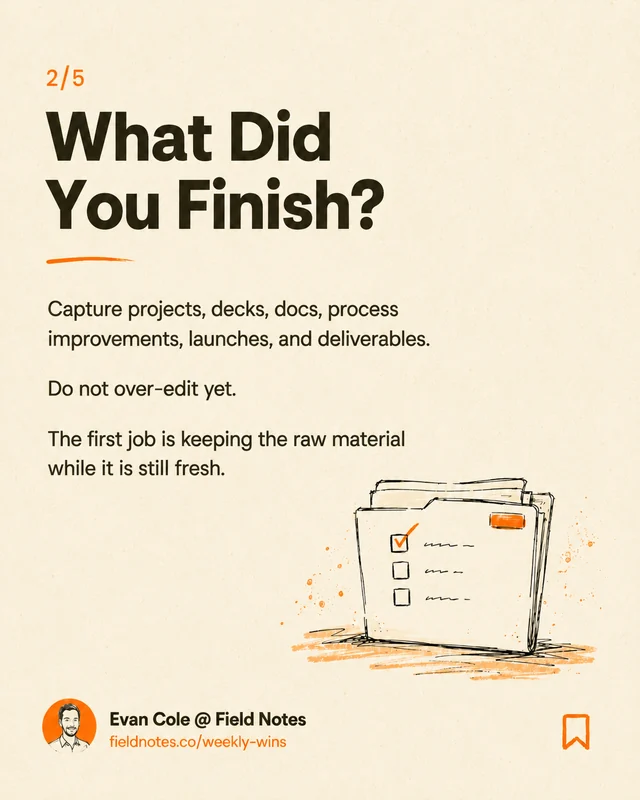
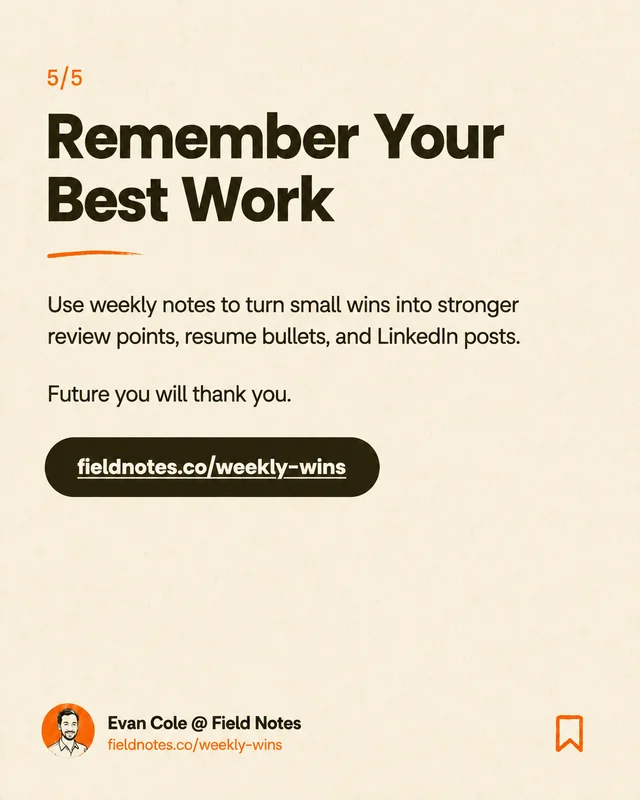
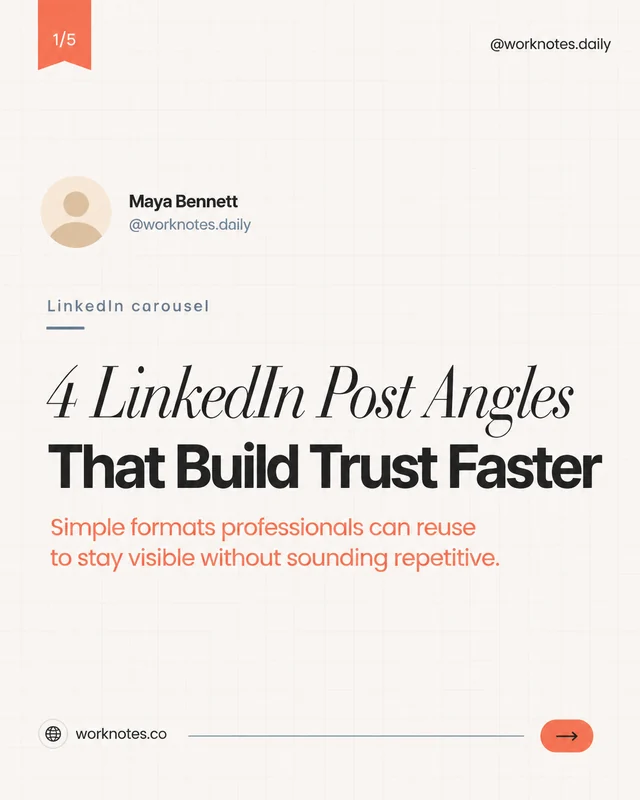
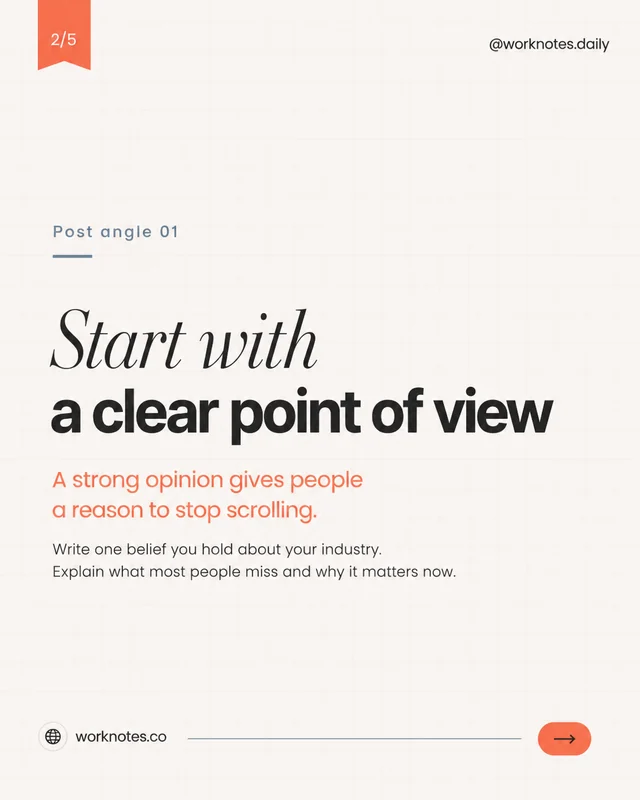
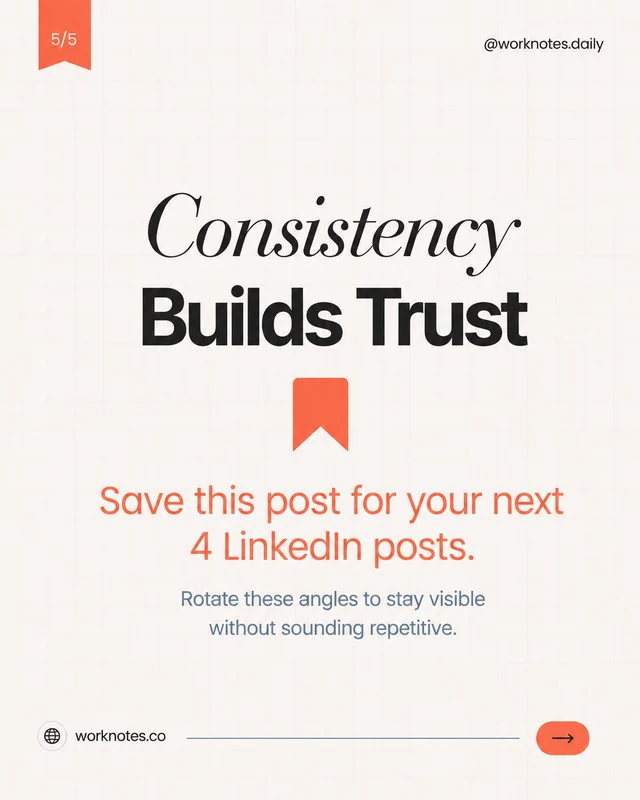
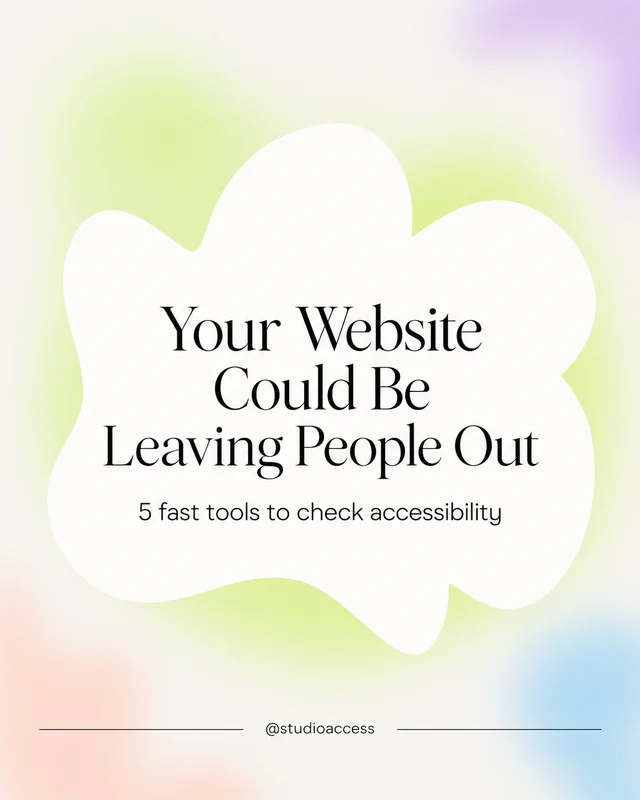
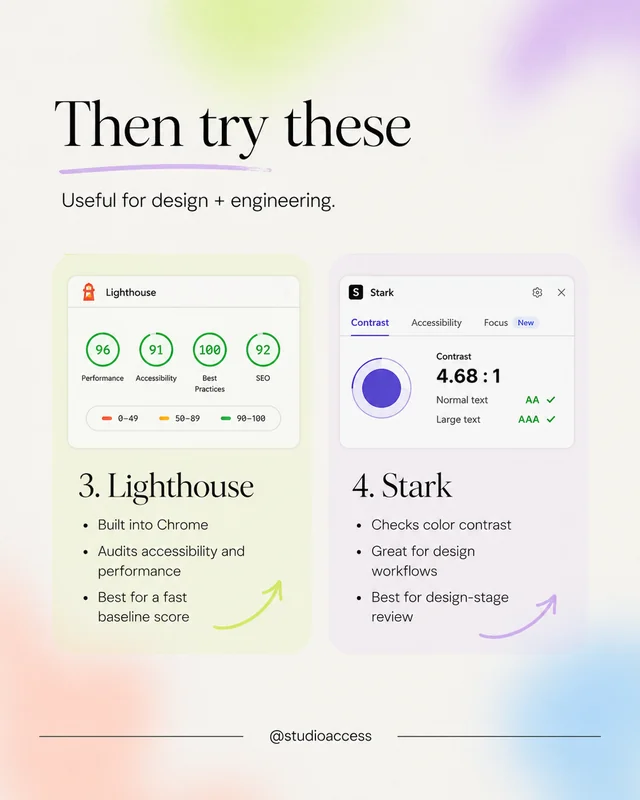
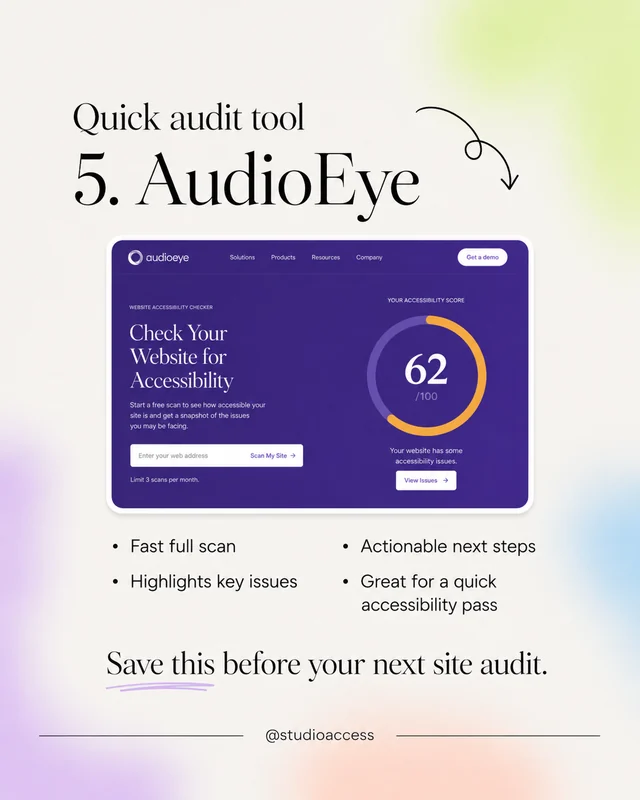

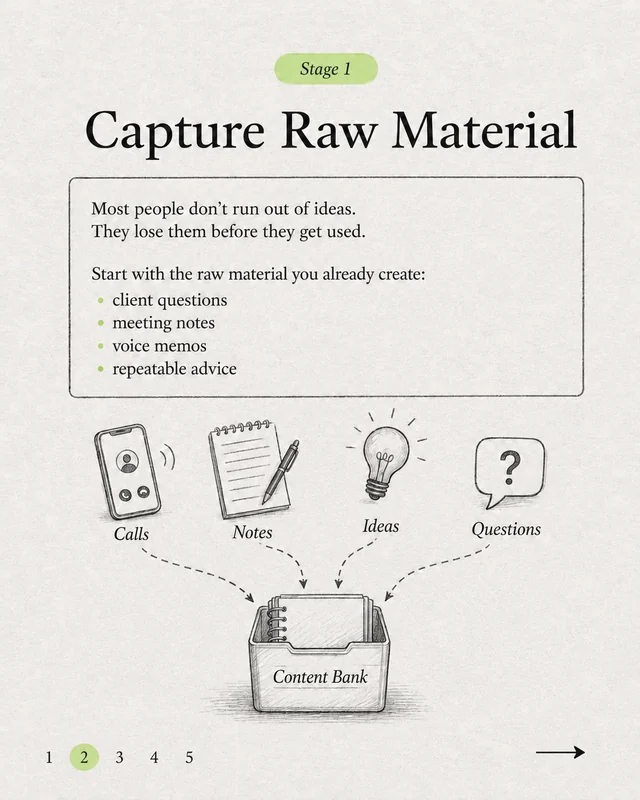
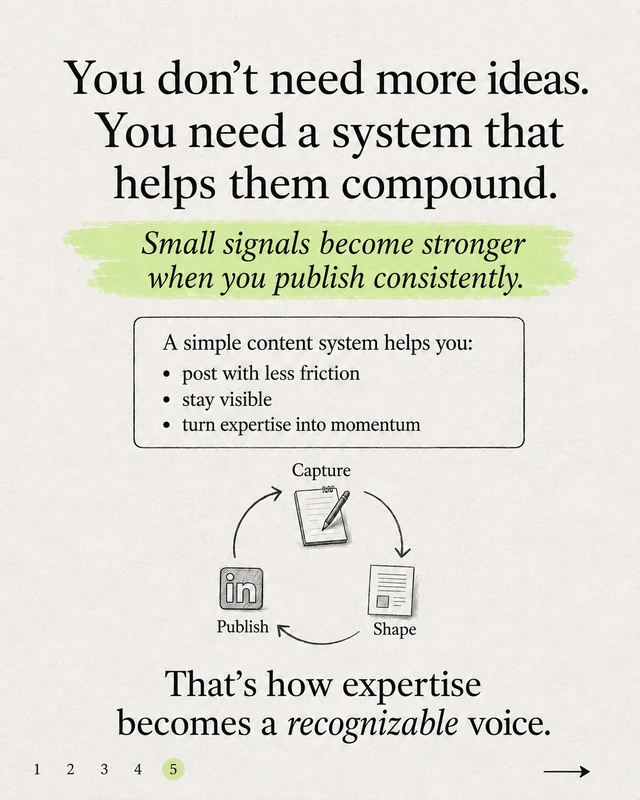
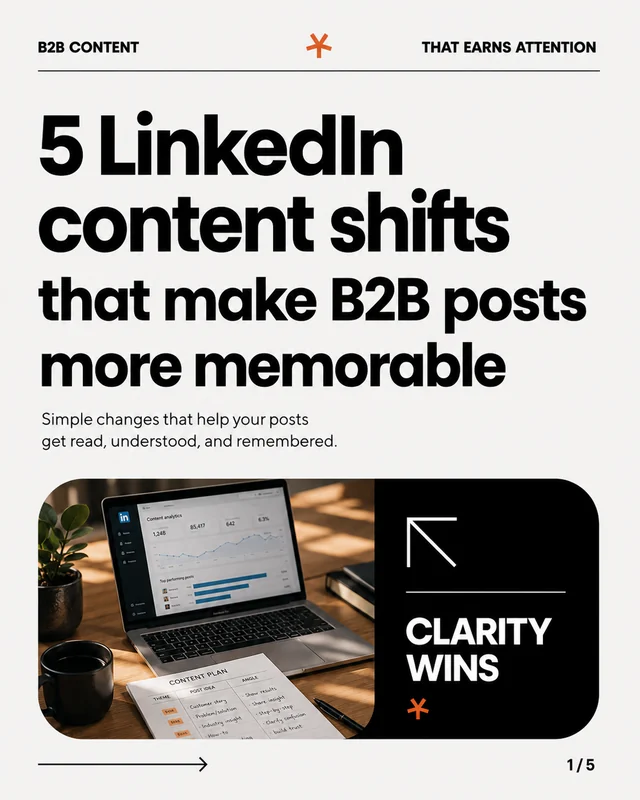
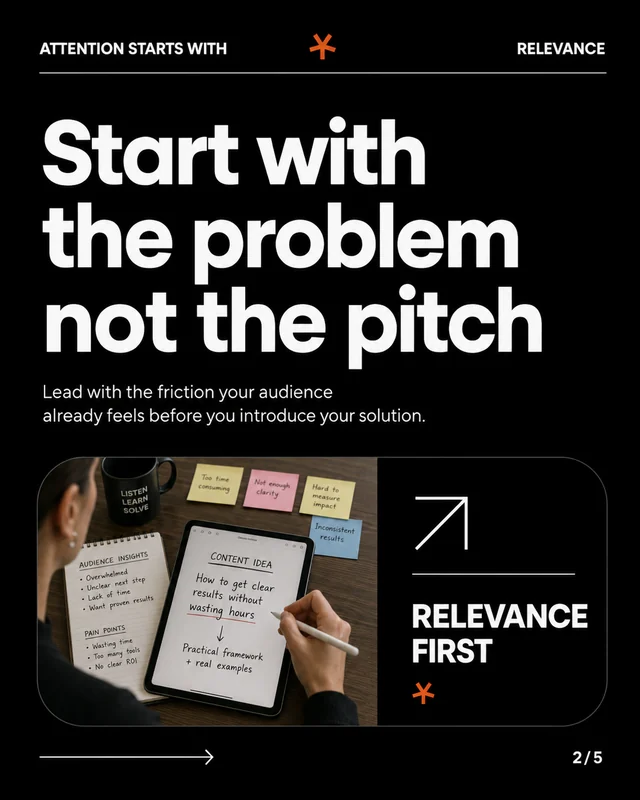
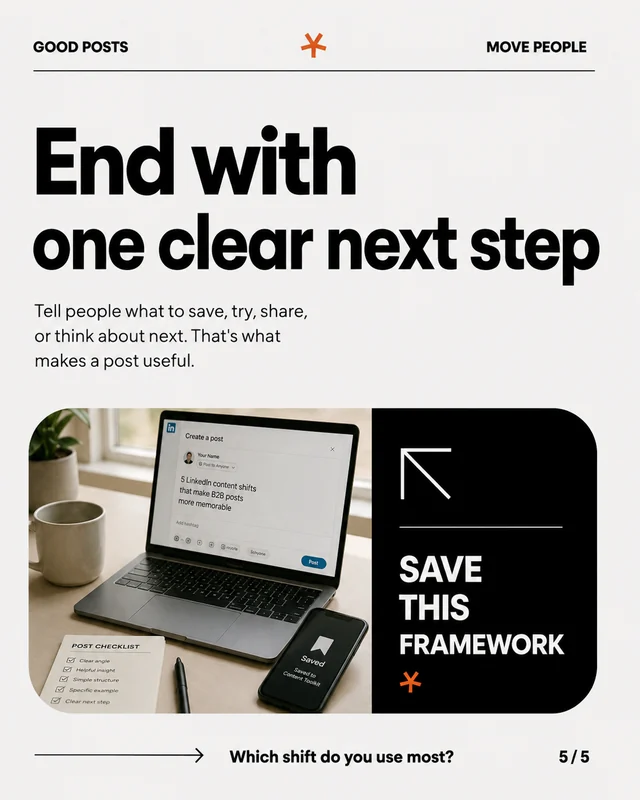
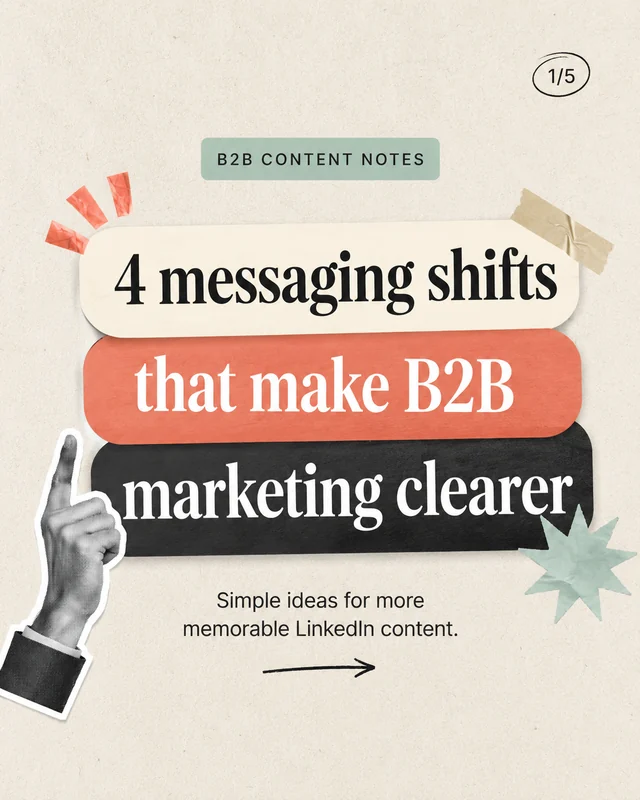
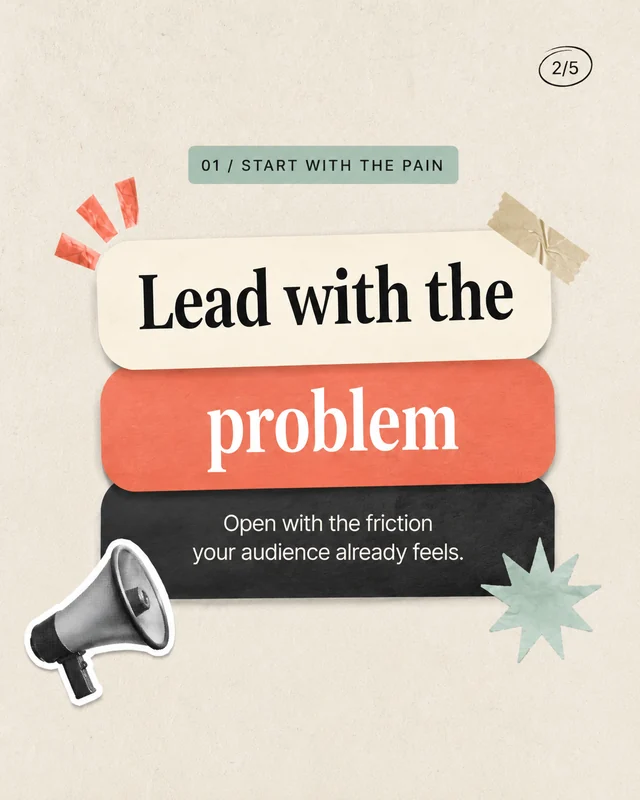
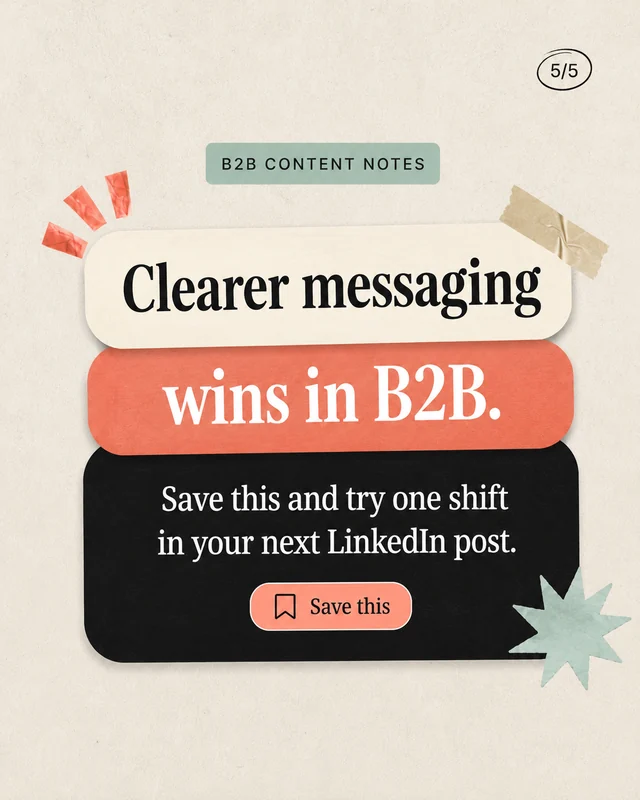
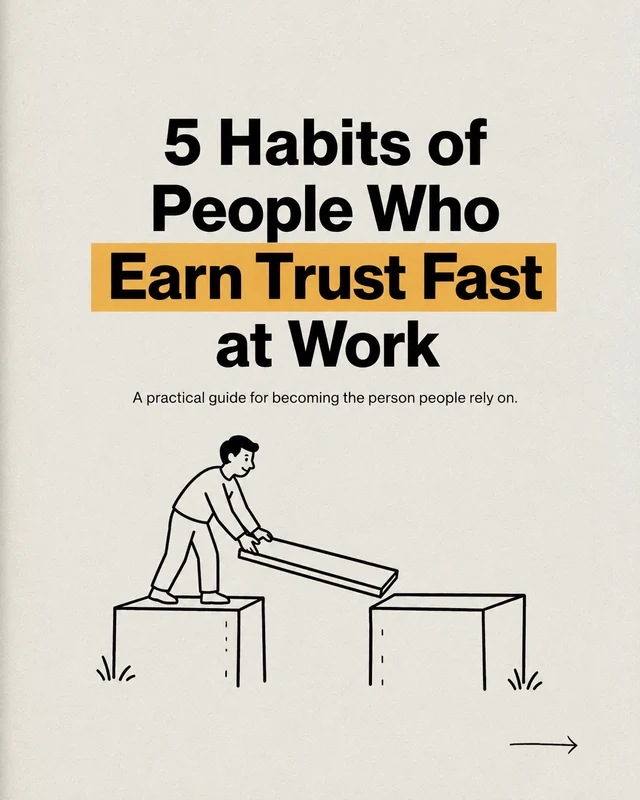
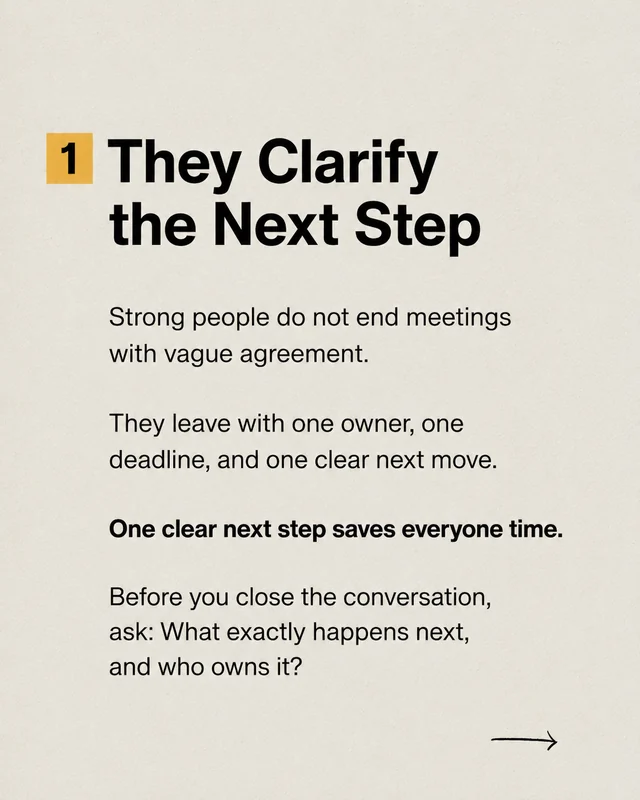
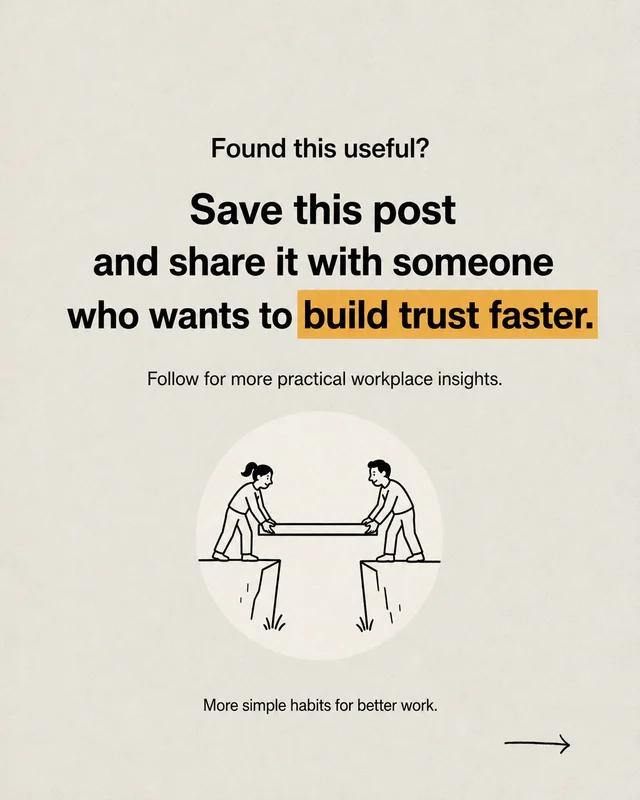
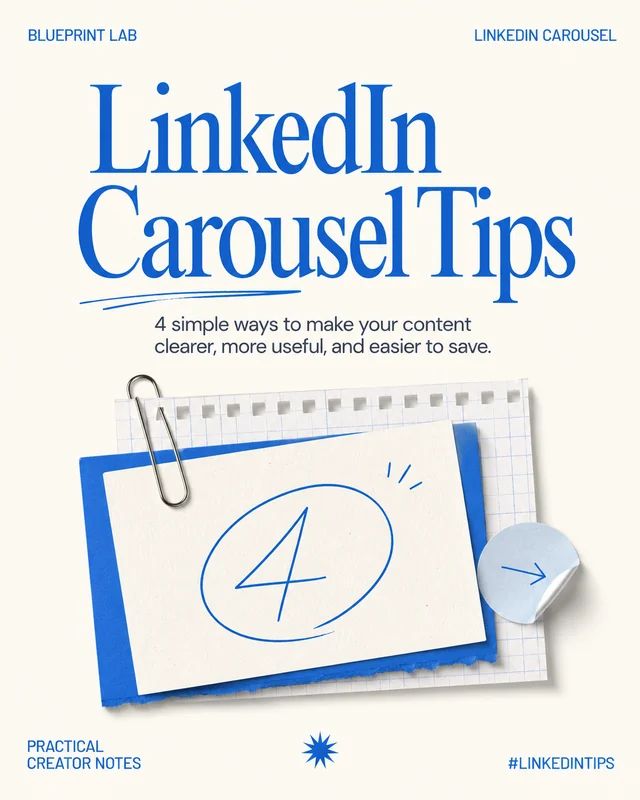
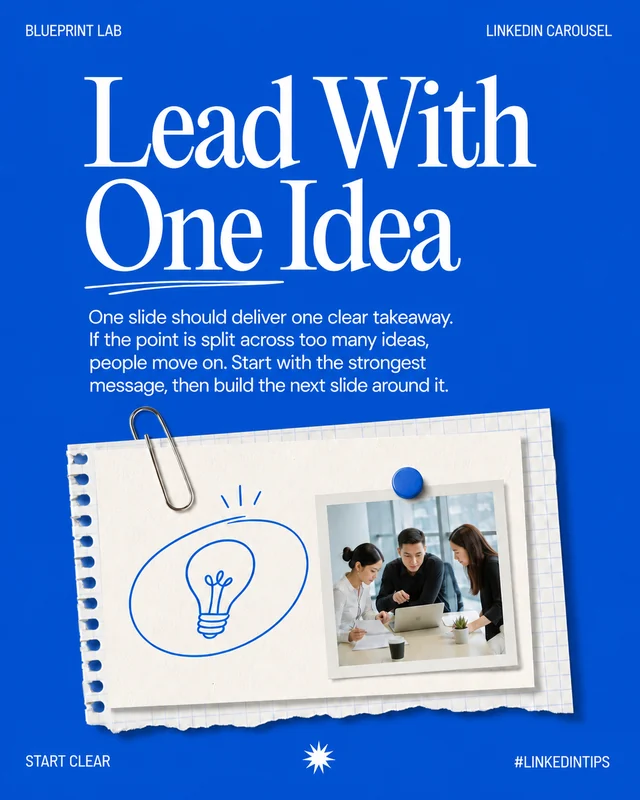
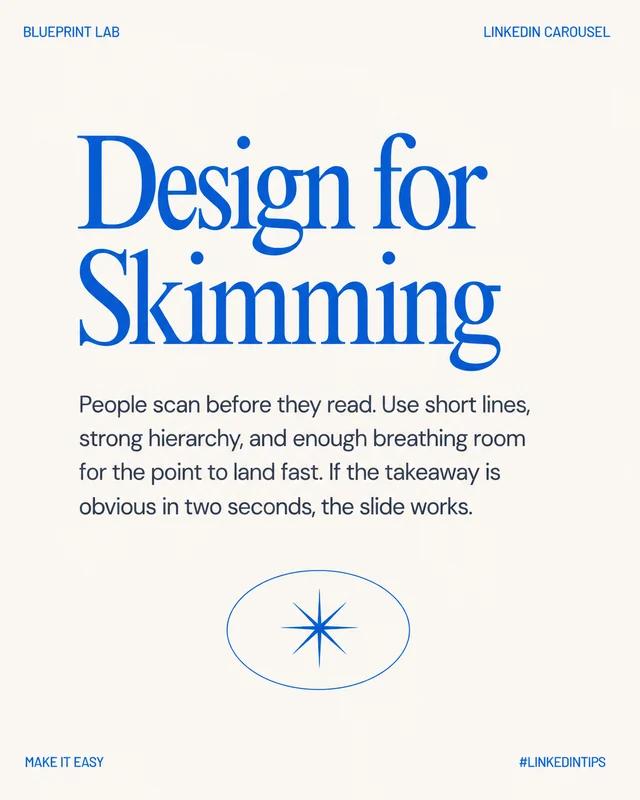
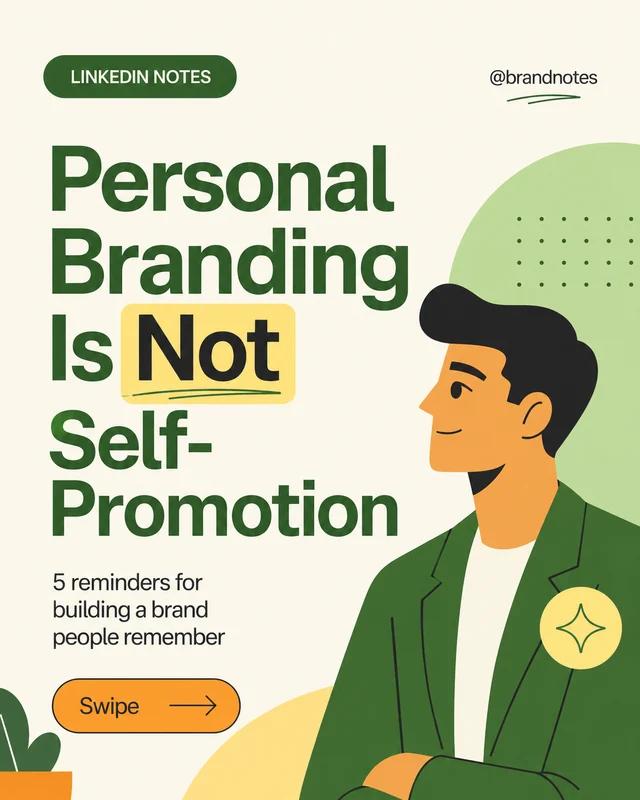
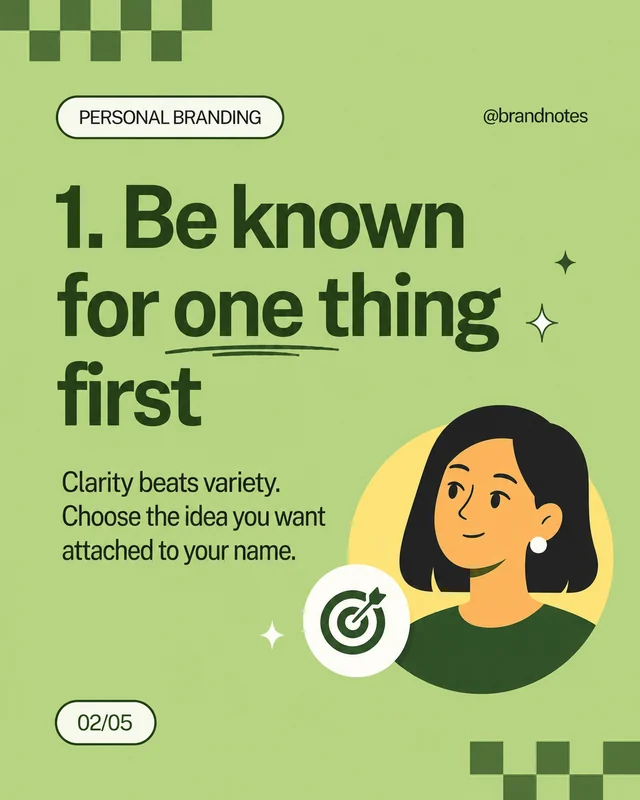
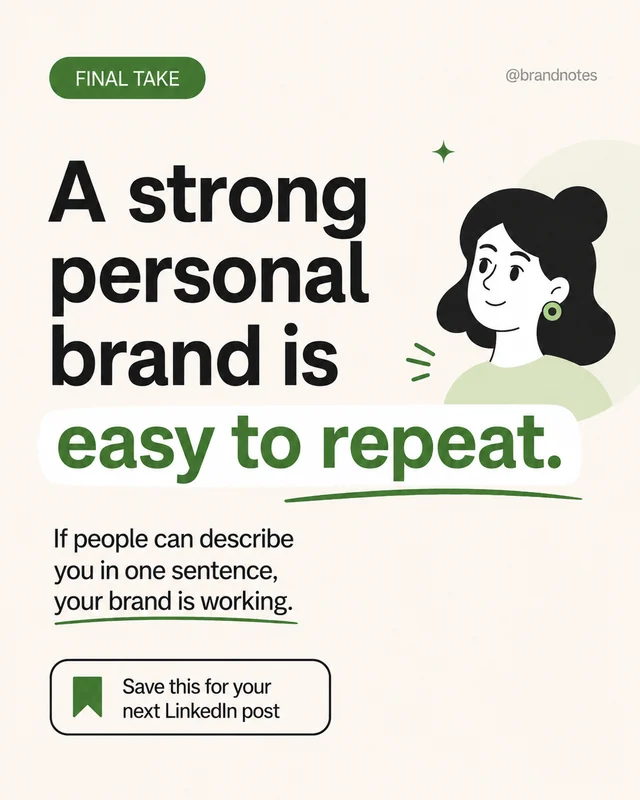


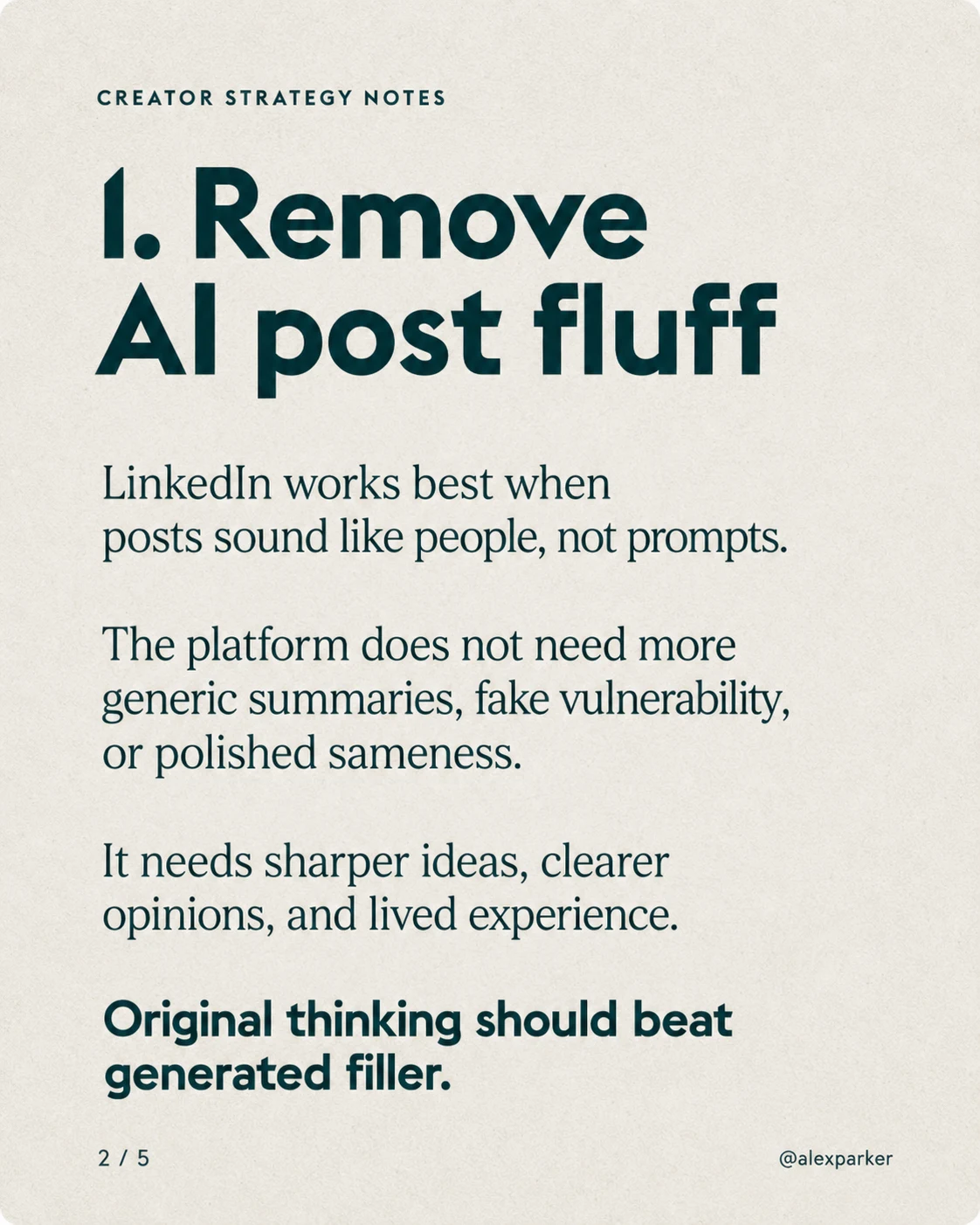

同一个想法,逐页展开
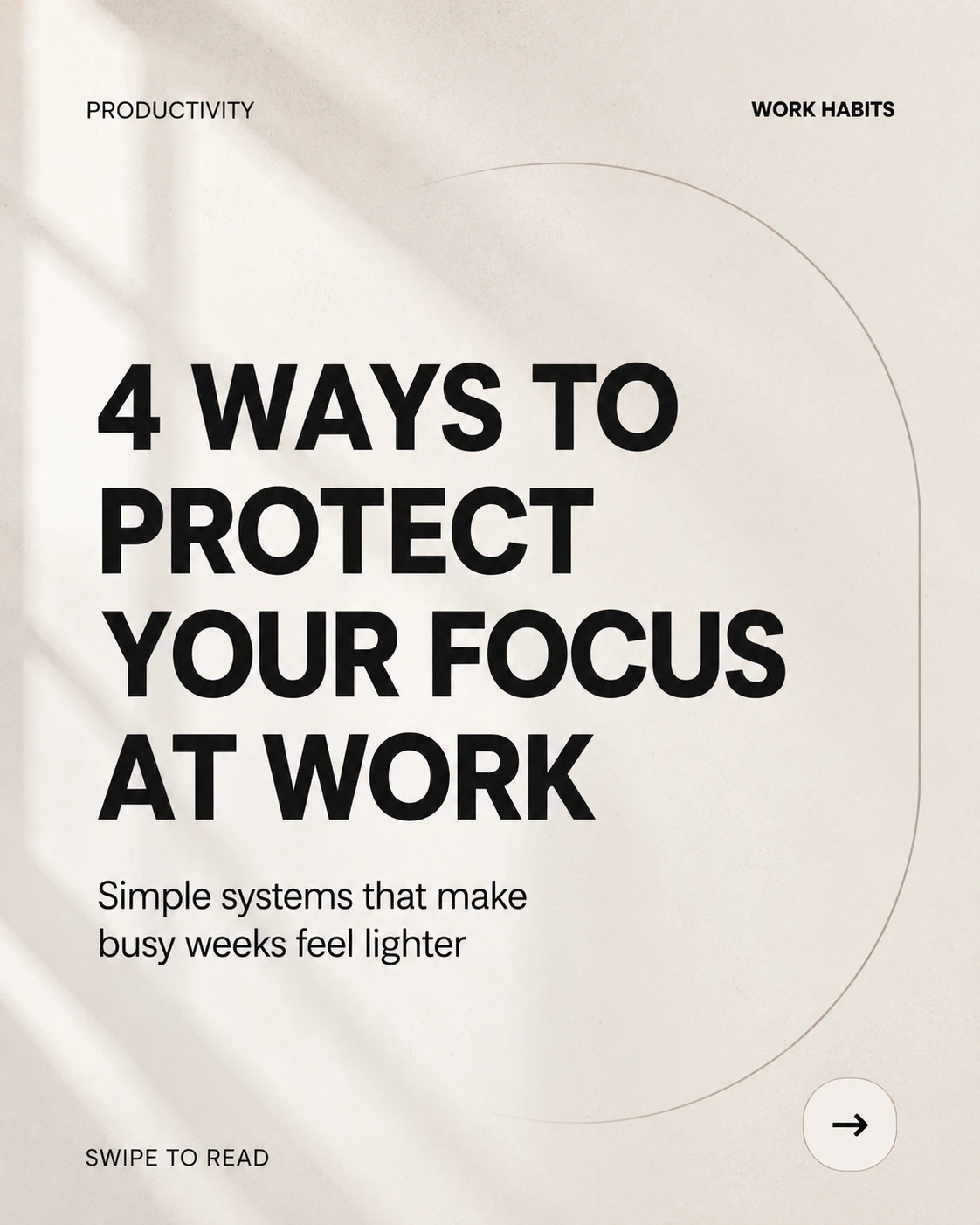
这里预留一组完整轮播的位置。补齐真实素材后,可以对照输入并逐页查看结果。
01
封面
1 / 3
素材占位 · 待替换为真实产品截图或生成结果
看看想法如何变成轮播
从一个观点、一篇长文或一个热门话题开始,看看创作对话与最终轮播。
从你的观点出发
Ask Dynal
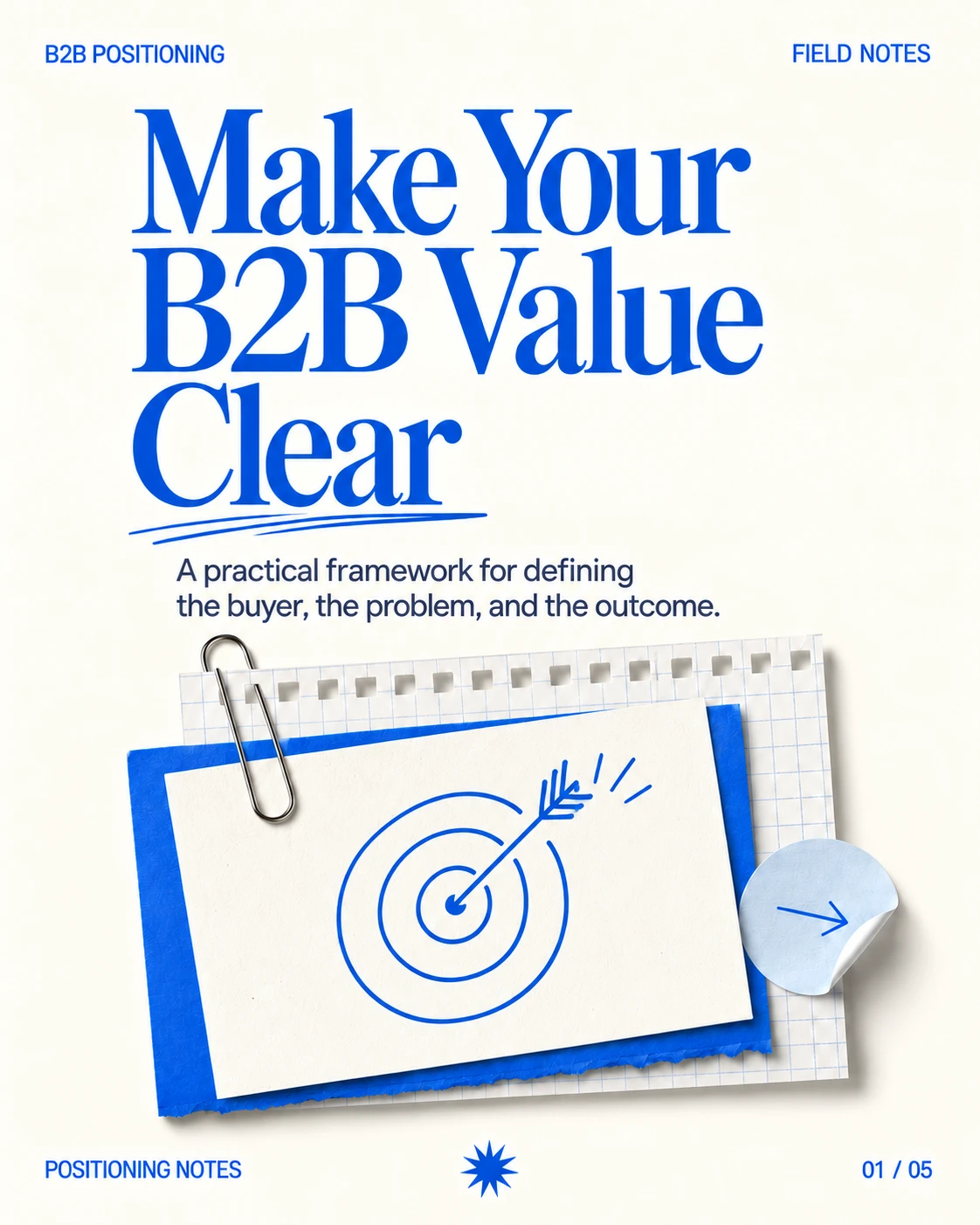
Create a five-page LinkedIn carousel from my B2B positioning framework: name the buyer, define the problem, show the outcome, and test the message in a customer conversation. Add practical examples and use a blue-and-ivory paper style.
Create a five-page LinkedIn carousel for B2B founders and marketers using my positioning framework. Start with a clear promise, then dedicate one page each to naming the buyer, finding their costly problem, showing a measurable outcome, and testing the message in a customer conversation. Include a practical example on each page and write a short accompanying post. Keep the tone direct and useful, with concise headlines and a consistent blue-and-ivory paper style.
Dynal
I’ll turn your framework into a five-page guide: a cover, then the buyer, costly problem, outcome, and customer test.
The post copy will introduce the framework. Each slide will pair one practical action with a short headline in the blue-and-ivory paper style.
LinkedIn 帖子文案
LinkedIn post copy generated and saved.
生成 LinkedIn 图片
LinkedIn Carousel: Make Your B2B Value Clear
Your five-slide carousel is ready, with practical positioning examples and a consistent blue-and-ivory paper style.
 你
你
Make Your B2B Value Clear
5 pages
1 / 5


999
999 Comments · 999 Repost


关于 LinkedIn 轮播的常见问题
一个主题、一份草稿或一篇已有帖子就可以开始。补充目标读者和核心观点,能让 Dynal 更了解你的创作背景。
可以。在轮播生成流程中,你可以选择视觉模板作为参考。模板用于引导生成,并不意味着每一个排版元素都会被完全复刻。
轮播生成设置支持选择图片数量,具体可选数量以产品中创建轮播时的选项为准。
可以。你可以预览生成图片,选择想使用的页面,并在发布前设置轮播文件名。
轮播可以用多个页面展开内容,适合讲步骤、解释观点或分享一组经验。单张配图更适合辅助表达一个视觉重点。
