
LinkedIn AI Carousel Generator
把你的想法 變成 LinkedIn 輪播
從一個主題或既有文案開始,選擇視覺範本,再產生多頁輪播。發布前,檢查並確認每一頁的內容和圖片。

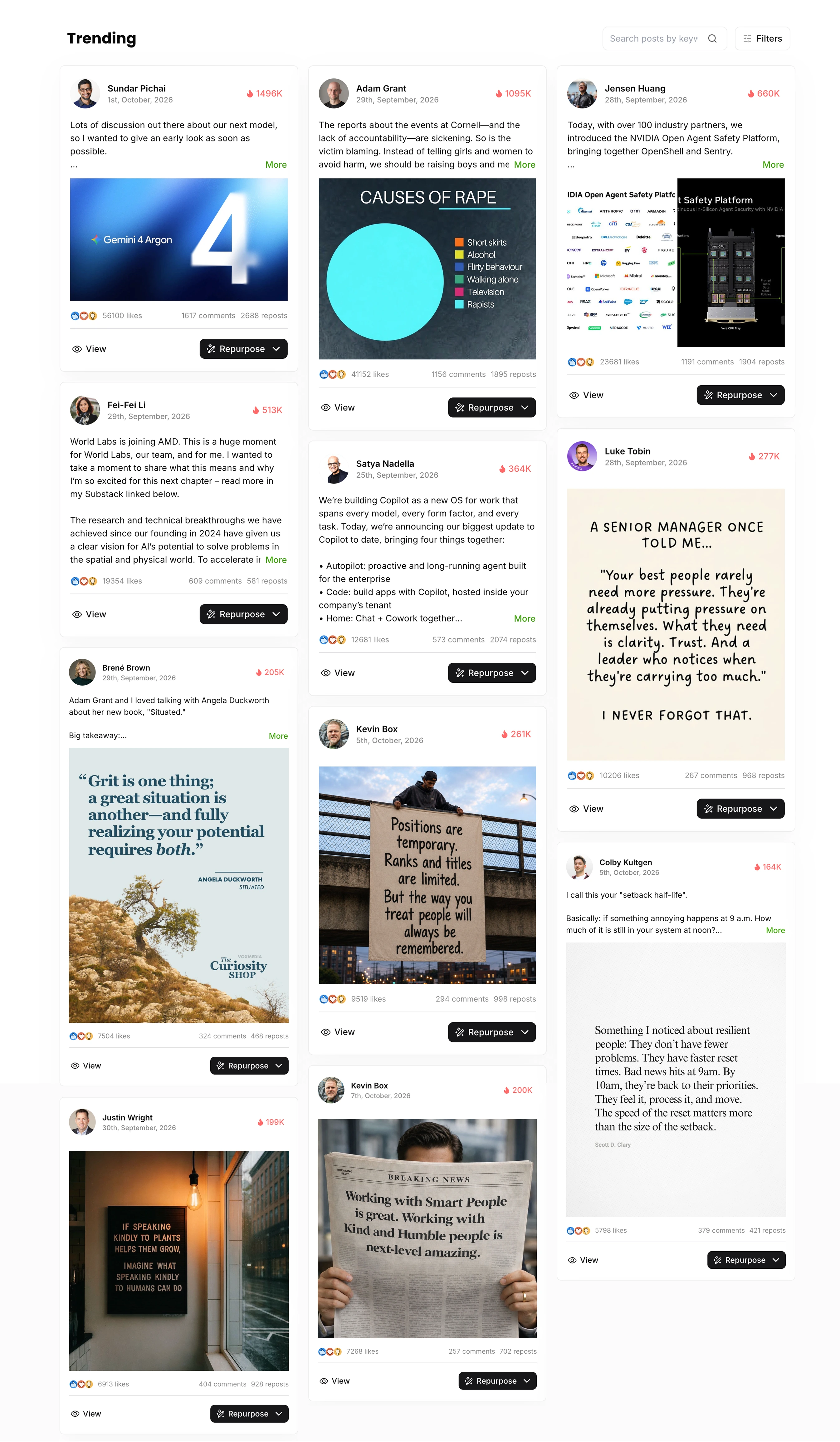
從想法到輪播,四步完成
01
提供主題或文案
說明你想分享什麼,或貼上草稿,告訴 Dynal 希望讀者獲得什麼。
02
選擇輪播範本
選擇輪播範本,決定這次創作的視覺方向。
03
產生多頁內容
結合你的內容和所選參考範本,產生多頁圖片。
04
檢查並發布
預覽結果,挑選圖片,準備發布到 LinkedIn。
先選範本,再產生輪播
瀏覽範本,找到適合輪播內容的視覺風格。
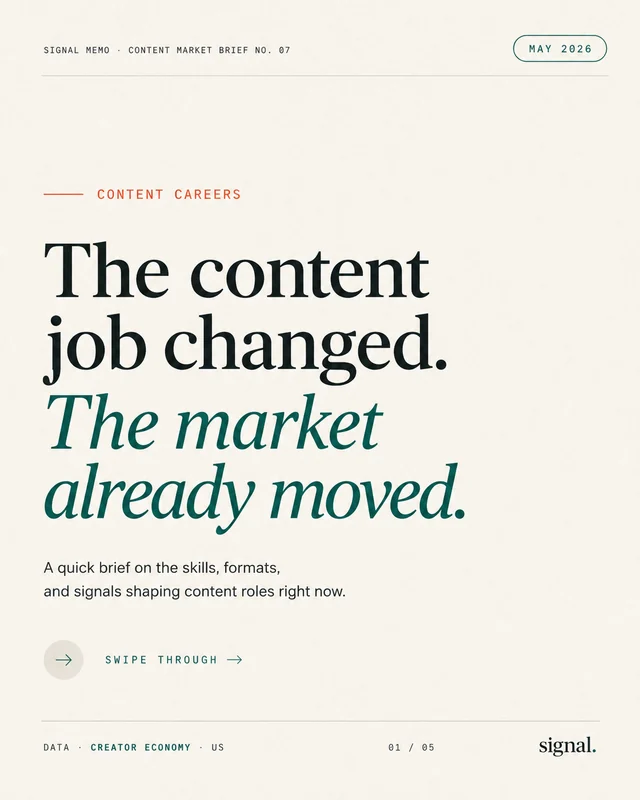
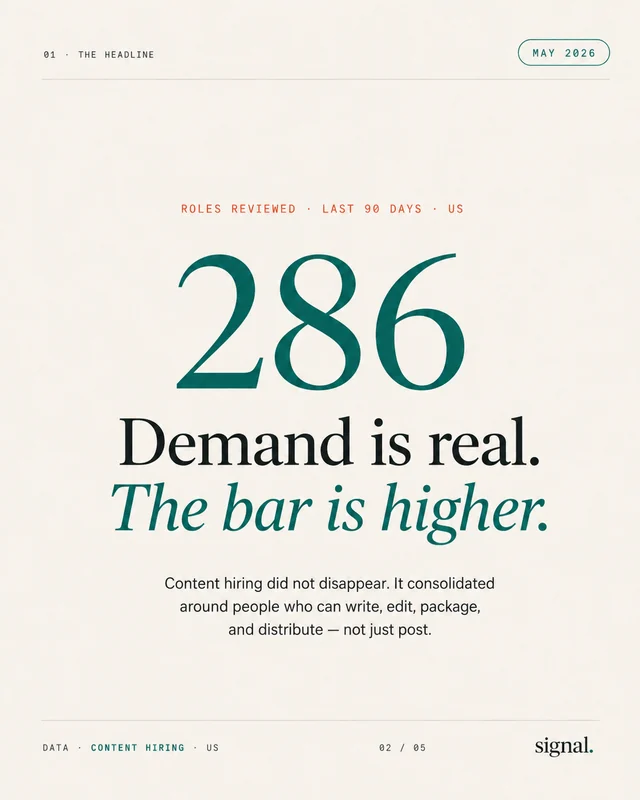
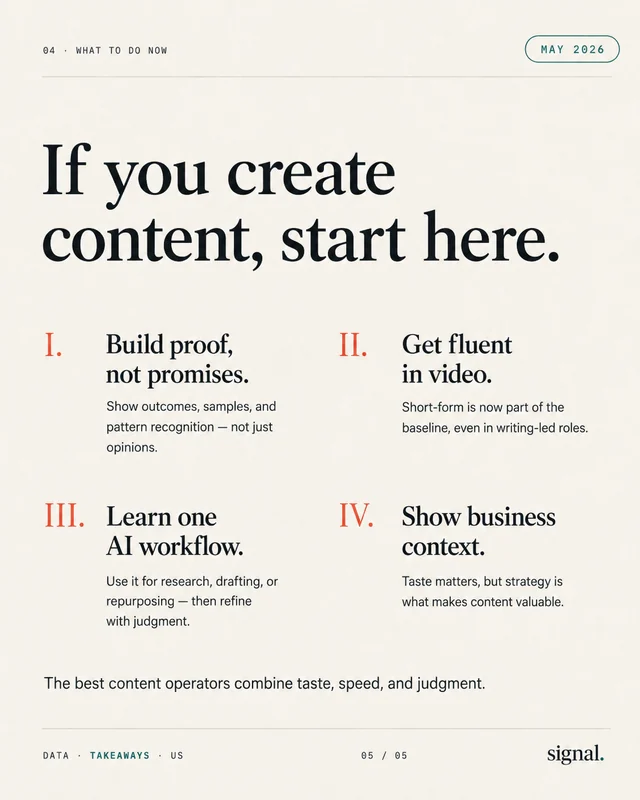
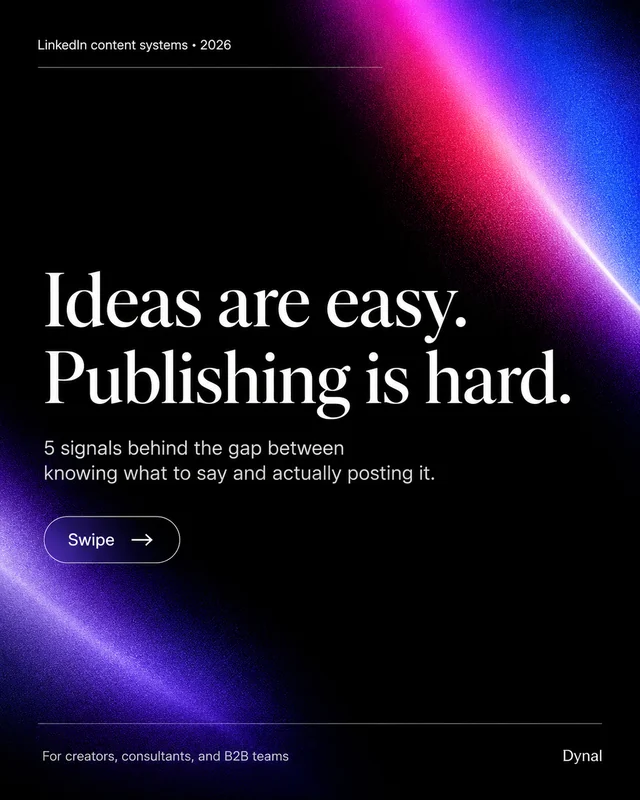
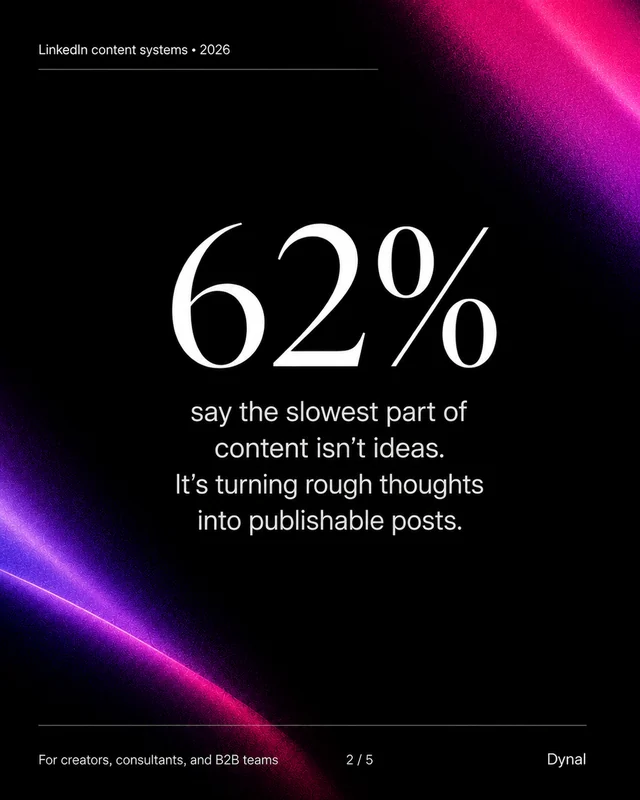
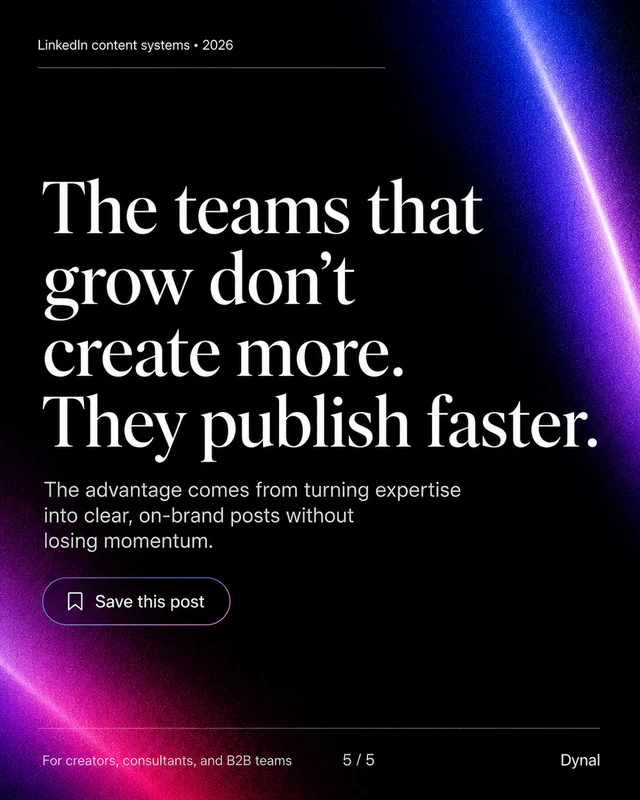

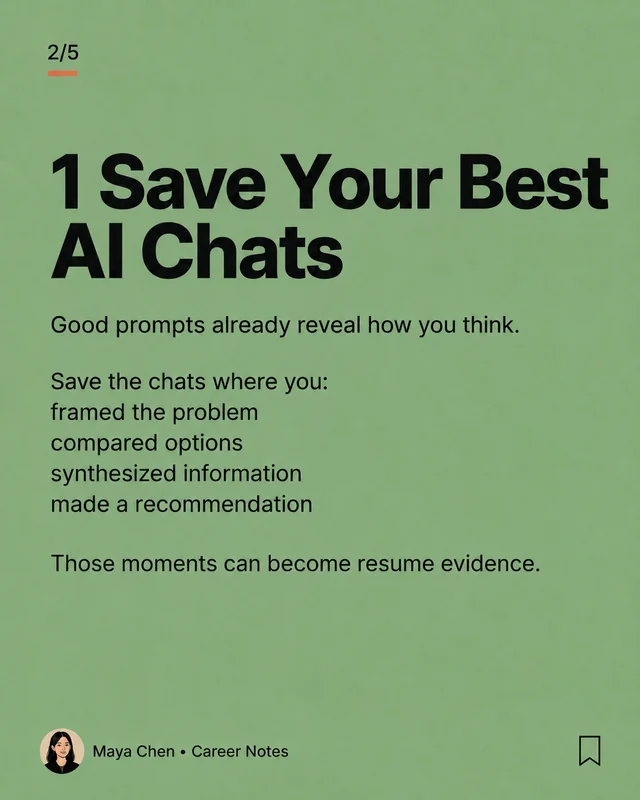
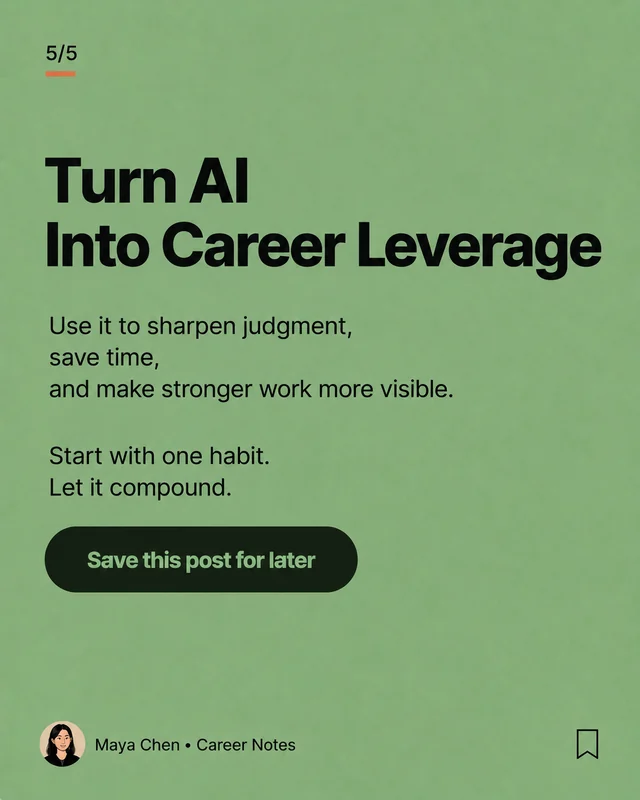
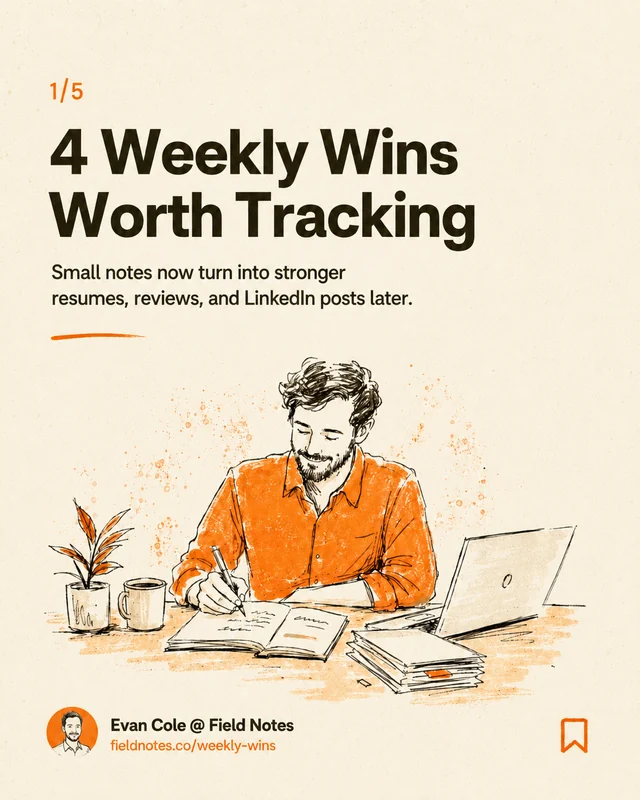
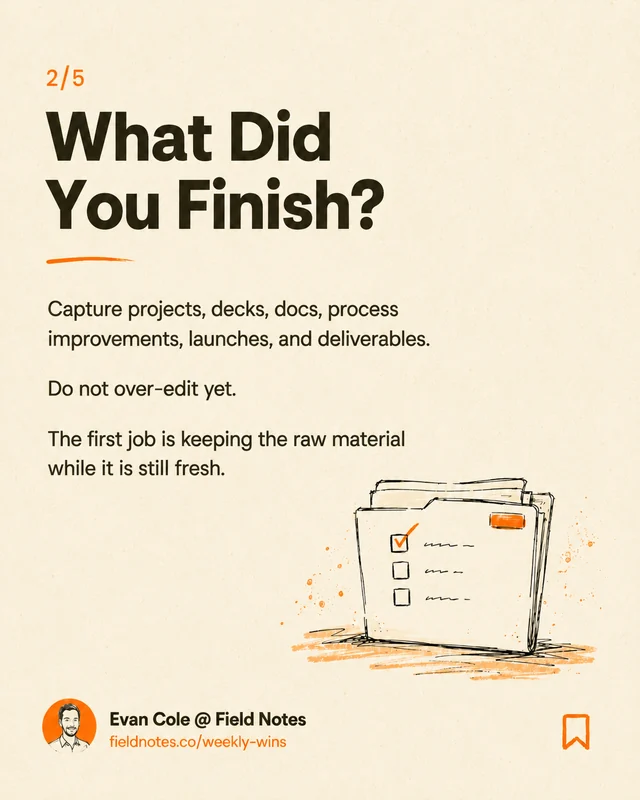
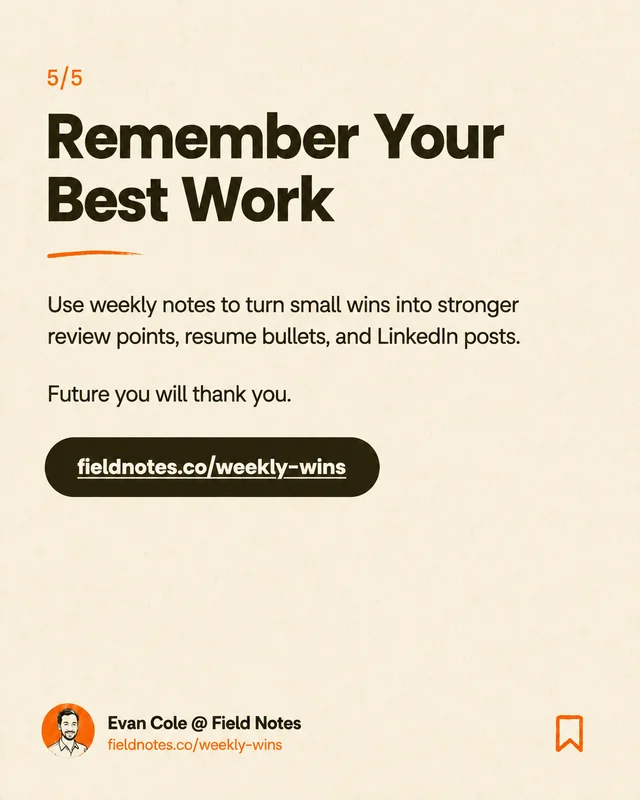
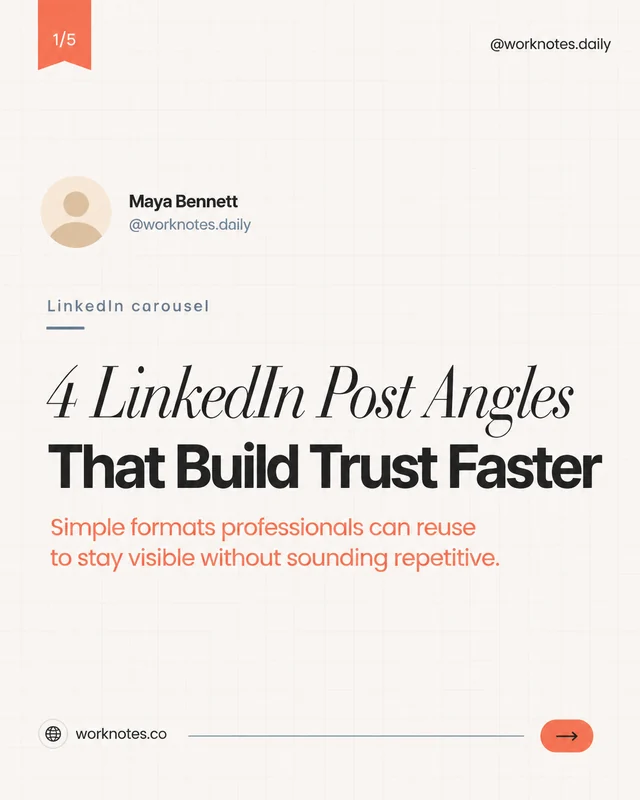
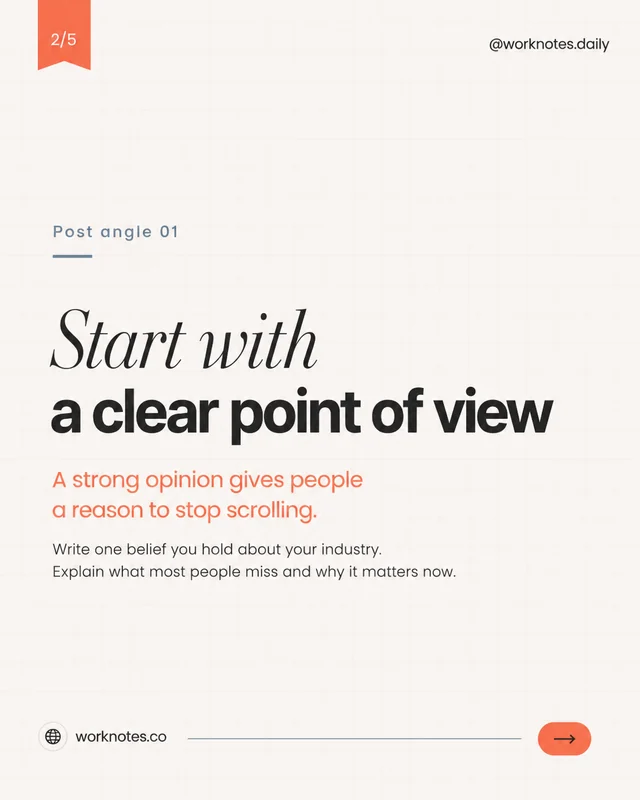
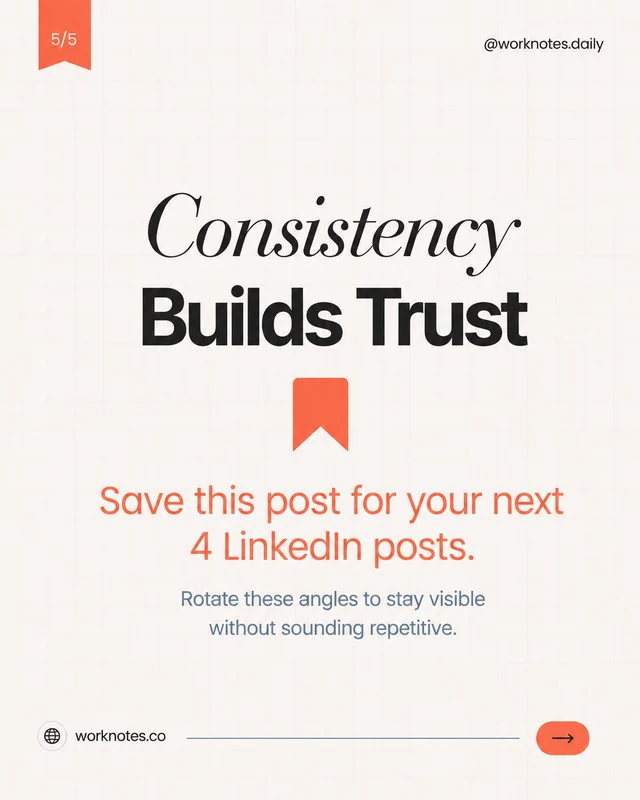

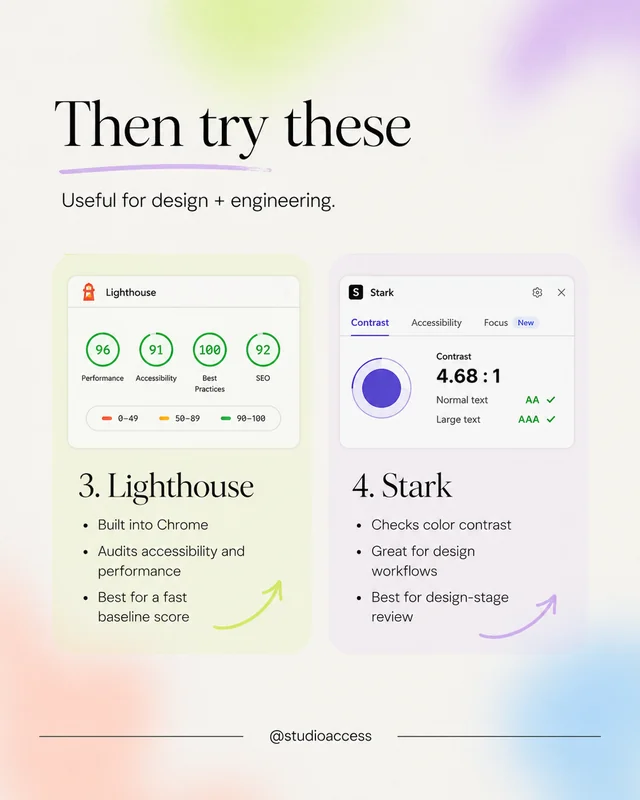
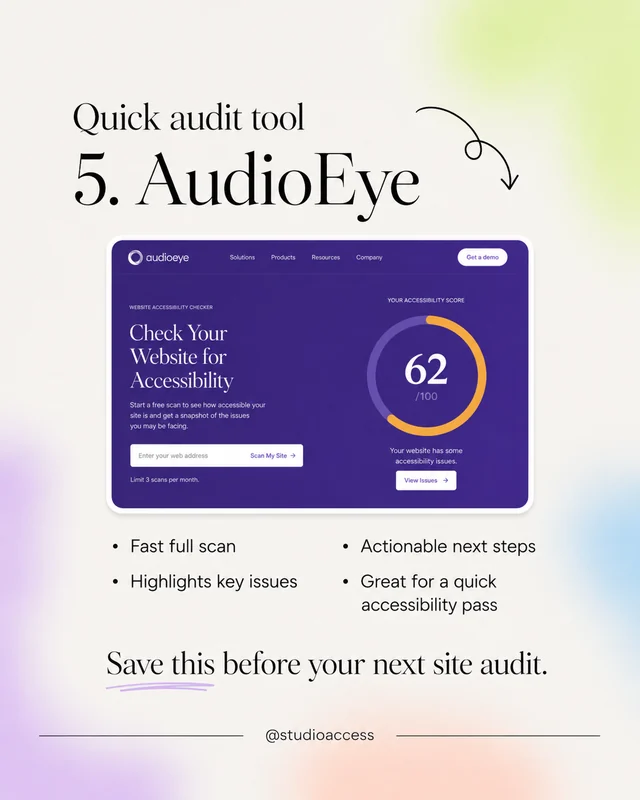

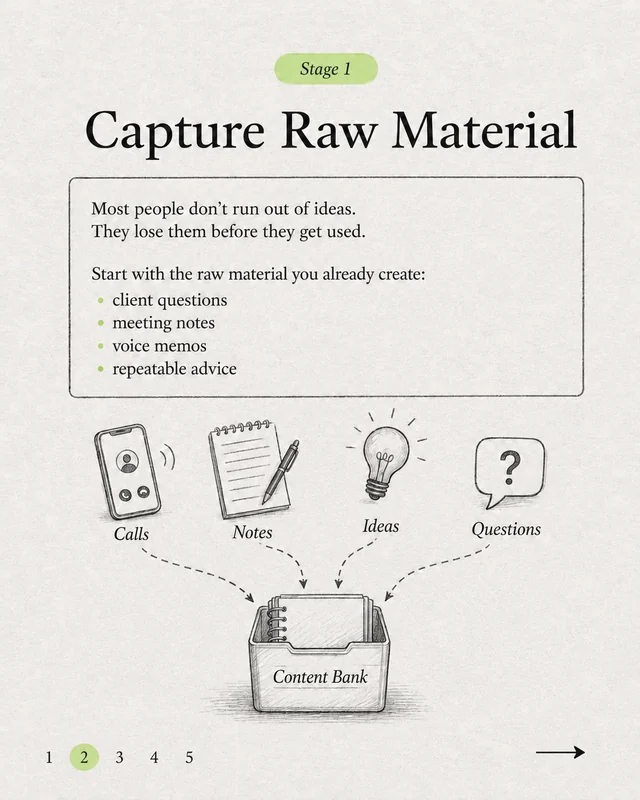
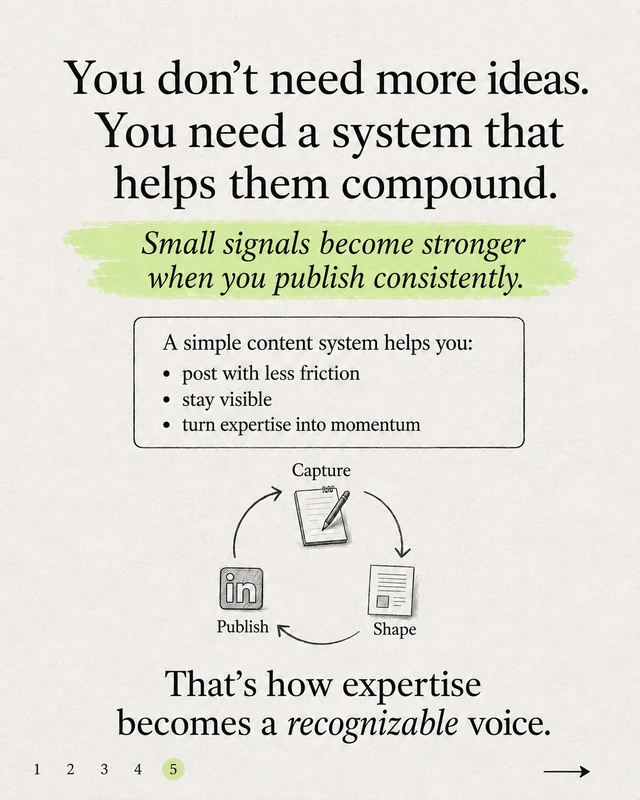
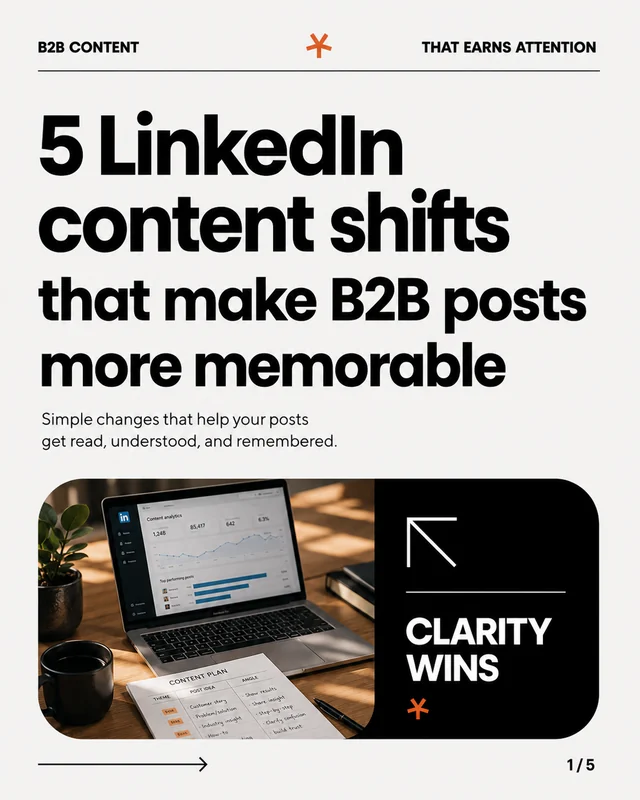
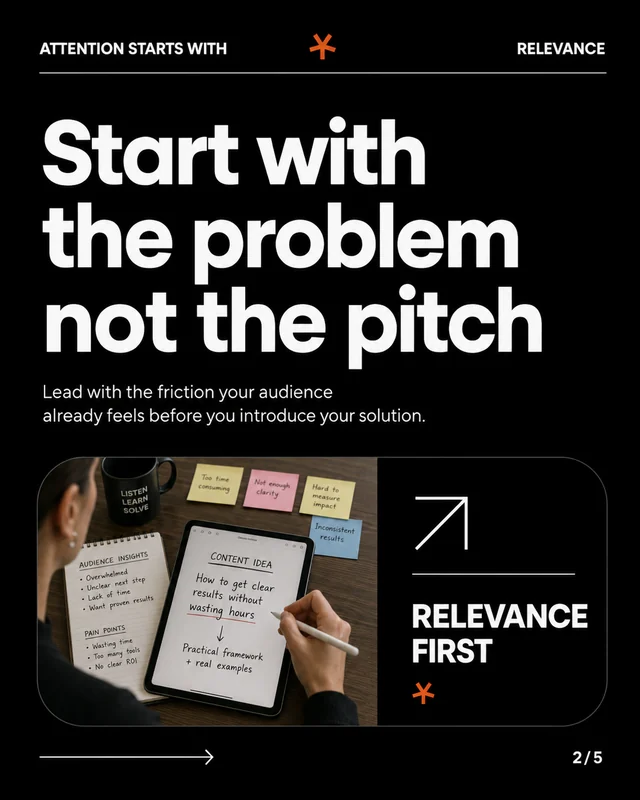
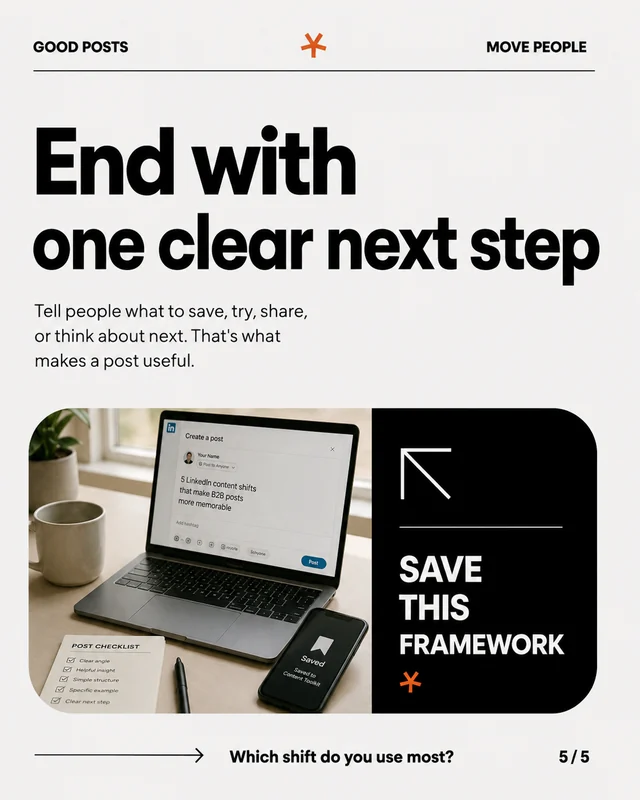
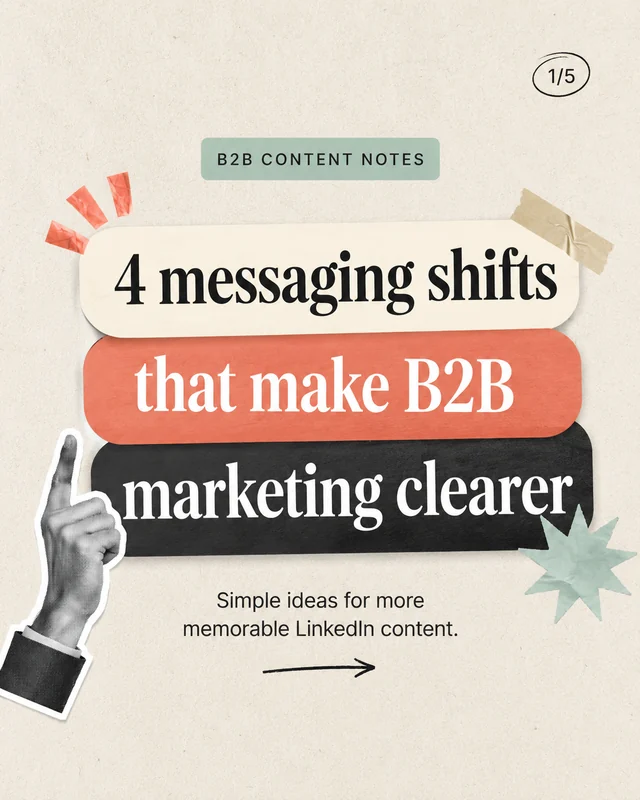
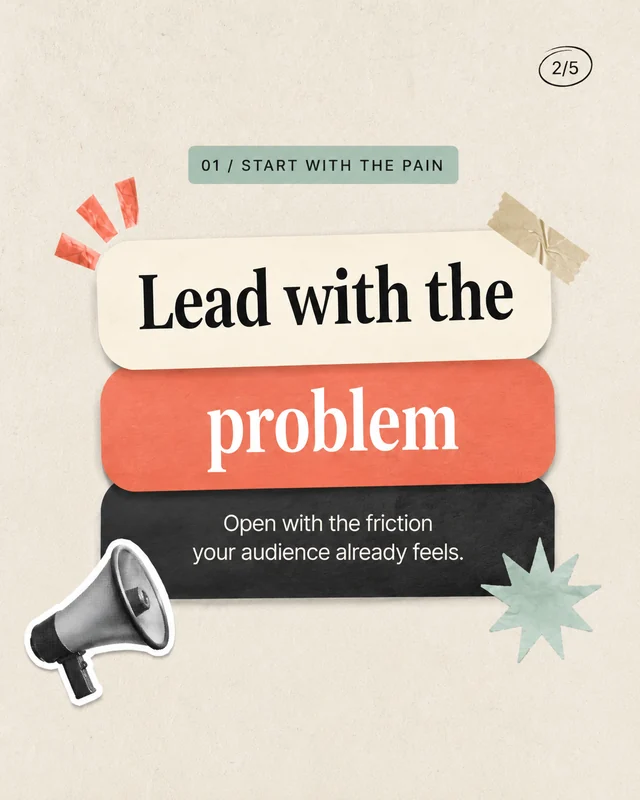
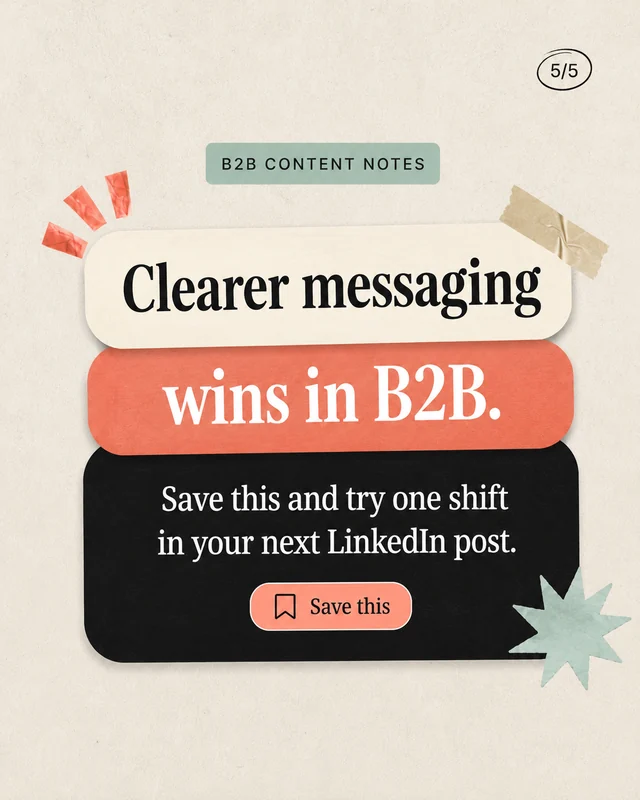
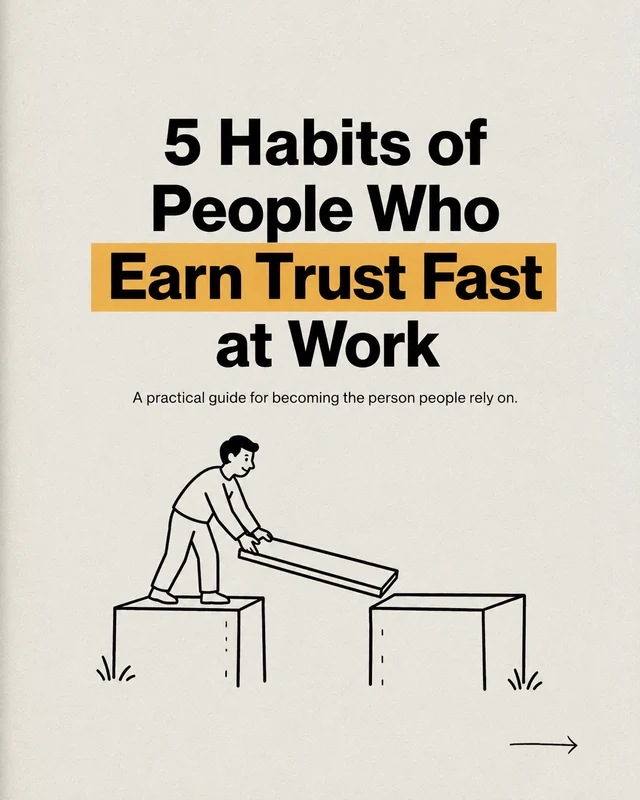
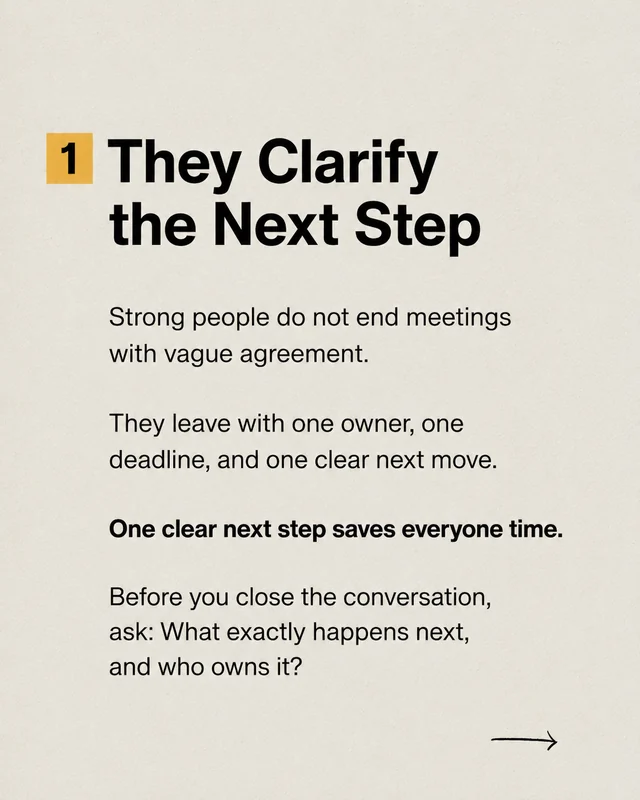
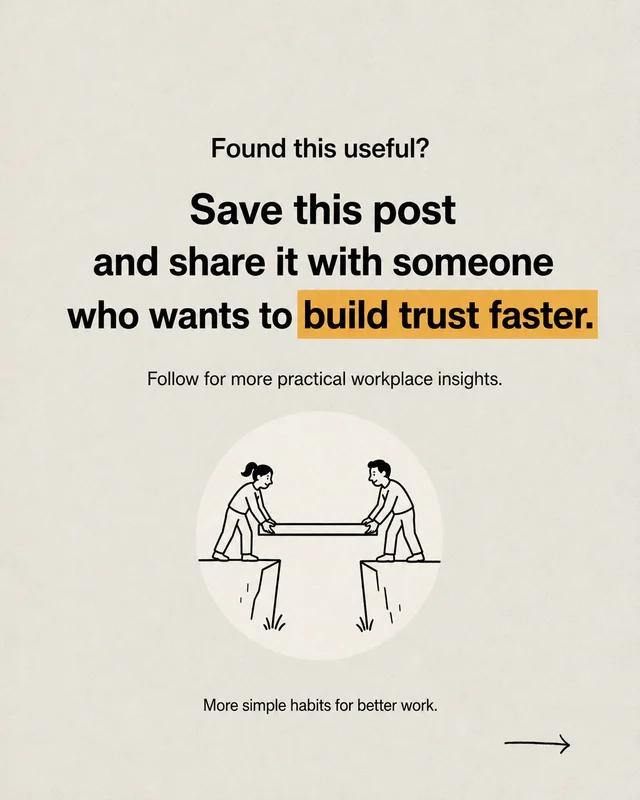
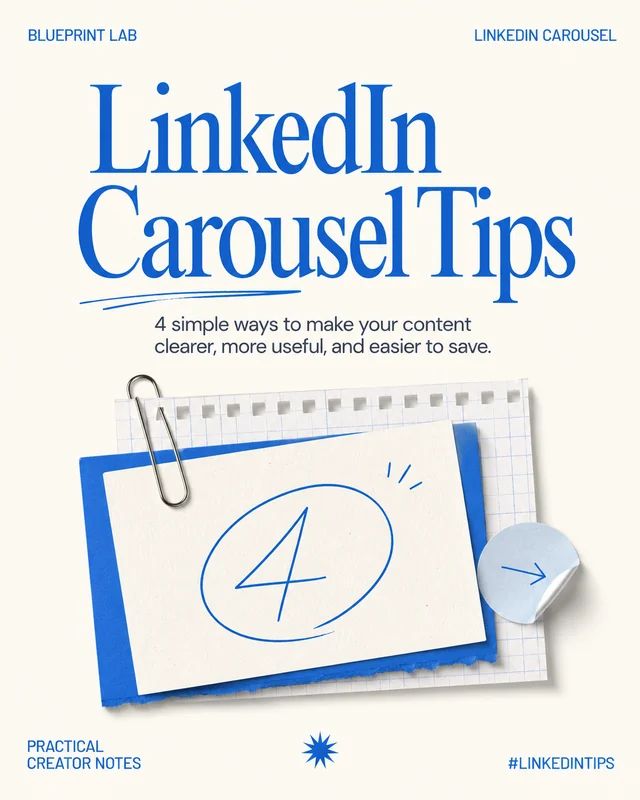
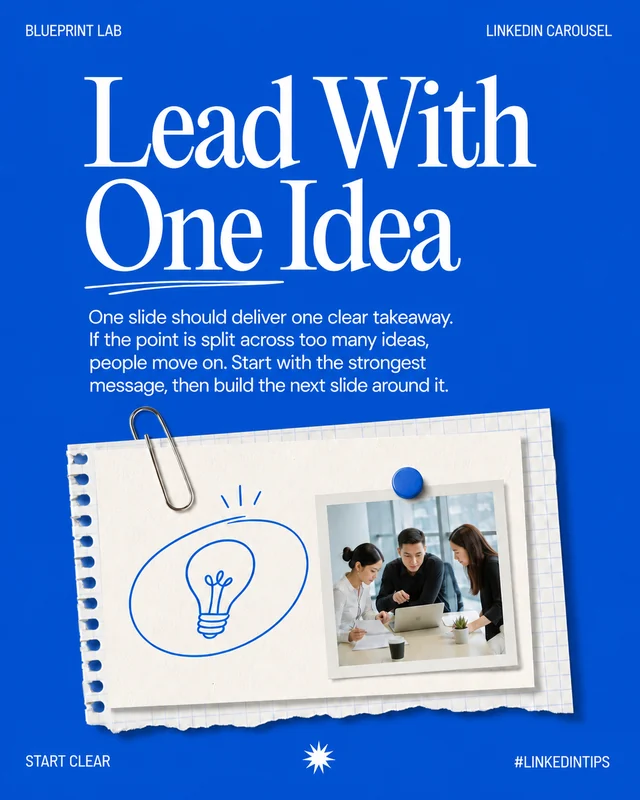
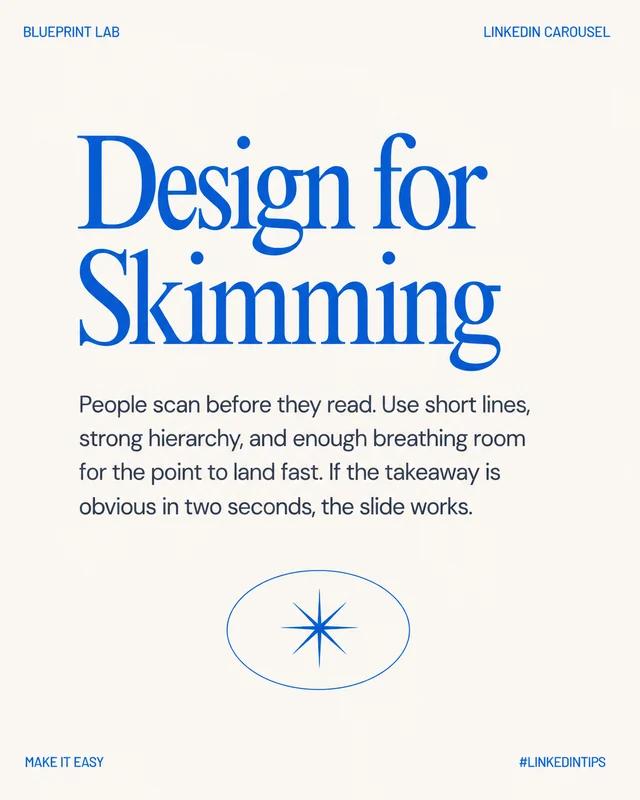
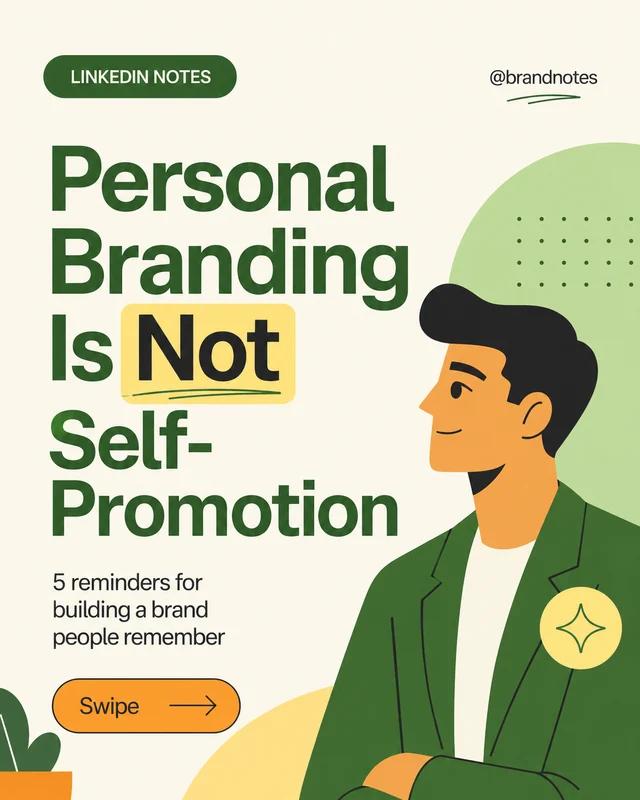
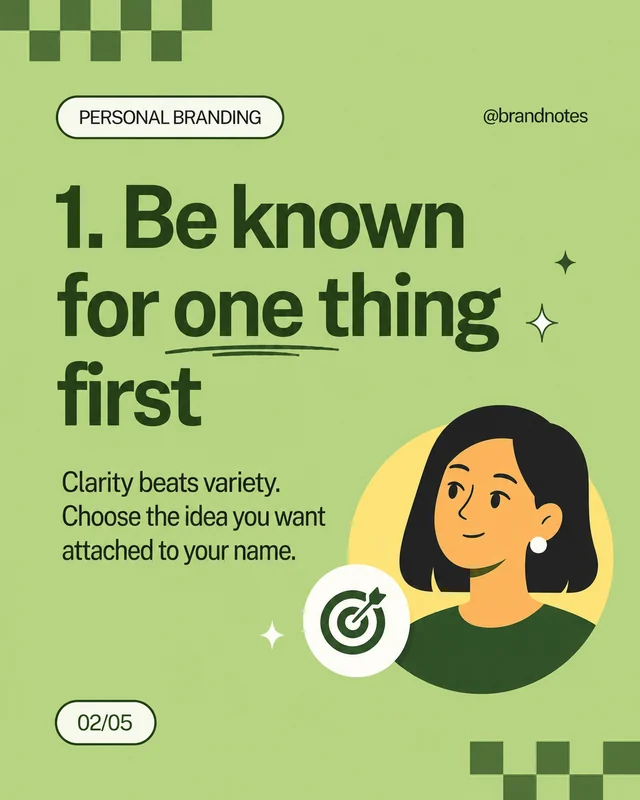
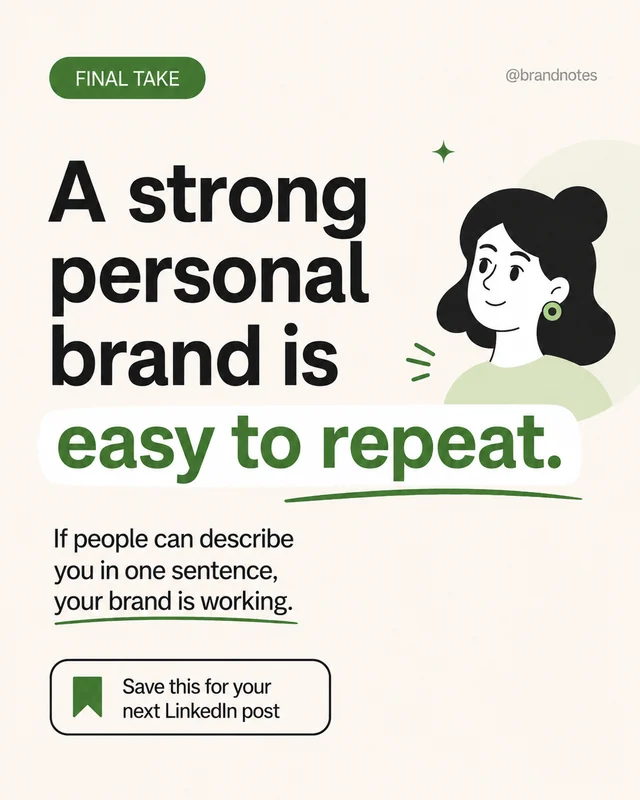


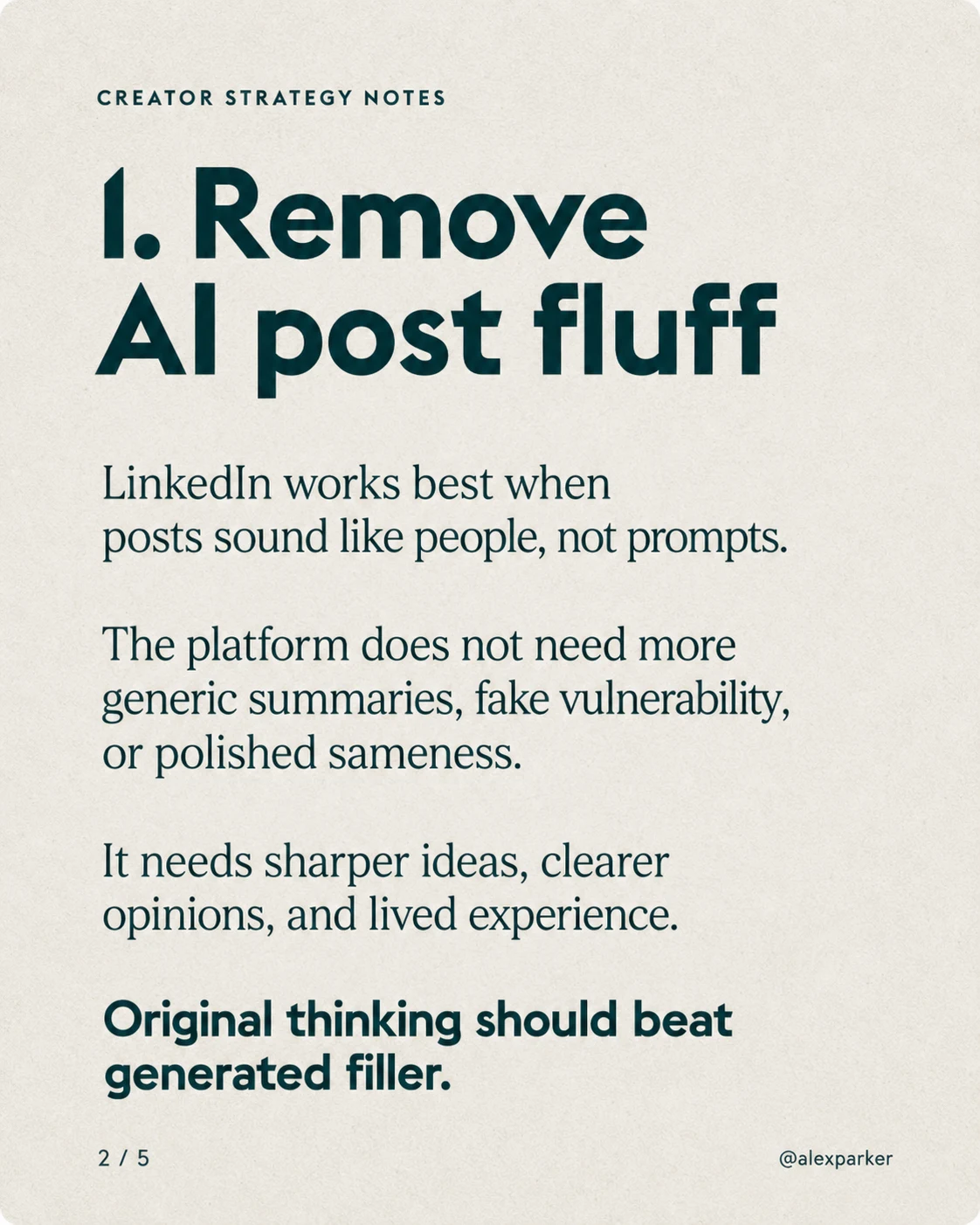
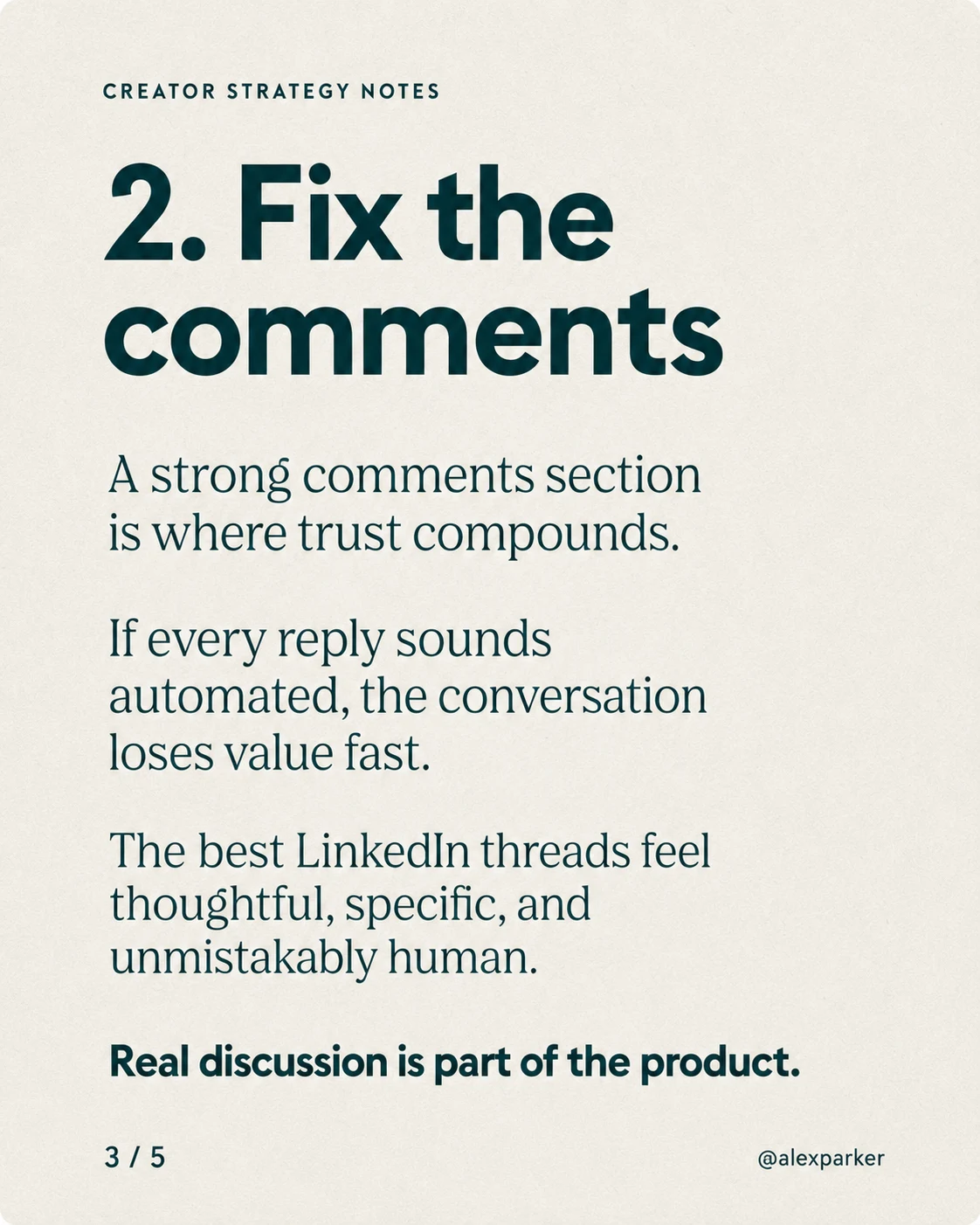
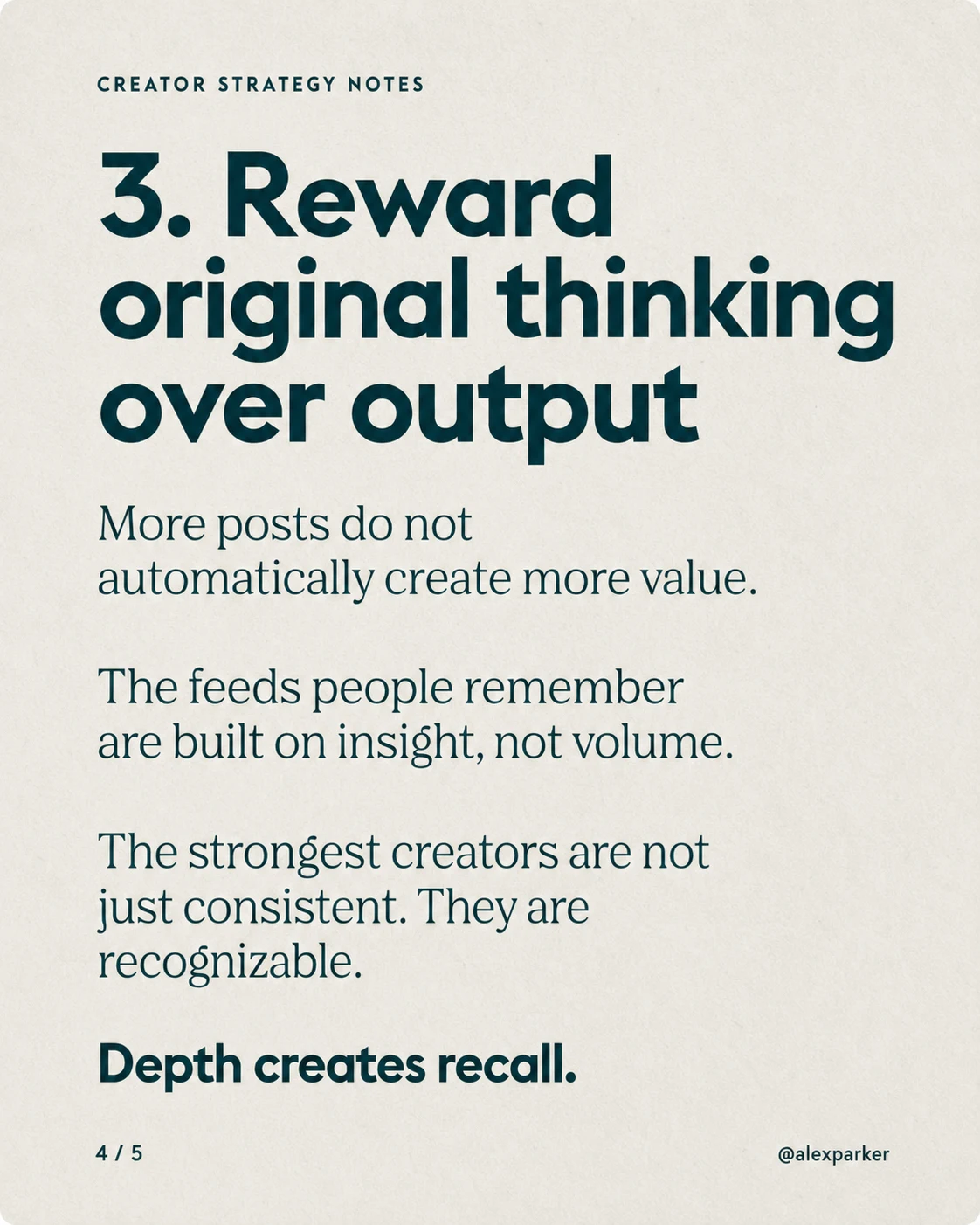
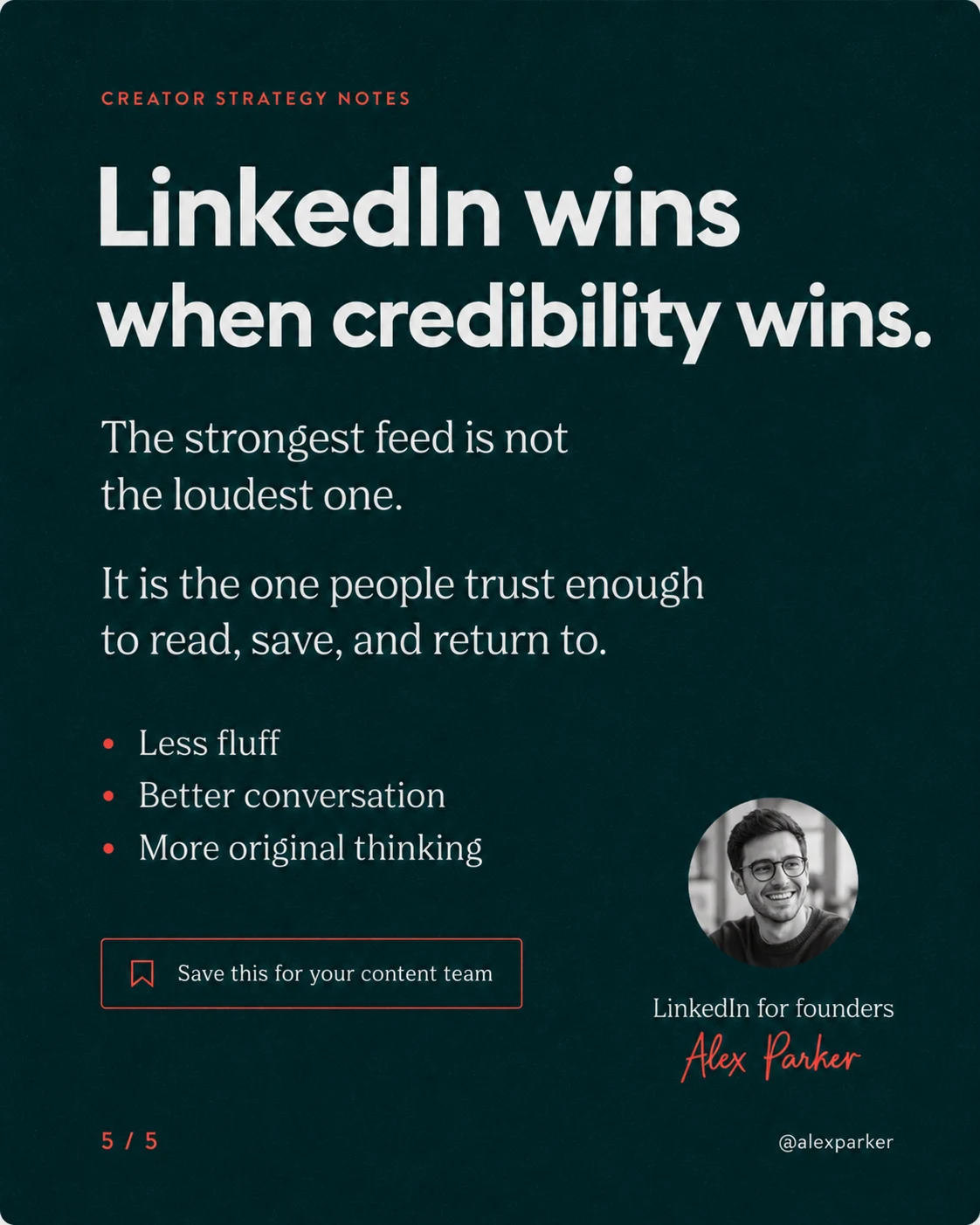

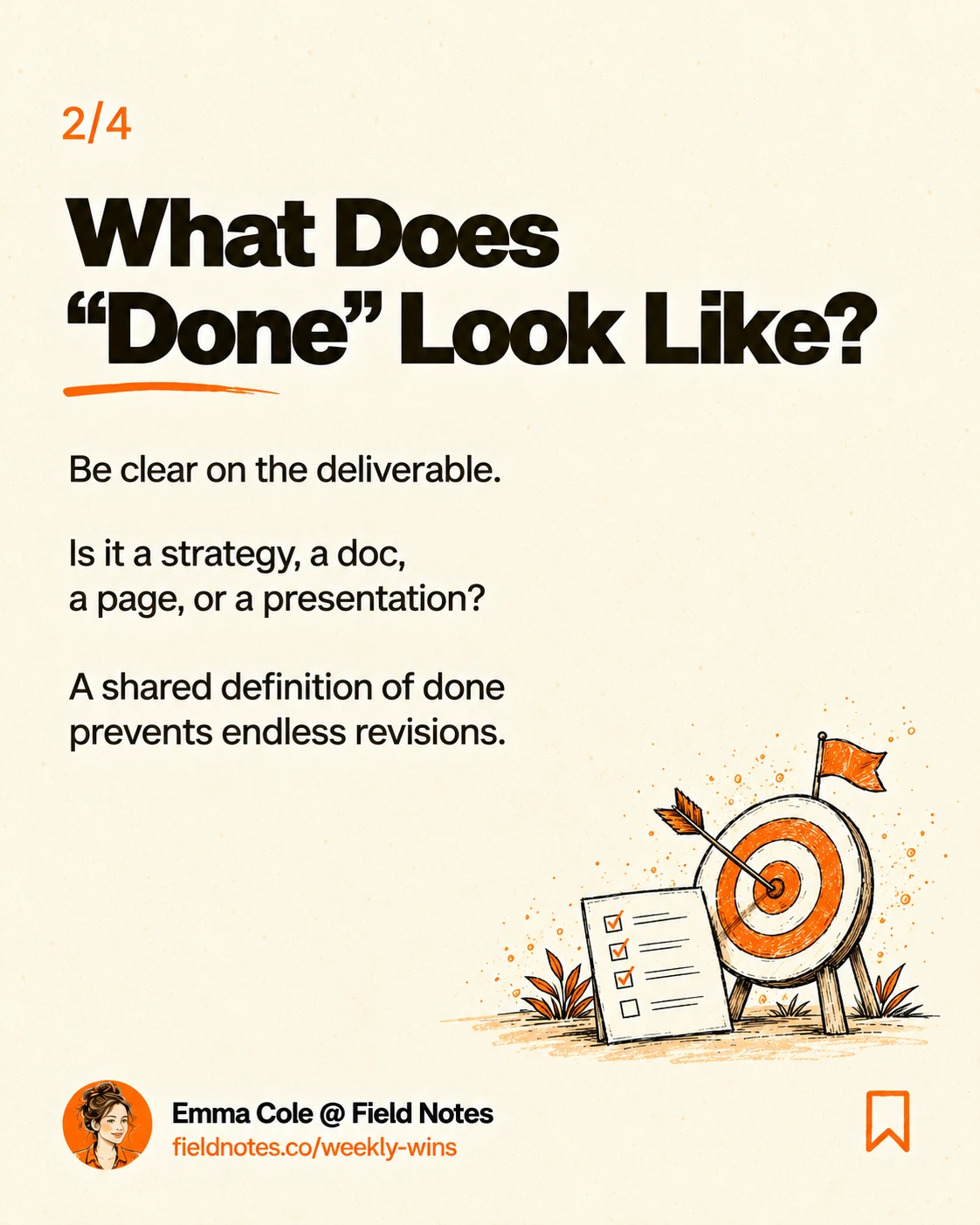
看看想法如何變成輪播
從一個觀點、一篇長文或一個熱門話題開始,看看創作對話與完成的輪播。
從你的觀點出發
Ask Dynal
Create a five-page LinkedIn carousel from my B2B positioning framework: name the buyer, define the problem, show the outcome, and test the message in a customer conversation. Add practical examples and use a blue-and-ivory paper style.
Create a five-page LinkedIn carousel for B2B founders and marketers using my positioning framework. Start with a clear promise, then dedicate one page each to naming the buyer, finding their costly problem, showing a measurable outcome, and testing the message in a customer conversation. Include a practical example on each page and write a short accompanying post. Keep the tone direct and useful, with concise headlines and a consistent blue-and-ivory paper style.
Dynal
I’ll turn your framework into a five-page guide: a cover, then the buyer, costly problem, outcome, and customer test.
The post copy will introduce the framework. Each slide will pair one practical action with a short headline in the blue-and-ivory paper style.
LinkedIn 貼文文案
LinkedIn post copy generated and saved.
生成 LinkedIn 圖片
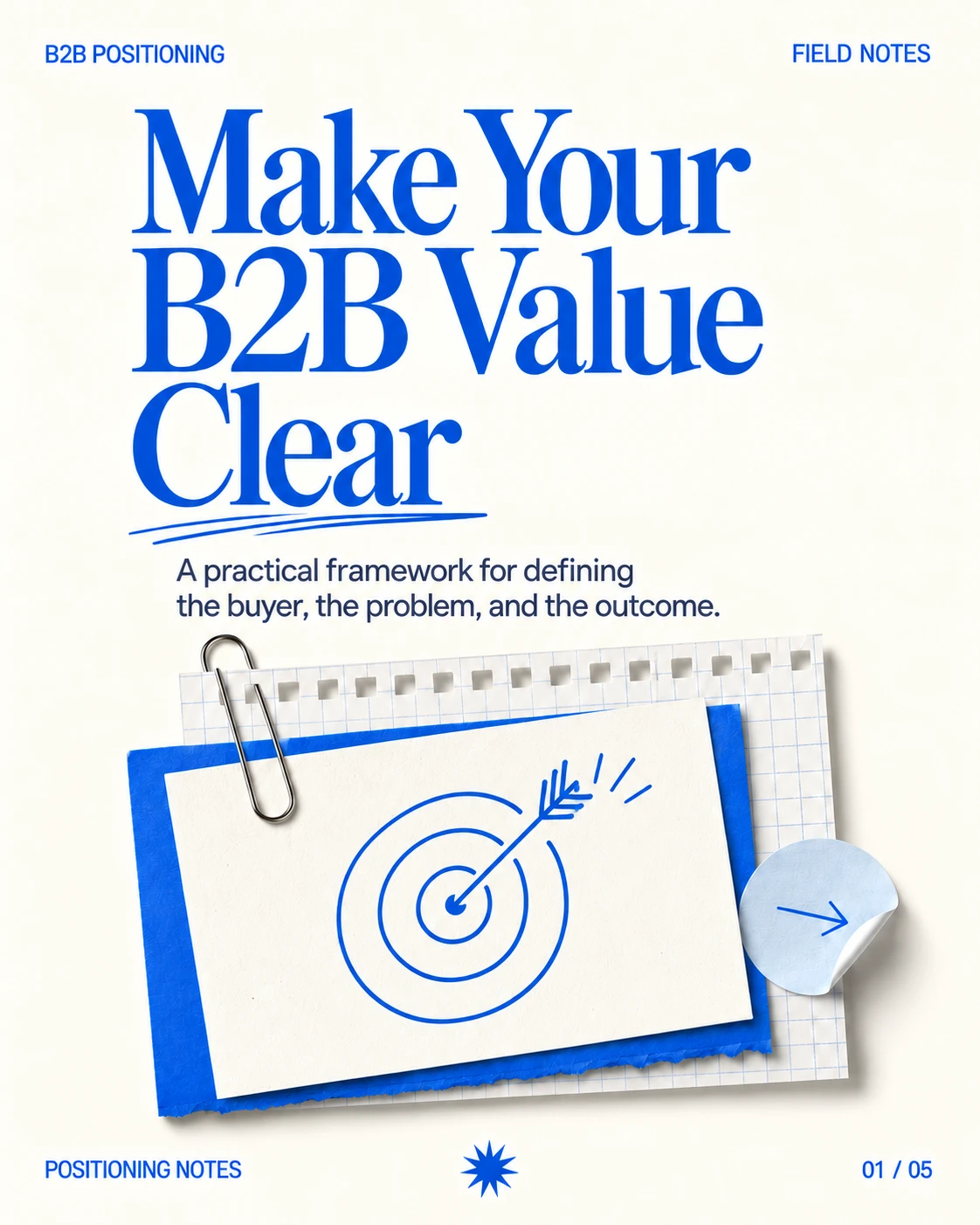
LinkedIn Carousel: Make Your B2B Value Clear
Your five-slide carousel is ready, with practical positioning examples and a consistent blue-and-ivory paper style.
 你
你
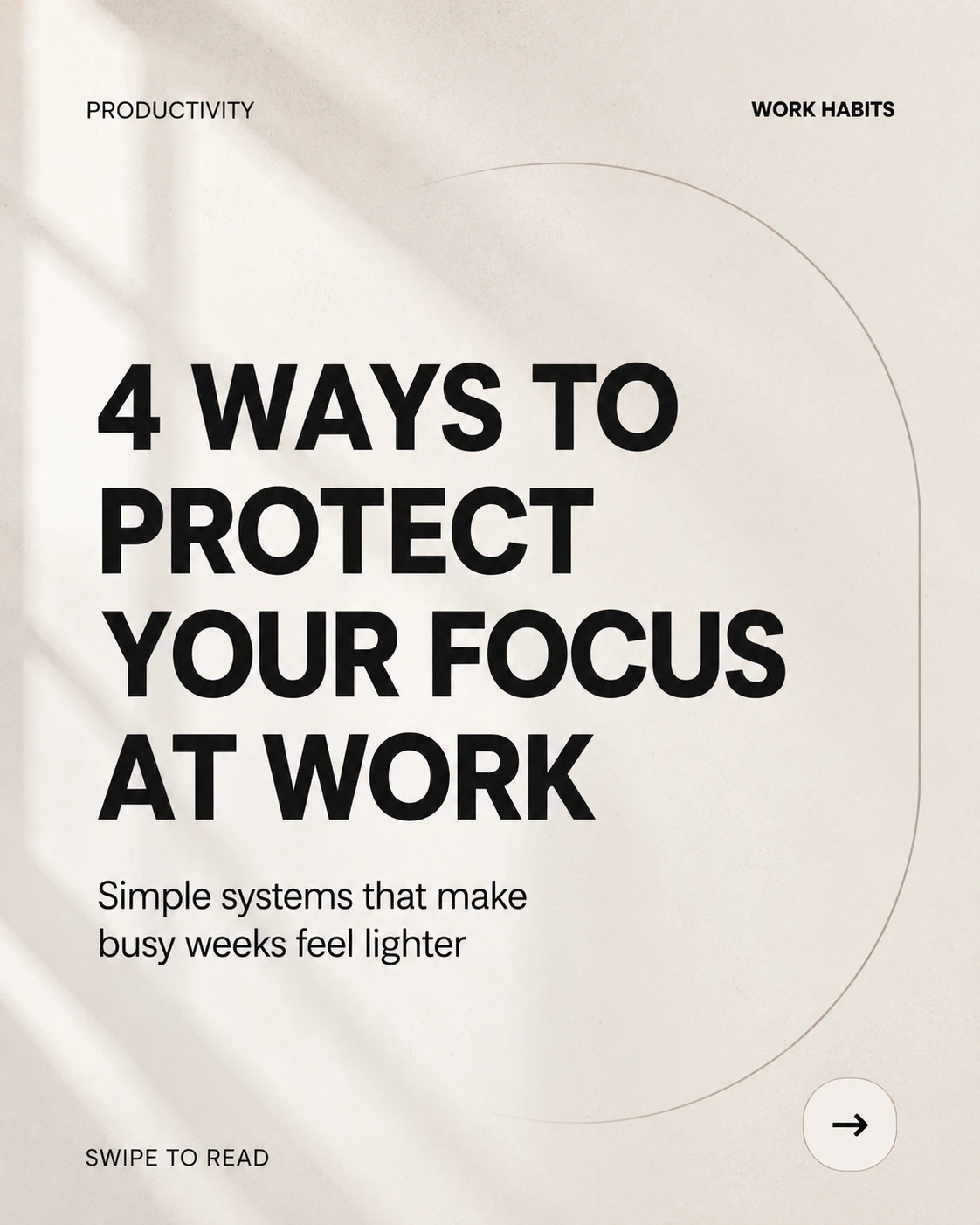
Make Your B2B Value Clear
5 pages
1 / 5


999
999 Comments · 999 Repost


LinkedIn 輪播常見問題
一個主題、一份草稿或一篇既有貼文即可開始。補充目標讀者與核心觀點,讓 Dynal 更了解創作背景。
可以。在輪播產生流程中,你可以選擇視覺範本作為參考。範本用於引導產生結果,不代表每個版面元素都會被完全複製。
輪播產生設定支援選擇圖片數量,實際可選數量以產品中的選項為準。
可以。你可以預覽圖片、選擇想使用的頁面,並在發布前設定輪播檔案名稱。
輪播以多個頁面展開內容,適合說明步驟、解釋觀點或分享一系列經驗。單張圖片則適合呈現一個視覺重點。
